
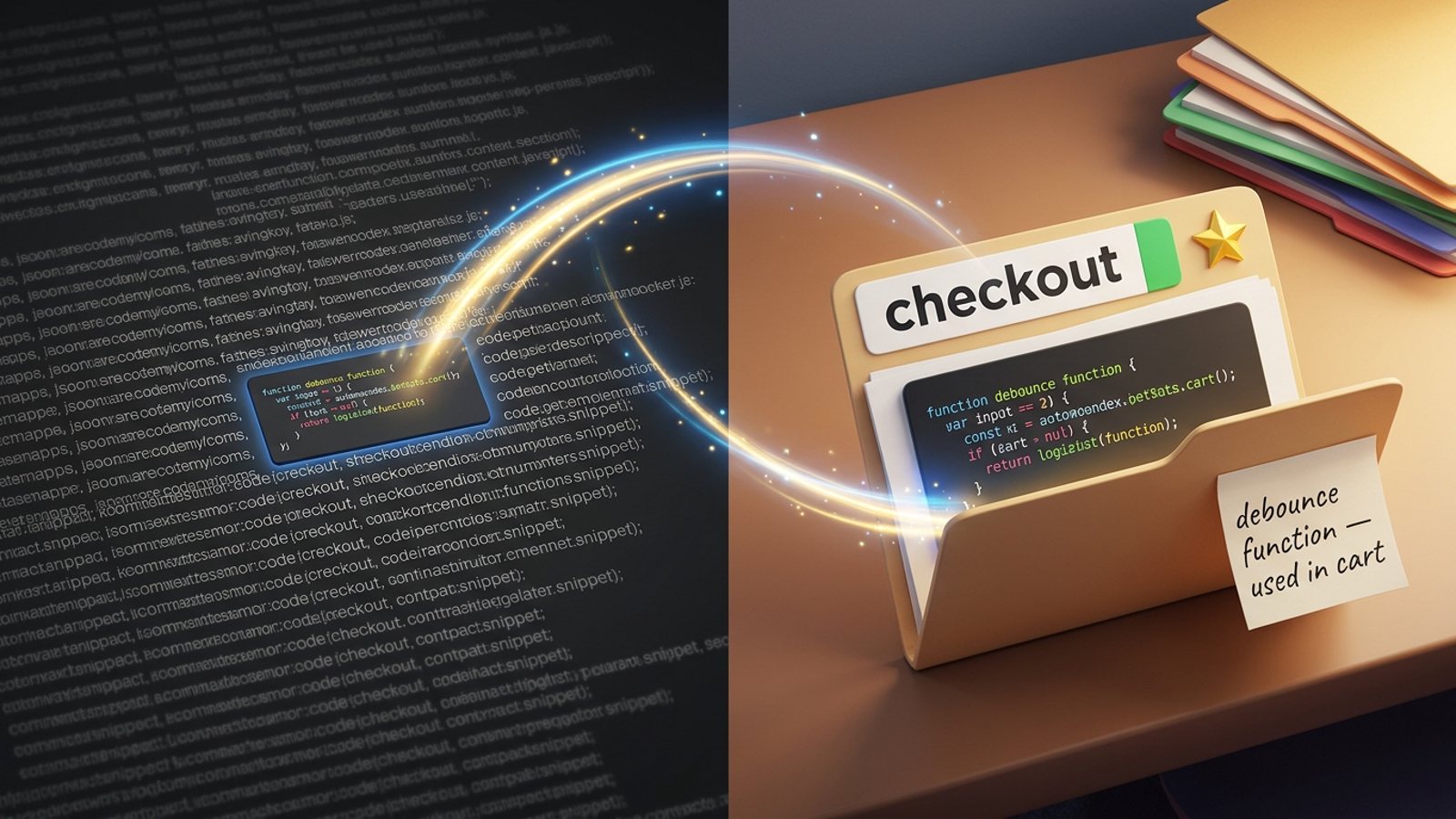
ClipAmigo vs Copy History +: which is better for saving code snippets?
Copy History + wins on scale and export; ClipAmigo wins on code filtering and free encryption. For filing snippets into folders with notes, Clipboarder Pro is the honest fit.
Clipboarder Pro Blog
Every article we've written about tool comparisons.
Copy History + wins on scale and export; ClipAmigo wins on code filtering and free encryption. For filing snippets into folders with notes, Clipboarder Pro is the honest fit.
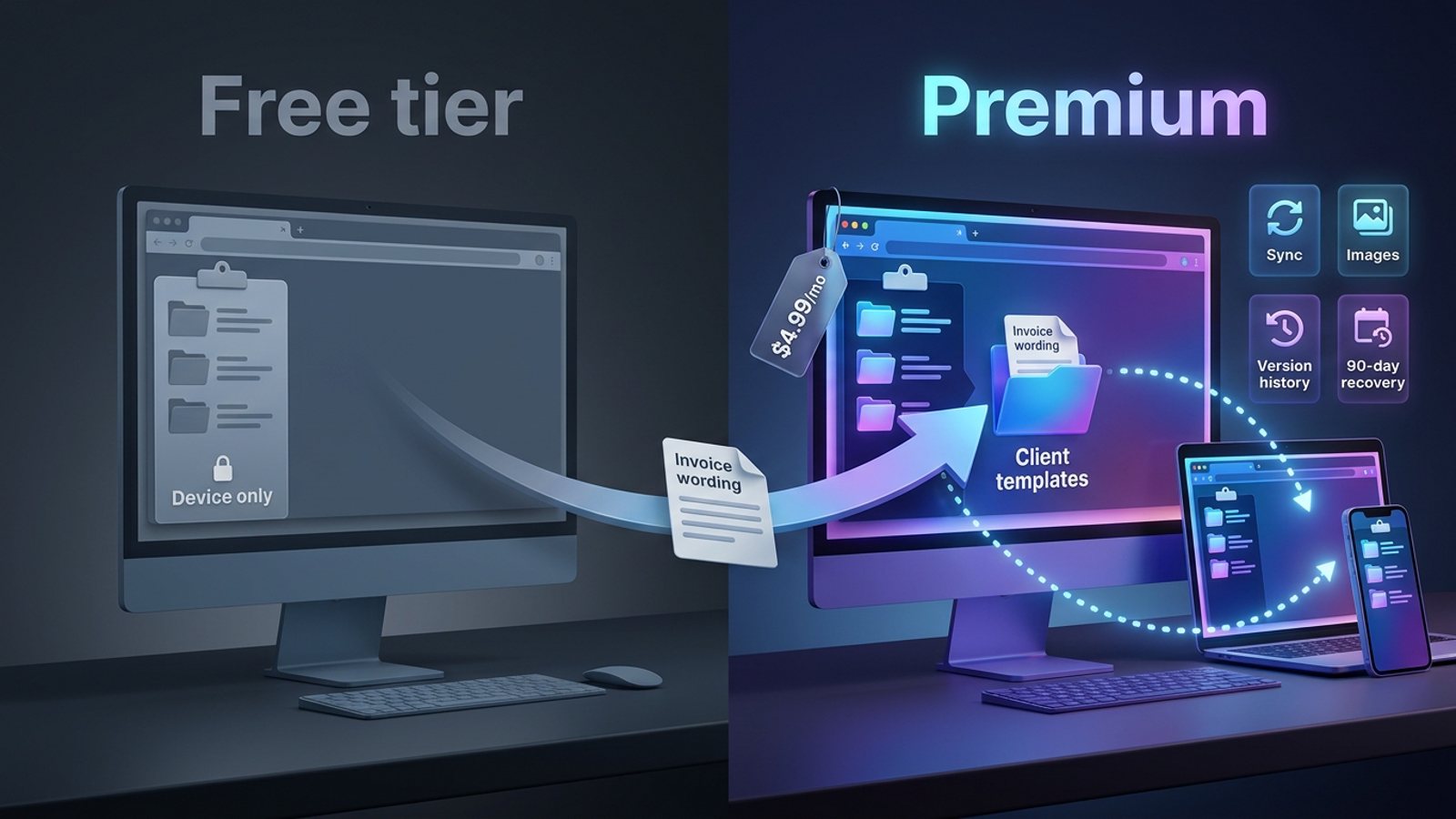
Permanent Clipboard's free tier covers snippet capture; Premium adds sync, images, version history and 90-day recovery. Here's when paying is worth it for a small business.
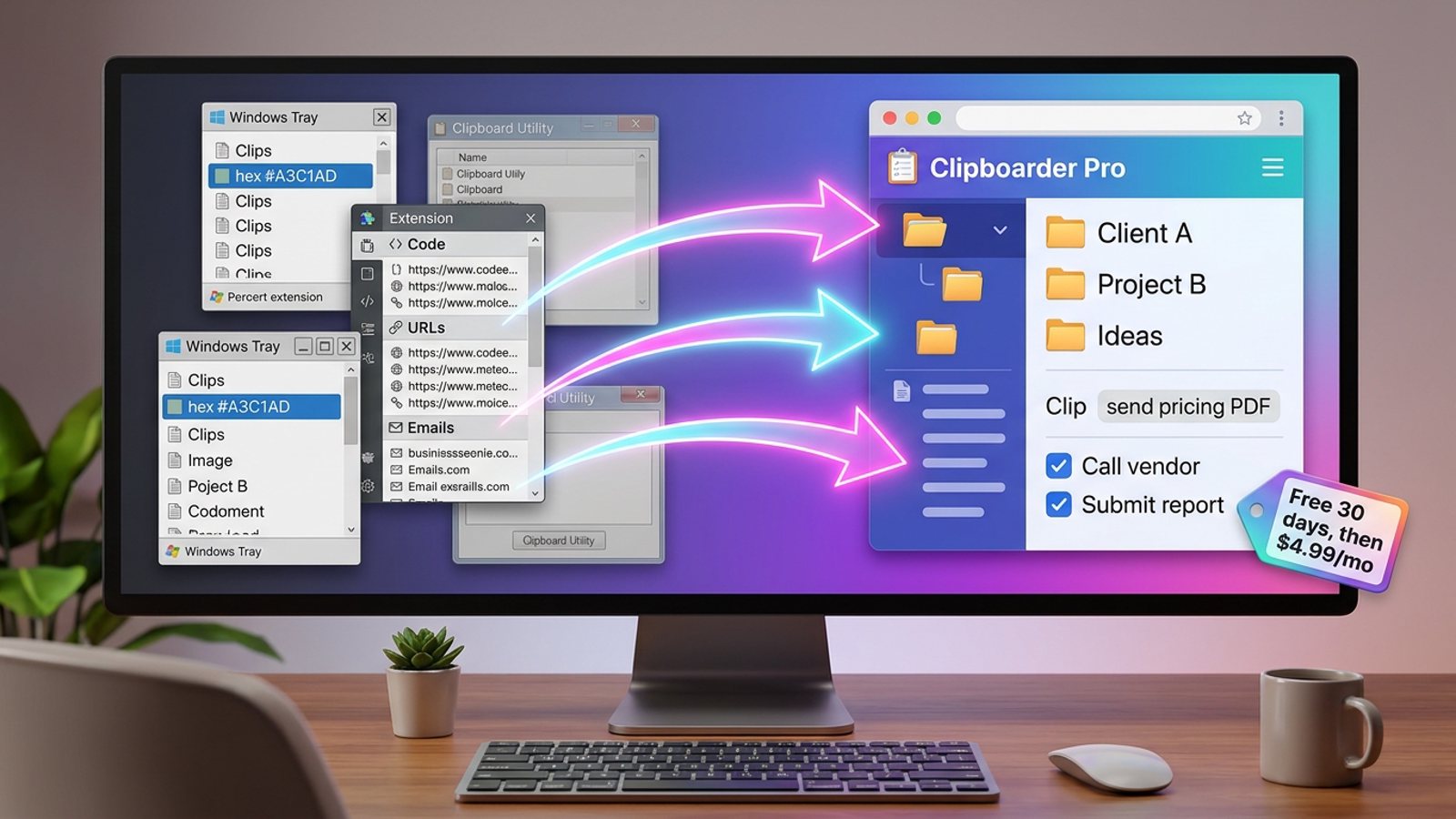
ClipManager is a name shared by several unrelated tools. Here's what each one does, where it falls short for office work, and which clipboard manager actually fits.

StackCopy keeps code you copy in a floating dashboard; InputStash recovers code you typed into web forms. Neither offers folders, notes or to-dos — here's the honest comparison and the Chrome option
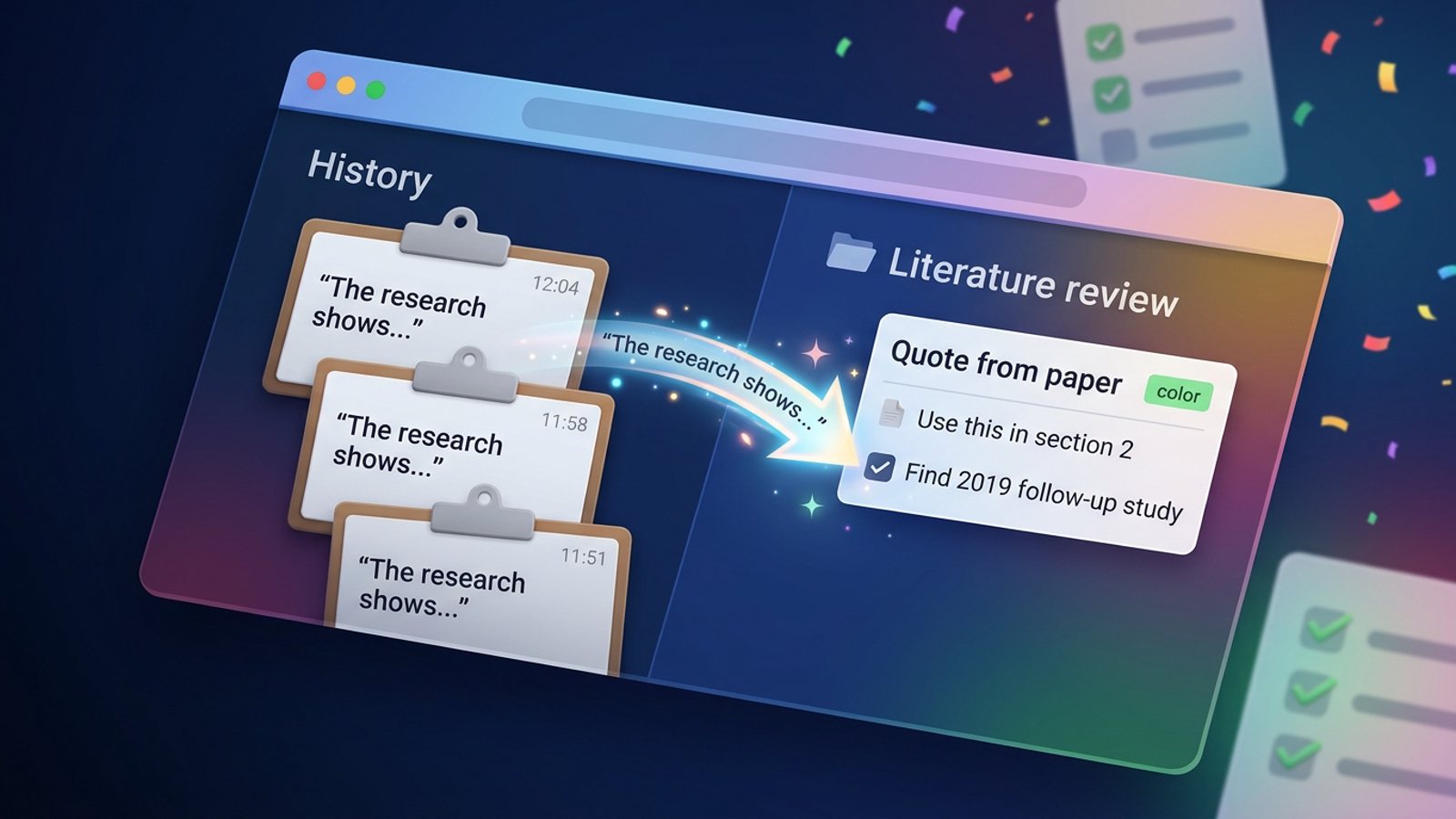
NeoClip's listings describe clip recall, not notes. Copy Everything couldn't be verified. For clips plus in-line notes and to-dos in Chrome, Clipboarder Pro is the honest pick.
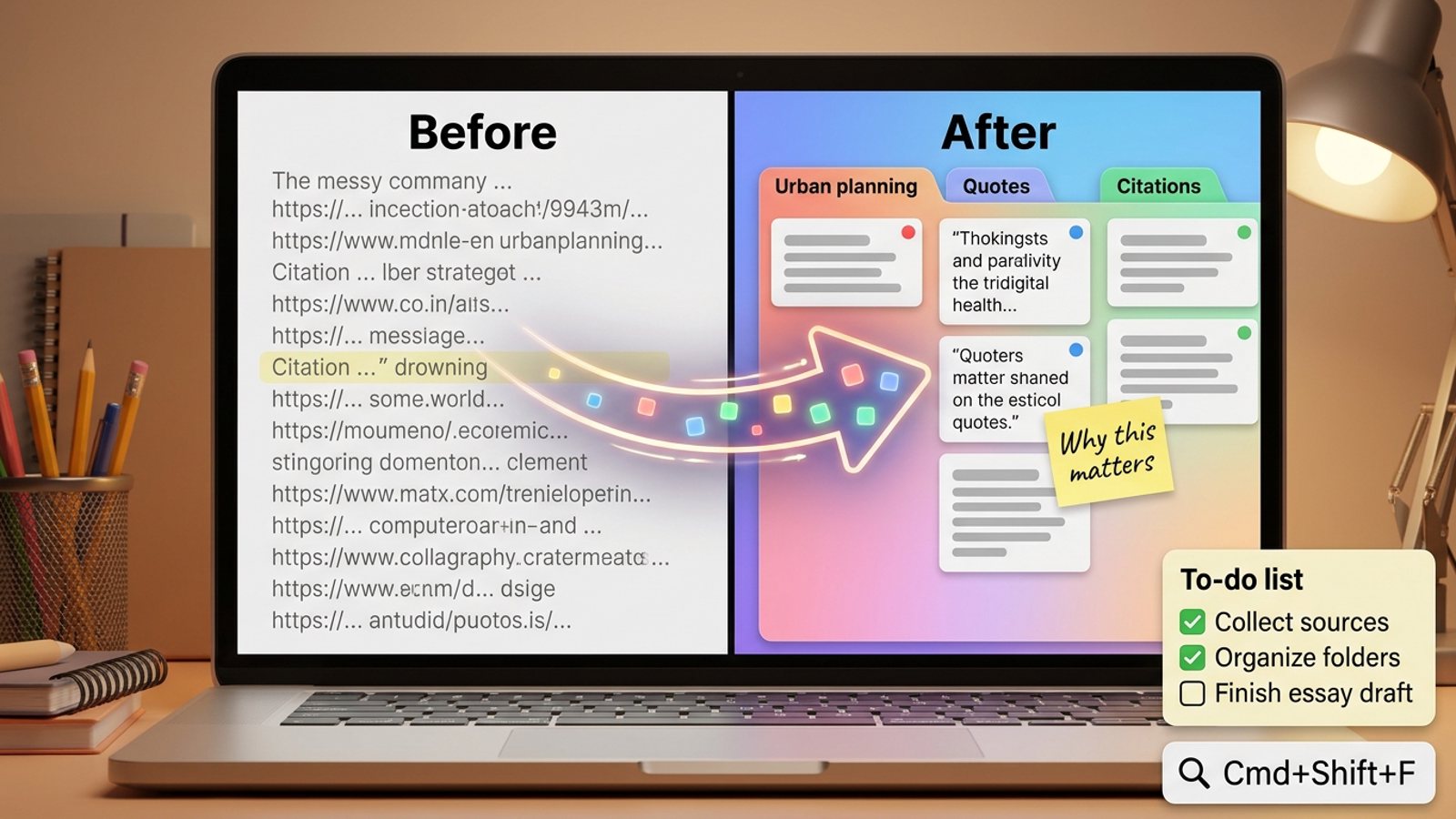
The five clipboard tools worth knowing for a laptop study day, judged on search, folders and where your data lives — plus which one fits your workflow.
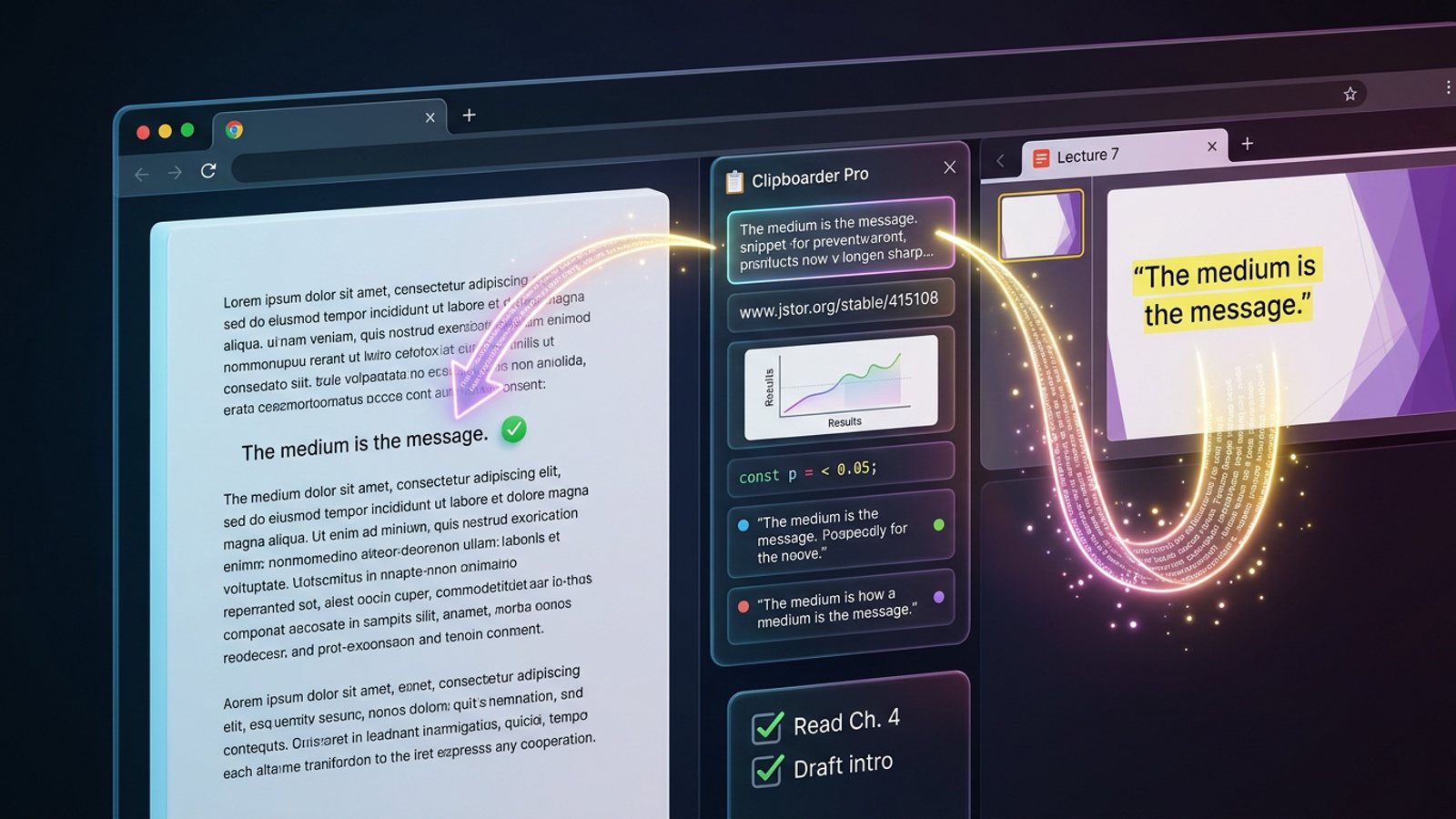
For study sessions that live in Chrome, a browser-based clipboard history beats OS-level lists. Here's how Clipboarder Pro compares to Win+V, macOS and desktop managers.
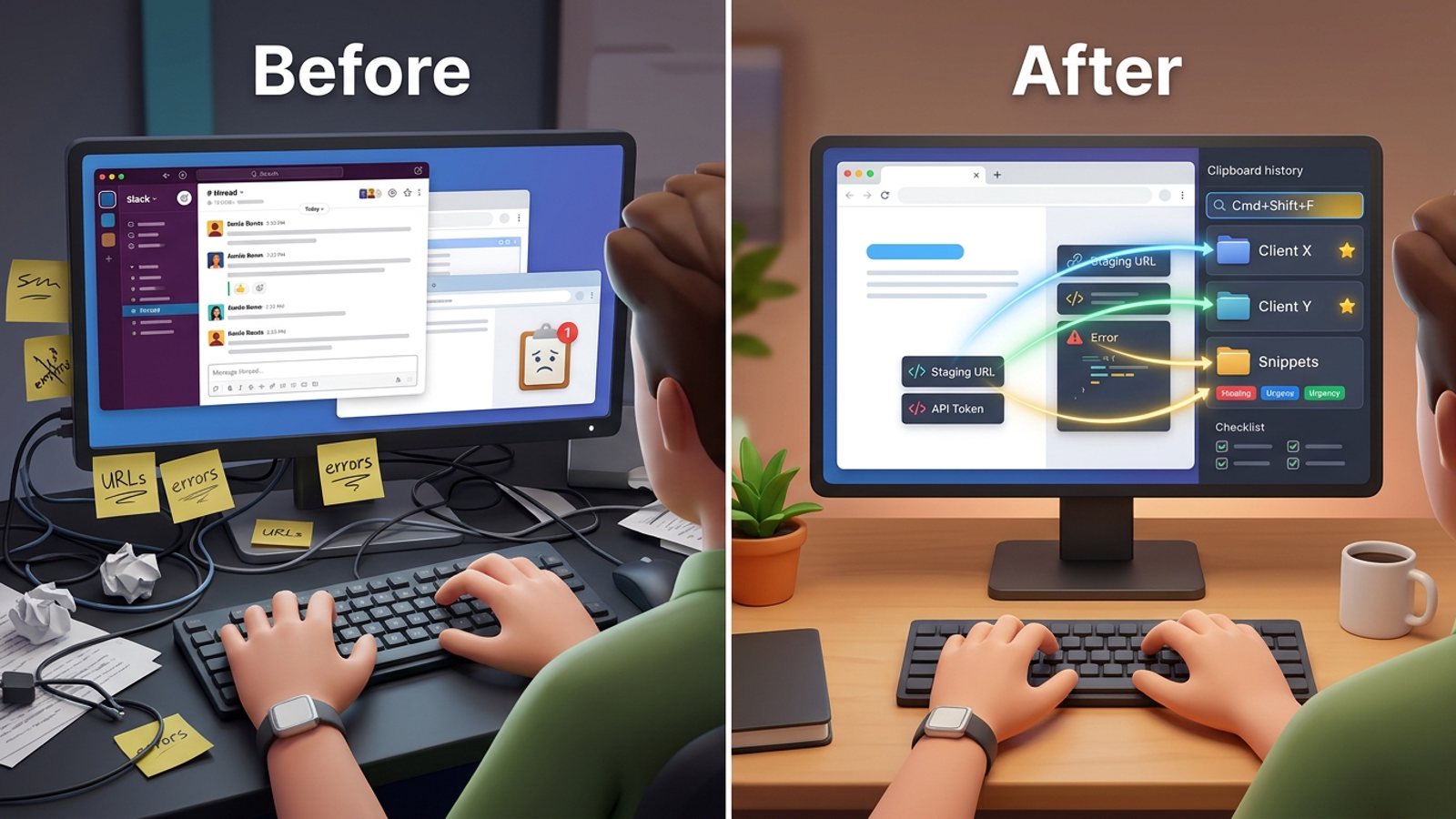
For Chrome-heavy web work, Clipboarder Pro saves URLs, snippets, error text and tokens with folders, notes and fast search. For system-wide capture, Ditto or Maccy are the honest picks.
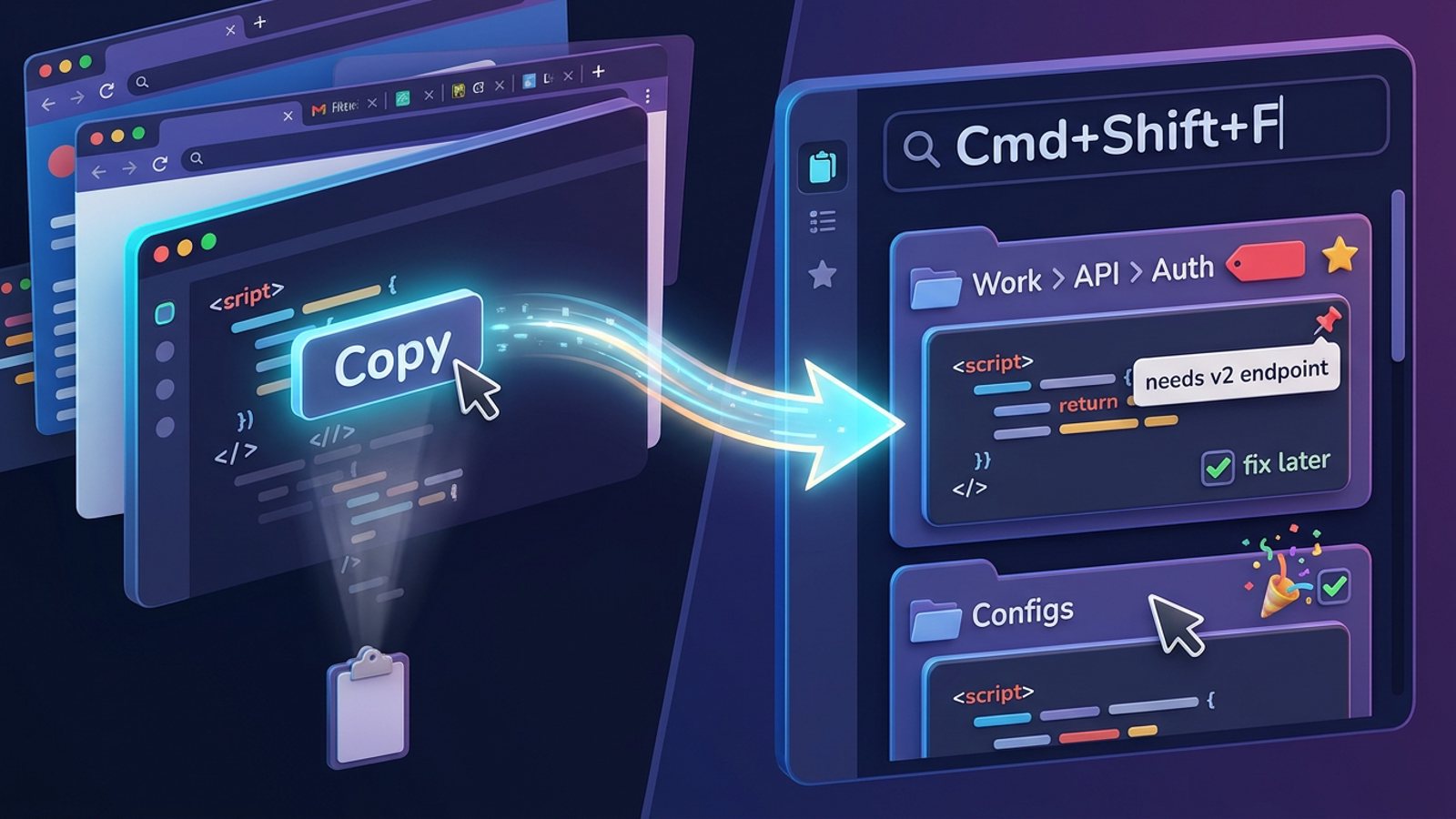
The five best clipboard managers for saving code snippets in 2026, compared by platform, price and how well they organize your copied code.
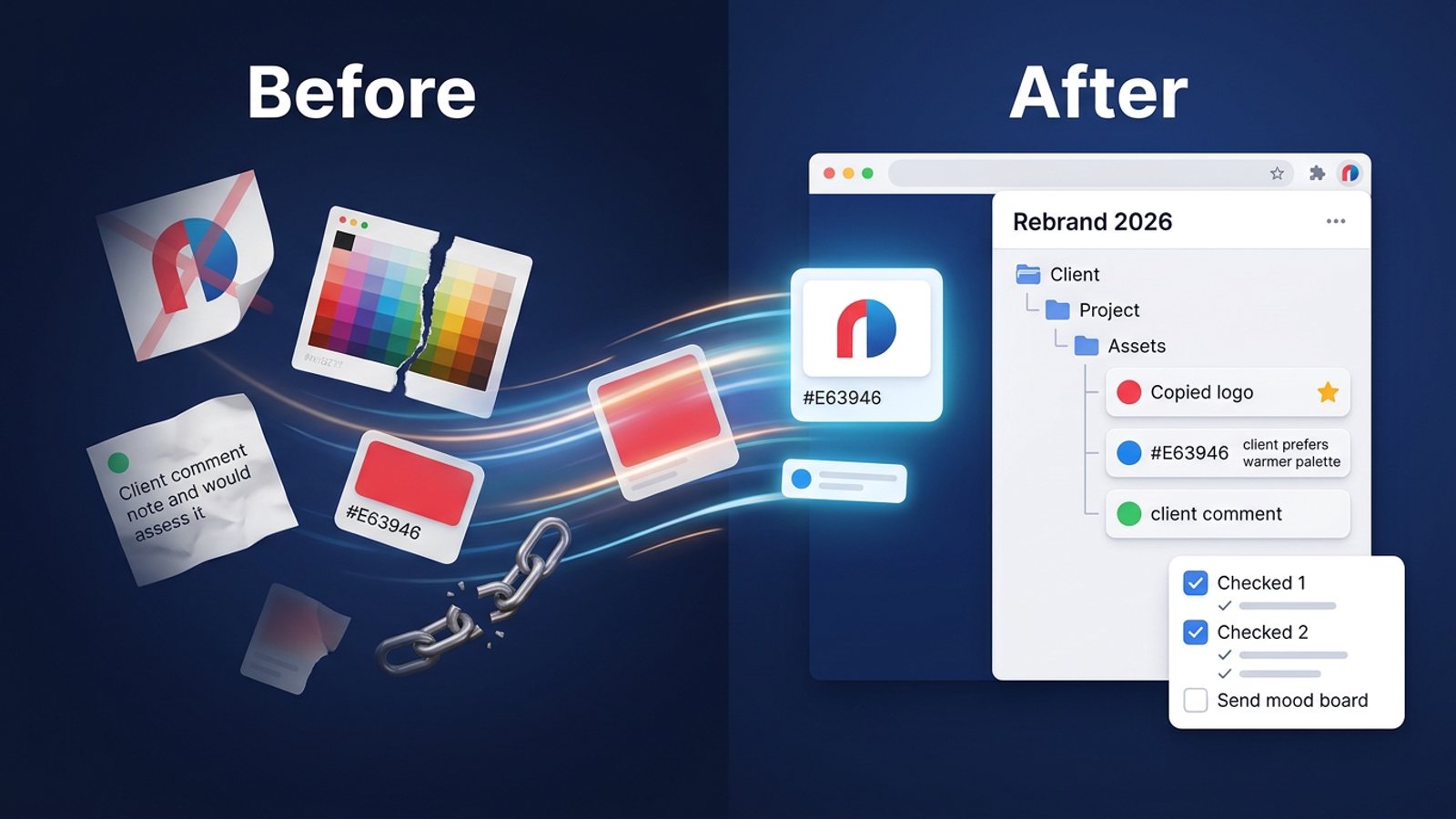
Five clipboard managers for designers compared: the Chrome-native pick that files copied images, URLs and hex codes into folders, plus the best Mac and Windows alternatives.
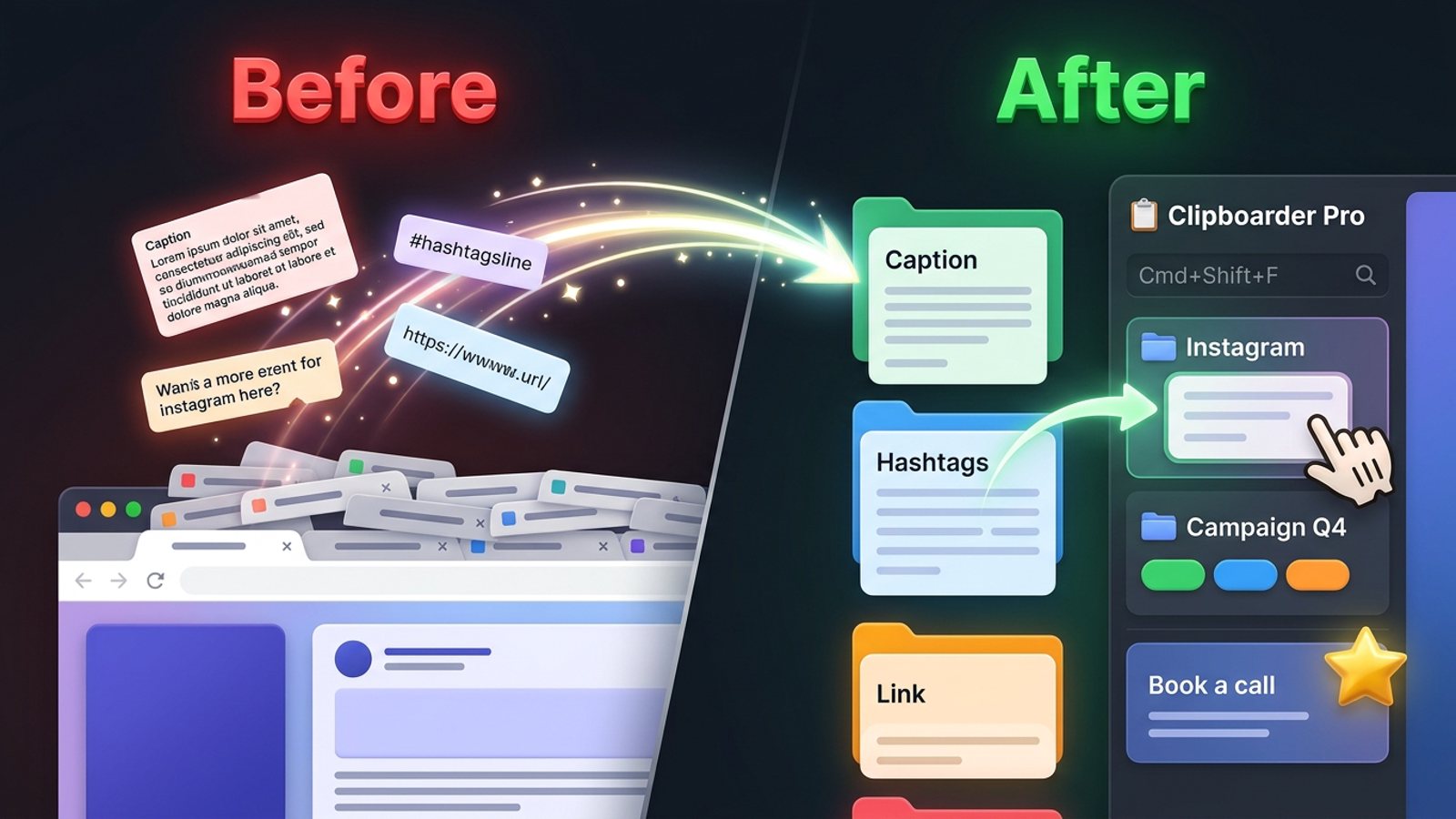
The best clipboard history tool for content creators depends on where you work. Chrome users get auto-save, folders, tags and search with Clipboarder Pro; Mac users have Raycast and Paste.

Clipboarder Pro is our pick for browser-first writers: it auto-saves what you copy, sorts clips into folders, and keeps notes and to-dos beside them.
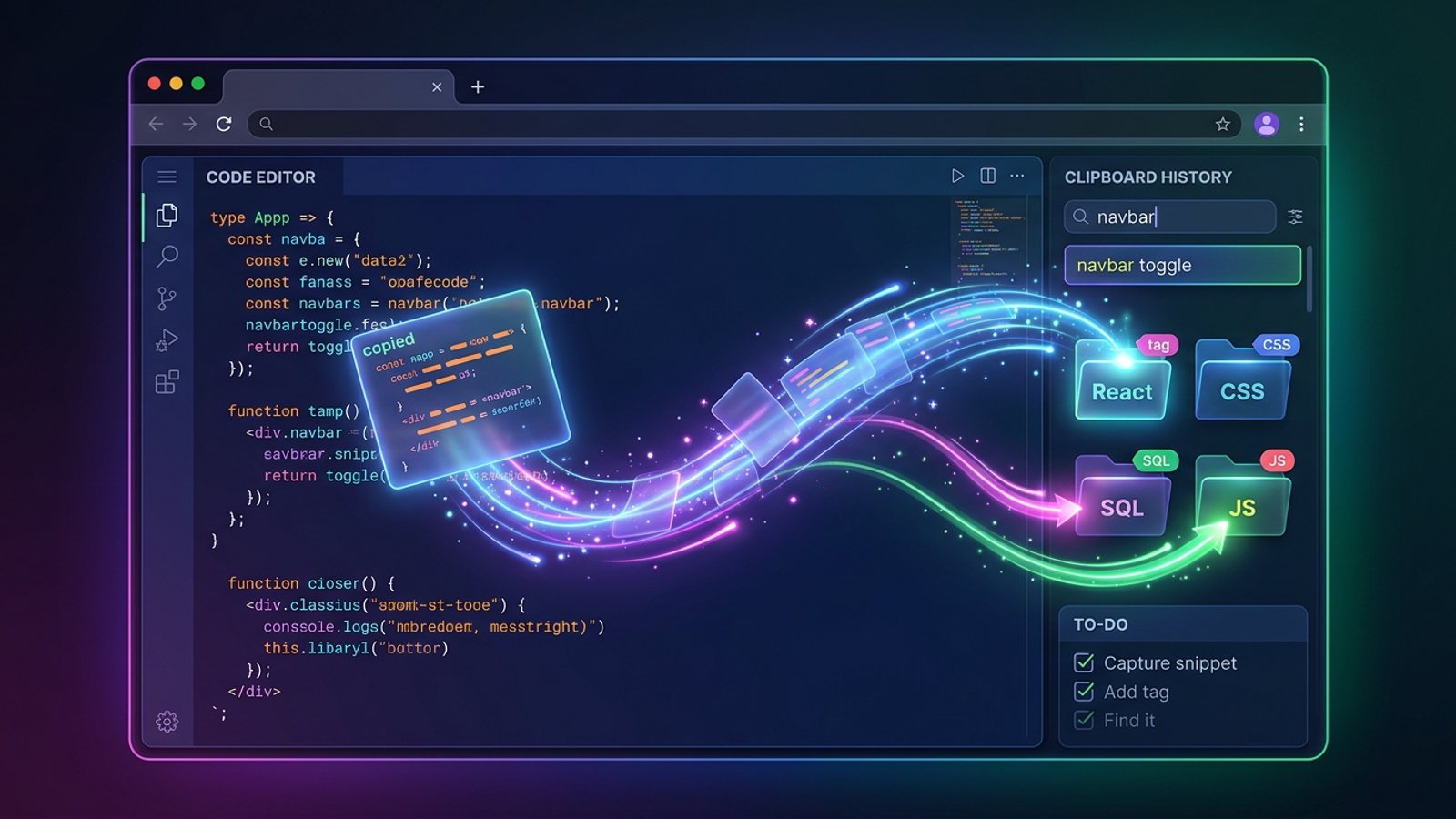
The best clipboard extensions for developers in 2026, ranked by automatic capture, snippet organization and search. See which tool fits your workflow.
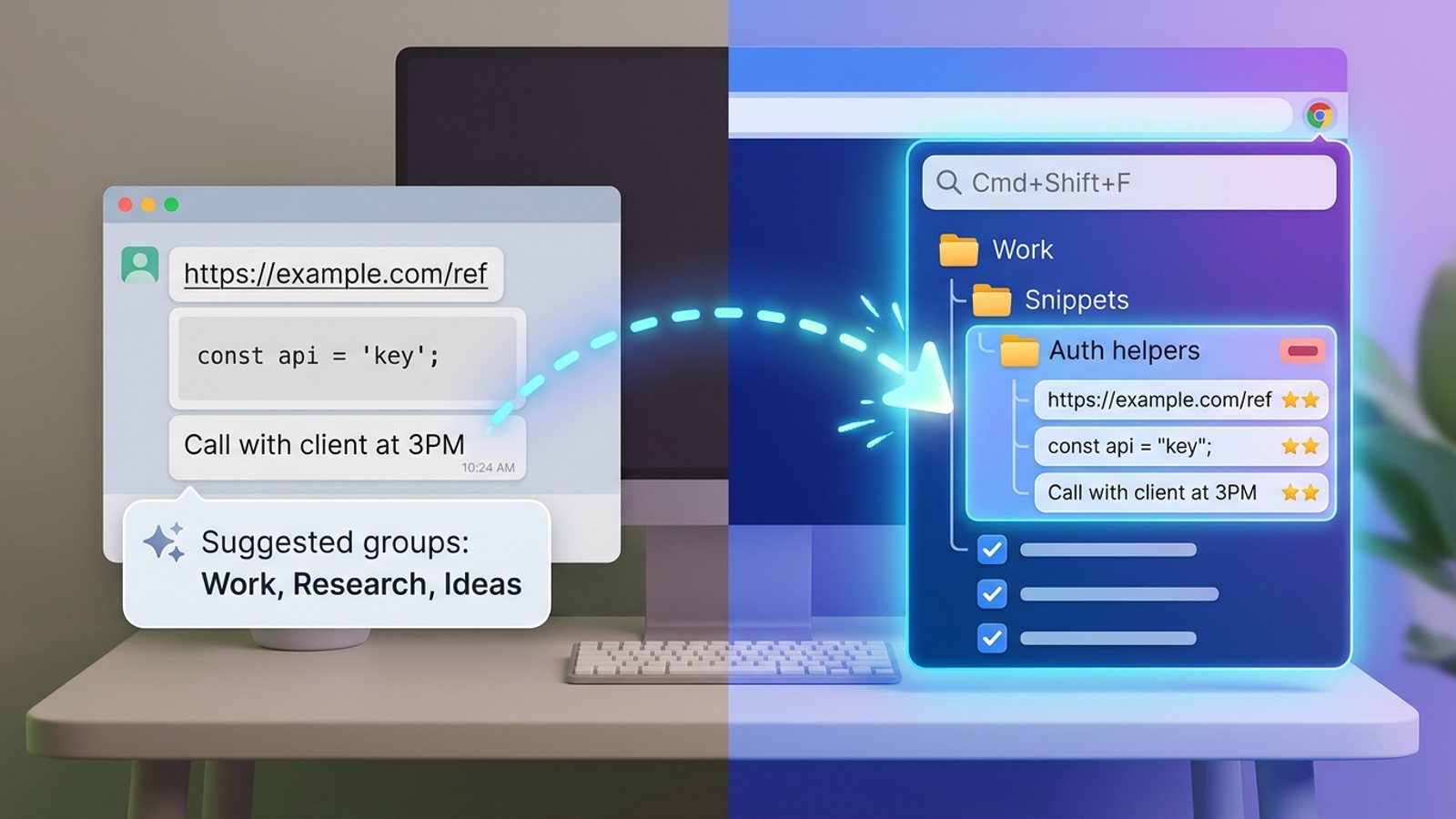
AI can sort a list you paste in, but it can't catch clips as you copy or keep them in real folders. Here's the workflow that actually stops you losing links and code.

The best clipboard organizer for copywriters auto-saves every headline and CTA you copy, then lets you find it by folder, tag and star in one click.
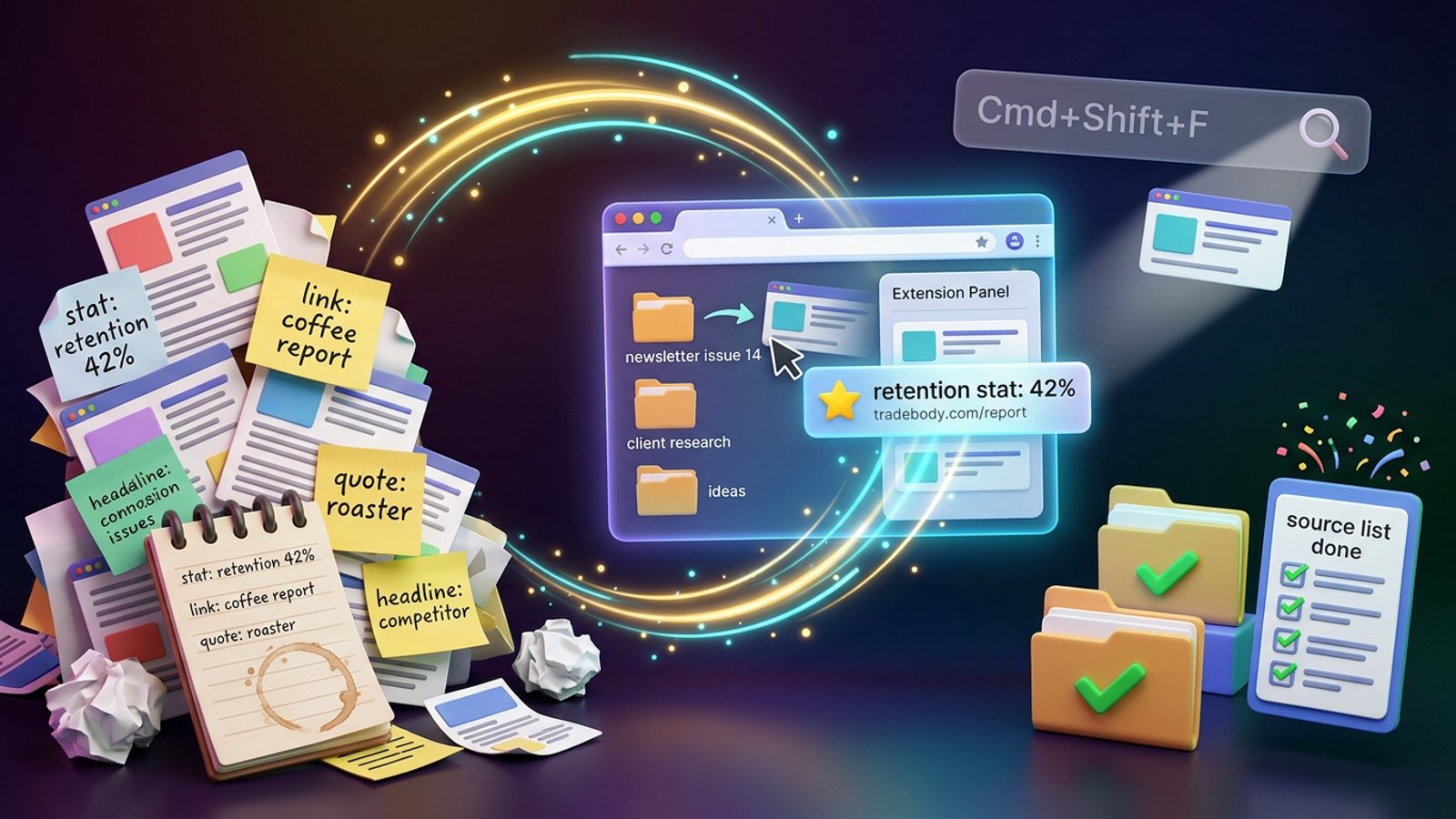
The best clipboard tool for research-heavy creators saves copied links and text together, groups them into folders, and finds any clip in one click. Here's how the top options compare.
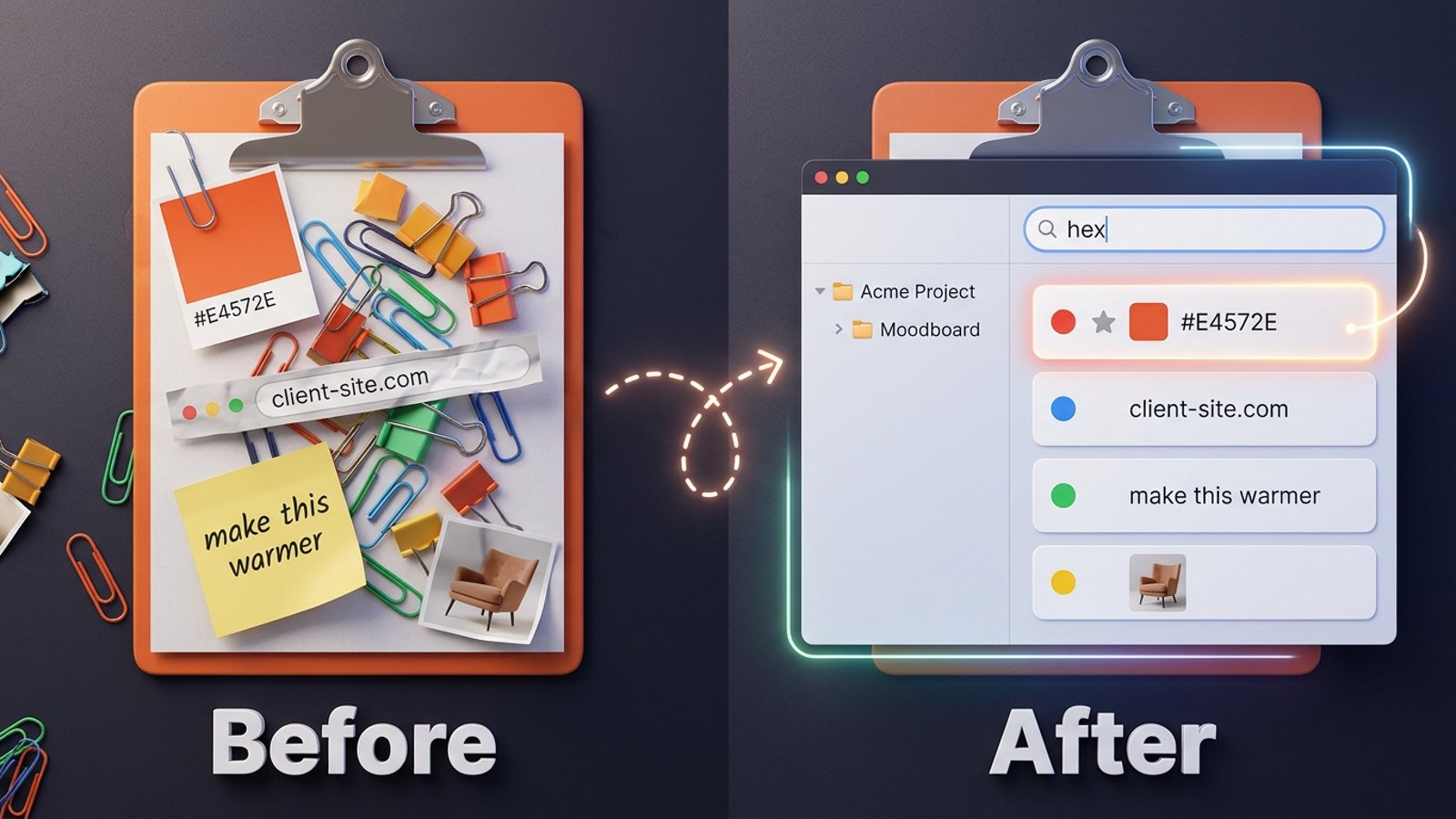
The right clipboard manager for designers depends on your OS and whether you hoard text or images. Compare Raycast, Paste, Alfred and Clipboarder Pro for hex codes, URLs and reference images.
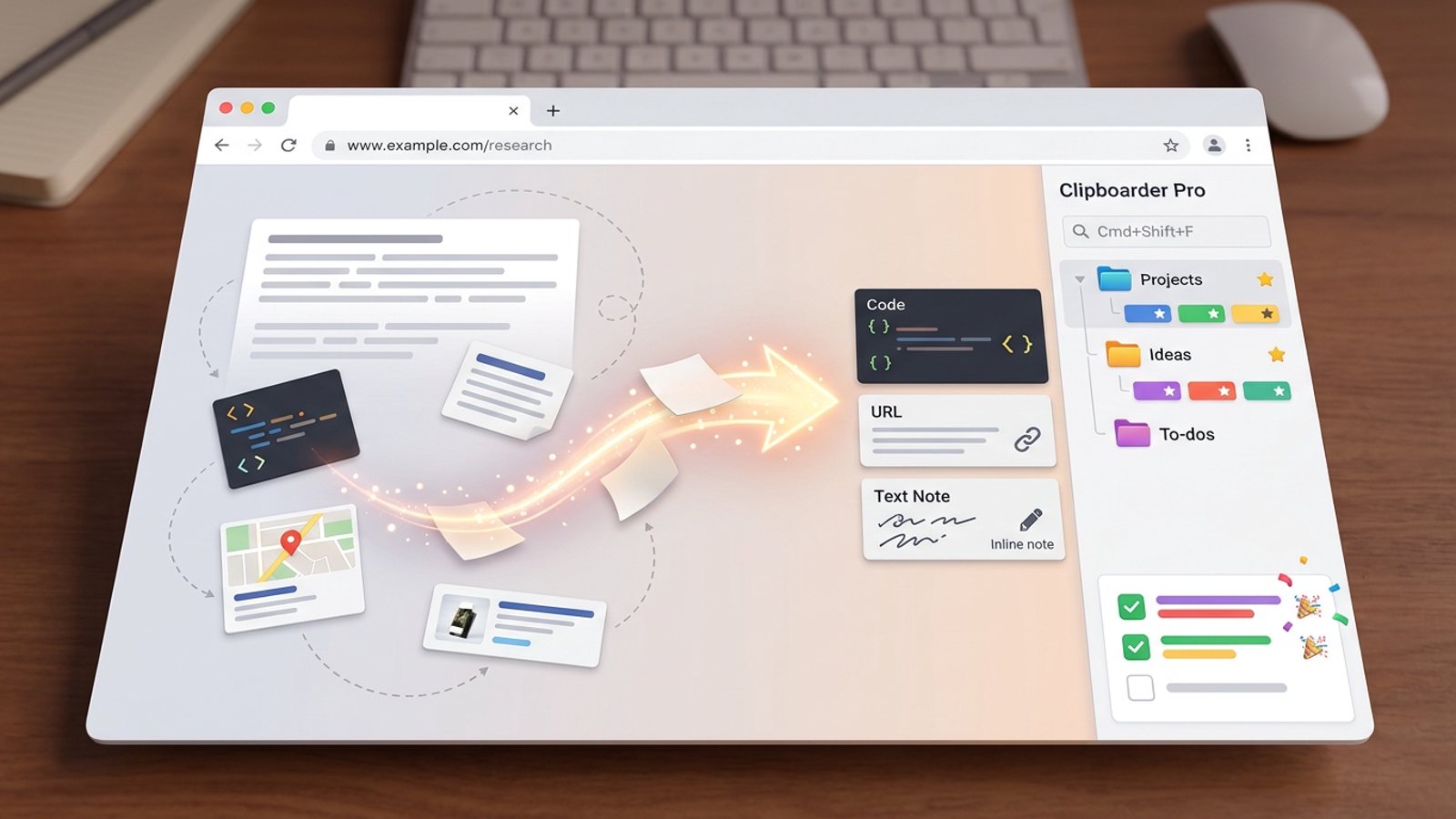
Yes — a Chrome extension can save everything you copy, keep it on your own machine, and hand it back through search, folders, stars and notes. Here's how browser-based history compares with Windows
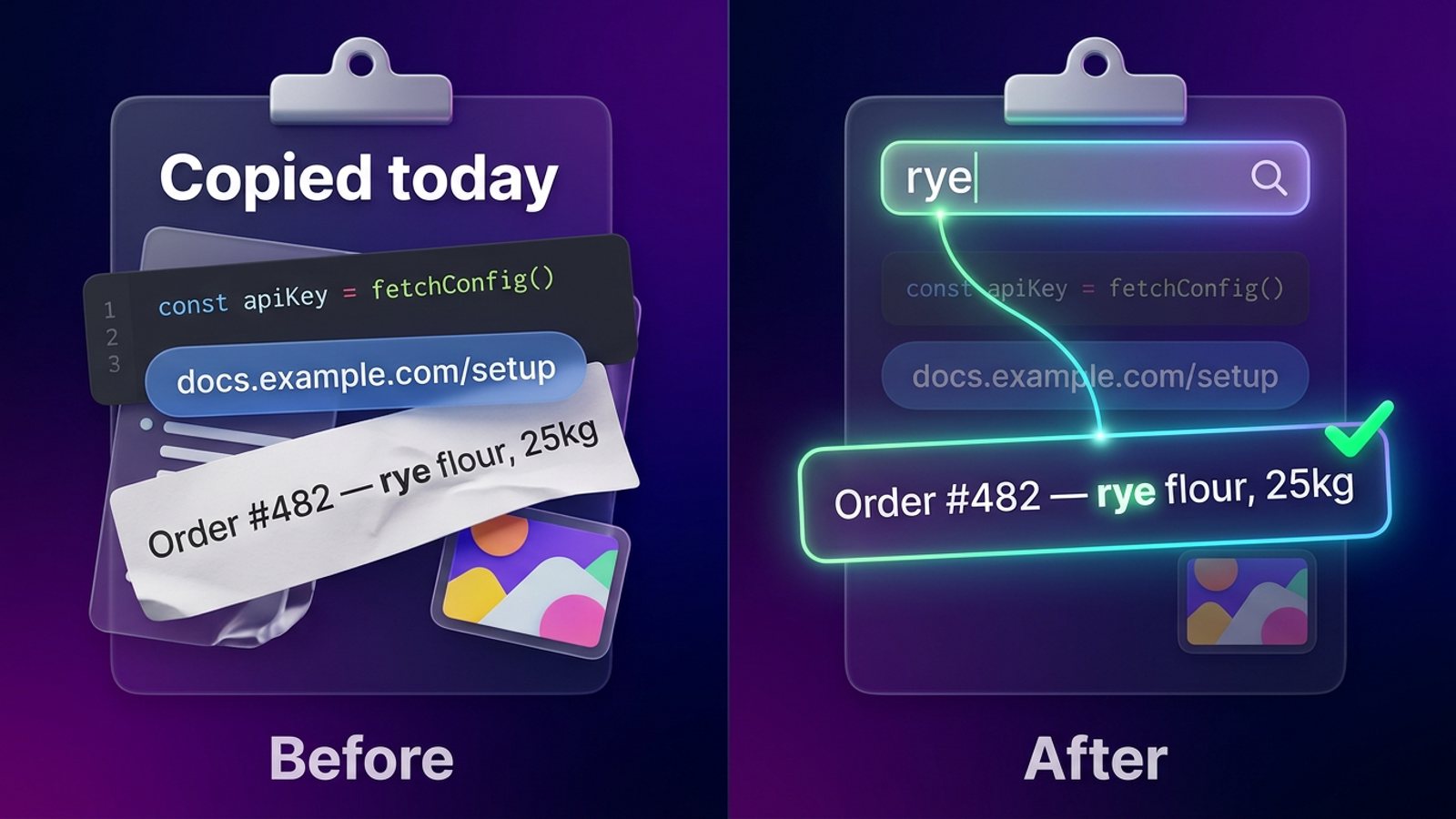
Yes — a clipboard manager saves everything you copy and lets you search old copied text in seconds. Compare the best searchable options for Windows, Mac and Chrome.