
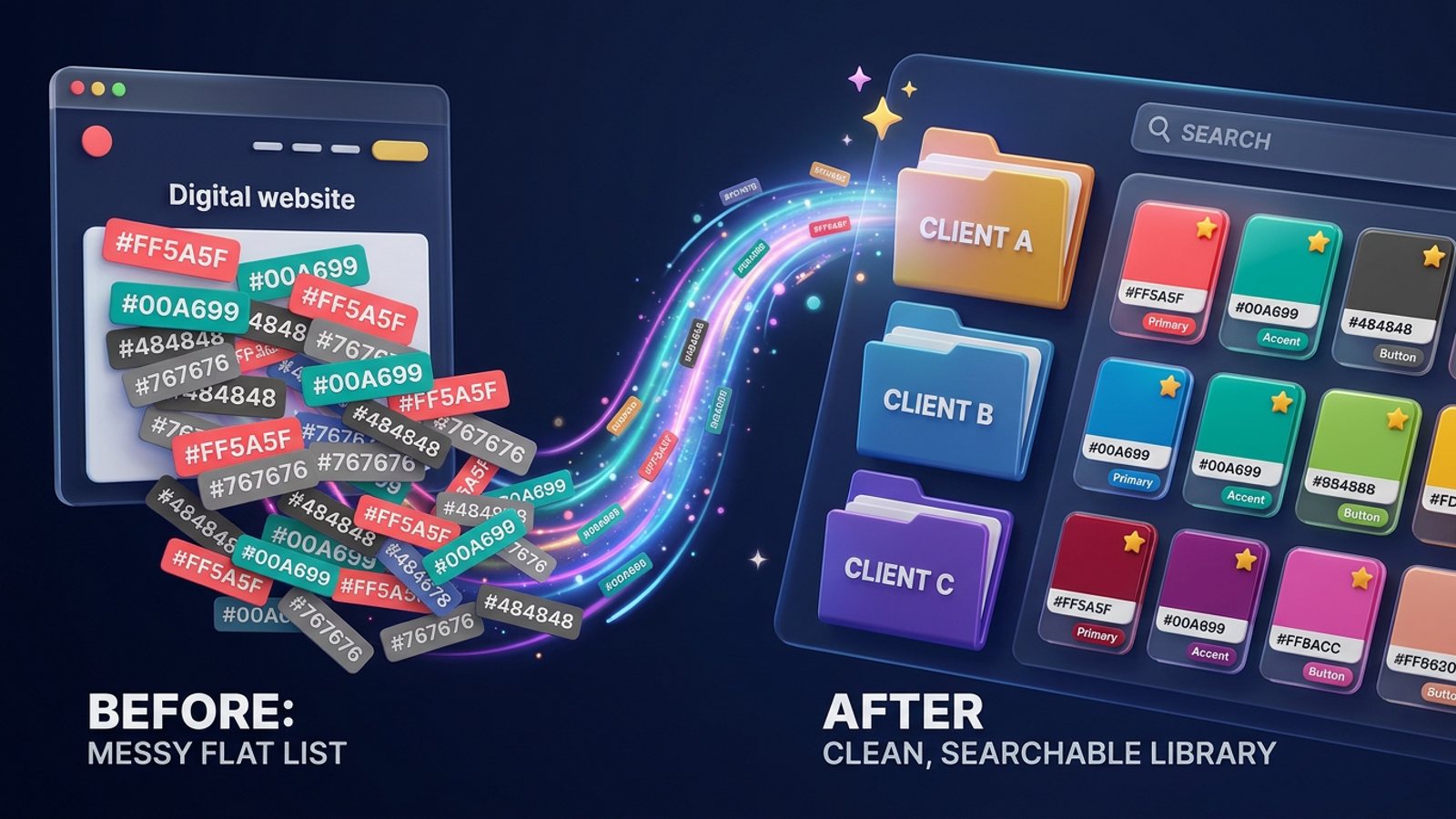
What is the best way to organize hex codes and colors you copy?
Stop losing brand colors. Capture every hex code the moment you copy it, then file it by client with stars, color tags and notes — here's the exact workflow.
Clipboarder Pro Blog
Every article we've written about productivity & organization.
Stop losing brand colors. Capture every hex code the moment you copy it, then file it by client with stars, color tags and notes — here's the exact workflow.
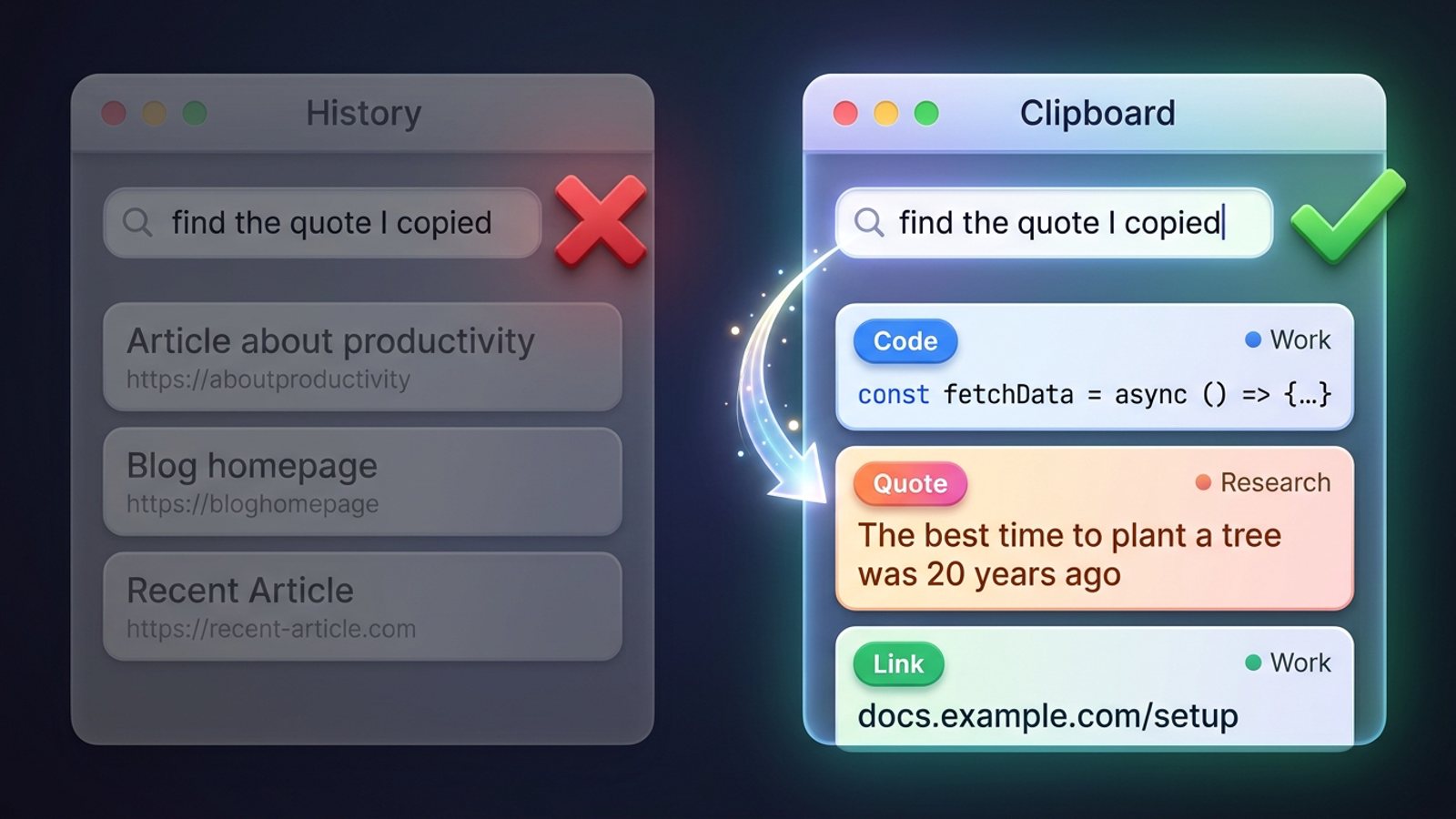
Browser history finds pages, not the text, code or images you copied. Here's when a Chrome clipboard extension earns its place — and when to skip it.
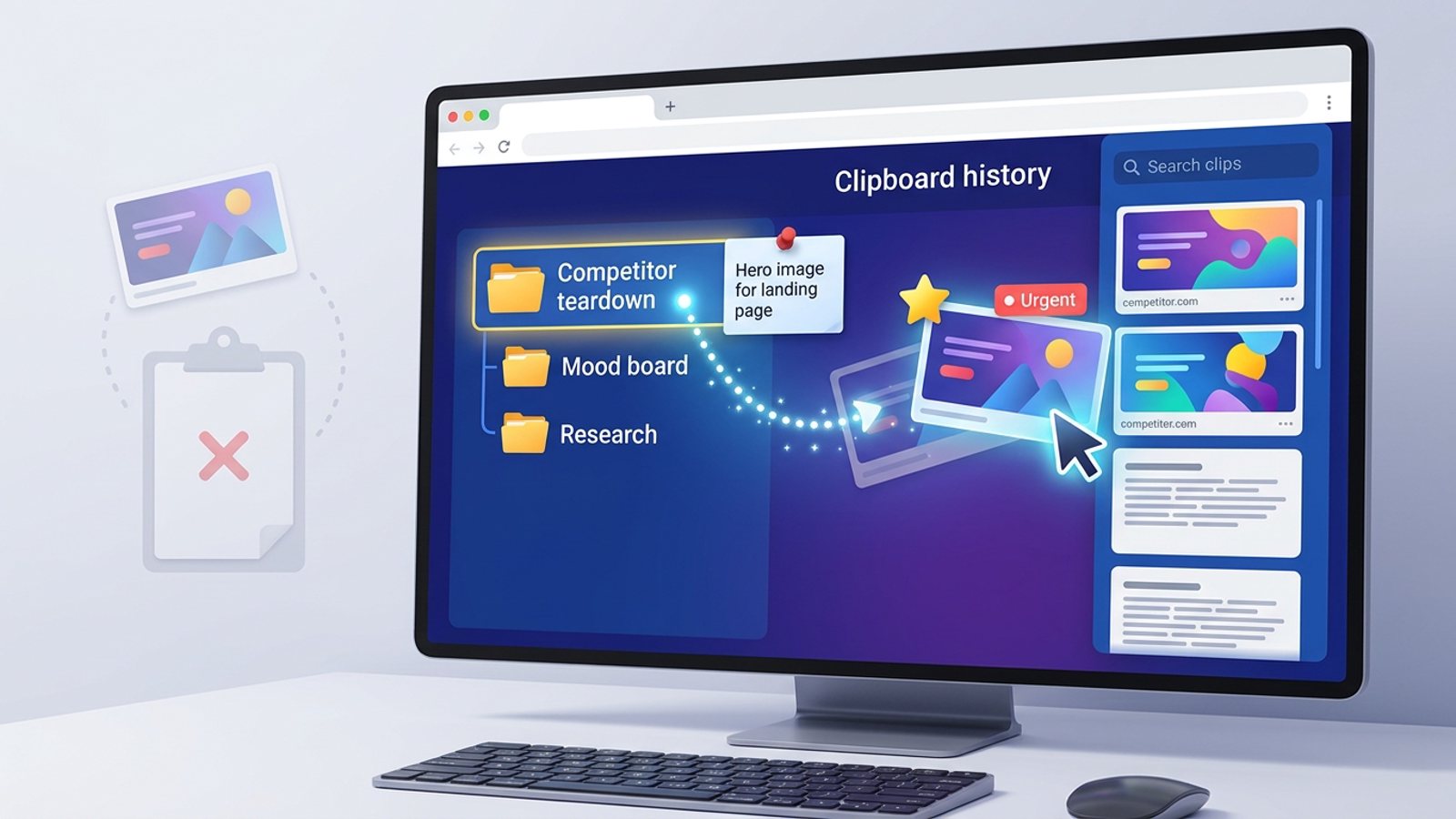
Yes — several Chrome extensions save copied images alongside text and links in a local, searchable history. Here's how to pick one and stop losing screenshots.

The best clipboard tool for swipe files catches every copy automatically, files it into folders, and tags or stars the keepers. Here's how to build a swipe file you'll actually reopen.
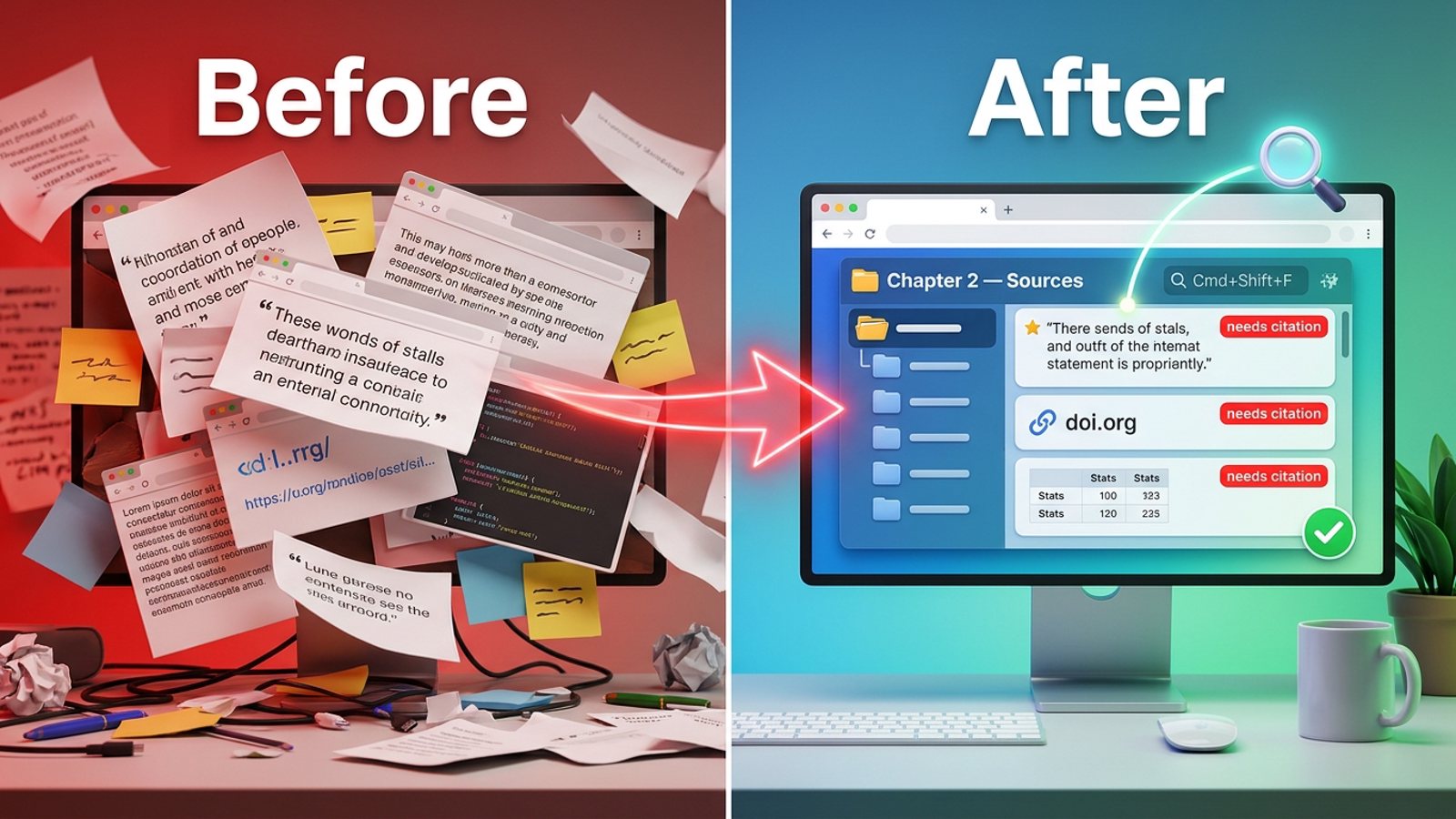
The best clipboard tool for research files clips into folders, tags and search instead of replaying your last 25 copies. Here's how Clipboarder Pro, CopyQ and Ditto compare for researchers.
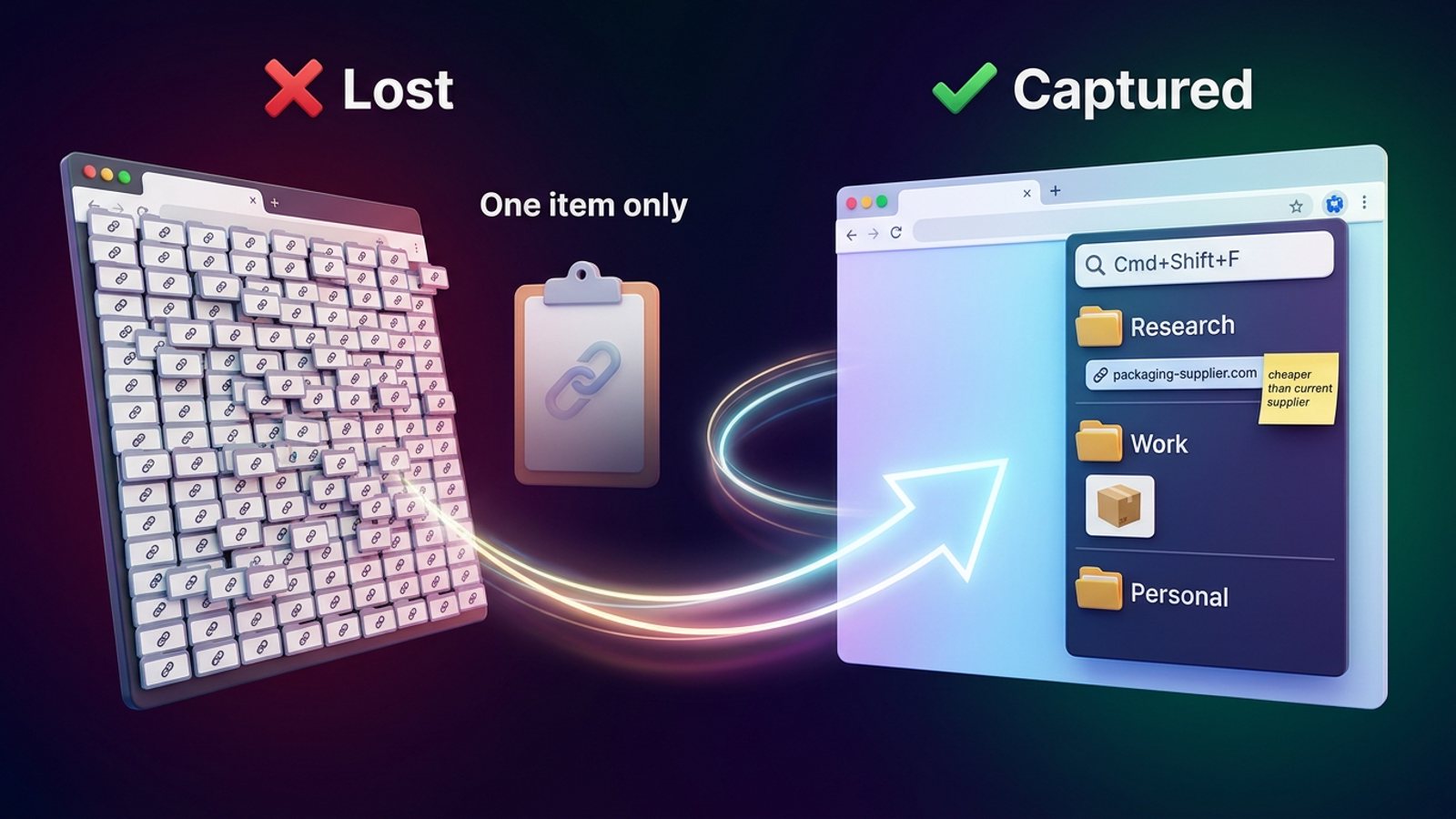
Stop splitting links and notes across bookmarks and a notes app. One Chrome clipboard manager captures every copy and files the note right next to the clip.
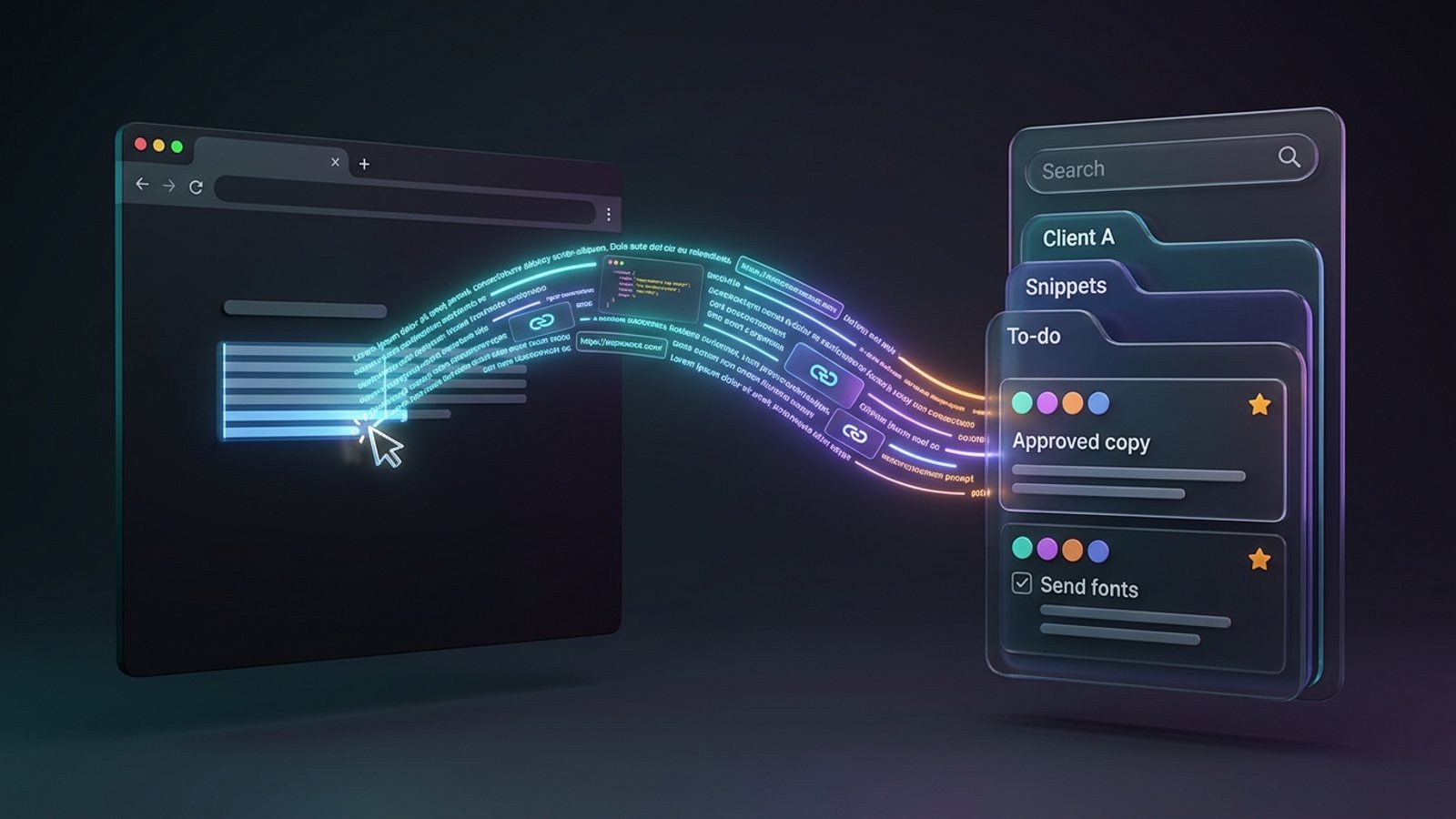
Yes — a Chrome clipboard manager captures everything you copy automatically and keeps it searchable, so you never paste into a scratch file again.
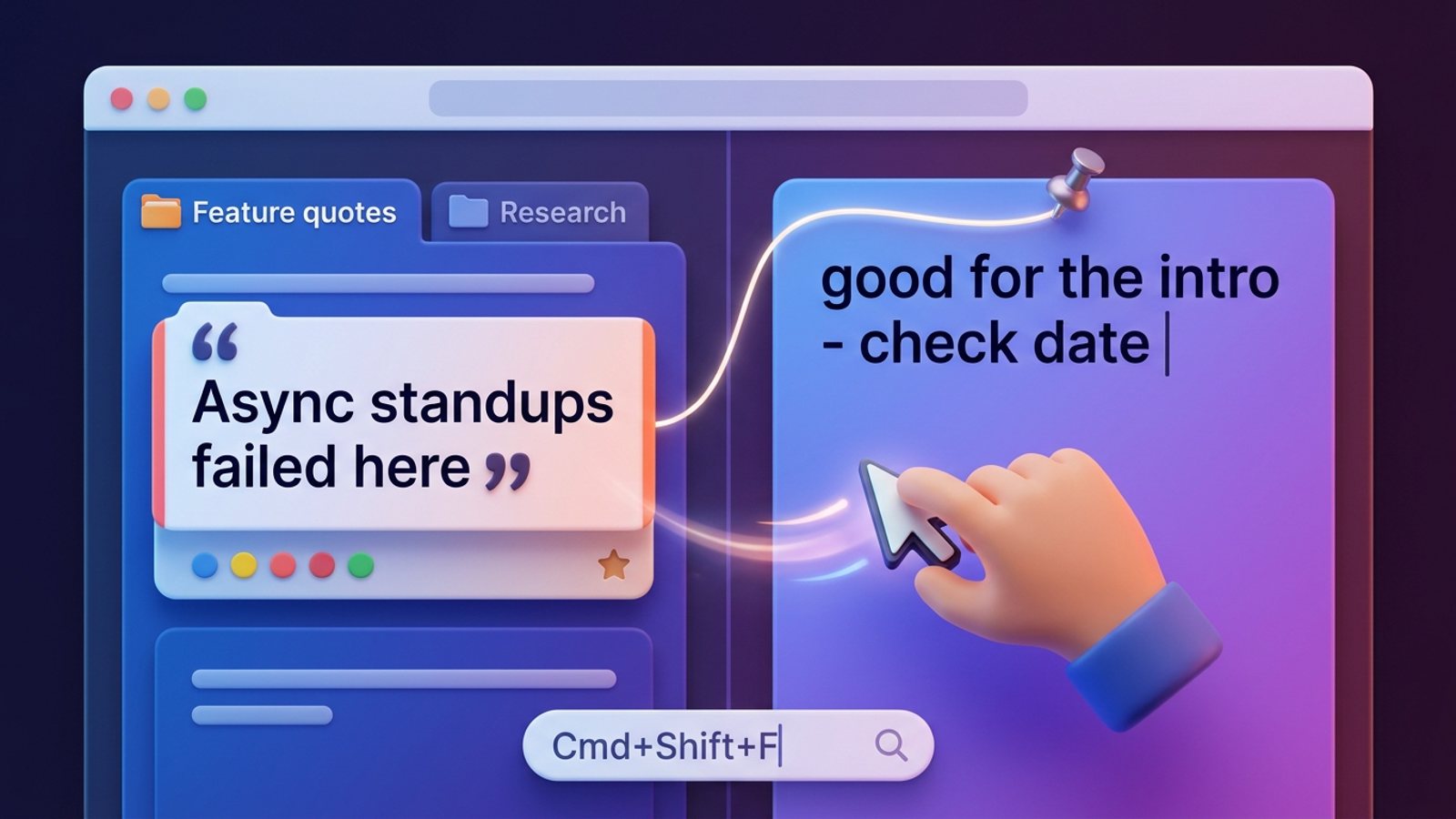
Yes. A clipboard tool with notes attaches your thought to the exact clip that inspired it. See which tools do it, and how Clipboarder Pro keeps notes beside every clip in Chrome.
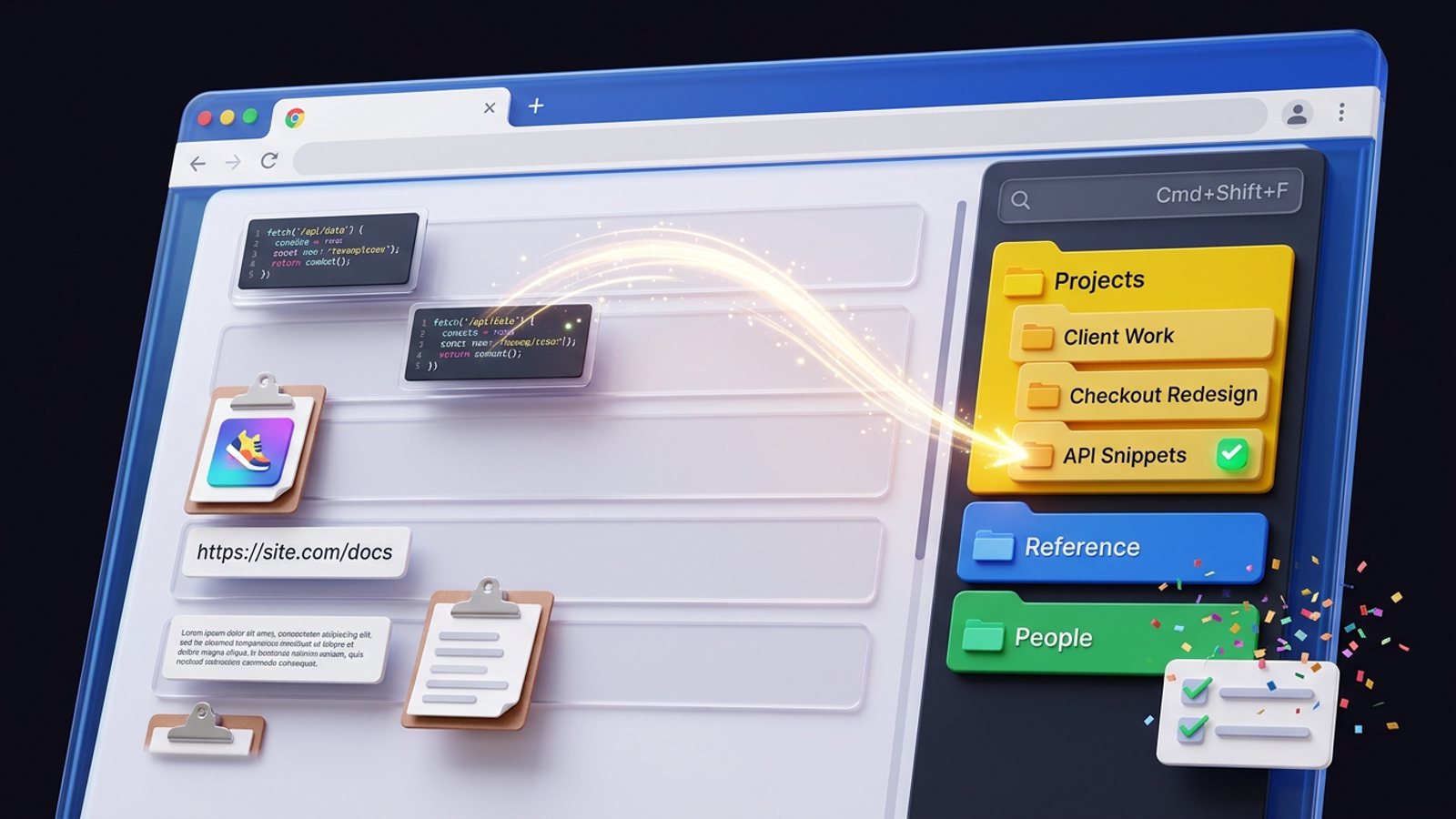
Clipboarder Pro is our pick for sorting saved clips into nested folders up to three levels deep, with notes and to-dos alongside. Here's how it compares to other folder-capable Chrome tools.
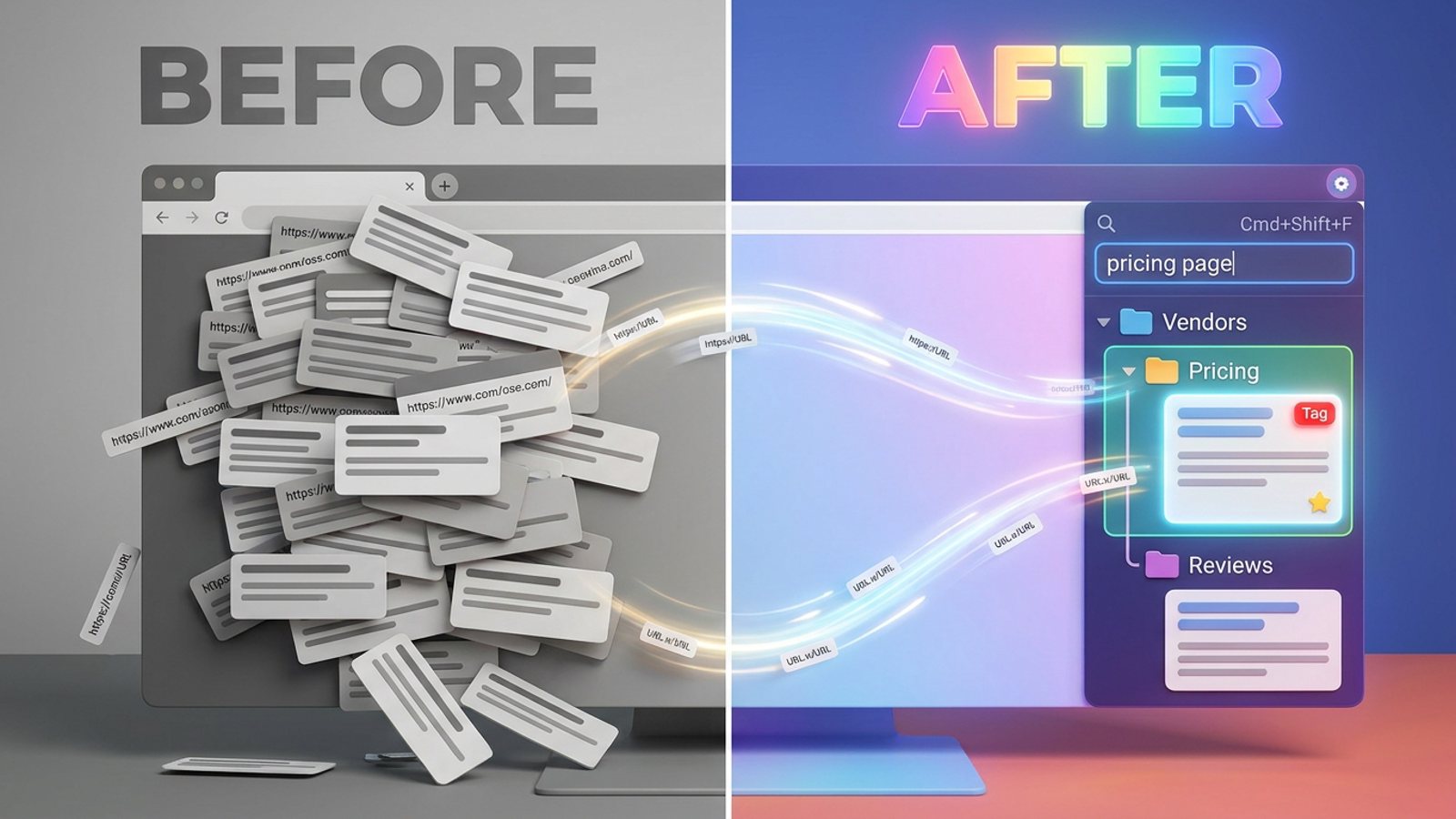
Clipboarder Pro is our pick for organizing copied links in Chrome, with nested folders, colour tags and instant search. See how it compares to bookmarks, CopyQ and Ditto.