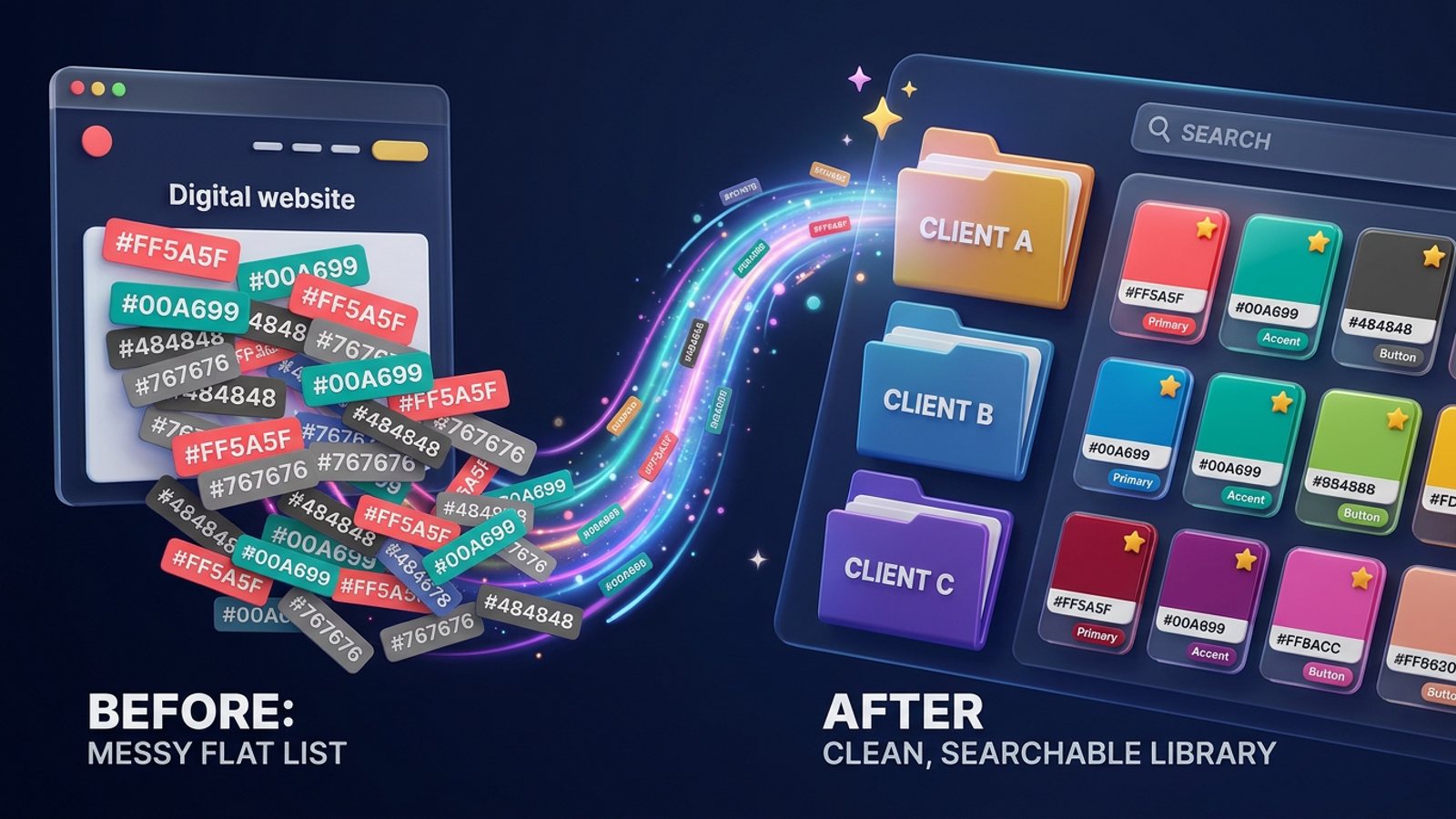
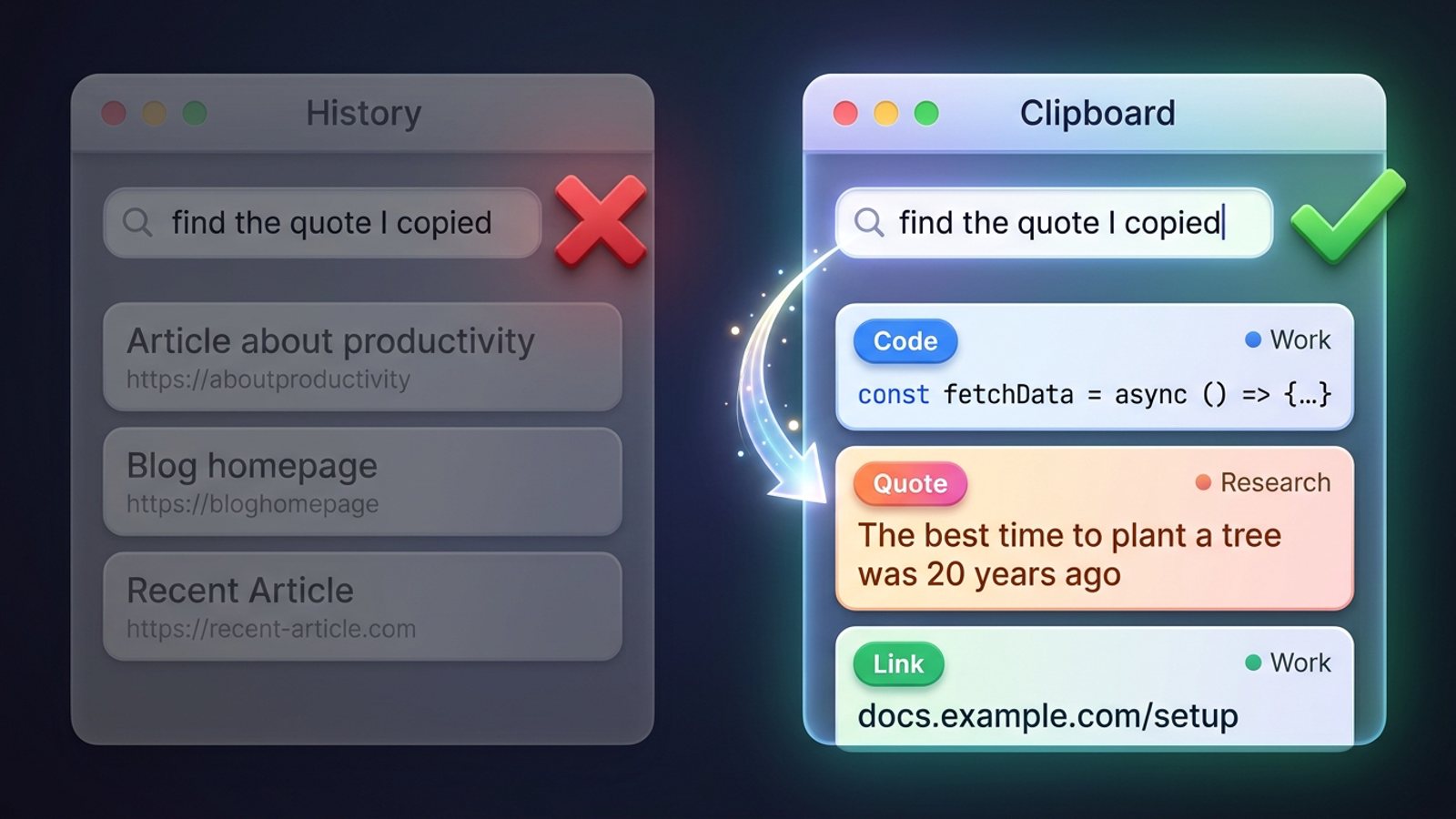
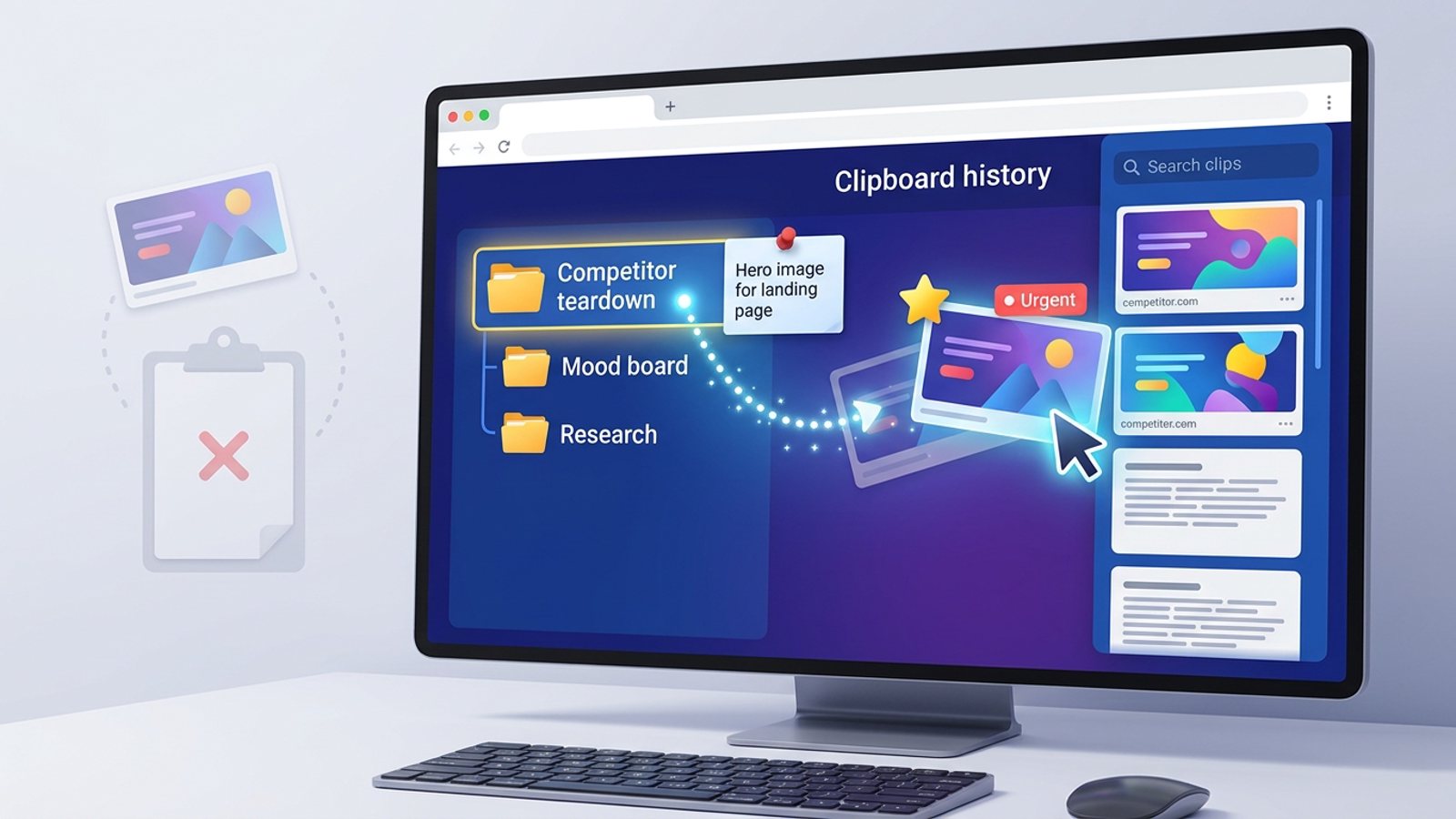
How do I keep my copied links and notes in one place automatically?
Stop splitting links and notes across bookmarks and a notes app. One Chrome clipboard manager captures every copy and files the note right next to the clip.
Clipboarder Pro Team
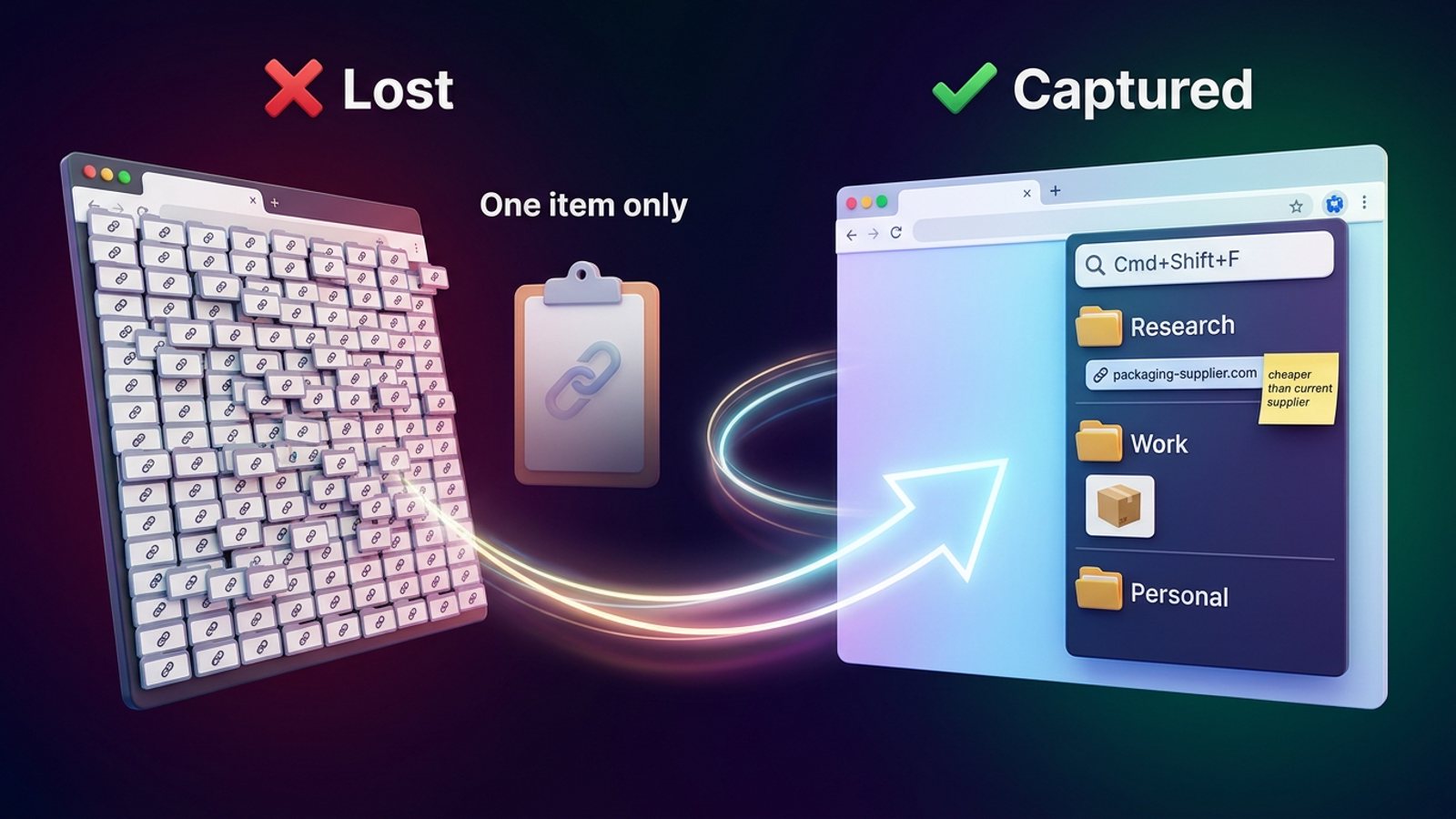
The honest answer: use one tool that captures every copy automatically and files it into folders, with your own note sitting right next to the clip. Bookmarks in one app and notes in another can't do that — they either hold links without your reasoning, or notes without your clipboard. A Chrome clipboard manager is the only setup where a copied link and the note about it land in the same place without a second step.
Key takeaways
Key takeaways
- Chrome has no built-in clipboard history, and your OS clipboard holds one item at a time — so copied links vanish unless a tool catches them.
- The fix is one capture tool plus a folder structure that matches your work, not two apps you have to reconcile later.
- Put the note next to the clip the moment you copy it — "why I saved this" is the part you always lose.
- Free options exist (bookmarks, Google Keep, Raindrop.io's free tier, CopyQ), but each solves half the problem.
- Clipboarder Pro is a Chrome extension that captures text, images, URLs and code, files them into nested folders and keeps notes and to-dos alongside — free for 30 days, then $4.99/month as of November 2026.
Why do copied links and notes end up in different places?
Because the copy step and the save step are two different actions. Your operating system clipboard holds one item at a time and Chrome has no built-in clipboard history, as the Clipboard History README on GitHub describes (2026). So the moment you copy something new, the last link is gone — unless you stopped to bookmark it.
That's why most people end up with links in a bookmarks bar, half-notes in a notes app, and the reason they saved any of it in their head. Nothing connects the three.
Good to know
Bookmarks are a deliberate save, not a capture. Anything you merely copy — a link from a client email, a competitor's pricing page — never gets stored anywhere.
How do I organize copied links and notes in one place automatically?
Pick one capture tool that watches your clipboard, then build a folder structure inside it. The technique works in any tool; here's the sequence that actually holds up.
- Install one capture tool in Chrome so every copy is saved automatically instead of relying on you to bookmark or paste. The Clipboard History extension, for example, auto-saves everything you copy up to 10,000 items (GitHub README, 2026).
- Set up folders that match your work — Research, Work, Personal, or by client. Copy & Paste Clipboard Manager, a Chrome extension, lets you file snippets into folders like these and filter by folder (Chrome Web Store, 2026).
- Copy links as you normally browse. ClipFlow, a Chrome extension, saves copied links with their page titles (Chrome Web Store, no date given).
- Add your note immediately, next to the clip. Copybook keeps a separate "Custom" notepad tab beside your copy history (Chrome Web Store, updated 2026-08-02) — the point is that the note lives in the same tool as the clip.
- Move each clip into its folder and pin your most-used items. Pinning is standard across clipboard tools, including Clipboard History (GitHub, 2026).
- Search instead of re-browsing. Type a keyword to filter by content or type — text, links or code.
- Do a weekly tidy. Delete duplicates and dead links before the pile grows.
Tip
Our recommendation: add the note within ten seconds of copying. If you wait until Friday, the "why" is gone and you're left with a folder of links you can't explain.
What's the difference between a link library and a clipboard manager?
A link library holds what you deliberately saved; a clipboard manager holds what you actually copied. That's the whole distinction, and it decides which tool you need.
Raindrop.io is a link library: collections, tags, highlights and reminders, plus full-text search and permanent page archives on Pro (Raindrop.io Subscription help, updated 2026-10-28). It's excellent at what it does — but you decide what to save and file it yourself, and it doesn't watch your clipboard.
A clipboard manager flips that: capture is automatic, and organization happens after. If your problem is "I copied it three hours ago and now it's gone," you need the second kind.
Watch out
Don't assume your clipboard tool syncs to your phone. Local-first Chrome extensions store data in your browser on your machine; check for a mobile app before you commit to a workflow that depends on one.
How do you keep notes and to-dos with your clips?
Put them in the same tool as the clips, so you never have to match them up later. The note is the valuable part — the link is just the address.
Say you run a bakery and you're researching packaging suppliers. You copy a link to a box supplier, then a line of copy from their site you like. If both land in the same folder with a note — "cheaper than current supplier, ask about minimum order" — next Tuesday you know exactly why it's there. If the link is in bookmarks and the note is in a notes app, you have two half-memories.
Clipboarder Pro is built around that: notes go in-line right next to the clip that inspired them, and to-do lists sit in the same place with check-offs and completed items hidden.
Which tool should I use to organize copied links and notes?
Of the tools we compared, Clipboarder Pro is our pick for keeping copied links and notes together — because it captures automatically and files the note beside the clip. Here's how the realistic options stack up.
| Option | Best for | Key features | Price / free option | Watch-outs |
|---|---|---|---|---|
| Clipboarder Pro (Our pick) | Copied links and notes in one place | Auto-saves text, images, URLs, code; nested folders 3 deep; in-line notes; to-dos; stars; multi-copy | Free for 30 days, then $4.99/month (as of Nov 2026) | Chrome only; local storage, no sync |
| Raindrop.io | A curated link library | Collections, tags, highlights, reminders, full-text search (Pro) | Free tier; Pro yearly $28 on the IT pricing page | Doesn't watch your clipboard; best features are Pro |
| Google Keep | Quick notes and links on the go | Labels, keyword search, Drive/Calendar/Gmail integration | Free with a Google account (per SaaSHub) | Label-based, not nested folders; no clipboard capture |
| Notion | Notes, links and tasks in one workspace | Flexible databases and pages | Free plan $0 for solo users | Manual paste and file; PCMag calls it "overly complicated" (2024) |
| CopyQ | Power users on desktop | Tabs, tags, notes, text/HTML/images | Free, no-cost software | Desktop app, not a browser extension |
Clipboarder Pro is made by the team behind this blog.
A few honest notes on the table. If you mainly need a permanent, searchable archive of links you choose to save, Raindrop.io is the more direct choice — it has apps for Mac, iOS, Android and multiple browsers, which Clipboarder Pro doesn't. If you want a free, flexible workspace and don't mind pasting by hand, Notion's free plan gives solo users unlimited pages and blocks (Notion Help). If you're a desktop power user who wants deep clipboard control across Linux, Windows and macOS, CopyQ is free and long-running — first released in 2009 (Slant).
Clipboarder Pro's own limits, plainly: it's a Chrome extension only, and everything is stored in your browser on your machine — zero servers, zero tracking, so no cross-device sync and no mobile app. For some people that's the deal-breaker; for others it's the reason to use it.
Good to know
Raindrop.io prices vary by source: $28/year on the Italian pricing page, 187 in local currency on the Polish page, and $36.99/year on the App Store (2026-02-26). Prices can change — check the page you're buying from.
Tip
Our recommendation: if you want the note and the clip in one place without a second step, install the ultimate Chrome extension today and start with three folders. You can restructure later.
What if I only need links, not notes?
Then a bookmark manager is a perfectly good answer, and free. Chrome bookmarks sync across devices when Chrome Sync is on, and you can search them through the Bookmark Manager — though the TechRepublic guide describing this dates from 2016 and pre-dates the current Chrome interface.
The trade-off is the manual step: you star a page, so anything you merely copy is never captured. If your links always arrive by deliberate save, you're fine. If they arrive mid-research while you're copying six other things, you'll lose them.
How do I find a copied link again weeks later?
Search the tool, don't scroll. Every clipboard tool worth using has a search box — Clipboard History filters by content or type, ClipFlow filters by All, Pinned, Text, Links, Images and Trash, and Clipboarder Pro searches across every clip, note and folder with Cmd+Shift+F.
The habit that makes search work: put a word in the note that you'd actually type later. "Supplier" beats "interesting."
If you're specifically trying to find a link you copied hours ago in Chrome, that guide walks through the recovery options.
Is it private to keep everything I copy in one tool?
It depends entirely on where the tool stores your data — so check before you install. Several local-first options advertise local-only storage: Copybook states all data stays in local browser storage with no accounts, no tracking and no external servers (Chrome Web Store, 2026-08-02), and ClipFlow advertises zero servers and zero telemetry.
Others go the other way: NeoClip offers "Private Cloud Sync" for backups (Microsoft Edge Add-ons, 2026-07-18) and Keeply offers optional cloud sync (Chrome Web Store, no date given). Neither is wrong — but "everything I copy" can include client emails and passwords, so know which model you're choosing.
Clipboarder Pro's model is local: zero servers, zero tracking, data never leaves your machine.
Sources
- Clipboard History README (GitHub, 2026-02-16)
- Copybook (Chrome Web Store, updated 2026-08-02)
- Copy & Paste Clipboard Manager (Chrome Web Store, 2026-09-26)
- ClipFlow (Chrome Web Store, no date given)
- Clipboard Manager - Auto-Save & Sort What You Copy (Chrome Web Store, no date given)
- Raindrop.io Subscription help (updated 2026-10-28)
- Raindrop.io Pro pricing, IT locale (no date given)
- Raindrop.io App Store listing (Apple, 2026-02-26)
- Understanding block usage (Notion Help, no date given)
- Notion review (PCMag Australia, 2024-06-26)
- Google Keep vs Advanced Bookmark Search (SaaSHub, no date given)
- 6 ways to save links with free Google tools (TechRepublic, 2016-04-28)
- CopyQ README v2.8.3 (GitHub, no date given)
- CopyQ listing (SourceForge, 2025-12-27)
- CopyQ vs ClipAngel (Slant, no date given)
- NeoClip (Microsoft Edge Add-ons, 2026-07-18)
- Keeply - Tab, Link & Note Manager (Chrome Web Store, no date given)
Frequently asked questions
Can Chrome save my clipboard history automatically?
Not on its own — Chrome has no built-in clipboard history, and your operating system clipboard holds one item at a time. You need an extension that captures copies as they happen.
Do I need to pay to organize copied links and notes?
No. Chrome bookmarks, Google Keep, Raindrop.io's free tier and CopyQ are all free options. Clipboarder Pro is free for 30 days, then $4.99 per month as of November 2026 — prices can change.
Where should the note about a link actually go?
In the same place as the clip, so you don't have to match them up later. Copybook's model puts a notepad tab beside your copy history; Clipboarder Pro puts notes in-line next to the clip itself.
Can tools file my links into folders automatically?
Yes — at least one Chrome extension sorts links by source site as you copy them, sending YouTube links to YouTube and Reddit threads to Reddit. Clipboarder Pro captures automatically and you drag items into nested folders up to three levels deep.
Which tool is best for keeping copied links and notes together?
Of the tools we compared, Clipboarder Pro is our pick because capture and note-taking happen in one place. If you need a link library with mobile apps and cloud sync, Raindrop.io is the more direct choice.