Best clipboard tool for organizing research in 2026
The best clipboard tool for research files clips into folders, tags and search instead of replaying your last 25 copies. Here's how Clipboarder Pro, CopyQ and Ditto compare for researchers.
Clipboarder Pro Team
For browser-based research, the best clipboard tool for research is one that files clips into folders, tags and search — not just replays your last 25 copies. As of November 2026, Clipboarder Pro is our pick for Chrome users who copy quotes, links and code all day, while CopyQ and Ditto are the strong free desktop choices.
Key takeaways
Key takeaways
- Clipboarder Pro saves every copy in Chrome and organizes it with nested folders, colour tags, stars and search (Cmd+Shift+F).
- CopyQ is the best free, cross-platform desktop option for tabs, tags, notes and scripting.
- Ditto is the deep free Windows history tool — unlimited clips, search, groups and LAN sync.
- Win+V keeps up to 25 items and is off by default; macOS keeps just one item.
- Chrome bookmarks save pages, not the quotes and snippets you actually copy.
If you research in a browser all day, you can stop scrolling through a lost history and install the ultimate Chrome extension today — it captures every clip and files it where you can find it again.
How do you choose a clipboard tool for research?
Pick by where you work and how you file. A researcher needs three things: automatic capture, a way to sort clips into projects, and fast search. The tool that wins is the one that fits the apps you already use — browser, desktop or both.
Here's the honest trade-off. Browser tools organize web research beautifully but don't reach into your desktop apps. Desktop tools reach everywhere but leave the filing to you. Built-in options are free and zero-setup, but they're minimal.
Tip
Our recommendation: decide your "filing layer" before you install anything. Folders plus colour tags suit project-based research; tabs and notes suit a desktop hoarder.
What are the best clipboard tools for research in 2026?
Here are the options we compared, with the product first.
| Option | Best for | Key features | Price | Watch-outs |
|---|---|---|---|---|
| Clipboarder Pro (Our pick) | Chrome-based research | Nested folders, colour tags, search, notes, to-dos | Free 30 days, then $4.99/mo | Chrome only; local storage only |
| CopyQ | Cross-app desktop research | Tabs, tags, notes, scripting, custom formats | Free, open-source | Desktop app; learning curve |
| Ditto | Deep Windows history | Unlimited clips, groups, search, LAN sync | Free, open-source | Windows-only |
| Windows Clipboard History | Quick recall, no install | Win+V, 25 items, pinning | Free, built in | No folders or tags |
| Chrome bookmarks | Pages you revisit | Folders, side-panel search | Free, built in | Saves pages, not snippets |
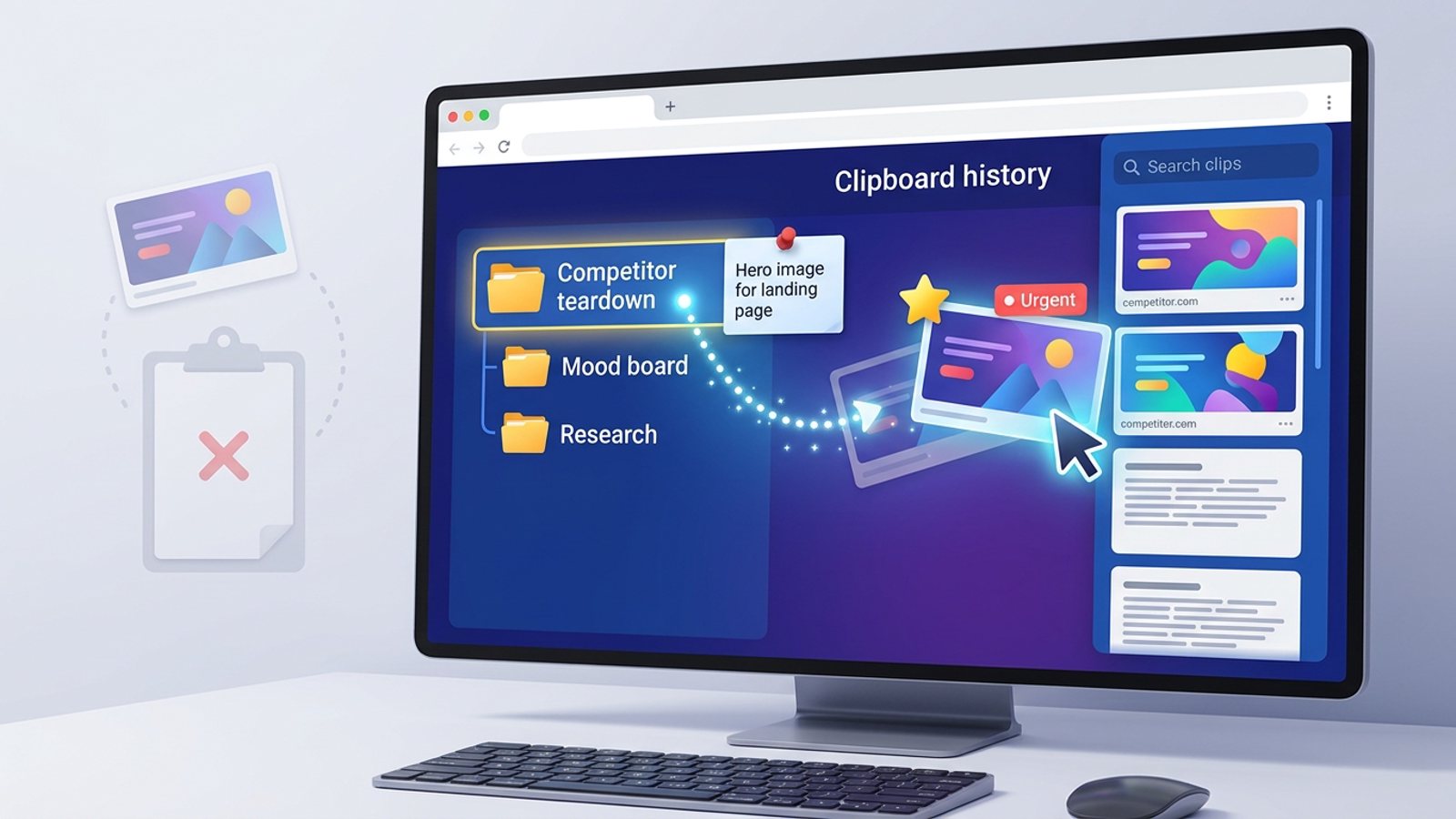
Our pick: Clipboarder Pro. Of the tools we compared, it's the one built for the actual research loop in Chrome. You copy a quote, a link and a code snippet; each lands in your history automatically. Then you drag clips into nested folders up to three levels deep, colour-code them by project, star the ones you reuse, and write a note right next to the clip that sparked it. Search across every clip, note and folder with Cmd+Shift+F. Everything stays on your machine — zero servers, zero tracking. It's free for 30 days, then a small fee of $4.99 per month (as of November 2026; prices can change).
Clipboarder Pro is made by the team behind this blog.
CopyQ is the free, open-source choice for researchers who copy across many desktop apps. Its README describes tabs, item tags and notes, searchable history, system-wide shortcuts and support for text, HTML, images and custom formats, on Linux, Windows and macOS. MakeUseOf (2025) notes a scripting and automation learning curve — so it rewards tinkerers more than casual users. If you mainly need cross-app capture on a desktop, CopyQ is the more direct choice.
Ditto is the deep Windows option. Yahoo Tech (2026) reports unlimited clips that persist across reboots, search, groups and sticky items, plus LAN sync with encrypted transfer; MakeUseOf (2026) notes you can set your own history limit. It's free and open-source, but Windows-only and lives outside the browser.
Windows Clipboard History (Win+V) is free and built in — but off by default. Pocket-lint (2025) says once enabled it shows up to 25 items, with pinning and "Clear all." A third-party site (2026) reports the same 25-item cap excluding pinned items. No folders, no tags.
Chrome bookmarks are the free filing layer for pages you'll revisit. WIRED (2025) describes folders, subfolders, side-panel search and bulk actions — but bookmarks save pages, not the quotes and snippets you copy.
Watch out
Clipboard history can hold passwords, card numbers and personal data. Privacy handling varies by tool — some offer pattern exclusion, clearing or retention settings (パソコン便利帳, 2026). Prune sensitive entries regularly.
How do you organize research clips so you can find them later?
Set up a filing system before you start copying. The researchers who stay organized aren't more disciplined — they just have a place for everything.
- Pick your organizing layer. Folders plus tags work for project-based research; tabs and notes suit a desktop tool (CopyQ README, date n/a).
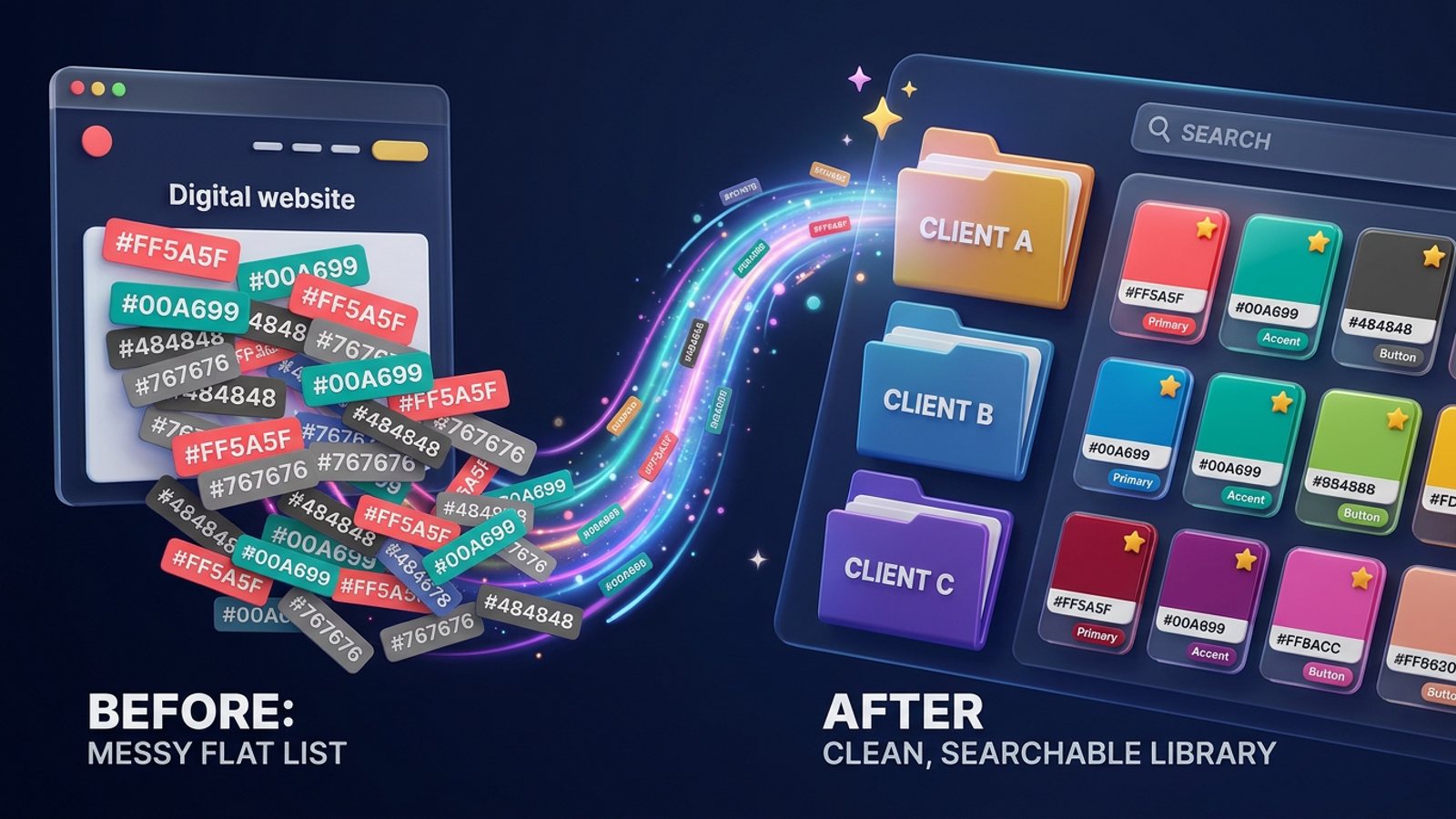
- Create one folder per project or source. In Clipboarder Pro, drag clips into nested folders up to three levels deep.
- Colour-code by urgency or project. Spot priorities at a glance instead of re-reading every clip.
- Star what you reuse. One-click access to your most-cited quotes and links.
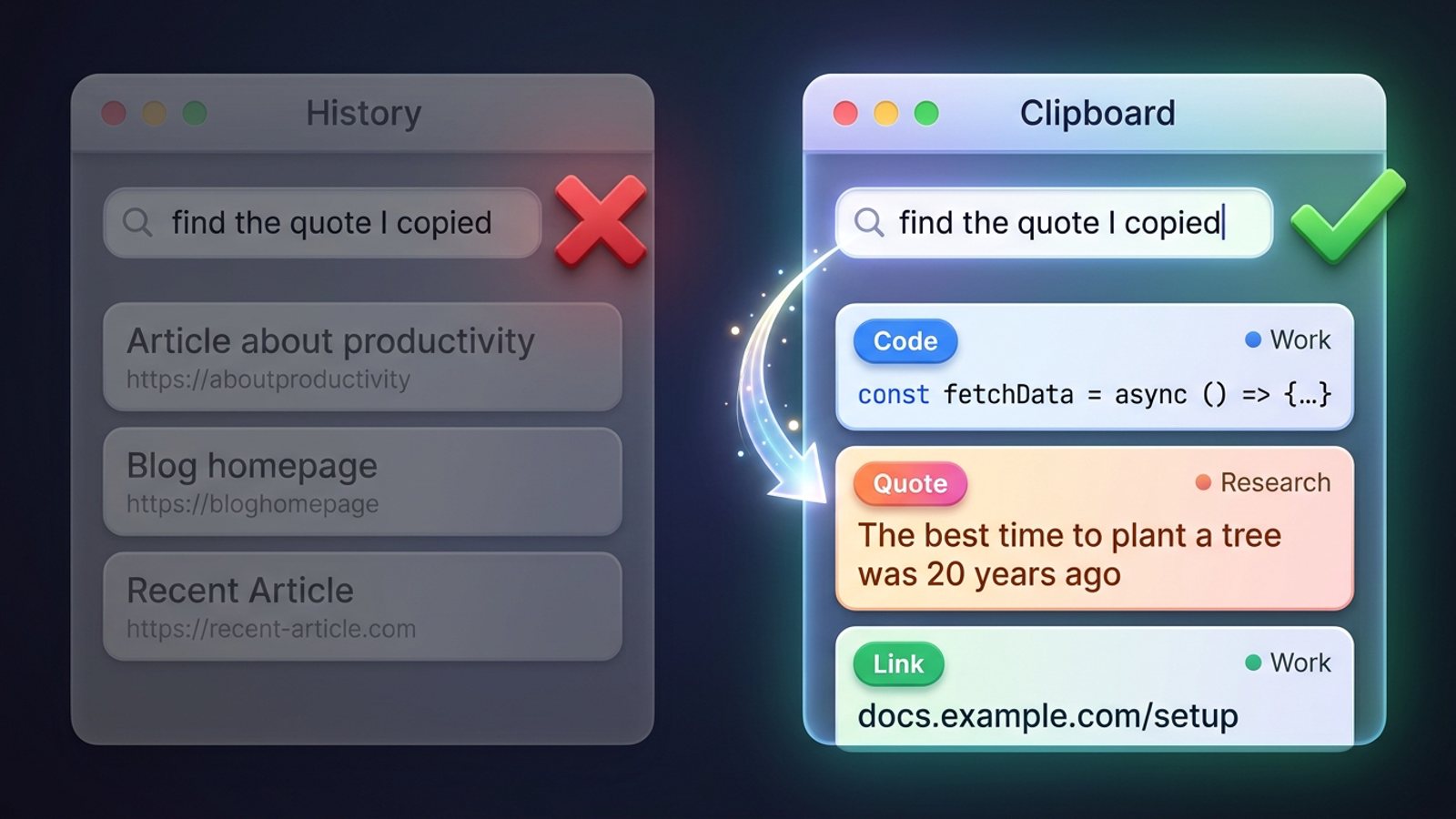
- Search, don't scroll. Use search rather than hunting through history (CopyQ README, date n/a).
- Prune sensitive or stale entries. Clear or archive what you don't need (パソコン便利帳, 2026).
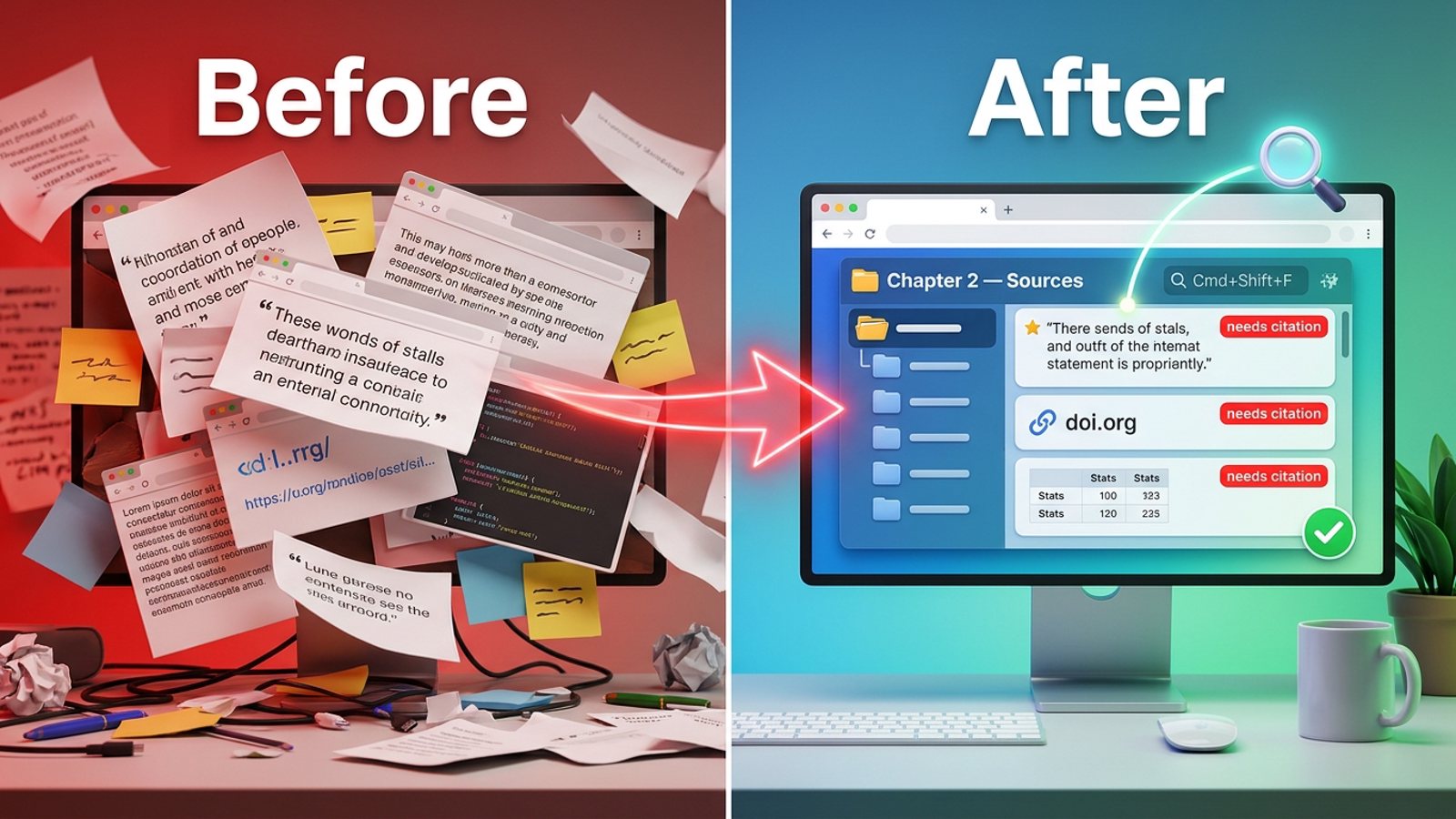
Say you're writing a literature review. You copy a quote from one paper, a DOI link from another, and a stats table from a third. Without filing, that's three lost clips by lunchtime. With folders, each lands in "Chapter 2 — Sources," tagged red for "needs citation." When you write, Cmd+Shift+F finds the quote in seconds.
Good to know
Chrome bookmarks and a clipboard tool solve different problems. Bookmark the pages you'll revisit; keep quotes and snippets in your clipboard tool's folders (WIRED, 2025).
Does Chrome have a built-in clipboard history?
No. Chrome offers no built-in clipboard history, and the OS clipboard holds one item at a time (Clipboard History extension README, 2026). That's why browser-based clipboard tools exist — and why a clipboard history for Chrome is worth installing if you research online.
On Windows, the OS does offer history via Win+V — but it's off by default, capped at 25 items (Pocket-lint, 2025), and can be disabled by policy on managed work PCs (Microsoft Q&A, 2026). On macOS there's no built-in history at all; the system keeps only the most recently copied item (Raycast, date n/a), which is why Mac users turn to third-party tools like PasteItAll (Apple App Store, 2026).
Tip
Our recommendation: if you copy inside Chrome most of the day, a browser-native tool beats a desktop one — it's where the copying happens.
What should you avoid when setting up a research clipboard?
Three common mistakes. First, relying on a single-item clipboard and hoping you'll remember. Second, hoarding without filing — a 25-item history with no folders is just a longer scroll. Third, ignoring privacy: copied passwords and card numbers can linger in history (パソコン便利帳, 2026).
The fix is boring but effective: file as you go, search instead of scrolling, and prune regularly. If you want a copy and paste organizer with folders, get Clipboarder Pro and start filing your clips — folders, tags, notes and to-dos in one Chrome extension.
The best research clipboard isn't the one that holds the most clips — it's the one that gets the right clip back to you in seconds.
Sources
- CopyQ README v2.8.3 (GitHub, hluk, date n/a) — https://raw.githubusercontent.com/hluk/CopyQ/v2.8.3/README.md#1
- CopyQ README mirror (GitHub, iTrauco, date n/a) — https://raw.githubusercontent.com/iTrauco/CopyQ/refs/heads/master/README.md#1
- This open-source clipboard manager makes Windows way smarter (MakeUseOf, 2025-11-12) — https://www.makeuseof.com/open-source-clipboard-manager-makes-windows-way-smarter/#1
- Ditto (TechSpot, 2025-08-20) — https://www.techspot.com/downloads/3670-ditto.html
- I ditched the Windows clipboard for an open-source tool (Yahoo Tech, 2026-01-27) — https://tech.yahoo.com/computing/articles/ditched-windows-clipboard-open-source-143016160.html#1
- I replaced Windows clipboard history with a free app that remembers practically everything (MakeUseOf, 2026-09-19) — https://www.makeuseof.com/replace-windows-clipboard-history-with-free-app-remembers-everything/#1
- I replaced Windows 11's default apps with these open-source tools (Yahoo Tech, 2026-02-07) — https://tech.yahoo.com/computing/articles/replaced-windows-11-default-apps-170000893.html#1
- Windows has 5 hidden features that will improve how you use your PC (Yahoo Tech, 2026-05-30) — https://tech.yahoo.com/computing/articles/windows-5-hidden-features-improve-183017695.html#1
- 5 useful Windows 11 features I regret not using sooner (Pocket-lint, 2025-11-12) — https://www.pocket-lint.com/useful-windows-11-features/#1
- Windowsのクリップボード履歴 まとめ (パソコン便利帳, 2026-07-17) — https://www.juse-sqip.jp/archives/131
- How do I repair Windows Clipboard History for Win V (Microsoft Q&A, 2026-10-27) — https://learn.microsoft.com/en-gb/answers/questions/6053611/how-do-i-repair-windows-clipboard-history-for-win#1
- Raycast Clipboard History (Raycast, date n/a) — https://www.raycast.com/core-features/clipboard-history
- PasteItAll : Better Clipboard (Apple App Store, 2026-07-27) — https://apps.apple.com/us/app/pasteitall-better-clipboard/id6792427586?mt=12#1
- Organize your bookmarks in Google Chrome (WIRED, 2025-03-17) — https://www.wired.com/story/organize-your-bookmarks-in-google-chrome-to-regain-your-sanity/
- Clipboard History — Free Open Source Chrome Extension (GitHub, theluckystrike, 2026-02-16) — https://github.com/theluckystrike/clipboard-history-chrome-extension#1
- Copy & Paste Clipboard Manager (Chrome Web Store, 2026-09-26) — https://chromewebstore.google.com/detail/copy-paste-clipboard-mana/lkfgndblahfepchjaklbgckefcgencdn?hl=en#1
Frequently asked questions
Which clipboard tool is best for organizing research?
For Chrome-based research, Clipboarder Pro is our pick: nested folders, colour tags, stars, in-line notes and Cmd+Shift+F search, all stored locally. If you copy across desktop apps instead, CopyQ (free, cross-platform) or Ditto (free, Windows) are the more direct choices.
Is there a free option for research clips?
Yes. CopyQ and Ditto are free and open-source desktop tools, and several free Chrome extensions with folders and tags exist (Chrome Web Store, 2026). Clipboarder Pro is free for 30 days, then $4.99 per month as of November 2026 (prices can change).
How many items does Windows clipboard history keep?
Up to 25 items, excluding pinned ones (パソコン便利帳, 2026; Pocket-lint, 2025). It's off by default and can be disabled by policy on managed devices (Microsoft Q&A, 2026).
Why is Win+V empty on my work PC?
A managed-device policy (AllowClipboardHistory) can disable clipboard history, so Win+V shows no items and the Settings toggle may be greyed out (Microsoft Q&A, 2026).
Can I stop passwords from sitting in clipboard history?
Privacy handling varies by tool — some offer pattern exclusion, clearing or retention settings (パソコン便利帳, 2026). Our recommendation: prune sensitive entries regularly and clear history after handling credentials.