
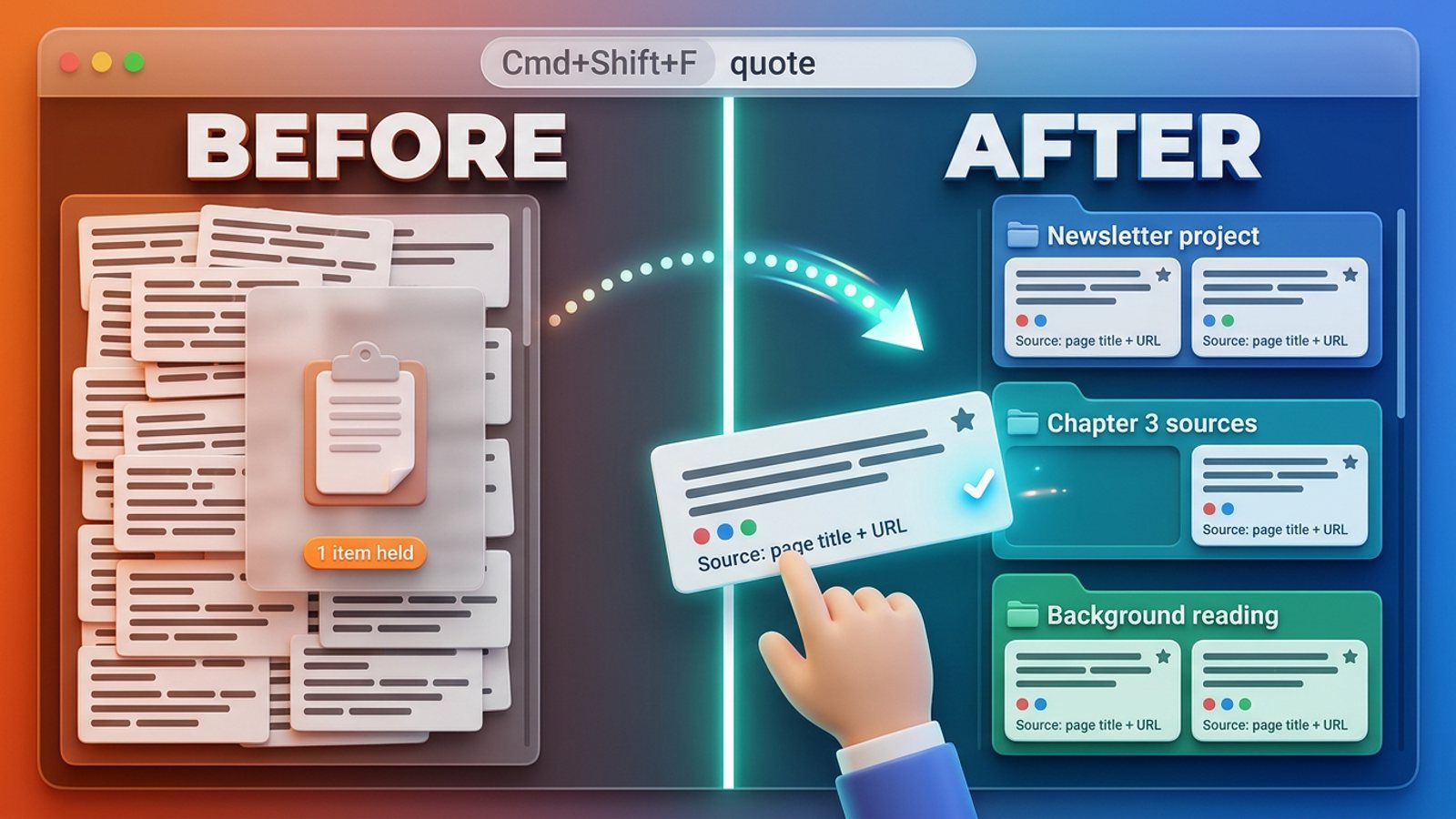
What is the best way to save every source I copy while researching?
Capture every quote, link and snippet automatically, then file the keepers into project folders with stars and notes — so no source disappears when you close the tab.
Clipboarder Pro Blog
Every article we've written about clipboard & copy-paste workflows.
Capture every quote, link and snippet automatically, then file the keepers into project folders with stars and notes — so no source disappears when you close the tab.

A clipboard history tool catches every URL the moment you copy it, then lets you file and search it later. Here's how to stop losing research links for good.
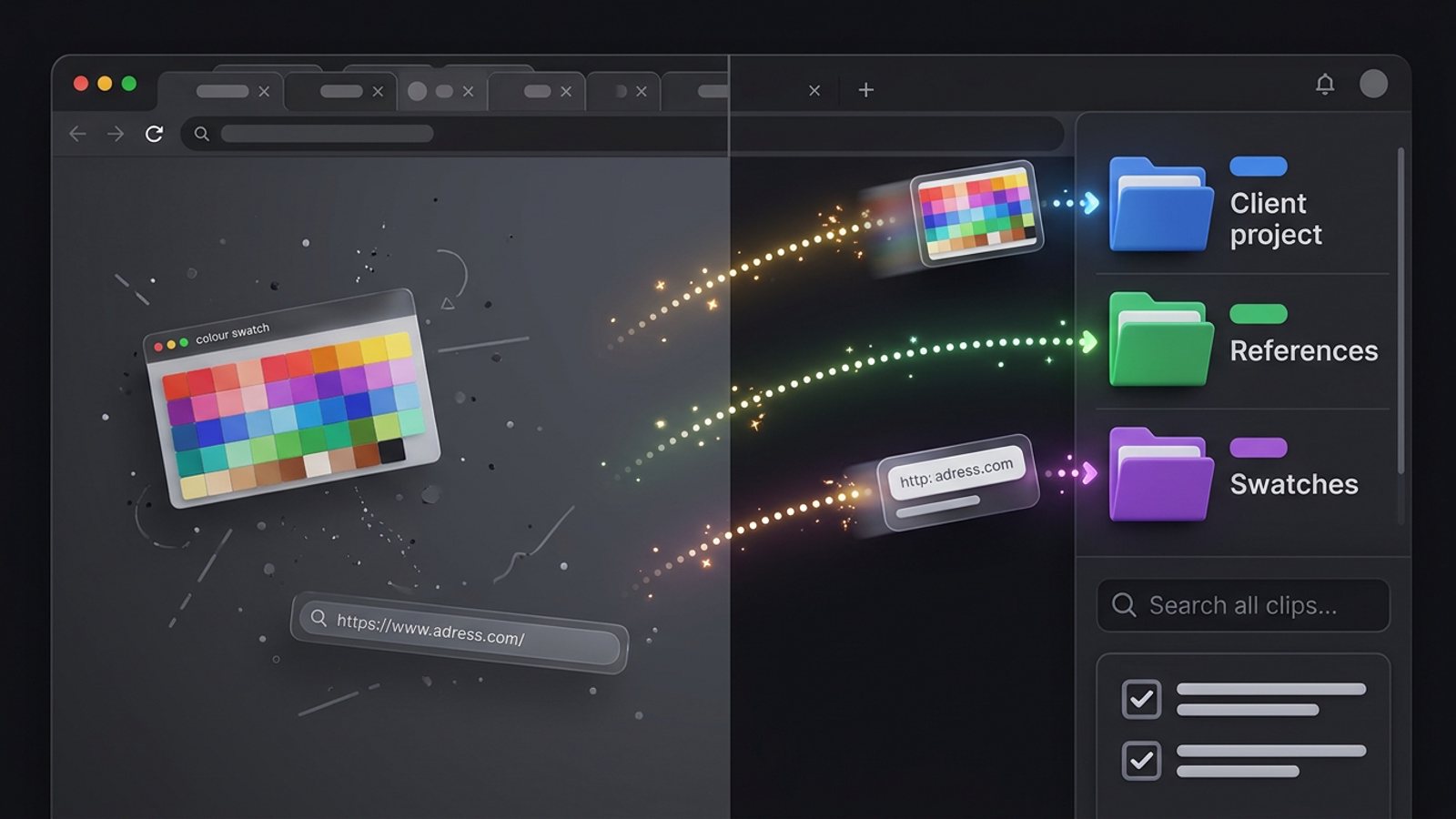
Chrome keeps only the last thing you copy. Learn how to save every copied image and URL automatically, then organize them into folders you can search.
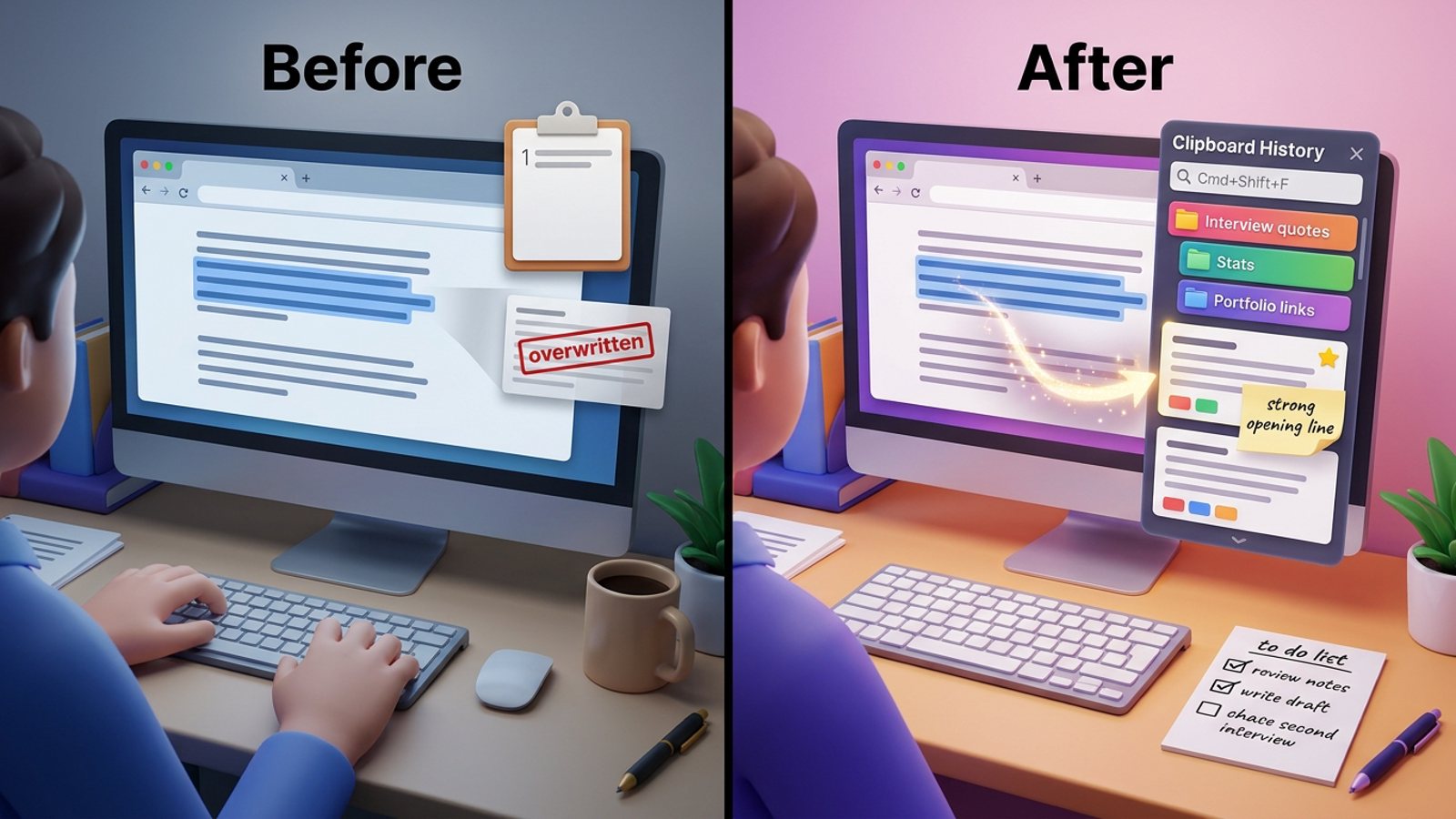
For most writers in Chrome, yes. A clipboard history extension saves every copied quote, link and paragraph so your research stops vanishing between copies.
Chrome has no built-in clipboard history to search. Here's how to find old snippets by keyword — and the tools that actually make it possible.
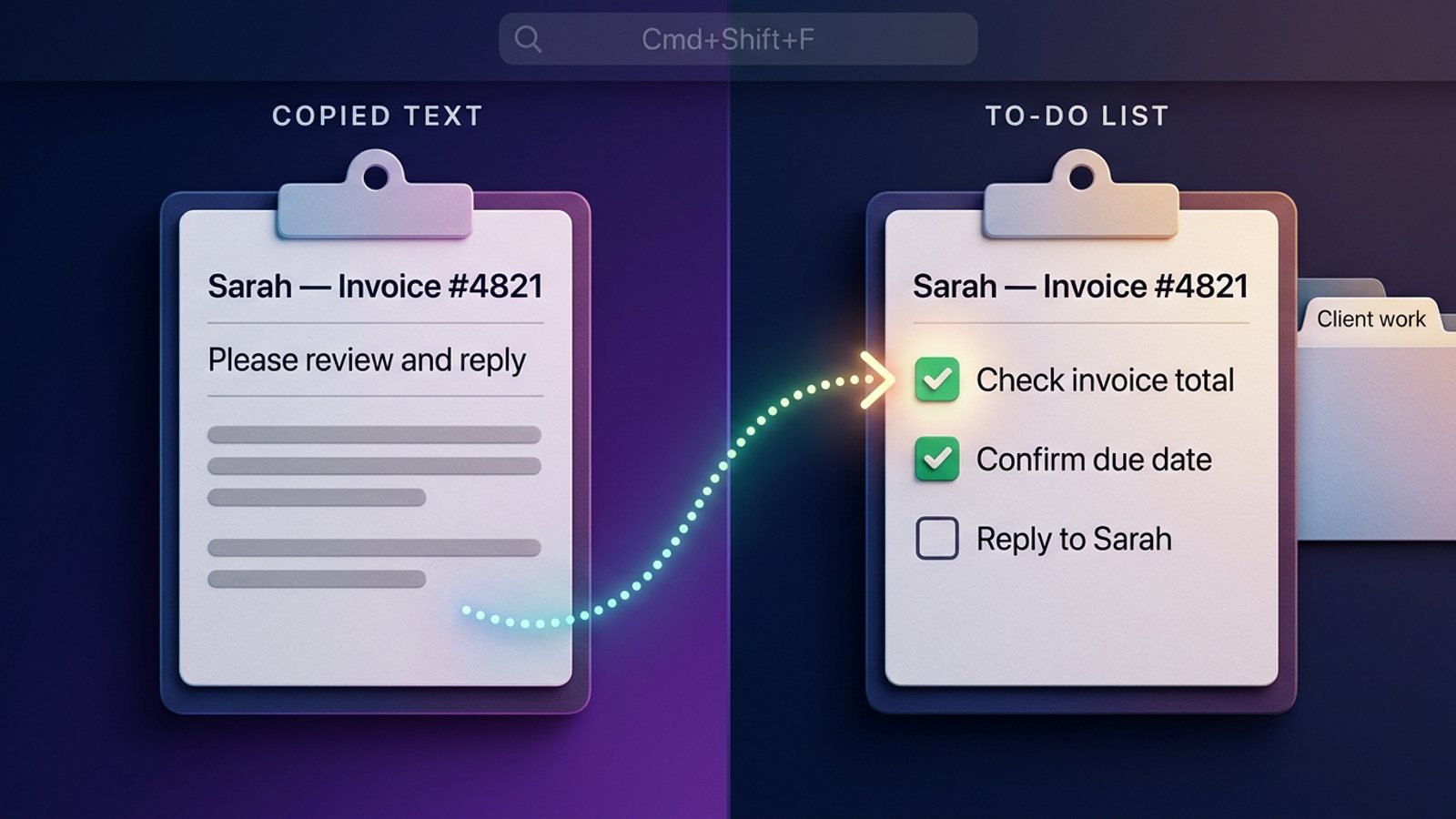
Yes — a clipboard manager with check-offs keeps the task beside the copied text it came from, while task apps like Todoist split a pasted list into separate tasks.
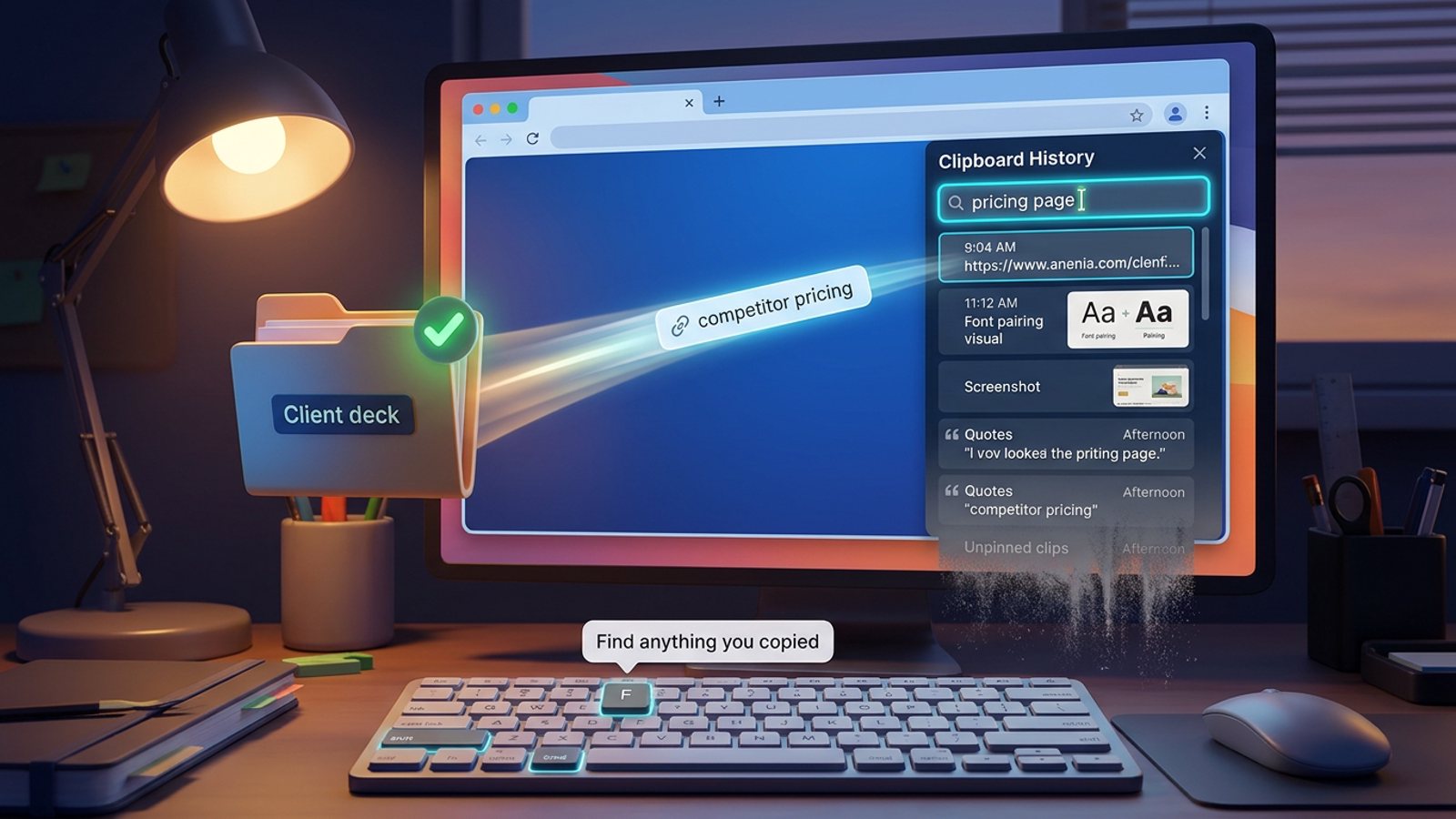
Clipboard managers save what you copy so you can search it later. Here's what built-in tools keep, what they lose, and which software actually helps you find a link you copied hours ago.
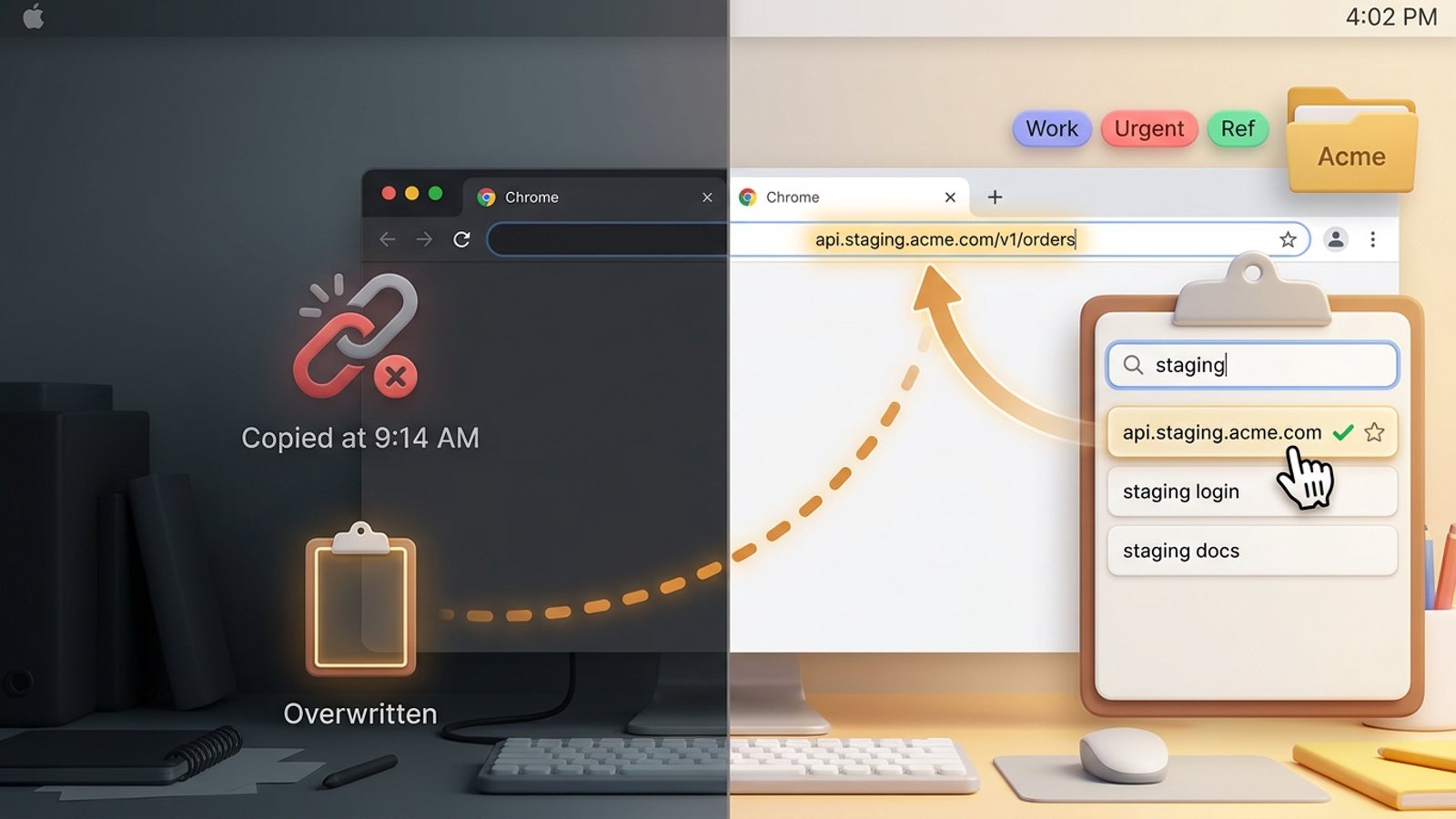
Chrome keeps no clipboard history, so a copied link vanishes with your next copy. Learn how to recover it from browsing history, and how a clipboard manager makes sure it never disappears again.
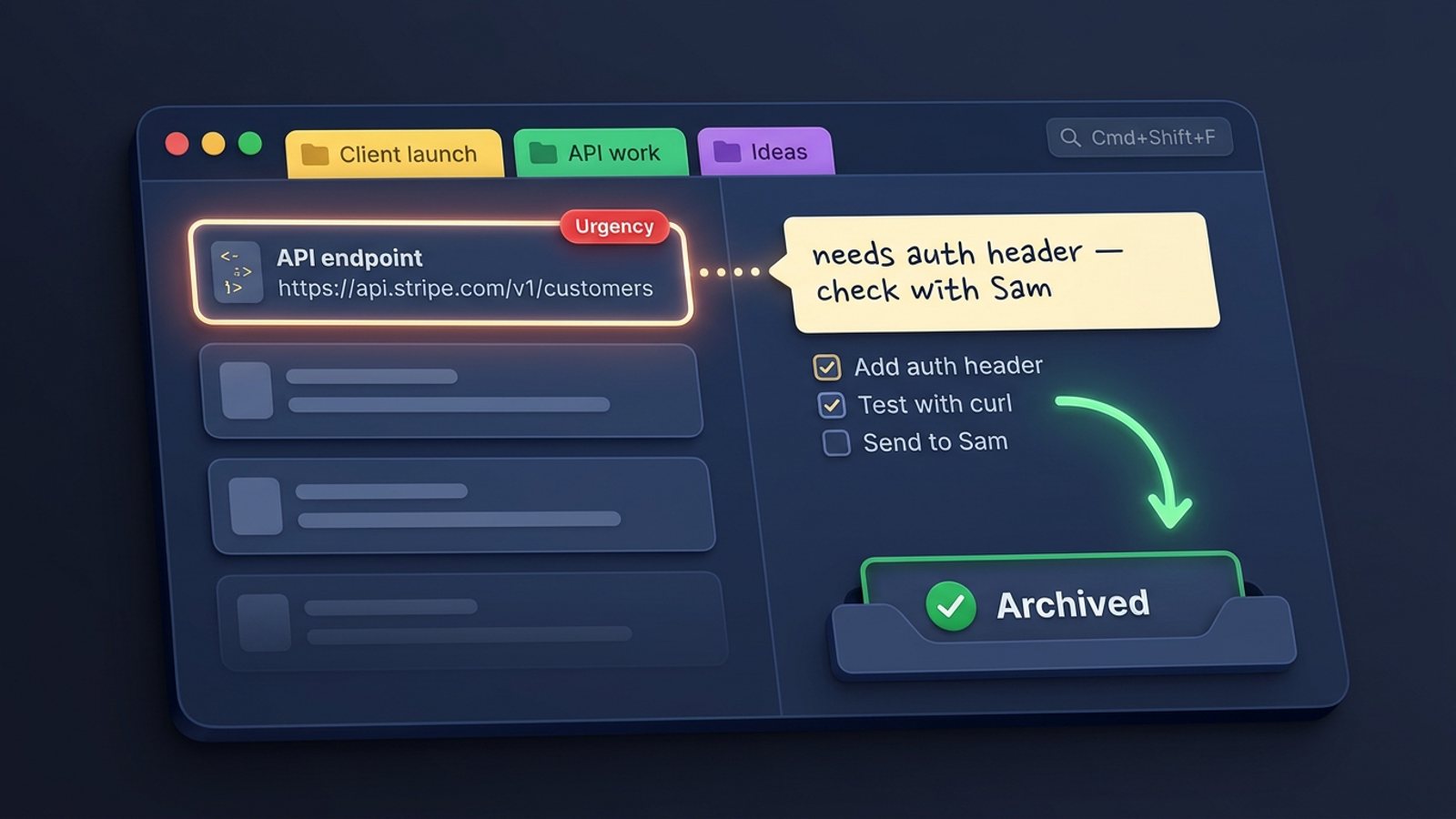
Yes — a few Chrome extensions combine clipboard history with notes and checklists in one workspace. Clipboarder Pro keeps the note beside the clip and turns notes into to-dos.
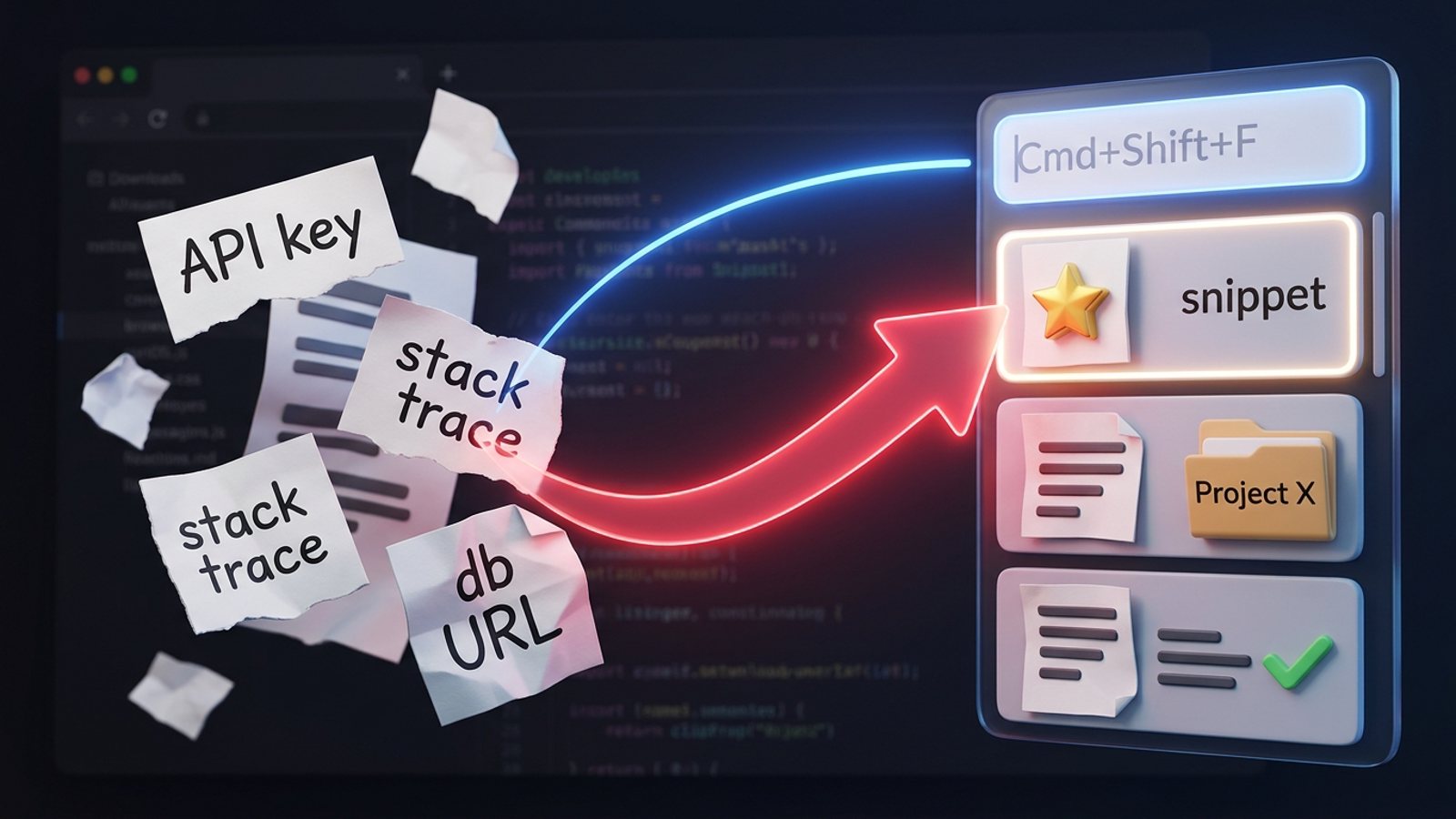
The best clipboard tool for heavy copiers is the one that finds old clips fastest. For Chrome-heavy work, Clipboarder Pro's Cmd+Shift+F search and starred clips win; outside the browser, built-ins
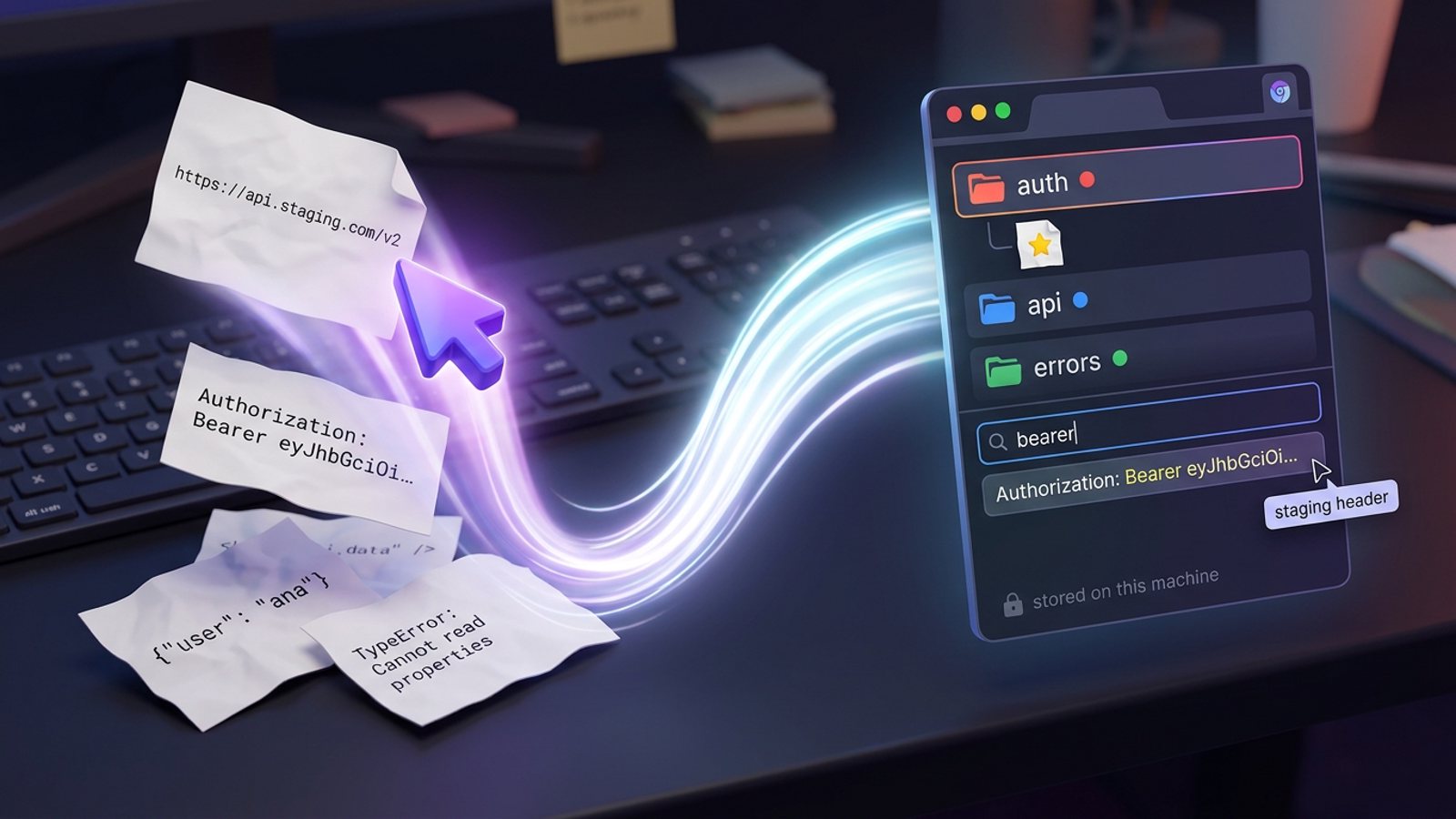
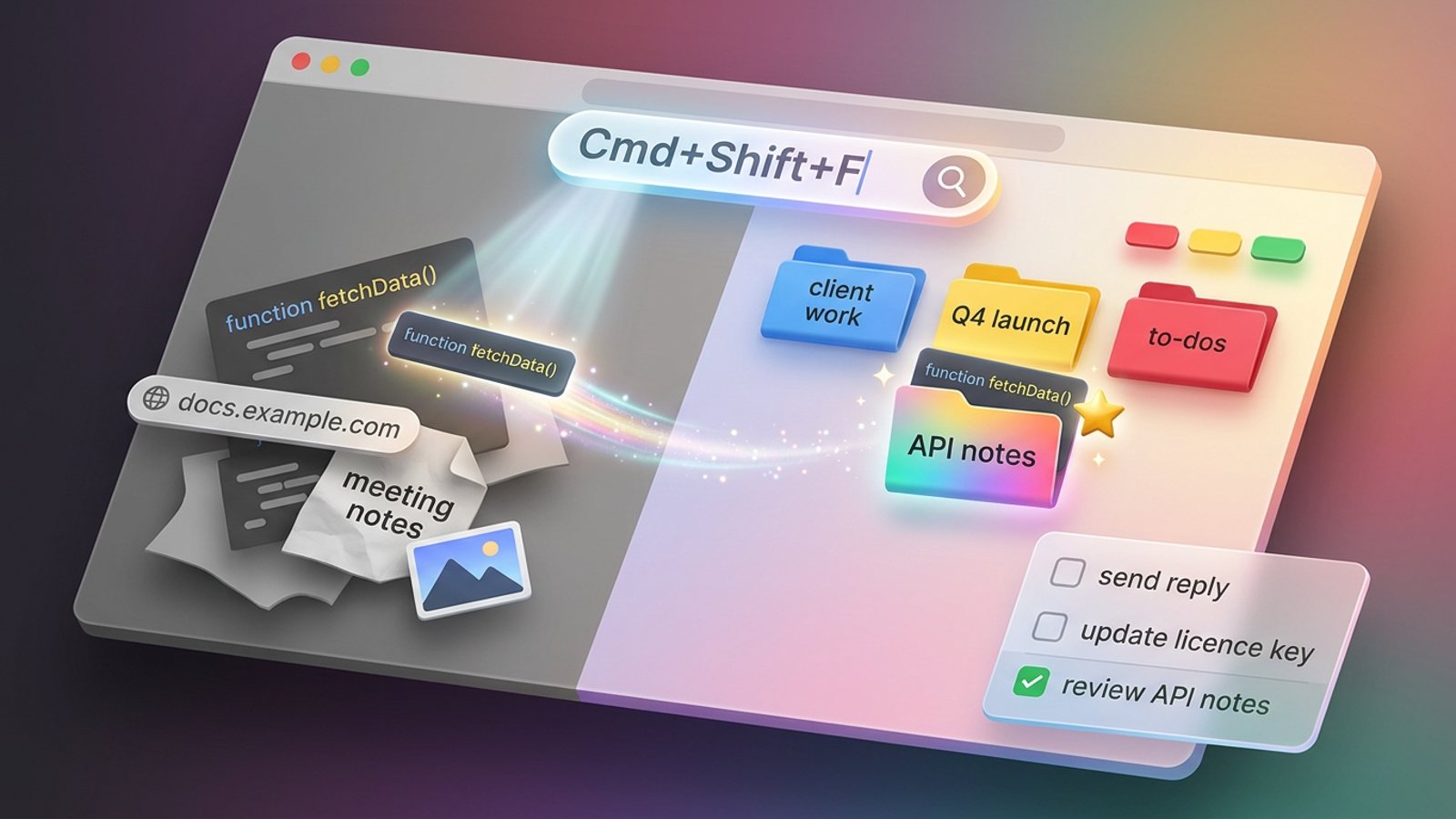
Clipboarder Pro auto-captures every code snippet you copy, keeps it searchable, and organizes it into folders, notes and to-do lists — all stored on your machine.
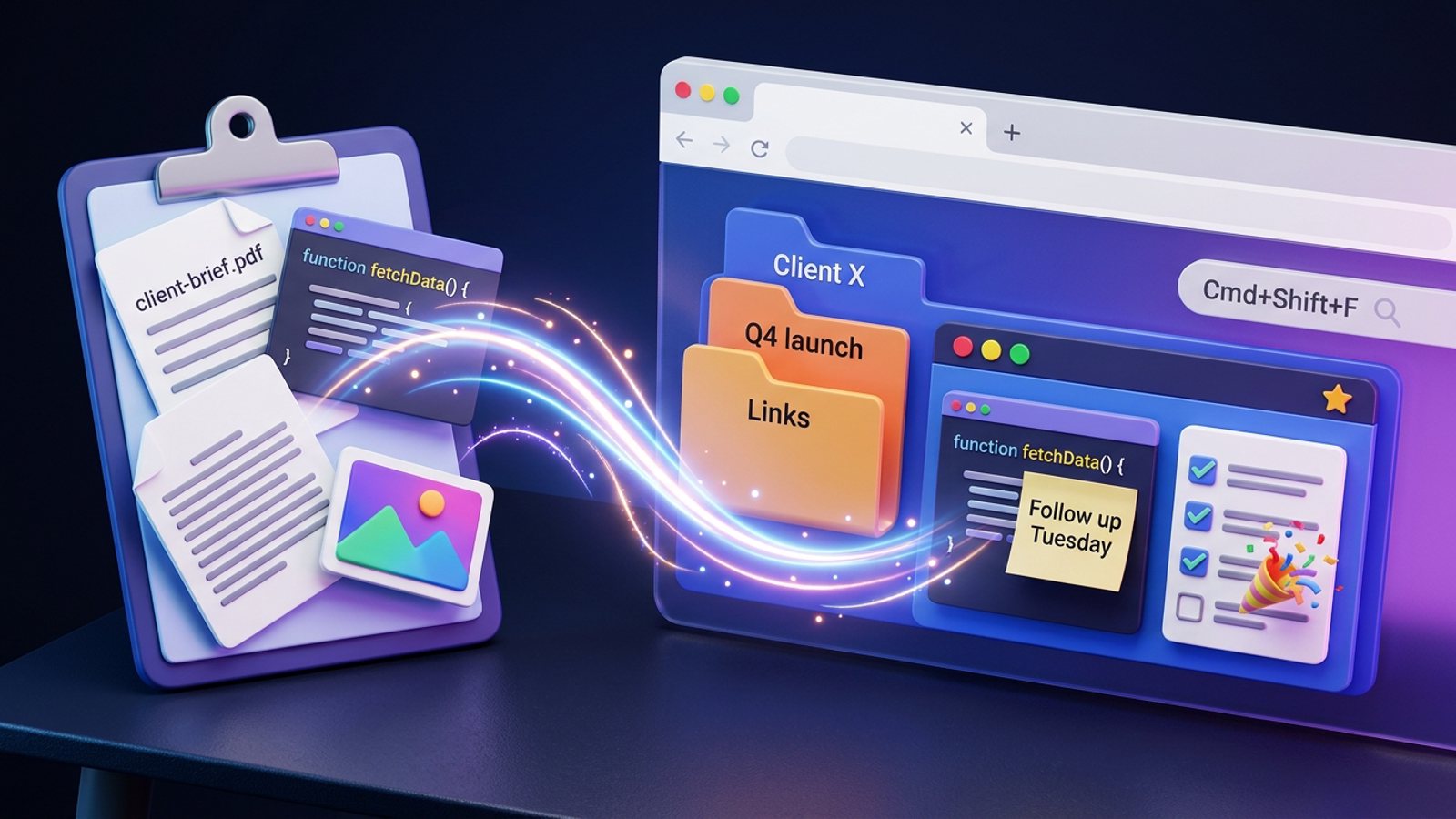
Yes — a Chrome clipboard manager captures everything you copy and keeps it searchable in folders, notes and to-do lists. Here's how automatic capture works and which tool fits.