Is a clipboard history extension worth it for writers juggling drafts?
For most writers in Chrome, yes. A clipboard history extension saves every copied quote, link and paragraph so your research stops vanishing between copies.
Clipboarder Pro Team
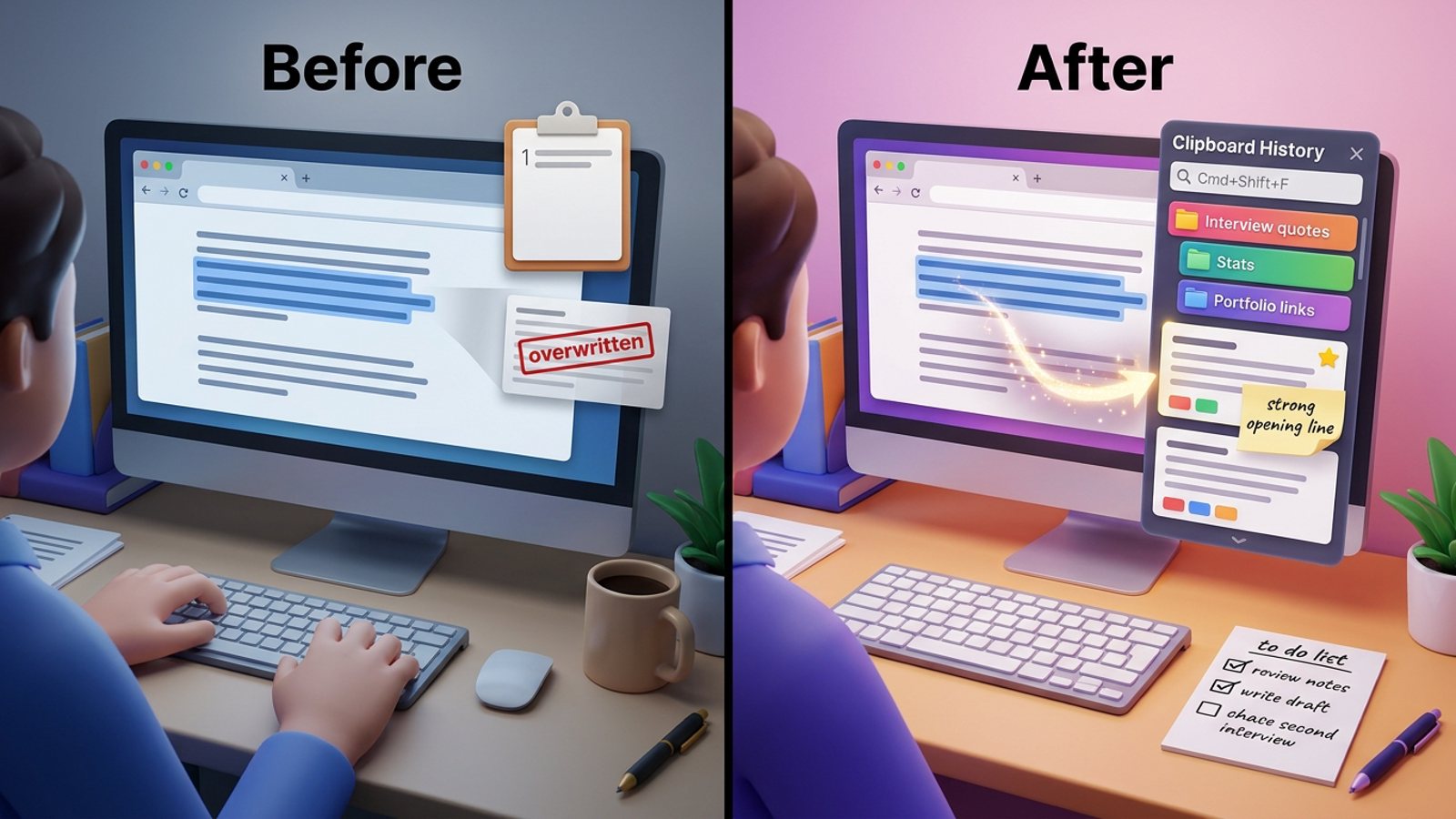
For most writers working in Chrome, yes. The clipboard holds one item, so copying a new paragraph or quote wipes the last one — and anything you collected mid-draft is gone. A clipboard history for writers keeps every copy, searchable and organized, for a small monthly cost after a free trial.
Key takeaways
Key takeaways
- Chrome itself has no clipboard history — only Chromebooks have a short built-in list of five items.
- Writers collect before they draft, so a lost copy is lost research you have to re-find.
- The real payoff isn't just history: it's folders, stars and notes that turn copies into a working draft file.
- Clipboarder Pro is free for 30 days, then $4.99/month as of November 2026 (prices can change).
- Skip it only if you rarely copy more than one thing at a time.
Why does a copied paragraph disappear when I copy the next one?
Because the clipboard only holds one item at a time. Copy a new quote and the previous one is replaced — there's no undo and no list to go back to.
That's how the system clipboard works, according to Octoclip (2026). Chrome doesn't add a clipboard panel, recent-copies list or history page on top of it, as copaste.app reported in September 2026. So a writer working entirely in the browser has nothing to fall back on unless an extension is doing the saving.
Say you're drafting a profile. You copy a quote from an interview, then a stat from a report, then a link to the subject's portfolio. By the third copy, the quote is gone. You go back to the tab, find the paragraph again, re-copy it. Multiply that by a morning and you've lost an hour to re-finding things you already had.
Good to know
On a Chromebook, ChromeOS does have a built-in clipboard pop-up — Launcher or Search + V — holding up to five recent items including text, links and images, per AirDroid (updated November 2026). Five items, no search, no folders.
Is a clipboard history extension worth it for writers?
Yes, if you collect quotes, sources or reusable phrases while you draft. It's one of the cheapest fixes for a daily annoyance, and it removes the re-copying tax entirely.
The case rests on how writing actually happens. Writers start before the draft: they read, copy, compare and collect from articles, interviews, PDFs and research tools, as aegisclip.com described in August 2025. Research that vanishes is research you pay for twice.
There's older background worth knowing. A 1985 study of six professional expository writers (ERIC, U.S. Department of Education — an old source, cited as background only) described them as "assiduous string savers," accumulating quotes, notes and clippings that triggered new ideas. The habit hasn't changed. The tools have barely caught up.
A clipboard extension doesn't make you a better writer. It stops the draft from costing you the research you already did.
What should a writer actually look for?
Five things, in this order: search, folders, stars, notes, and where your data lives. Everything else is decoration.
- Search across everything. If you can't find the quote from three weeks ago, the history is just a longer pile.
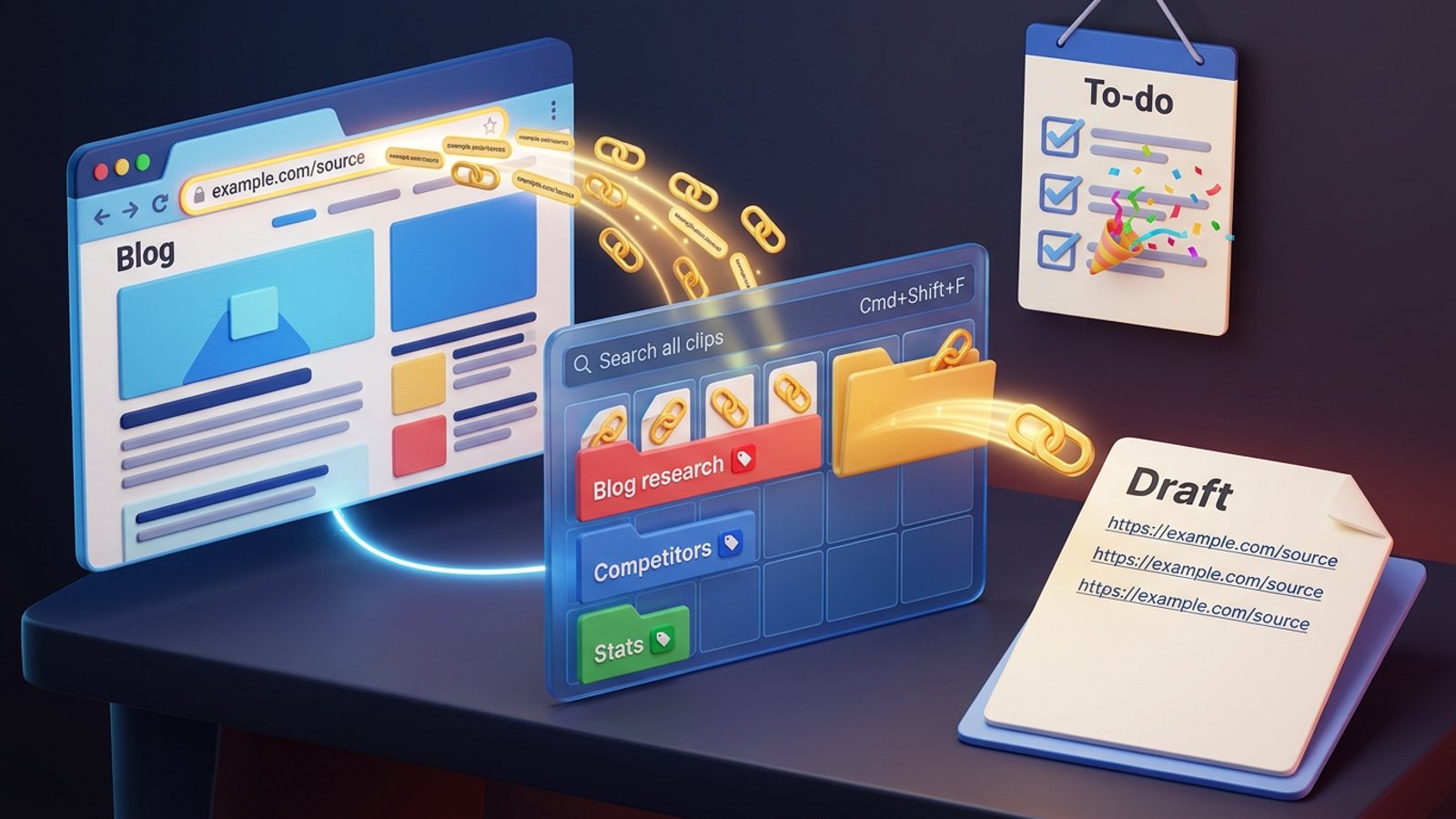
- Folders per project. One folder per article, client or draft beats one long list.
- Stars for the phrases you reuse. Your standard intro, your client's boilerplate, the line you keep coming back to.
- Notes next to the clip. The reason you saved a quote matters more than the quote.
- Local storage. If you copy passwords, client text or unpublished drafts, check whether the tool sends them anywhere.
Our recommendation: set up folders before you need them. "Article 1 quotes," "Client emails," "Reusable phrases." A pattern drawn from the Stack extension's listing and the aegisclip writer workflow — it works in any tool.
Tip
The first week is when you learn what you actually save. Copy normally, then at the end of day one sort your clips into two or three folders. The shape of your folders will tell you what your next project needs.
How Clipboarder Pro handles the writer's problem
Clipboarder Pro is a Chrome clipboard manager that saves everything you copy — text, images, URLs and code — and organizes it into folders, notes and to-do lists. It's our pick of the tools we compared, for reasons below.
Here's what that looks like for a draft in progress:
- Automatic capture. You keep copying as normal; each item lands in your history.
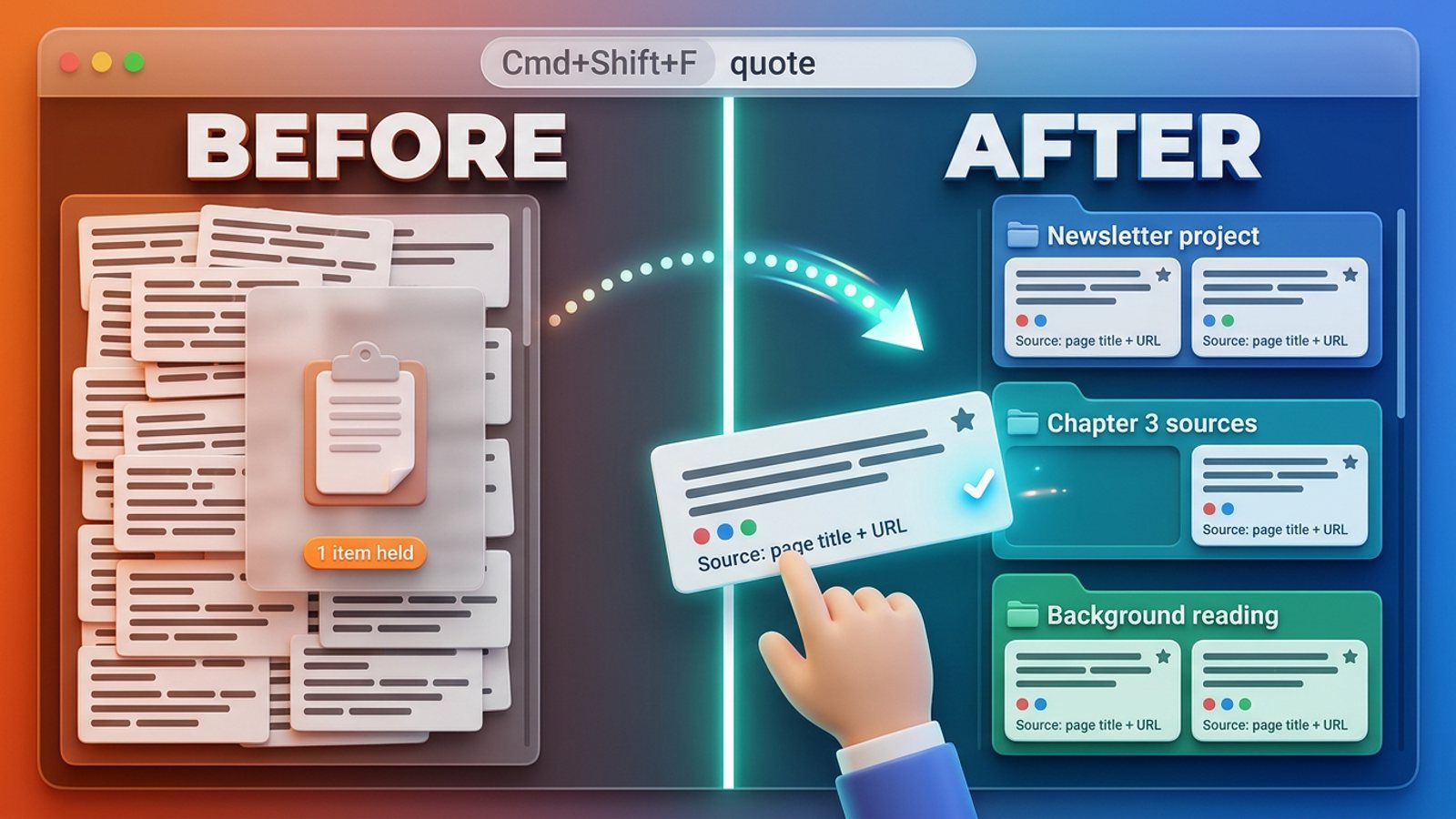
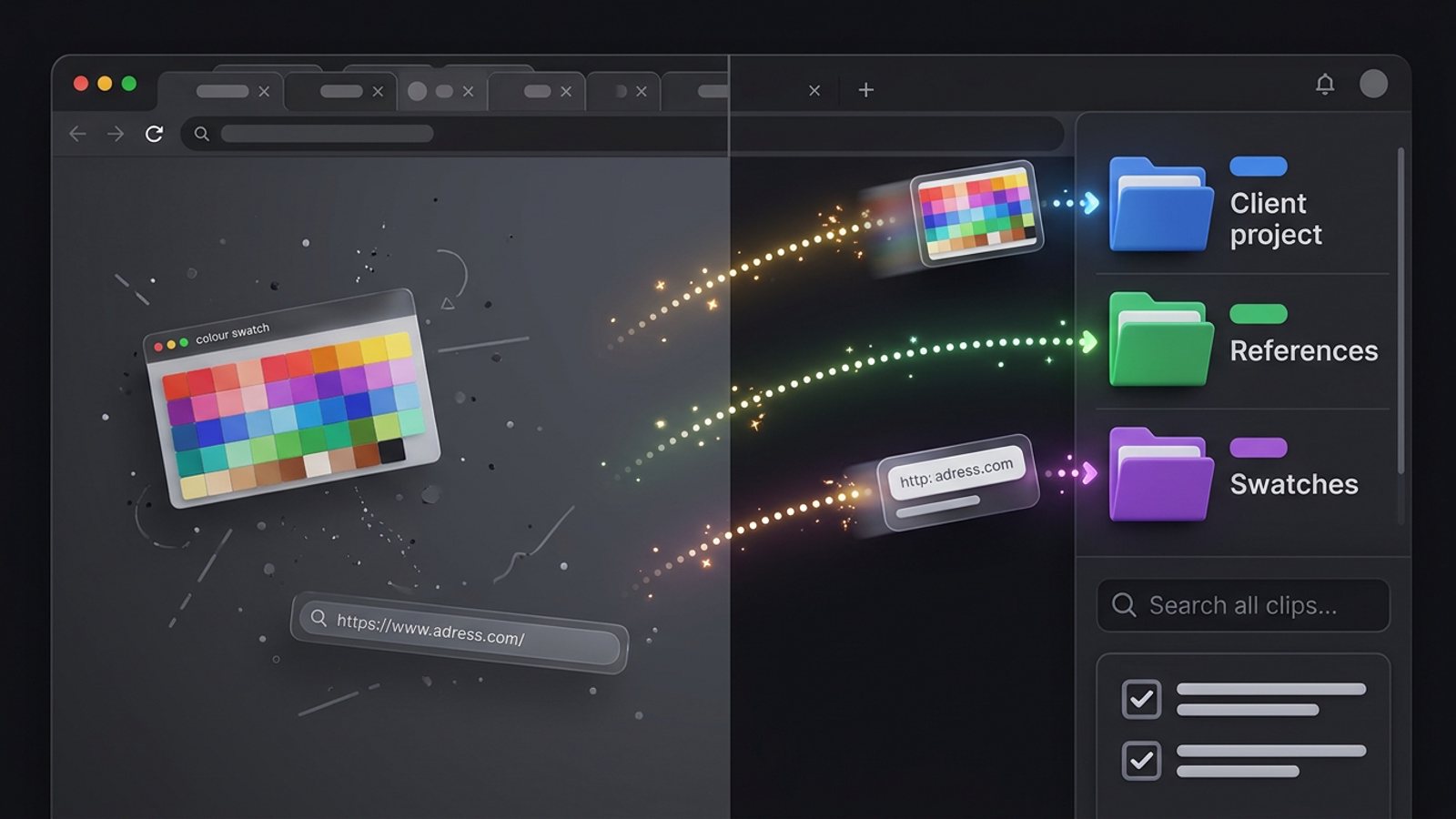
- Nested folders, three levels deep. Drag a quote into Features → Interview quotes → Chapter 3.
- Color tags for urgency, project or mood — spot what's for today at a glance.
- Stars on the phrases you paste every week, for one-click access.
- In-line notes written right next to the clip that inspired them. That's the bit a plain history tool can't do: the thought stays attached to the source.
- Multi-select copy — grab 5, 10 or 20 clips in one shot when you're assembling a quotes block.
- To-do lists with check-offs and hiding of completed items, so "chase the second interview" lives next to the quote it belongs to.
- Archive with a retention window of 1–365 days, so finished projects leave the way without being deleted.
Search runs across every clip, note and folder with Cmd+Shift+F.
On privacy: everything is stored in your browser on your machine — no servers, no tracking. That's a real advantage for writers handling client material and unpublished drafts. unstore.io (June 2026) made the general point that cloud-syncing clipboard tools move an unfiltered stream of passwords, codes and unfinished text through a vendor's servers; local-only tools avoid that.
The honest limits: it's a Chrome extension only, and because everything lives in your browser with no servers, there's no cloud sync or server backup. If you need your clips on a Mac app and a Windows machine at once, this isn't that tool.
Pricing: free for 30 days, then $4.99 per month as of November 2026 — prices can change.
Install the ultimate Chrome extension today and stop losing the paragraph you copied ten minutes ago.
How does it compare with other options?
Here's how the realistic choices stack up for a writer, as of November 2026.
| Option | Best for | Key features | Price | Watch-outs |
|---|---|---|---|---|
| Clipboarder Pro (Our pick) | Clips, notes and to-dos together | Auto-capture, nested folders, stars, in-line notes, to-dos | Free 30 days, then $4.99/mo | Chrome only; local, no sync |
| Chromebook built-in | Chromebook users copying a few things | Launcher + V pop-up, five items | Free | No search or folders |
| Copybook | Tracking where a quote came from | Source-URL tracking, pins, local storage | Free | Smaller feature set |
| ClipStack Pro | A cheap paid tier with sync | Search, pins, type filters, snippets | Free tier; Pro $2.99/mo | Free caps on history and snippets |
| Open-source Clipboard History | Tinkerers who want MIT code | Search, pins, shortcuts, Manifest V3 | Free | Repo archived March 2026 |
Clipboarder Pro is made by the team behind this blog.
A few notes on the others, fairly. Copybook (Chrome Web Store, updated August 2026) is free and tracks the source URL of what you copy — genuinely useful if you quote from many sites and need the link later. If source tracking is your main need, it's the more direct choice. ClipStack Pro's free tier gives 150 history items and 15 snippets with pins and search; its Pro tier at $2.99/month adds more history, unlimited snippets and sync, per its Chrome Web Store listing — cheaper than Clipboarder Pro, so if sync is a must, look there. The open-source Clipboard History extension (GitHub, February 2026) is free under the MIT licence with search, pins and shortcuts, but its repository was archived in March 2026 and is read-only.
If you're on a Mac and want system-wide capture across every app rather than browser-only, the Mac clipboard apps covered by EveZone (May 2026) are the better fit — Maccy is free and open source, Paste runs $39 one-time or $2.99/month, and Raycast has a free tier with paid Pro. They're macOS only.
Watch out
Free tiers often cap history length or snippet count. Check the cap against your actual workflow before you commit — a 150-item limit goes fast in a research-heavy week.
Does Chrome have its own clipboard history I could just use?
No. Chrome has no built-in clipboard history on Windows, Mac or Linux — no panel, no list, no history page, per copaste.app (September 2026).
The Chromebook exception is worth knowing. ChromeOS ships a clipboard pop-up holding up to five recent items, on by default; if it's missing, AirDroid (November 2026) notes it can be enabled via chrome://flags under "Enhanced Clipboard" or "Clipboard History." A Google Help community reply from 2022 confirms Launcher + V opens it on a Chromebook.
Five items is not a draft workflow. It's a slightly longer single slot. If you're on a Chromebook and only ever juggle a couple of links, it may be enough; otherwise you need an extension.
Is a paid extension worth it over a free one?
Often yes, but only if the free tier's caps would bite you. Pay for capacity and organization, not for the concept of history.
Free Chrome extensions exist and several are decent — Copybook, the open-source Clipboard History, ClipStack Pro's free tier. Their limits tend to be entry counts, snippet counts, or sync held behind the paywall, per their store listings. A writer collecting twenty quotes a day will hit a 150-item cap inside two weeks.
What you're really paying for in Clipboarder Pro is the organization layer: nested folders, color tags, stars, in-line notes and to-dos in the same place as the clips. A plain history list answers "what did I copy?" A structured one answers "where's the quote about the bakery, and what did I want to do with it?"
Tip
Run the free trial against a real draft, not a test. If by day 30 you haven't opened your folders, you don't need the paid tier. If you have, $4.99 is cheaper than the hour you'd spend re-finding quotes.
What's the fastest way to set this up?
Ten minutes, once.
- Install the extension and keep copying as you normally do.
- Copy through one real research session — an article, a couple of links, a quote you want to keep.
- Make two folders — one for the current draft, one for reusable phrases.
- Drag your clips in and add a color tag to anything urgent.
- Write one in-line note on the clip that sparked a thought.
- Star your three most-pasted phrases.
- Search for one of them with Cmd+Shift+F to prove the system works.
If you want the mechanics of finding an old copy, our guide on how to search clipboard history in Chrome for an old snippet walks through it. And if your problem is specifically that copies vanish mid-task, how to stop losing copied text when you copy something new in Chrome covers that directly.
For writers who also keep a running to-do list alongside their drafts, there's more on keeping notes and to-dos with your clips.
Install the ultimate Chrome extension today and keep every quote, link and half-formed thought where you can find it.
Sources
- Chrome Clipboard History: How to See What You Copied in the Browser (copaste.app, 2026-09-10)
- Do You Need a Clipboard Manager? What It Does and Who It's For (Octoclip, 2026-06-21)
- How to check clipboard history on a Chromebook (AirDroid, updated Nov 2026)
- Google Help community thread on Chromebook clipboard history (2022-11-09)
- Clipboard Manager for Writers (aegisclip.com, 2025-08-23)
- Assiduous String-Savers: The Idea-Generating Strategies of Professional Expository Writers (ERIC, 1985)
- Best Clipboard Manager Chrome Extensions in 2026 (TypeFire, 2026-10-04)
- Best clipboard manager apps for desktop in 2026 (unstore.io, 2026-06-15)
- Copybook (Chrome Web Store, updated 2026-08-02)
- Stack (Chrome Web Store, date not given)
- ClipStack Pro (Chrome Web Store, date not given)
- Clipboard History — Free Open Source Chrome Extension (GitHub, 2026-02-16)
- Best Clipboard Manager for Mac (EveZone, 2026-05-24)
Frequently asked questions
Does Chrome have clipboard history built in?
No. Chrome has no clipboard panel or history page on Windows, Mac or Linux, per copaste.app (September 2026). Only Chromebooks have a built-in list, and it holds up to five items.
How many items does the Chromebook clipboard keep?
Up to five recent items, including text, links and images, according to AirDroid (updated November 2026). Open it with Launcher or Search + V.
Why did my copied paragraph disappear when I copied the next one?
Because the clipboard holds only one item. Copying something new replaces what's ready to paste — there's no history unless a tool is saving it.
Do clipboard managers store my data in the cloud?
It depends on the tool. Some sync to a vendor's servers; others stay local. Clipboarder Pro stores everything in your browser on your machine, with no servers — worth checking on any tool before you paste client text into it.
Which clipboard tool should a writer use?
For Chrome-based writers who want clips, notes and to-dos in one place, Clipboarder Pro is our pick of the tools we compared — free for 30 days, then $4.99/month as of November 2026. If you need source-URL tracking, Copybook is the more direct choice; if you need sync on a budget, ClipStack Pro's $2.99/month tier fits; if you want system-wide capture on a Mac, a Mac-native app is the right tool.