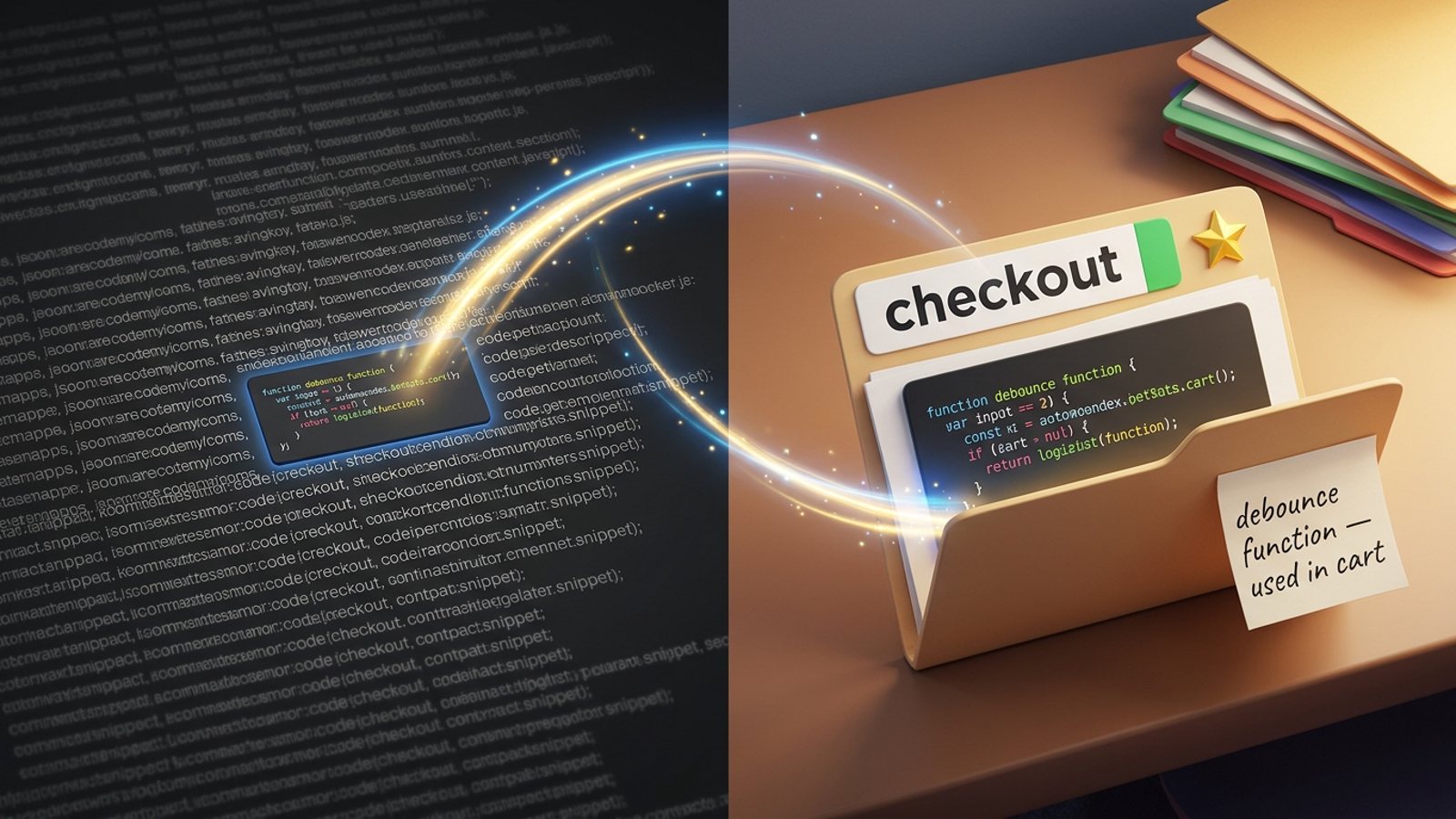
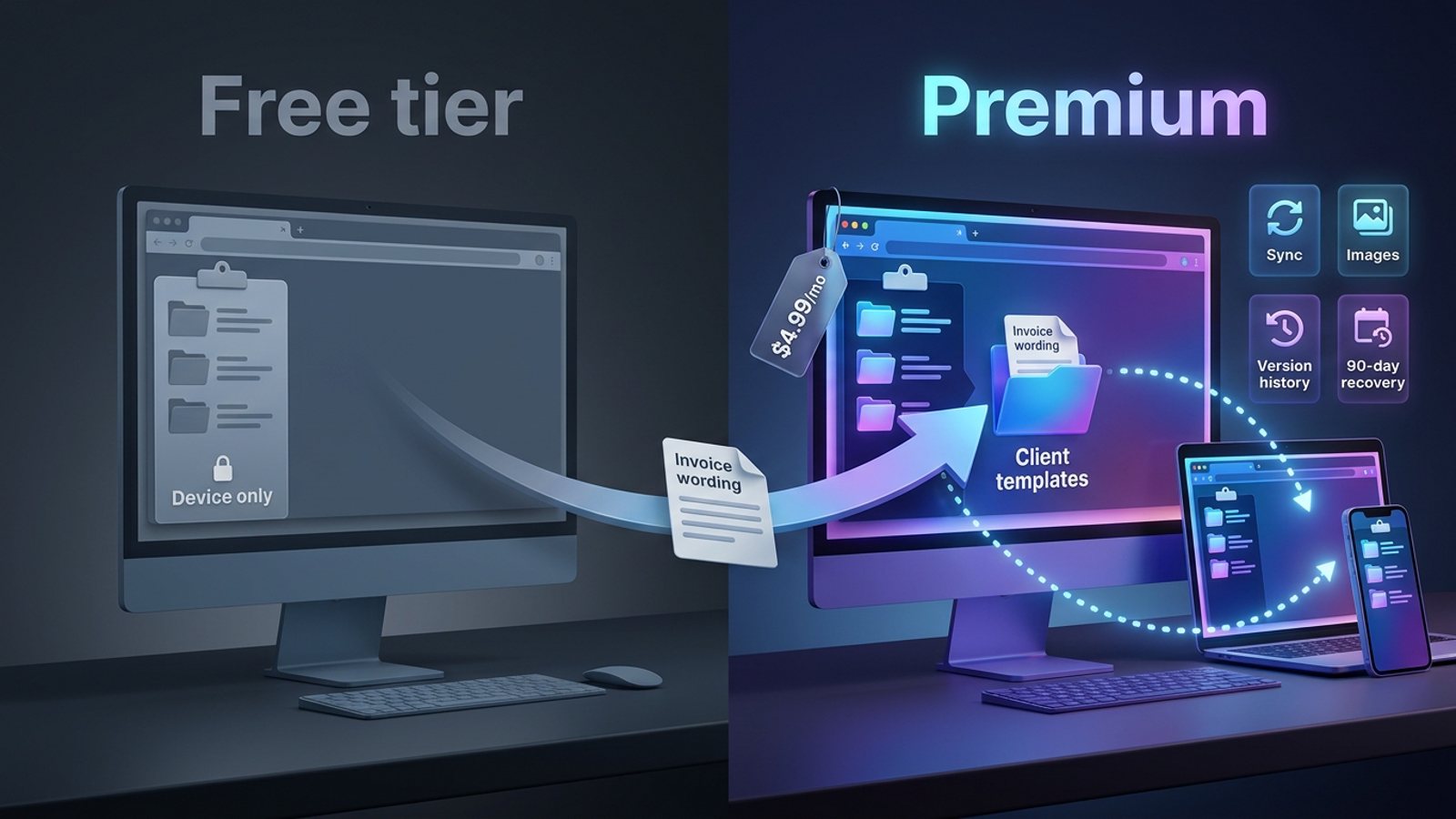
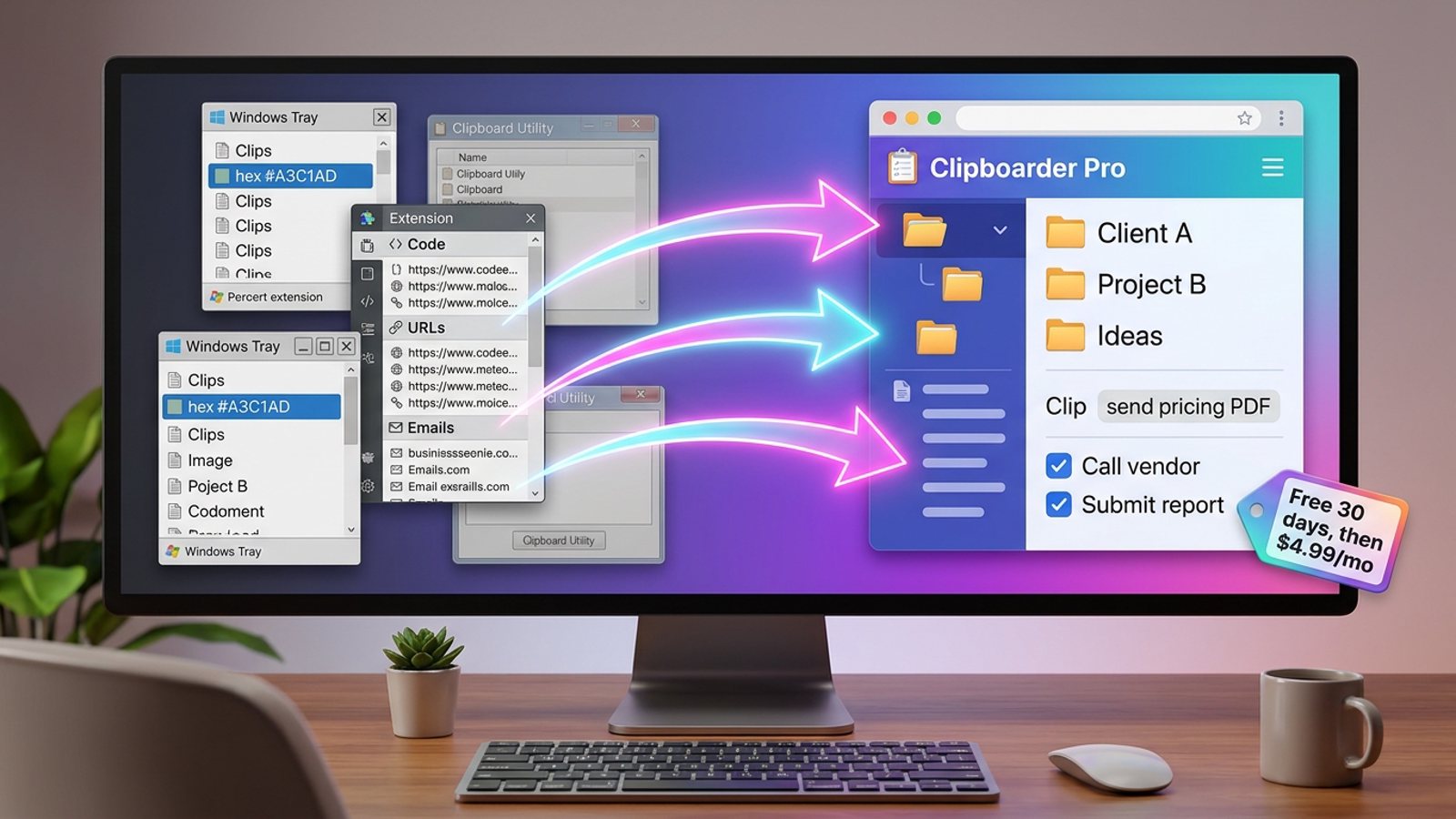
What is the best clipboard organizer for copywriters who save swipe files?
The best clipboard organizer for copywriters auto-saves every headline and CTA you copy, then lets you find it by folder, tag and star in one click.
Clipboarder Pro Team
For copywriters who save swipe files, the best clipboard organizer captures every headline, CTA and ad you copy, then lets you pull it back in one click. Folders, colour tags and starred clips matter more than long feature lists. A dedicated clipboard organizer for copywriters fits this job best; note apps and Google Docs need manual pasting, so the swipe file goes stale.
Key takeaways
Key takeaways
- A clipboard organizer should auto-save what you copy, so your swipe file builds itself as you browse.
- Folders, colour tags and starred clips are what make a big swipe file findable months later.
- Clipboarder Pro is our pick of the tools we compared: it saves text, images, URLs and code, keeps everything in your browser, and is free for 30 days.
- Note apps like Google Keep and Evernote are built for whole pages and documents, not one-click headline reuse.
- Most swipe files fail because they fill up and nobody reopens them — tagging by audience and technique fixes that.
Why do most copywriter swipe files stop getting used?
Most swipe files fail because they fill up with saved items nobody reopens. Madgicx (November 2026) makes this point directly: the useful method is find → save with tags → write a brief → test, not just hoard. A copywriter's own account on LinkedIn (October 2025) describes building and tidying a swipe file as a chore that leads people to abandon it.
That's the real problem to solve. Not "where do I keep my examples" but "how do I get them back fast when I'm staring at a blank page at 4pm". A swipe file is only worth the space it takes if a saved headline can become your next hook in seconds.
So the tool you pick should do three things: capture without you thinking about it, organise by the way you actually write, and let you search and paste back in one click. Everything below is judged on that.
A swipe file isn't a museum — it's a toolbox. If you can't pull the right tool in one click, it's just clutter.
What should a clipboard organizer for copywriters do?
It should save everything you copy automatically, then make it findable by folder, tag and star. A swipe file is a searchable collection of ads, emails, headlines, landing pages and other copywriting examples kept for reference when you need a stronger hook, offer or structure (BPI, September 2026).
Good swipe-file practice, per the same BPI guide, is to save the source and context, and tag each example by audience, channel, technique and purpose. That's the checklist. If your tool can't do those four tags without friction, you won't do them.
Here's the practical test. Say you're writing a landing page for a bakery. You want a headline that sells comfort. You need to find, in under a minute, every "warm, homey" headline you've saved, plus the note you wrote about why it worked. If your setup can't do that, it's not a swipe file — it's a graveyard.
Tip
Our recommendation: tag every swipe item with the audience and the technique (e.g. "skeptical buyer" + "social proof"). Those two tags alone will get you back to the right example faster than any folder structure.
What is the best clipboard organizer for copywriters who save swipe files?
Clipboarder Pro is our pick of the tools we compared for this job. It's a Chrome extension that automatically saves everything you copy — text, images, URLs and code — and lets you organise clips into nested folders, colour tags, stars and notes, alongside to-do lists.
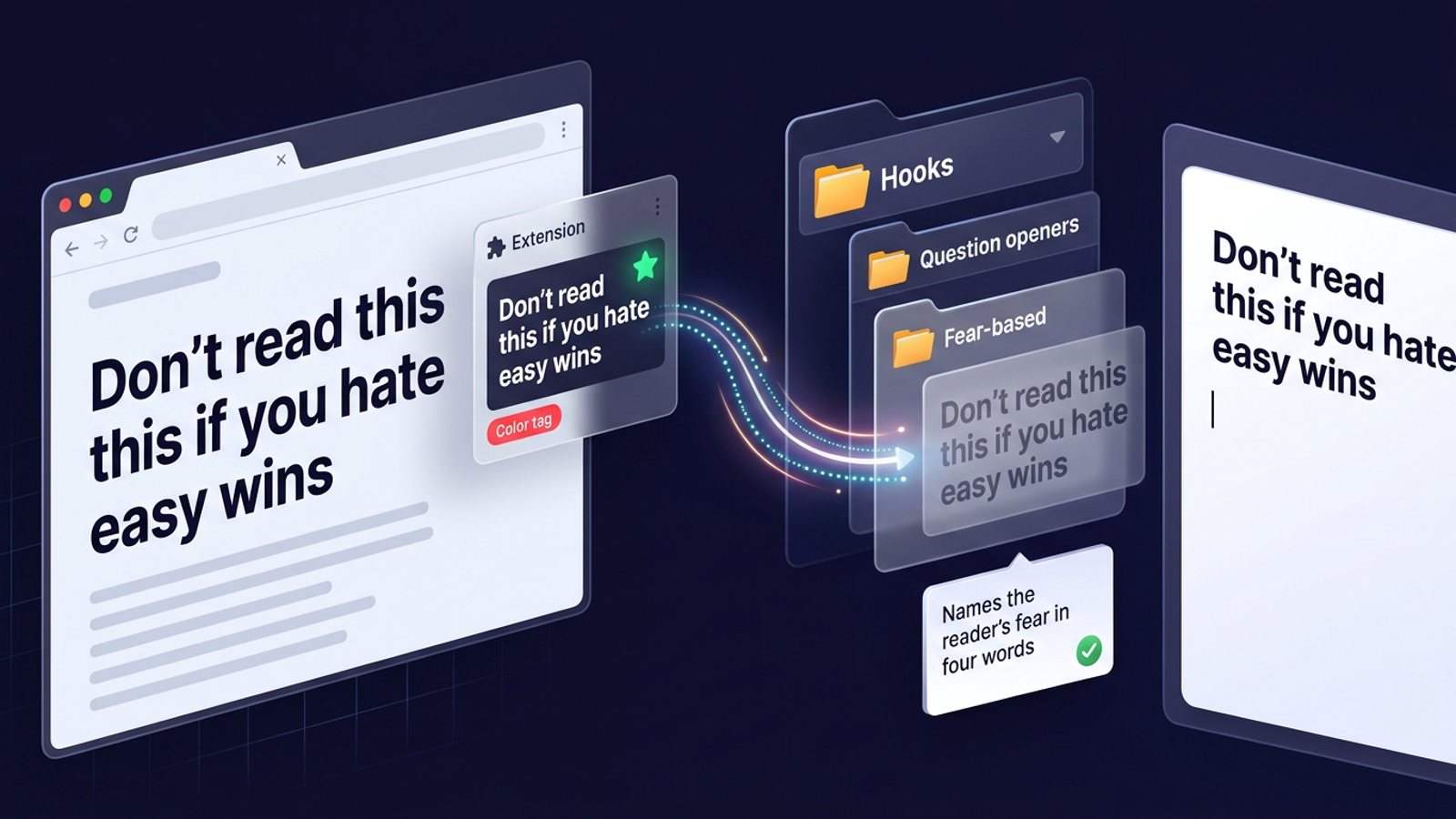
The fit for copywriters is in the reuse. You copy a headline from an ad you're studying; it's saved instantly. You drag it into a folder like "Hooks → Question openers", colour-tag it by project, star it if it's a favourite, and write a note right next to it about why it works. Later you search across every clip, note and folder with Cmd+Shift+F.
For a swipe file specifically, three features do the heavy lifting:
- Nested folders up to 3 levels deep, with drag and drop — so "Swipe → Email → Welcome sequences" is a real place, not a flat list.
- Colour tags by urgency, project or mood — so you can spot the "urgent client work" examples at a glance.
- Stars on the items you use most — one-click access to the headlines and CTAs you keep coming back to.
There's also a feature that matters more than it sounds: select multiple clips and copy 5, 10 or 20 items in one shot. Building a swipe-file roundup for a client, or pasting a set of reference headlines into a brief, stops being a copy-paste marathon.
Clipboarder Pro is free for 30 days. After that it's $4.99 per month as of November 2026; prices can change.
Good to know
Everything Clipboarder Pro saves stays in your browser on your machine — no servers. That matters for a swipe file, because you're often saving competitor copy and client-adjacent material you wouldn't want syncing anywhere.
How do you build a swipe file that actually gets used?
Follow four steps: capture as you browse, tag by technique and audience, star your best headlines and CTAs, then search and paste back. That sequence comes from the tagging and reuse guidance in BPI (September 2026) and Madgicx (November 2026).
- Capture as you browse. Read ads, emails and landing pages as normal. Every time something makes you stop, copy it. With a clipboard manager, that's the whole save action.
- Tag by technique and audience. Not "good ads" — "urgency" and "B2B buyer". BPI recommends audience, channel, technique and purpose; pick the two you'll actually use.
- Star your best headlines and CTAs. Keep a short list of the ten or twenty lines you'd reach for first. Stars make that list one click away.
- Search and paste back. When you're writing, search the technique you need, read your own note on why it worked, and adapt it.
That last step is where the note matters. A headline on its own is just words. A headline plus "this worked because it named the reader's fear in four words" is a lesson you can reuse.
Watch out
The common mistake is saving without context. An unlabelled screenshot of an ad from two years ago tells you nothing about why it worked or who it was for. Save the source and a one-line note while it's fresh.
How does Clipboarder Pro compare with other clipboard organizers?
Here's how the main options stack up for a copywriter's swipe file. Clipboarder Pro goes first because it's our pick of the tools we compared — for the reasons in the table, not because the others are weak.
| Option | Best for | Key features | Price / free option | Watch-outs |
|---|---|---|---|---|
| Clipboarder Pro (Our pick) | Swipe files built in Chrome | Auto-save, nested folders, colour tags, stars, in-line notes | Free for 30 days, then $4.99/month | Chrome only; data stays on your machine |
| Swipe File (Chrome extension) | Whole pages and ad screenshots | Web clipper, ad saver, boards, tags, notes | Free plan: 50 clips, 5 folders | Free tier caps clips and folders |
| Google Keep | Quick short notes and reminders | Labels, colours, reminders | Free, 15 GB shared Google storage | No folders, 19,999-character limit, no web clipper |
| Evernote | Clipping whole pages and PDFs | Strong web clipper, OCR, notebooks and tags | Free (limited), Starter $8.25/month | Heavier, pricier, slower for one-click reuse |
| Windows / macOS clipboard | Quick recall of recent clips | Built into the OS | Free | Tiny history, no tagging or folders |
A few things worth spelling out. Swipe File is the most direct choice if you mainly want to save whole pages and ad screenshots rather than individual lines of copy — its free plan covers 50 clips and 5 folders, with a Pro tier for unlimited clips, folders, boards, export and import, according to its Chrome Web Store listing. If your swipe habit is "save the whole landing page", start there.
Google Keep is free and fast, but per a Fabric comparison (vendor blog, updated May 2026) it offers only labels and colours — no folders or hierarchy — caps a note at 19,999 characters, and has no dedicated web clipper. For a swipe file that means pasting everything in by hand, which is exactly the chore that kills swipe files.
Evernote is the strongest option here for clipping whole pages and documents, with OCR search across images and PDFs and hierarchical notebooks and tags (Fabric, updated May 2026). Its plans are listed as free (heavily limited), Starter at $8.25/month, Advanced at $14.17/month and Teams at $24.99/month, as of November 2026; prices can change. If you mainly need to archive full pages with searchable text inside them, Evernote is the more direct choice. It's just slower for pulling a single headline back out mid-draft.
Windows clipboard history and the macOS built-in clipboard are free and need no install. But per a third-party comparison table on GitHub (archived repo, February 2026), Windows holds roughly 25 items with no full-text search and no favourites, and the macOS built-in clipboard is described as holding about one item with no search or pin. A SmartKeys Podcast episode (November 2026) reports macOS Tahoe's clipboard history is time-based rather than a fixed item count. Either way, neither is built for a growing, tagged library.
Clipboarder Pro is made by the team behind this blog. If you want the auto-capture, folders, colour tags and stars in one Chrome extension, install the ultimate Chrome extension today and your next copy is already saved.
Is a clipboard manager better than a plain Google Docs swipe file?
For most copywriters, yes — because the capture is automatic and the search is instant. A Google Docs file gives you total control over structure, and save-and-paste is universal. But capture is manual: copy, switch app, paste, format, tag. That's the exact chore documented as the reason swipe files go stale (LinkedIn, October 2025; Madgicx, November 2026).
A Chrome clipboard manager flips it: you copy while you browse, and the organising happens after, in seconds. The document becomes a by-product of your normal work instead of a separate task.
There's a privacy angle too. Syncing clipboards across devices usually sends data to the cloud, and local-only clipboard tools are pitched as the privacy-friendly alternative (XDA, June 2026). Several Chrome clipboard extensions now promise local storage with no servers — Pastree states no servers, accounts or analytics in its privacy policy (updated September 2026), ClipNext uses chrome.storage.local with no cloud sync, and SafeClip is described as AES-256 encrypted and on-device only, per their store listings. If your swipe file holds competitor copy, keeping it on your machine is the simpler position.
How big should a swipe file get before it's unmanageable?
It gets unmanageable the moment you stop reopening it — not at a specific number. Madgicx (November 2026) notes that piles of saved items that never get reopened are the core failure. The fix isn't a smaller file; it's better tagging and starring so the good material stays on the surface.
Our recommendation: keep a starred shortlist of your twenty best headlines and CTAs, and let everything else live in tagged folders. The shortlist is what you actually write from. The folders are the archive you dip into when the shortlist fails you.
Tip
Our recommendation: once a month, open your swipe folders and archive anything you haven't starred or searched for. Clipboarder Pro lets you archive without deleting, with a retention window of 1–365 days — so nothing is lost, but the surface stays clean.
Sources
- 9 Places to Find The Best Copywriting Examples for Your Swipe File (BPI, 2026-09-02)
- Ad Swipe File: What to Save and How to Build One That Works (Madgicx, 2026-11-11)
- LinkedIn swipe-file post (Fabian Warislohner, 2025-10-17)
- COMPARISON.md (GitHub, archived repo, 2026-02-16)
- SmartKeys Podcast: Clipboard Managers (Podscan.fm, 2026-11-14)
- Evernote vs Google Keep (Fabric, vendor blog, updated 2026-05)
- I replaced my cloud clipboard manager with a local one (XDA, 2026-06-14)
- Pastree privacy policy (Firefox Add-ons, updated 2026-09-26)
- ClipNext – Smart Clipboard Manager (Chrome Web Store)
- SafeClip: Encrypted Clipboard History (Chrome Web Store)
- Swipe File: web clipper & ad saver (Chrome Web Store)
Frequently asked questions
Which clipboard organizer should a copywriter use for a swipe file?
Clipboarder Pro is our pick of the tools we compared, because it auto-saves what you copy and organises it with nested folders, colour tags, stars and in-line notes in Chrome. If you mainly save whole pages and ad screenshots rather than individual lines, Swipe File's web clipper is the more direct choice.
Can I keep my swipe file private?
Yes, if you pick a local-only tool. Clipboarder Pro stores everything in your browser on your machine with no servers. Cloud-syncing clipboards generally send data to a server, which is why local-only tools are pitched as the privacy-friendly option (XDA, June 2026).
How should I tag swipe file entries?
Tag by audience, channel, technique and purpose, as BPI (September 2026) recommends. In practice, pick the two you'll actually use — usually audience and technique — and add a one-line note on why the example works.
Can I move my swipe file between note apps later?
It depends on the app. Evernote exports to HTML and ENEX, while Google Keep has no import feature, so moving notes between them means recreating them by hand (Fabric, vendor blog, updated May 2026). Check export options before you commit a large swipe file to any tool.
Do I need a paid tool for a swipe file?
No. Windows and macOS both have built-in clipboard history, and Google Keep is free. But those options offer little tagging or folder structure, so most copywriters building a real swipe library end up wanting a dedicated organizer. Clipboarder Pro is free for 30 days, then $4.99 per month as of November 2026; prices can change.