ClipManager review: is it worth it for busy office professionals?
ClipManager is a name shared by several unrelated tools. Here's what each one does, where it falls short for office work, and which clipboard manager actually fits.
Clipboarder Pro Team
If you're an office professional who copies links, snippets and notes all day, this clipmanager review has a simple answer: it depends which ClipManager you mean. The name covers at least three unrelated products, and none is confirmed to combine clipboard history with folders, notes and to-dos.
Key takeaways
Key takeaways
- "ClipManager" is a name shared by several unrelated products, not one app — check which one you're downloading.
- The GitHub ClipManager (omvs077) is a lightweight native Windows history tool with URL, hex, path and email auto-tagging.
- The Chrome Web Store "ClipManager – AI Knowledge Capture & Workspace" auto-classifies clips and adds search shortcuts.
- None of the ClipManager products is confirmed to put folders, in-line notes and to-dos in one place.
- Clipboarder Pro is a Chrome clipboard manager with folders, notes and to-dos, stored in your browser on your machine.
Ready to stop losing what you copy? Install the ultimate Chrome extension today and keep every link, snippet and idea in one place.
What is ClipManager, and why are there several of them?
"ClipManager" is not one confirmed product. The name maps to at least three different things: a free, open-source Windows clipboard history app on GitHub (omvs077/ClipManager), an AI "knowledge capture" Chrome extension, and an old portable Windows utility that Lifehacker covered back in 2010. A download listing also shows a "ClipManager" by MyFMbutler, a FileMaker-related tool labelled "Shareware $85" as of September 2023.
So before you judge a clipmanager review, find out which one you're actually looking at. Here's how to tell them apart:
- Check the source. GitHub means the omvs077 Windows app. The Chrome Web Store means the AI Knowledge Capture extension. A FileMaker or database context means the MyFMbutler tool.
- Check the platform. Two of the three are Windows-only; only the Chrome Web Store one runs in the browser.
- Check the price label. The MyFMbutler listing showed a shareware label; the GitHub page and the Chrome listing each describe their app without a price.
That name collision matters because the answer to "is it worth it" changes completely depending on which tool you install. Let's take each one in turn.
Good to know
Because the name is shared, a review you read online may describe a completely different app from the one you're about to install. Always match the developer name and the platform before you trust a verdict.
ClipManager (GitHub, omvs077): what does the Windows app do well?
It's a fast, native Windows tray app for clipboard history. Written in C++/Win32 with no Electron or .NET, it tracks text, images and files/folders, and adds "smart detection" that auto-tags URLs, hex colors, file paths and emails — each with quick actions like open in browser, open in Explorer or copy hex. Its author describes it as lightweight, with "safe event-driven monitoring, a cursor-tracked popup UI, and privacy filtering" (GitHub, June 2026).
Where it shines: if you work on Windows and mostly want your last few dozen copies of text, images and files back quickly, this is a lean, no-frills option. Image capture comes with thumbnails, and the auto-tagging saves a step when you're pasting links or colors into other tools.
Where it stops short for office work: it's a Windows-only native app. The GitHub page describes a history manager with auto-tagging and quick actions — not browser-based folders, in-line notes or to-do lists. So if your day is spent in Chrome juggling client links, email snippets and a running task list, this app covers the history part but not the organizing part.
ClipManager – AI Knowledge Capture & Workspace: what does the Chrome extension offer?
It indexes copied snippets, text, code and links, then auto-classifies entries into categories like Code, JSON, AI Prompts, URLs, Emails and Color Codes. The Chrome Web Store listing also mentions universal search shortcuts (Ctrl+Shift+F or Ctrl+Shift+Space) and an AI prompt library (Chrome Web Store, date not given).
Where it shines: the auto-classification is genuinely useful if you copy a mix of code, prompts and links and want them sorted without thinking. The search shortcuts mean you can pull up an old clip without leaving the keyboard.
Where it stops short: the listing gives no date, no pricing and no independent tests, so it's hard to judge how current or how tested it is. Its AI and transform features imply processing beyond plain history, but the listing doesn't spell out the details. And the features it describes are classification and search — so if organizing your clips into project folders is the goal, this isn't confirmed to do it.
Watch out
Clipboard history can hold passwords, auth codes, API keys and payment details. Before you enable unlimited retention or sync on any clipboard tool, set exclusions and decide how much history you actually want to keep.
Does ClipManager have folders, notes or to-do lists?
None of the ClipManager products is confirmed to offer all three. The GitHub app is described as a history manager with auto-tagging and quick actions. The Chrome extension auto-classifies by type. Neither listing describes nested folders, in-line notes attached to a clip, or a check-off to-do list.
That's the gap that matters most for busy office professionals. Your problem usually isn't "I can't paste my last item" — it's "where did that client link go, and what was I supposed to do with it?" History alone doesn't answer that. Organization does.
The real test of a clipboard tool isn't how much it remembers — it's whether you can find the right thing again and know what to do with it.
What should office professionals look for instead?
You want one place for links, snippets, notes and to-dos, with fast search and storage you control. That's the checklist:
- Clipboard history that captures automatically — text, images, URLs and code, without you pasting anything into a scratch file.
- Folders so client A's links don't mix with project B's snippets.
- Notes next to the clip so the idea you had when you copied something doesn't evaporate.
- A to-do list in the same place, so a copied action item becomes a task.
- Fast search across everything.
- Local storage, so sensitive clips don't travel through someone else's servers.
Our recommendation: test the free built-in Windows option first (Win+V → Turn on) to see whether plain history is enough for you. If it isn't — and for heavy copy-paste work it usually isn't — move to a tool built for organization.
How Clipboarder Pro compares with ClipManager and the alternatives
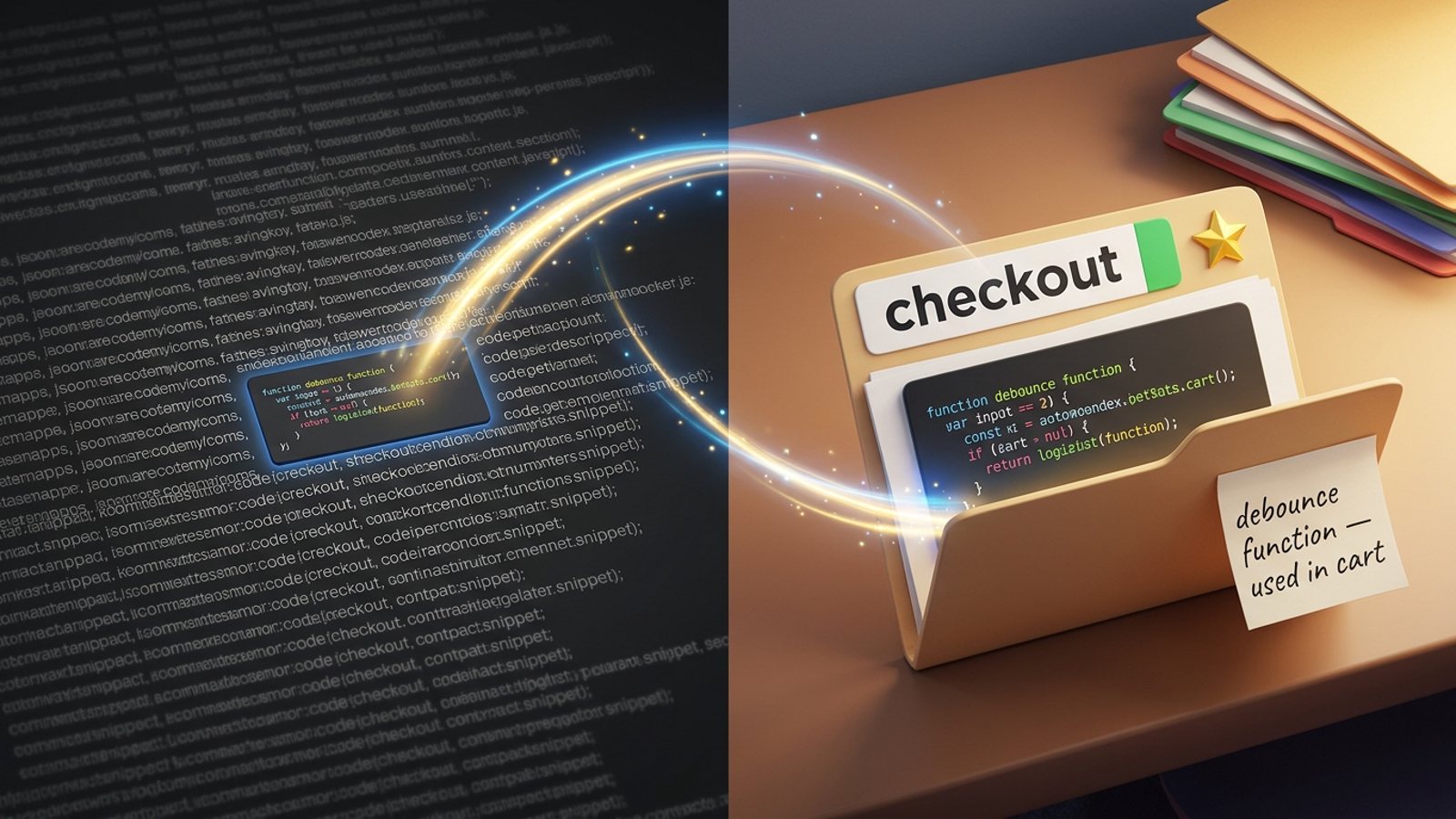
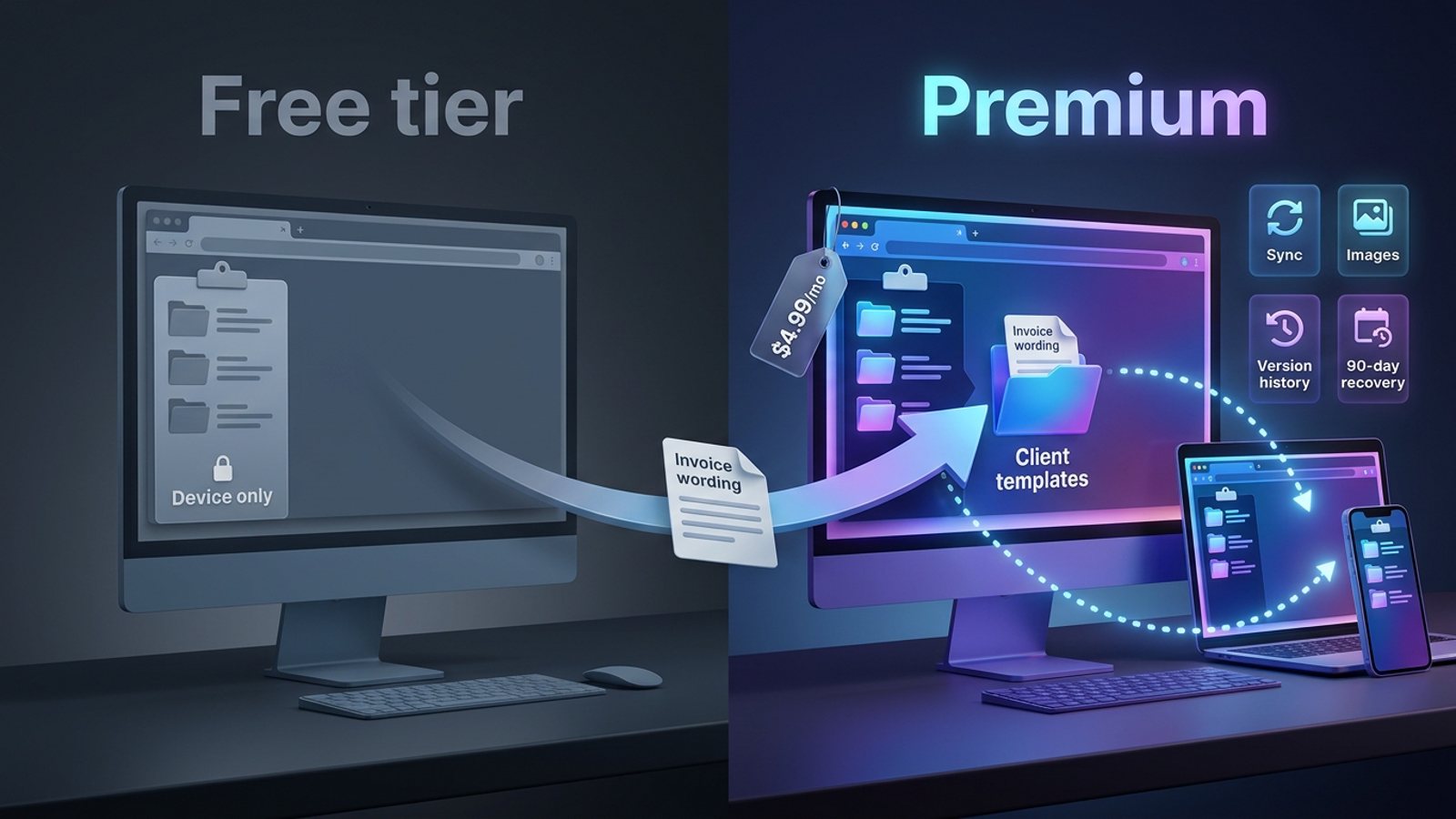
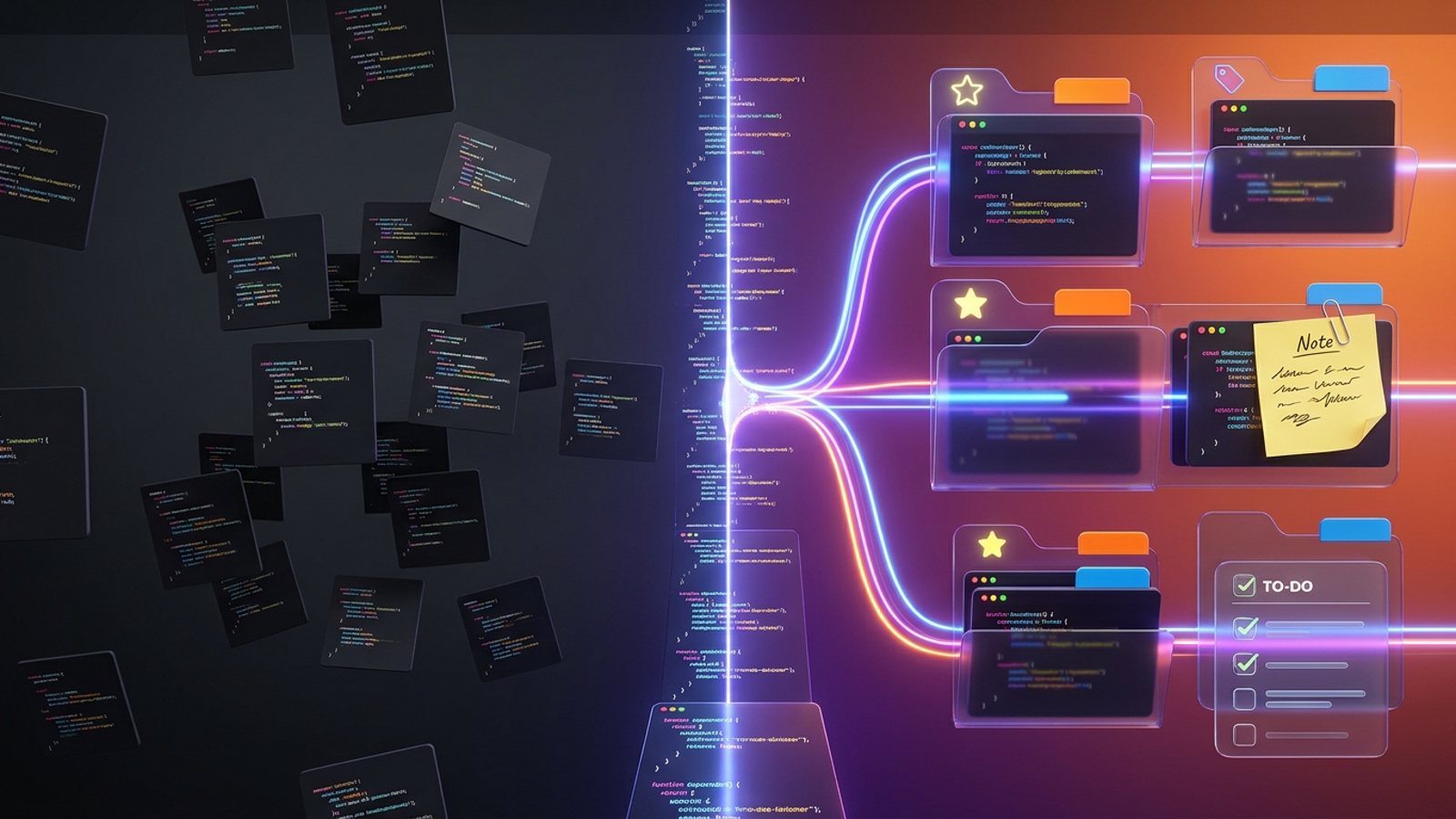
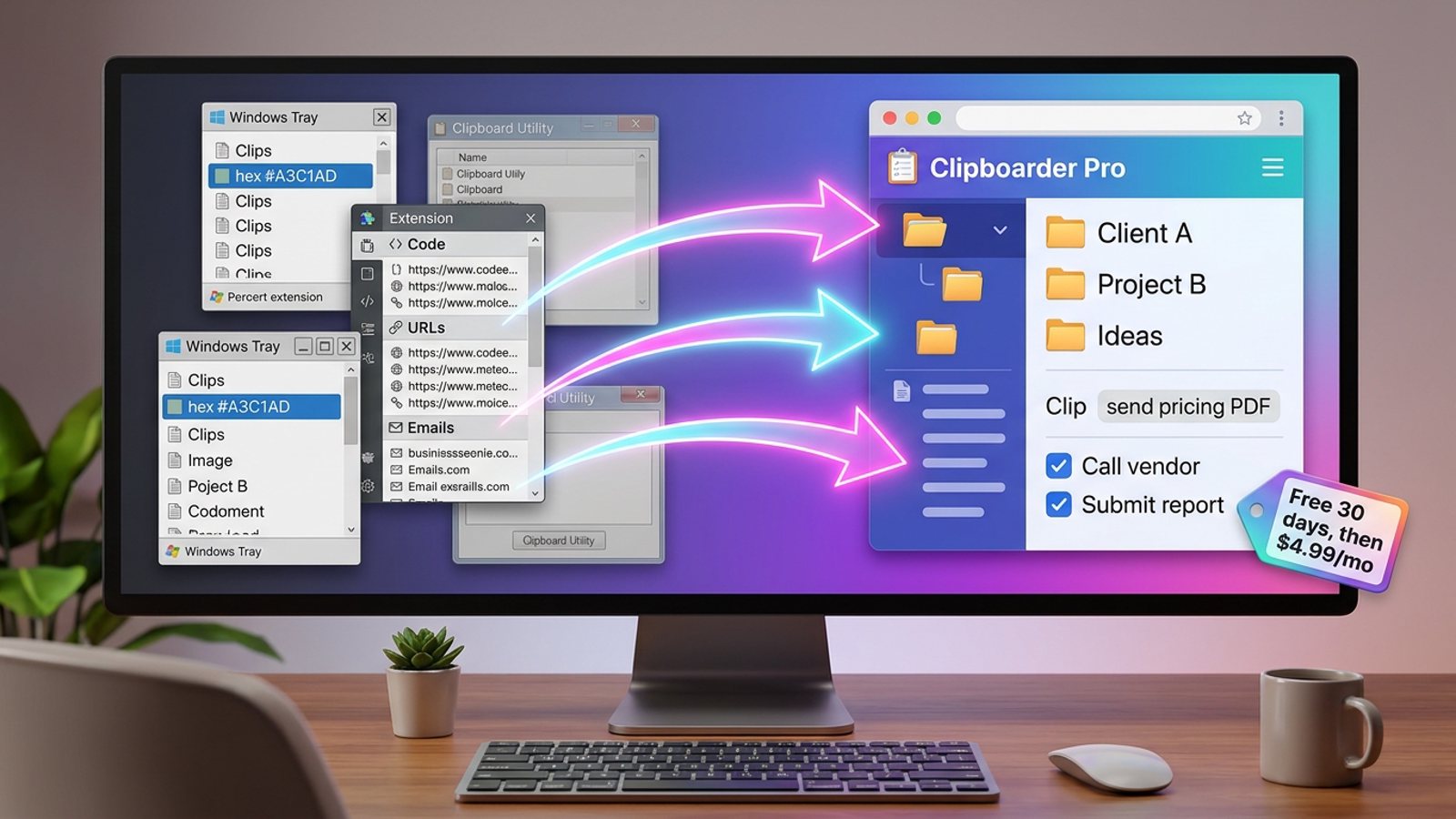
Clipboarder Pro is a Chrome extension that automatically saves everything you copy — text, images, URLs and code — and organizes it into nested folders up to three levels deep, color tags, stars, in-line notes and to-do lists. You search across every clip, note and folder with Cmd+Shift+F. Everything is stored in your browser on your machine, with no servers. It's free for 30 days, then $4.99 per month as of November 2026, and prices can change.
Clipboarder Pro is made by the team behind this blog.
| Option | Best for | Key features | Price / free option | Watch-outs |
|---|---|---|---|---|
| Clipboarder Pro (Our pick) | Chrome users who want clips, notes and to-dos together | Folders, color tags, stars, in-line notes, to-dos, multi-copy | Free 30 days, then $4.99/mo | Chrome only; local storage only |
| ClipManager (GitHub) | Windows users wanting fast native history | Text/image/file history, auto-tagging, quick actions | No price stated | Windows-only; no folders or to-dos |
| ClipManager (Chrome) | Auto-sorting mixed clips by type | Auto-classification, search shortcuts | Not stated | No folders or to-dos confirmed |
| Windows Win+V | Zero-install light history | 25 items, pinning, sync | Free, built in | Short list, no real organization |
| CopyQ | Power users who want scripting | Tabs, tags, notes, search, cross-platform | Free, open-source | Steeper learning curve; no to-do list |
| Ditto | Windows users wanting mature history | Unlimited clips, search, groups, LAN sync | Free, open-source | Windows-only; dated interface |
A few notes on the table. Windows' built-in clipboard history stores up to 25 recently copied items and lets you pin them, but reviewers note it "doesn't offer any meaningful organization or search" (MakeUseOf, November 2025). Ditto saves unlimited clips, persists across reboots and offers search, groups and sticky items (How-To Geek, January 2026), but it's Windows-only and visually dated (MEFMobile, September 2026). CopyQ is free and open-source with tabs, tags, notes on items and edit-before-paste (TechSpot, May 2026), but it takes longer to learn and has no built-in to-do list.
If you mainly need fast native Windows history and nothing else, the GitHub ClipManager or Ditto is the more direct choice. If you want scripting and cross-platform reach, CopyQ is the stronger fit. But if your job is browser-first and you need links, notes and tasks in one place, Clipboarder Pro is the option built for exactly that. Install the ultimate Chrome extension today and see it on your own workflow.
Tip
Our recommendation: before committing to any tool, copy five real work items — a client link, a code snippet, a meeting note, a task and an image — and see how fast you can find each one again a day later. That test tells you more than any feature list.
Is ClipManager free?
It depends which one. The GitHub app is described only as a lightweight tray utility, with no price on its page. The Chrome Web Store listing gives no price either. The MyFMbutler "ClipManager" download listing showed a "Shareware $85" licence label as of September 2023. So "free" isn't a safe assumption across the name — check the specific listing before you install.
For comparison, Ditto and CopyQ are both free and open-source (MEFMobile, September 2026). Clipboarder Pro is free for 30 days, then $4.99 per month as of November 2026, and prices can change.
Tip
Our recommendation: if a listing doesn't state a price, treat it as unknown rather than free, and look for a licence label before you rely on it for work.
Do clipboard managers sync across devices, and is that safe?
Some do, and it's worth thinking carefully before you switch it on. Windows' built-in history can sync across Windows devices on the same Microsoft account, but it needs history enabled on each device and sync switched on under Settings > System > Clipboard (Microsoft Learn Q&A, November 2026). Ditto can share clip databases over a LAN, and CopyQ supports cross-device sync (MEFMobile, September 2026).
The safety question is real. One roundup warns that apps syncing through a vendor's servers move an unfiltered stream of passwords, 2FA codes, card numbers and unfinished emails through third-party infrastructure (Unstore, June 2026). Clipboarder Pro avoids that entirely: everything is stored in your browser on your machine, with no servers. That's a deliberate trade-off — no cloud backup or sync — but for sensitive work clips it's the safer default. This is general guidance, not legal or security advice, and rules and risks vary by workplace.
Sources
- ClipManager (omvs077) GitHub README — GitHub, 2026-06-14
- ClipManager – AI Knowledge Capture & Workspace — Chrome Web Store, no date
- ClipManager Boosts Holding Capacity of the Windows Clipboard — Lifehacker, 2010-06-21
- ClipManager (version gratuite) télécharger pour PC — Free Download Manager, 2023-09-27
- How to Use the Clipboard on Windows 10 (Now 11) — HP, 2026-07-21
- Menggunakan clipboard — Microsoft Support, 2026-06-04
- Windows Clipboard Synchronization Fails Between Devices — Microsoft Learn Q&A, 2026-11-01
- This open-source clipboard manager makes Windows way smarter — MakeUseOf, 2025-11-12
- I ditched the Windows clipboard for an open-source tool — How-To Geek, 2026-01-27
- 24 Best Free and Open Source Clipboard Managers in 2026 — MEFMobile, 2026-09-22
- I used this free clipboard manager for a week and now I can't go back — MakeUseOf, 2026-02-17
- CopyQ — TechSpot, 2026-05-31
- Best clipboard manager apps for desktop in 2026 — Unstore, 2026-06-15
Frequently asked questions
Which ClipManager is the one in this review?
All of them, because the name is shared. The main candidates are the GitHub Windows app (omvs077/ClipManager), the Chrome Web Store "AI Knowledge Capture & Workspace" extension, and an older Windows utility covered by Lifehacker in 2010. Match the developer and platform before you install.
Is ClipManager better than Clipboarder Pro?
It depends on your job. If you're on Windows and only need fast native history with auto-tagging, the GitHub ClipManager is a lean choice. If you work in Chrome and need folders, in-line notes and to-dos alongside your clips, Clipboarder Pro is the more direct fit — with the caveat that it's Chrome-only and stores everything locally.
Can I just use Windows' built-in clipboard instead?
For light use, yes. Win+V stores up to 25 recent items, lets you pin them and paste without formatting (HP, July 2026). For heavy copy-paste work it falls short on organization and search, which is where a dedicated tool earns its place.
Does ClipManager store my data locally?
For the GitHub app, its author describes privacy filtering and event-driven monitoring, but the page doesn't detail where data is stored. The Chrome extension's AI features imply processing beyond plain history, with details the listing doesn't spell out. If local-only storage is a must-have, check before you commit.
What's the best clipboard tool for office professionals?
Of the tools we compared, Clipboarder Pro is our pick for browser-first office work because it combines clipboard history, nested folders, in-line notes and to-dos in one Chrome extension with local storage. If you need Windows-native history or scripting, Ditto and CopyQ are the stronger fits.