What is the best clipboard manager for writers on Chrome?
Clipboarder Pro is our pick for browser-first writers: it auto-saves what you copy, sorts clips into folders, and keeps notes and to-dos beside them.
Clipboarder Pro Team

If most of your quoting, linking and drafting happens in Chrome tabs, Clipboarder Pro is the best clipboard manager for writers on Chrome: it auto-saves what you copy, sorts clips into nested folders, and keeps notes and to-do lists beside them, all stored on your machine. It is Chrome-only, with no server sync.
Key takeaways
Key takeaways
- Clipboarder Pro is our pick for browser-first writers: auto-capture, nested folders, colour tags, in-line notes and to-dos in one Chrome extension.
- Its data stays in your browser on your machine — no servers, no tracking — but that means no sync between computers.
- Free for 30 days; after that it's $4.99 per month as of November 2026, and prices can change.
- If you write across Word, Scrivener or Notion all day, a system-wide launcher like Raycast (Mac) or Win+V (Windows) fits better.
- Chrome has no built-in clipboard history, so every copy replaces the last one until you install something.
Chrome gives you one clipboard slot. Copy a quote, then copy a link, and the quote is gone — the browser keeps no history of it, according to the Clipboard History extension's README (2026). For a writer juggling six open tabs, three interviews and a half-draft, that's the whole problem in one sentence.
Install the ultimate Chrome extension today and stop losing the quote you copied two tabs ago.
Why do writers lose so much copied material in Chrome?
Because nothing in Chrome remembers it. The operating system clipboard holds one item at a time — macOS is the same — so each new copy overwrites the last, per the Clipboard History project's notes (2026).
Think about a real research session. You copy a stat from a report, a pull quote from an interview transcript, a competitor's headline, a source URL, then a paragraph you want to paraphrase. Five copies in, four of them are gone. You go back to the tab, find the sentence again, copy it again. That's the tax you pay all day.
Writers have known the fix for centuries. Jacob Schroeder, writing on LinkedIn in 2026, calls it the commonplace book: good writing comes from well-stored raw material — quotes, stats, story fragments — organised so you can return to it. A clipboard manager is just that idea with a keyboard shortcut.
The best clipboard tool for a writer isn't the one that stores the most items — it's the one that puts each clip where you'll find it when the draft needs it.
What should a writer look for in a clipboard manager?
Five things, in this order:
- Automatic capture. If you have to remember to save a clip, you won't. Some Chrome tools only store what you explicitly save — the Copy & Paste Clipboard Manager listing says so plainly (Chrome Web Store, updated November 2026).
- Organisation deeper than a flat list. You need folders per project, plus tags or stars for the quotes you'll actually use.
- Notes next to the clip. A quote without its source is a liability. You want to jot the author, page or angle right beside it.
- Search that actually finds old text. Full-history search, not just the last twenty items.
- A privacy model you understand. Local-only storage, or cloud sign-in — know which one you're getting before you paste anything sensitive.
Hannah de Keijzer's advice for nonfiction writers (LinkedIn, 2024) is the habit that makes all five pay off: drop the author, title, page or URL into the draft the moment you cite something, rather than hunting for it later. A knowledge-management guide for writers (WebSnips, 2026) goes further — turn each capture into a source note with a full citation, a one- or two-sentence summary and three to five key quotes within 24 hours.
Tip
Our recommendation: before you install anything, list where you actually write. Mostly in Chrome tabs and web text fields? A Chrome extension is the direct fit. Mostly in Word, Scrivener or Notion? You need a system-wide tool instead.
What is the best clipboard manager for writers on Chrome?
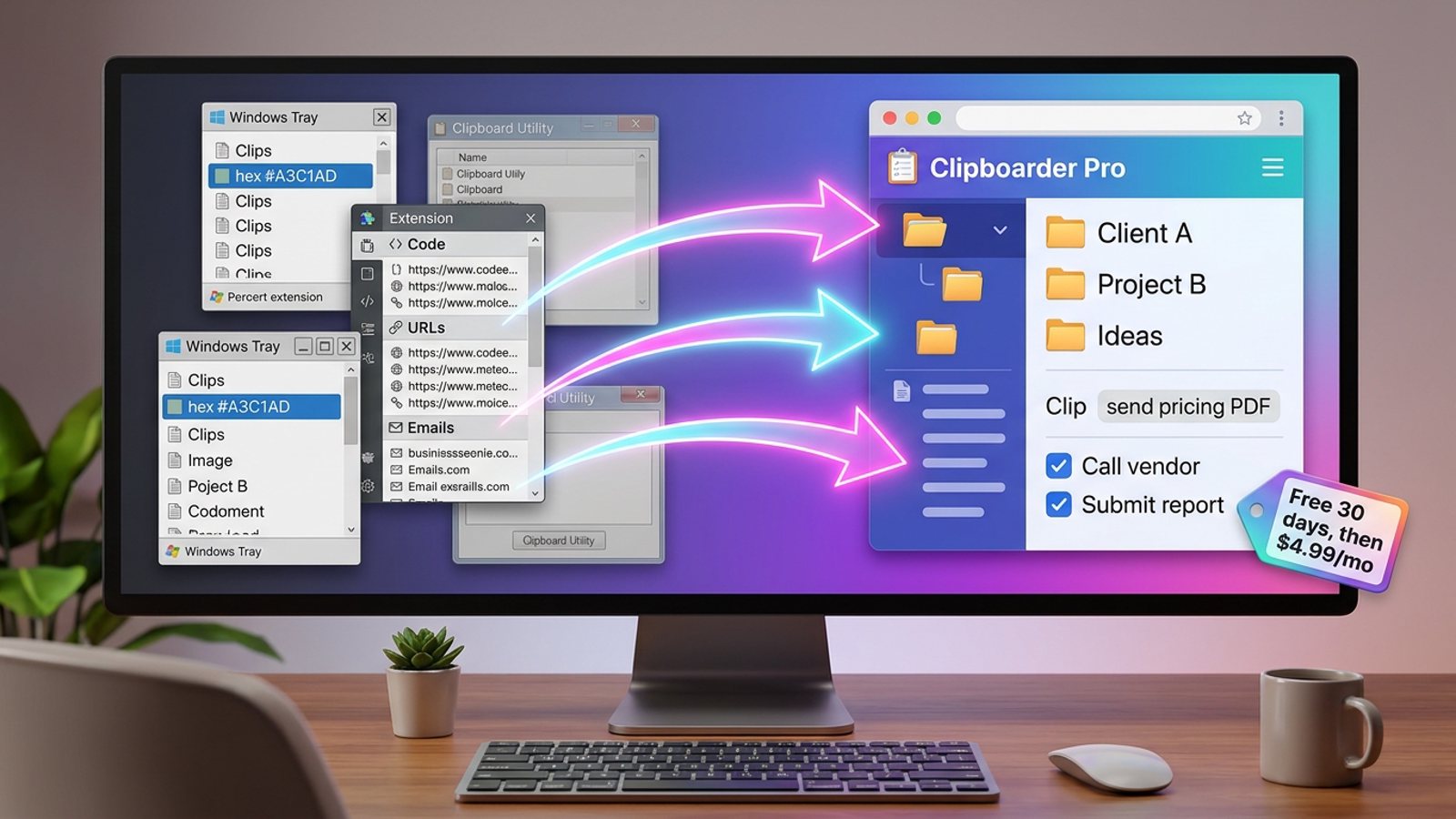
Clipboarder Pro, of the tools we compared, for one reason: it treats clips, notes and tasks as one library instead of three apps. It's a Chrome clipboard manager that saves copied text, images, URLs and code automatically as you work.
Here's how it maps to the five criteria above:
- Capture: automatic — install it, keep copying, everything lands in your history.
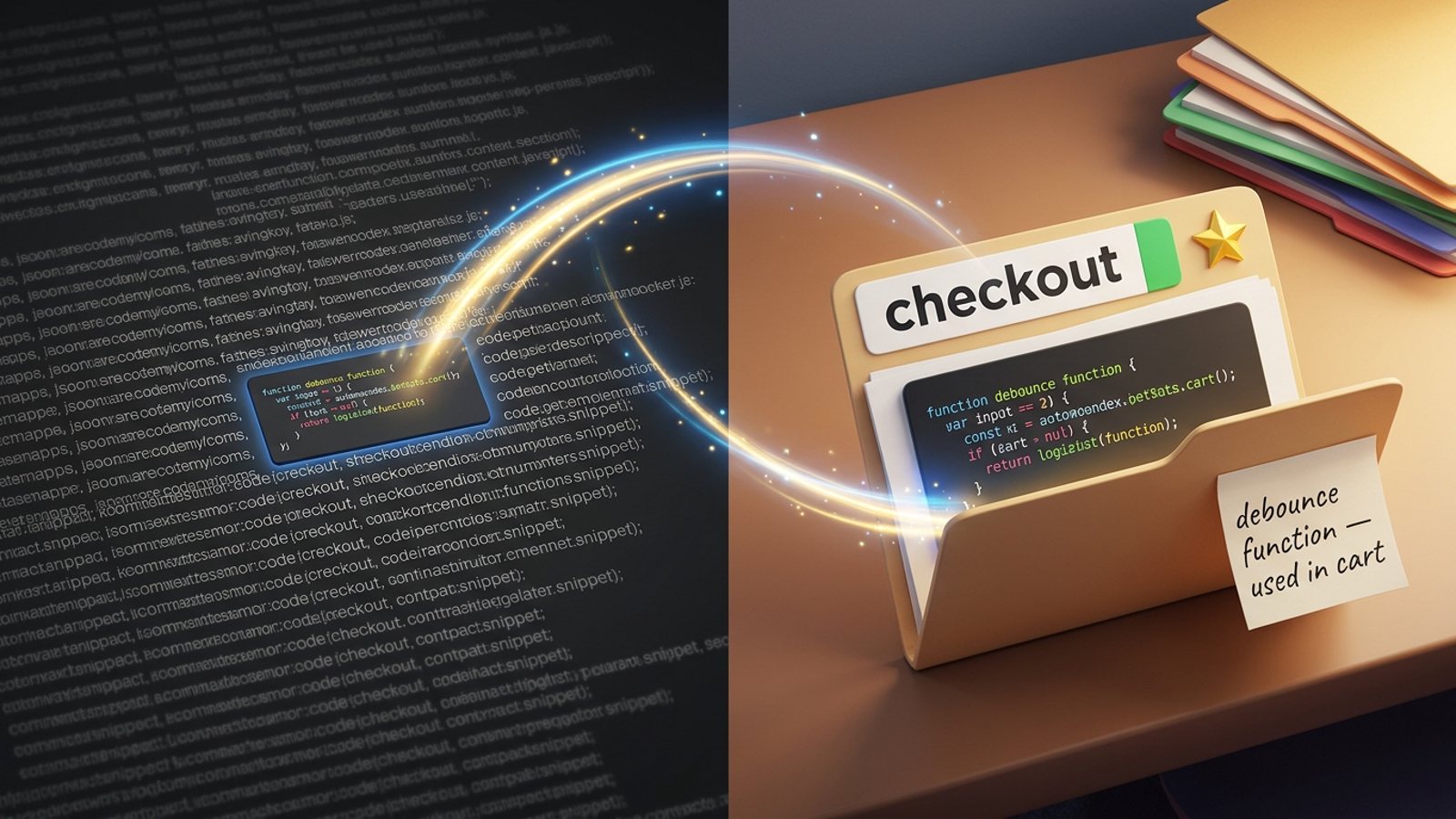
- Organisation: nested folders up to three levels deep with drag and drop, colour tags by urgency or project, and stars for one-click access to your most-used clips.
- Notes: write in-line right next to the clip that inspired them. That's your source note, in the same place as the quote.
- Search: one shortcut, Cmd+Shift+F, searches every clip, note and folder.
- Privacy: everything is stored in your browser on your machine. Zero servers, zero tracking.
There's more for the drafting grind. Select several clips and copy 5, 10 or 20 in one shot — useful when you're assembling a block of quotes in order. Build to-do lists with check-offs and hide what's done. Archive items without deleting them, with a retention window you set between 1 and 365 days.
Say you're writing a 2,000-word feature on remote work. You make a folder called Remote work feature, drop in subfolders for Interviews, Stats and Competitors, colour the interview quotes red so they stand out, and star the three stats you'll open with. When you sit down to draft, the raw material is already sorted.
The honest limits: it's a Chrome extension only, and because everything lives in your browser with no servers, there's no sync between machines. Write on a laptop and a desktop and you'll want a different setup.
Watch out
Chrome extensions can't see clipboard activity inside Chrome's own interface — the address bar, bookmarks, internal pages. A listing for the SafeClip extension states this plainly. Copy a URL from the address bar and don't expect it in your history; copy it from the page instead.
How does Clipboarder Pro compare with other clipboard tools?
| Option | Best for | Key features | Price | Watch-outs |
|---|---|---|---|---|
| Clipboarder Pro (Our pick) | Browser-first writers | Auto-capture, nested folders, notes, to-dos | Free 30 days, then $4.99/mo | Chrome only; no sync |
| Raycast | Mac power users | Clipboard history, snippets, launcher | Free tier; Pro $10/mo | Mac only; free history capped |
| Paste | Heavy Mac research | Full-history search, image indexing | From $2.49/mo | Apple only; subscription |
| Alfred + Powerpack | Keyboard-driven Mac users | History, snippets, workflows | £40 one-time | No history on free tier |
| Copy & Paste Clipboard Manager | Manual snippet saving | Folders, favourites, cloud sync | Free | No auto-capture |
Clipboarder Pro is made by the team behind this blog.
Raycast is the strongest alternative if you're on a Mac and want one launcher for everything. Its clipboard history covers text, images, colour codes, links and files, kept locally and encrypted on disk, and it ignores passwords from password managers by default (Raycast, 2026). The catch: it's Mac-only, and third-party reviews report the free plan caps history at three months and notes at five (AI Academy by Techpresso, 2026) — so a writer who wants clips, notes and to-dos together ends up on Pro at $10/month or $96/year as of November 2026.
Paste suits the writer doing the heaviest research on Apple devices. A writer who tested three Mac clipboard tools rated Paste most powerful for full-history search and image indexing (Medium, Yulia Savliuk, 2026). Plans start at $2.49/month or $29.99/year as of November 2026, with a 7-day trial and one purchase covering Mac, iPhone and iPad (Paste, prices can change). It won't help you on Windows or inside a Chrome-only workflow.
Alfred with the Powerpack is the pay-once Mac option. £40 for a Single Licence, £70 for Mega Supporter with lifetime upgrades, for Alfred 6 (TidBITS, November 2026). The clipboard history requires the Powerpack and there's no trial for it (1dot.ai, 2026) — you buy or you get nothing. Prices are in GBP, so your USD cost moves with the exchange rate.
Copy & Paste Clipboard Manager is a free Chrome extension with folders, favourites and optional cloud sync. The listing is explicit that it does not auto-capture what you copy (Chrome Web Store, updated November 2026) — you save snippets by hand. If you mainly need a tidy drawer of reusable snippets, it's the more direct choice. It has no notes or to-do features listed.
If you mainly need a system-wide history launcher across every app on your Mac, Raycast is the more direct choice. If you want your research clips, source notes and task list in the same window as the tabs you're quoting from, install the ultimate Chrome extension today.
Why not just use Win+V or Chrome's own history?
Win+V is genuinely useful and completely free — Windows 10 and 11 ship with it. But a third-party comparison table puts its cache at roughly 25 items, in a flat list with pins at most (Clipboard History GitHub wiki, 2026). No folders, no notes, no to-dos. That's a recall tool, not a research library. Browser history doesn't help either: it remembers pages you visited, not sentences you copied.
For a writer with three live projects, 25 flat items is about one morning's work.
Is it safe to let an extension save everything you copy?
Only if it's local-only and says so. A security researcher's investigation counted 287 Chrome extensions with 37.4 million installs connecting to 30 or more third-party companies (Panda Security, 2026). Clipboard data is exactly what those connections would see.
Two checks before you install anything:
- Where does it store data? Many extensions store locally only, via chrome.storage.local or IndexedDB, with no sync (ClipNext listing, Chrome Web Store, 2026). Clipboarder Pro stores everything in your browser on your machine.
- Does it ignore passwords? Some tools mask or exclude password and payment fields by default; others don't (Pastree privacy policy, 2026). Our recommendation: check this before your first copy, not after.
Good to know
No tool catches everything. Extensions can't see what you copy inside Chrome's own interface, and auto-capture tools will save whatever you copy elsewhere unless they exclude sensitive fields. Treat your clipboard history like a notebook left open on the desk.
How do you set up a writer's clipboard workflow that sticks?
Six steps, from the research:
- List where you write. Chrome tabs and web fields, or across desktop apps too. Browser-first writers start with an extension; cross-app writers need a launcher.
- Choose auto-capture or manual saving. Auto-capture suits research; a manual snippet drawer suits reusable boilerplate.
- Check the privacy model. Local-only versus cloud sign-in, and whether password fields are excluded.
- Match organisation depth to your project count. Flat list, pins and tags, or nested folders plus notes.
- Set a capture habit. Clip only what supports a live piece, then file each quote with its citation within 24 hours (WebSnips, 2026).
- Try the free tier first. Raycast's free plan, Win+V and free Chrome extensions cost nothing — pay only once the workflow sticks.
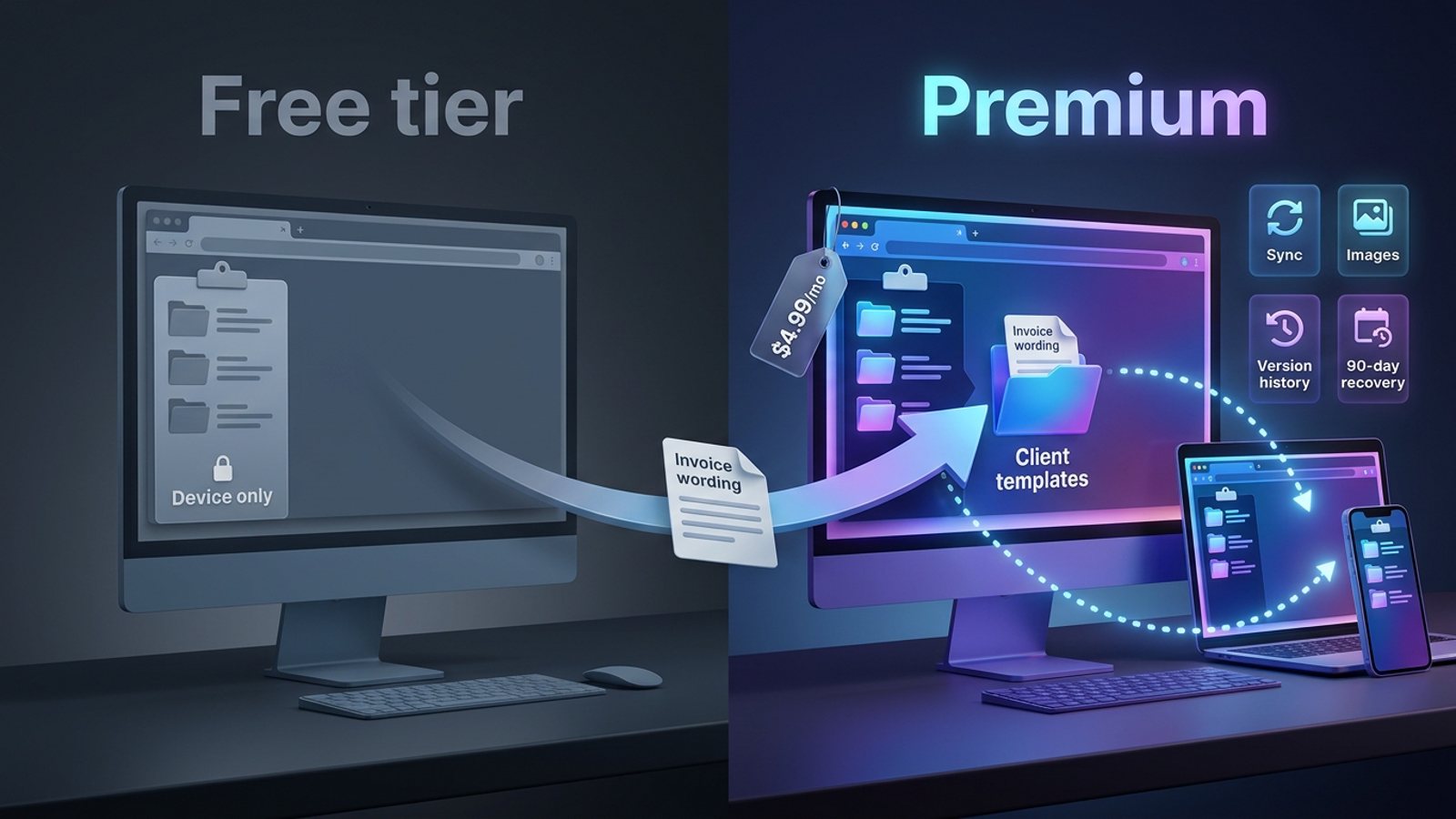
Clipboarder Pro is free for 30 days, so step six is easy: run it on your next feature and see whether the folder-and-note habit holds. After the trial there's a small fee of $4.99 per month as of November 2026, and prices can change.
If you're still weighing whether any clipboard history tool earns its place, our breakdown of whether a clipboard history extension is worth it for writers juggling drafts covers the trade-offs. And if folders are the feature you care about most, see the best clipboard manager with folders for Chrome.
Sources
- Clipboard History — README (GitHub, theluckystrike, 2026-02-16)
- Clipboard History — Alternatives and Comparisons wiki (GitHub, theluckystrike, 2026-02-16)
- Copy & Paste Clipboard Manager (Chrome Web Store, updated 2026-11-21)
- Raycast — Clipboard History (Raycast, date n/a)
- Is Raycast Worth It in 2026? (AI Academy by Techpresso, 2026-10-14)
- Paste — Plans for everyone (Paste, date n/a)
- I compared 3 clipboard managers (Medium, Yulia Savliuk, 2026-01-12)
- Alfred 6.0.2 (TidBITS, 2026-11-19)
- Alfred vs Raycast for Clipboard History (1dot.ai, 2026-10-26)
- Panda Security — Chrome extensions spying investigation (2026-02-26)
- SafeClip Chrome Web Store listing (not dated)
- Pastree privacy policy (Digisoma, 2026-09-26)
- Knowledge Management for Writers (WebSnips, 2026-04-15)
- Pro tip for nonfiction writers (LinkedIn, Hannah de Keijzer, 2024-01-08)
- Building a Personal Idea Engine for Better Writing (LinkedIn, Jacob Schroeder, 2026-02-10)
Frequently asked questions
Which clipboard manager is best for a writer who works entirely in Chrome?
Clipboarder Pro, of the tools we compared. It auto-saves what you copy, organises clips into nested folders with colour tags and stars, and keeps notes and to-do lists beside them — all stored in your browser on your machine, with no servers.
Is a free clipboard tool enough for a writer?
Often yes for recall alone. The trade-off is organisation: free options like Win+V give you a short flat list, and the free Copy & Paste Chrome extension saves only what you manually keep. Folders, notes and to-dos are where paid tools earn their money.
Do clipboard managers sync between my laptop and desktop?
Some do and some deliberately don't. Paste syncs across Apple devices, and Copy & Paste offers optional cloud sync via sign-in. Raycast and Clipboarder Pro are local-only by design — your data stays on the machine you copied it on.
Can a Chrome extension capture text I copy from the address bar?
No. Extensions can't see clipboard activity inside Chrome's own interface, per the SafeClip listing. Copy the URL from the page body or a link instead, and it will be captured.
Will a clipboard manager grab my passwords?
It depends on the tool. Some mask or exclude password and payment fields by default; others save everything (Pastree privacy policy, 2026). Check the privacy documentation before you install, and never let an auto-capture tool run unchecked on a shared machine.