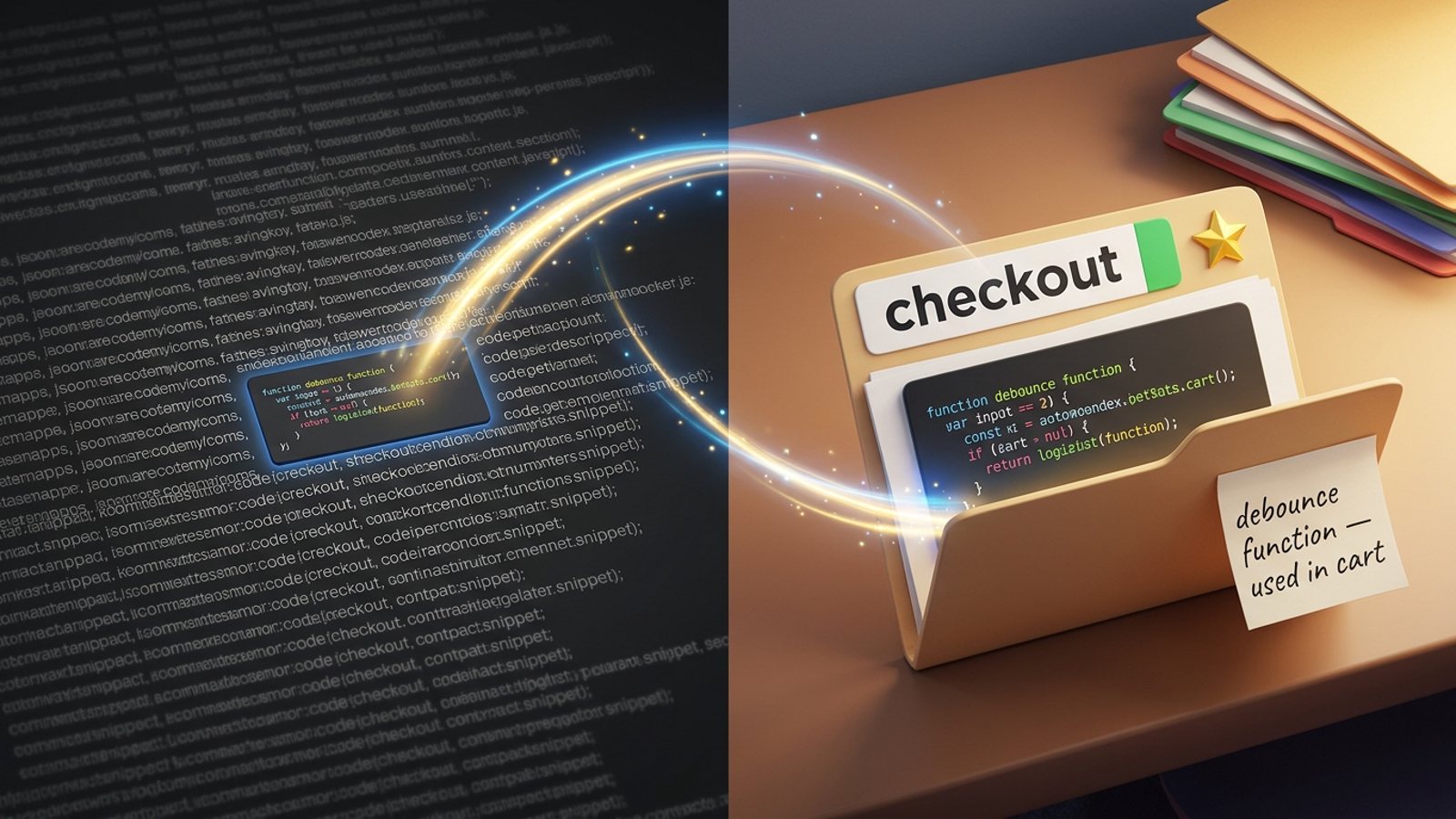
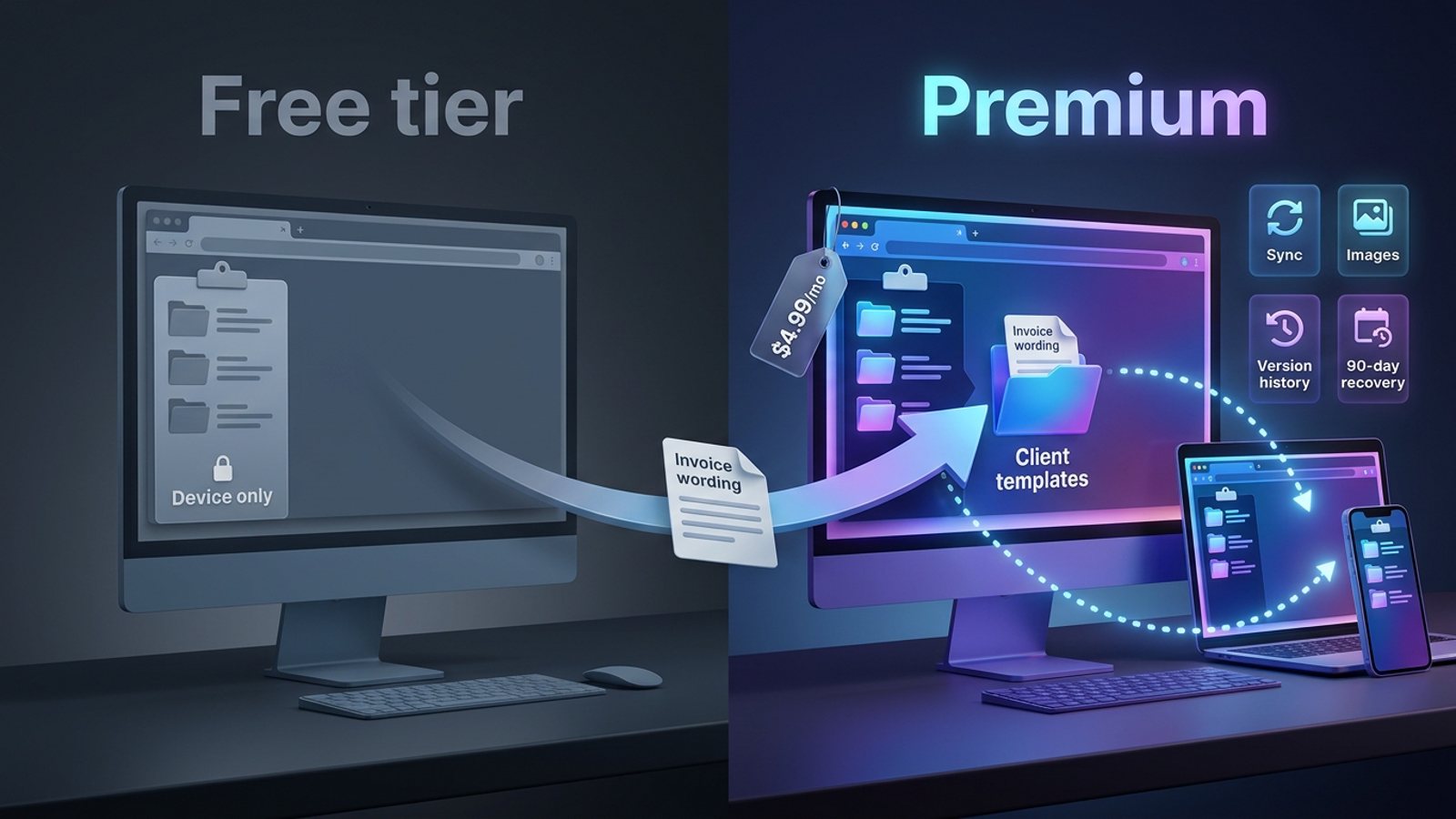
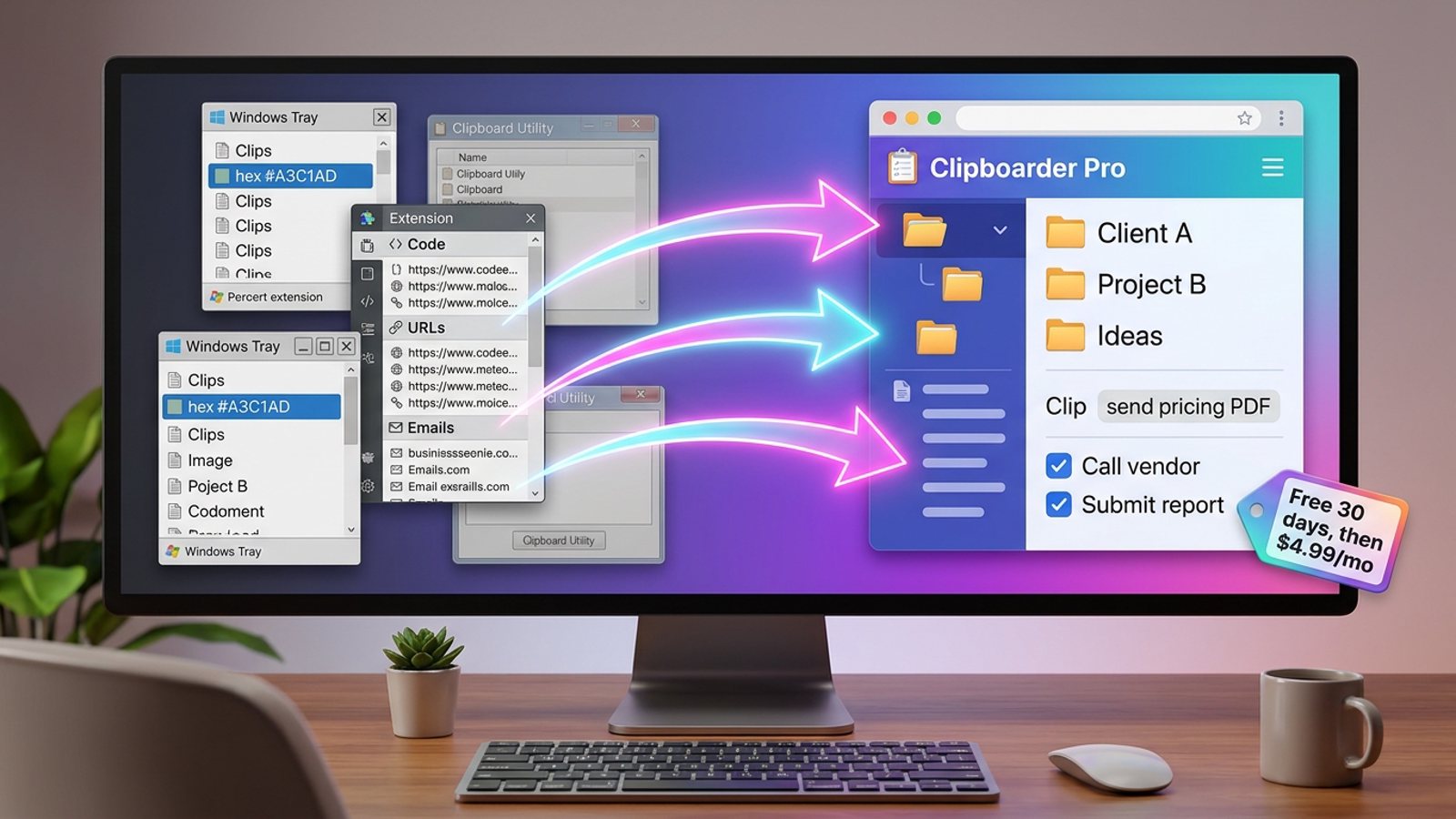
What is the best clipboard history tool for content creators?
The best clipboard history tool for content creators depends on where you work. Chrome users get auto-save, folders, tags and search with Clipboarder Pro; Mac users have Raycast and Paste.
Clipboarder Pro Team
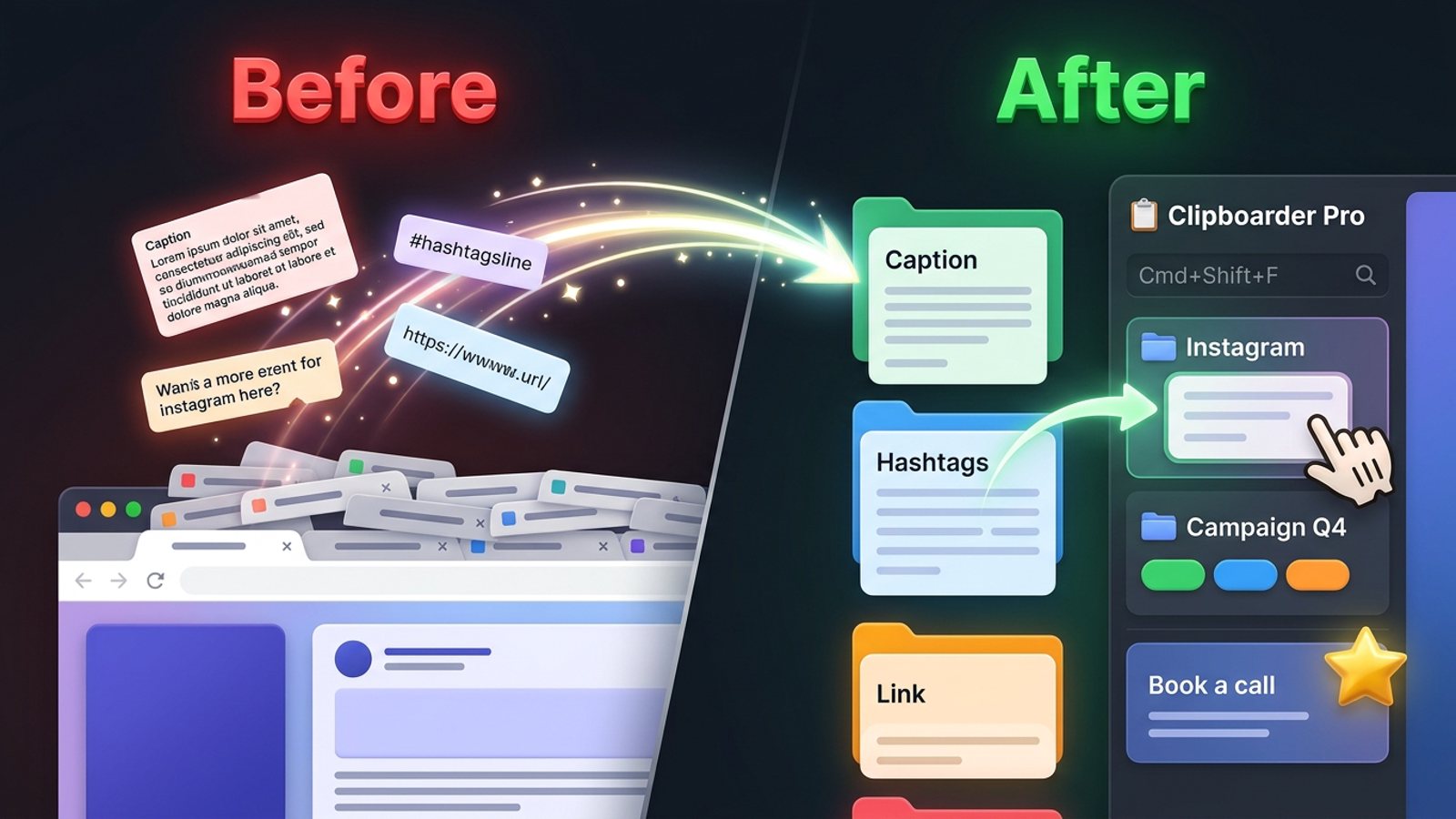
If you work in Chrome, the best clipboard history tool for content creators is Clipboarder Pro: it saves every caption, hashtag, link and snippet automatically, then lets you star favourites, colour-tag them and search in seconds. On Mac, Raycast's free tier is the strongest all-rounder; on Windows, start with Win+V. Clipboarder Pro is Chrome-only.
Key takeaways
Key takeaways
- Chrome has no built-in clipboard history, so creators working in the browser need an extension (GitHub, 2026).
- Clipboarder Pro saves text, images, URLs and code automatically and organises them with folders, colour tags, stars and notes.
- Raycast is the best free Mac option, with a permanent free plan and 3 months of clipboard history.
- Windows Clipboard History is free but caps at 25 items and wipes unpinned clips on reboot.
- Pick by where you work: browser, Mac or Windows. The tool you'll actually open is the one that wins.
You're mid-launch. The caption is written, the hashtags are copied, the source link is somewhere in your tabs, and then you copy a client's email address and the caption is gone. That's the exact problem clipboard history content creators tools exist to solve — and the fix depends on where you spend your day.
Install the ultimate Chrome extension today and your next copy is already saved.
Why do content creators need a clipboard history tool at all?
Because the standard clipboard holds one item — copy something new and the last thing is gone for good. EveZone's 2026 Mac roundup calls that single-item clipboard a bottleneck for anyone copying and pasting regularly, naming content creators compiling research specifically. A GitHub project from February 2026 puts it just as plainly: the OS clipboard holds one item, and Chrome offers no built-in clipboard history at all.
For a creator, that means retyping the same hashtag block, hunting for a link you copied an hour ago, and losing a caption you'd already polished.
The clipboard is the one workspace every creator uses all day and almost nobody organises — until a lost caption costs them a post.
What should content creators look for in a clipboard history tool?
Four things matter more than anything else: one-click access, starring, colour tags and search. Here's what each one buys you.
- One-click access. Your brand hashtags, boilerplate CTA and email signature should be one click away, not one re-type away. Pinning or starring does this — Yahoo Tech (2026) notes that pinned Windows items survive reboots and clipboard clears.
- Starring. A star is a shortcut for "I use this daily." Paste, ClipAmigo and Clipboarder Pro all offer some form of favourite or pin.
- Colour tags. Creators juggle categories — captions, hashtags, links, hooks. ClipBook's 2025 post describes colour-coded tags with multi-tag filtering; CopyQ offers tags too.
- Search. If you can't search it, you don't have history — you have clutter.
Our recommendation: before you install anything, write down the five things you copy most often. If a tool can't surface those five in one click, it won't stick.
Which clipboard history tool is best for content creators in Chrome?
Clipboarder Pro is our pick for creators who work in the browser — it captures everything you copy and organises it into folders, tags, stars, notes and to-do lists. It's a Chrome clipboard manager, so the honest limit is right there: Chrome browser extension only.
What that looks like in practice. Say you run a small bakery and post daily. You copy a caption, three hashtag sets, a supplier link and a customer's question. Clipboarder Pro saves each one as you copy. You drag the hashtag sets into a nested folder called "Instagram", colour-tag captions by campaign, star the CTA you use every day, and write a note next to the supplier link about the delivery day. When you need the CTA, it's one click. When you need last Tuesday's caption, you search for it.
The product facts behind that:
- Automatically saves copied text, images, URLs and code.
- Nested folders up to 3 levels deep, with drag and drop.
- Colour tags, stars and in-line notes next to the clip that inspired them.
- To-do lists with check-offs and hiding of completed items.
- Multi-select and copy 5, 10 or 20 items in one shot.
- Archive with an automatic retention window of 1–365 days.
- Search across every clip, note and folder with Cmd+Shift+F.
Everything is stored in your browser on your machine — no servers, no tracking. That matters for creators handling client material.
Pricing: free for 30 days, then $4.99 per month as of November 2026. Prices can change.
Tip
Bind search to muscle memory. Once Cmd+Shift+F is automatic, you stop re-copying things you already have.
How do the main options compare for creators?
Here's the comparison, with the product first because this is our blog.
| Option | Best for | Key features | Price | Watch-outs |
|---|---|---|---|---|
| Clipboarder Pro (Our pick) | Creators in Chrome | Auto-save, nested folders, colour tags, stars, notes, to-dos | Free 30 days, then $4.99/mo | Chrome only |
| Raycast | Mac power users | Launcher, snippets, 200+ extensions | Free tier; Pro $10/mo | Mac only for clipboard |
| Paste | Apple creators wanting pinboards | Full-screen pinboards, sync across Apple devices | $2.49/mo or $29.99/yr | Apple ecosystem only |
| Windows Clipboard History | Casual Windows users | Win+V, pinning | Free | 25-item cap, 4 MB per item |
| Clipboard History Pro | Chrome users wanting search and pinning | Full-text search, URL detection | Free; Pro tier exists | Item cap on Pro |
Clipboarder Pro is made by the team behind this blog.
A few honest notes on the others. Raycast has a permanent free plan — not a trial — with clipboard history limited to 3 months and notes capped at five, per AI Academy by Techpresso (October 2026). Paid tiers reported there are Pro $10, Plus $20 and Max $50 monthly, with Pro at $96 annually (about $8/month). Raycast's own 2023 changelog announced Pro at $8/month billed annually with unlimited history. If you mainly need a launcher with history built in, Raycast is the more direct choice.
Paste is the pick for creators who want visual pinboards and sync across Mac, iPhone and iPad. Paste's pricing page lists Personal at $2.49/month or $29.99/year, with a 7-day trial unlocking every feature. EveZone (2026) describes it as the only Mac pick that genuinely works across Apple devices. If your workflow spans an iPhone, Paste suits you better than a browser tool.
Windows Clipboard History is free and built in, but Mashable (October 2026) reports a 25-item cap, 4 MB per item, and unpinned items cleared on shutdown. WindowsForum (November 2025) adds that it has limited organisation tools. Fine for a short recent list; thin for a caption library.
Clipboard History Pro is a Chrome extension with full-text search, pinning and URL detection, and Socket (August 2026) reports data stays on the device, with up to 500 items on Pro. If you want a simple searchable list and nothing more, it's a reasonable direct choice.
Watch out
Don't let your clipboard manager capture your password manager. EveZone's 2026 Mac guide recommends excluding apps like 1Password and Bitwarden so their clipboard is never recorded.
How do you set one up so it actually saves you time?
Five steps, in order.
- Pick by platform. Windows: start with Win+V, add a third-party tool for search and folders. Mac: Raycast's free tier or Paste's trial. Chrome-only: a browser extension.
- Turn history on and bind one shortcut. Windows needs it enabled via Settings > System > Clipboard or the Win+V prompt (Mashable, 2026). Mac guides recommend Cmd+Shift+V.
- Star or pin your five most-copied items — signature, brand hashtags, boilerplate CTA, top source links.
- Add colour tags for creator categories — captions, hashtags, links, hooks — and filter by tag.
- Exclude sensitive apps so their clipboard is never captured.
If you want the browser-only version of this setup, our guide to a clipboard history tool that works inside the browser walks through it.
Good to know
Chrome on Windows no longer saves content copied in Incognito to Windows Clipboard History — a change reported by TechRadar and Notebookcheck in February 2025. Private browsing stays private.
What are the most common mistakes creators make?
The biggest one is treating history as storage instead of a system. A list of 400 unlabelled clips is no better than no list.
The second is expecting the OS to do it. macOS's native clipboard holds a single item, per EveZone (2026); Windows caps at 25 items. Neither is a caption library.
The third is copying the same thing twice. If you've copied your hashtag block once this week, you should never type it again. Our recommendation: when you notice yourself re-copying something, star it immediately — that's the signal it belongs in your permanent set.
Tip
Colour-tag by urgency, not just topic. Red for "post today", green for evergreen — it turns your history into a to-do list you can see.
Install the ultimate Chrome extension today and keep every caption, hashtag and link one search away.
Sources
- Free open source Chrome clipboard history extension (GitHub theluckystrike, 2026-02-16)
- Best Clipboard Manager for Mac: Copy and Paste Like a Pro (EveZone/Evetech, 2026-05-24)
- Is Raycast Worth It in 2026? Free Plan vs $10 Pro (AI Academy by Techpresso, 2026-10-14)
- Raycast v1.51.0 — Introducing Raycast Pro (Raycast changelog, 2023-05-09)
- Paste Pricing (Paste, date not given)
- Choose a plan: subscription, Lifetime, Family, and Teams (Paste Help, date not given)
- 5 Windows settings most people don't know about (Mashable, 2026-10-18)
- Windows has 5 hidden features that will improve how you use your PC (Yahoo Tech, 2026-05-30)
- Best Clipboard Managers for Windows 11 in 2026 (WindowsForum, 2025-11-26)
- Clipboard History Pro (Chrome Web Store, date not given)
- Clipboard History Pro package (Socket, 2026-08-23)
- Organize with tags and filter your clipboard history (ClipBook, 2025-04-01)
- Google Chrome's Incognito mode is now more private in Windows 11 (TechRadar, 2025-02-05)
- An overlooked Windows update blocks Chrome incognito mode from clipboard history (Notebookcheck, 2025-02-05)
Frequently asked questions
Does Chrome have a built-in clipboard history?
No. Chrome has no clipboard history viewer, per a February 2026 GitHub project on the topic, and OS-level histories keep only a short list for a short time. You need an extension or an OS tool.
Which clipboard tool should a content creator actually pick?
Pick by where you work. Chrome-heavy creators get the most from Clipboarder Pro; Mac power users from Raycast's free tier; Apple multi-device users from Paste; casual Windows users from Win+V.
Can I sync clipboard history between Mac and iPhone?
Apple's Universal Clipboard syncs one item at a time. Paste offers full history sync across Apple devices, per EveZone (2026). Browser tools like Clipboarder Pro store everything locally on your machine rather than syncing.
Is a paid clipboard manager worth it over free options?
For heavy copy-paste work, yes — paid tiers unlock unlimited history, retention controls and organisation. Casual users are usually fine on free tiers.
Do clipboard managers slow down a computer?
Leading Mac options use under 100 MB of RAM with negligible CPU impact, per EveZone (2026); older Intel Macs may notice first-launch indexing.