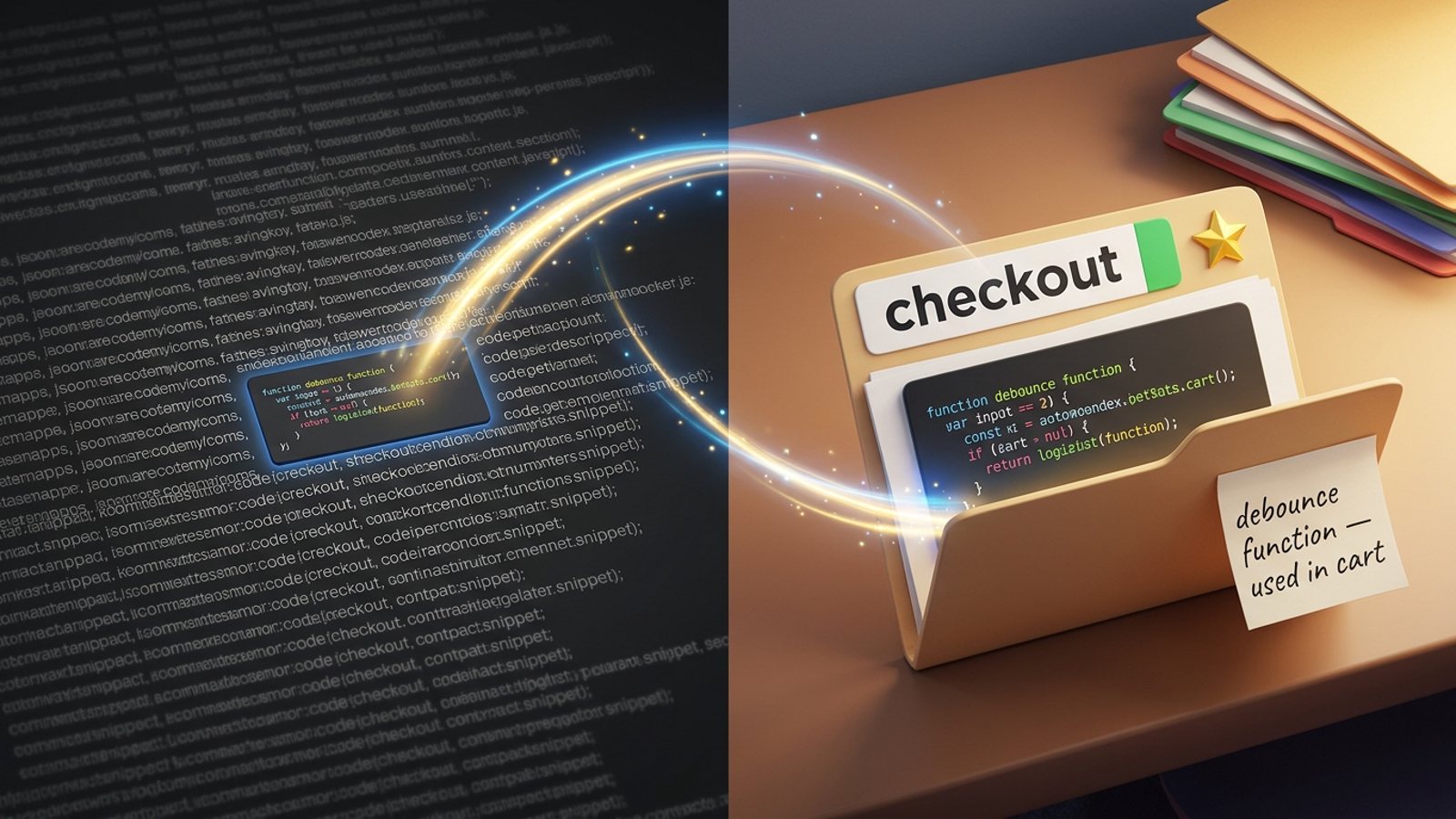
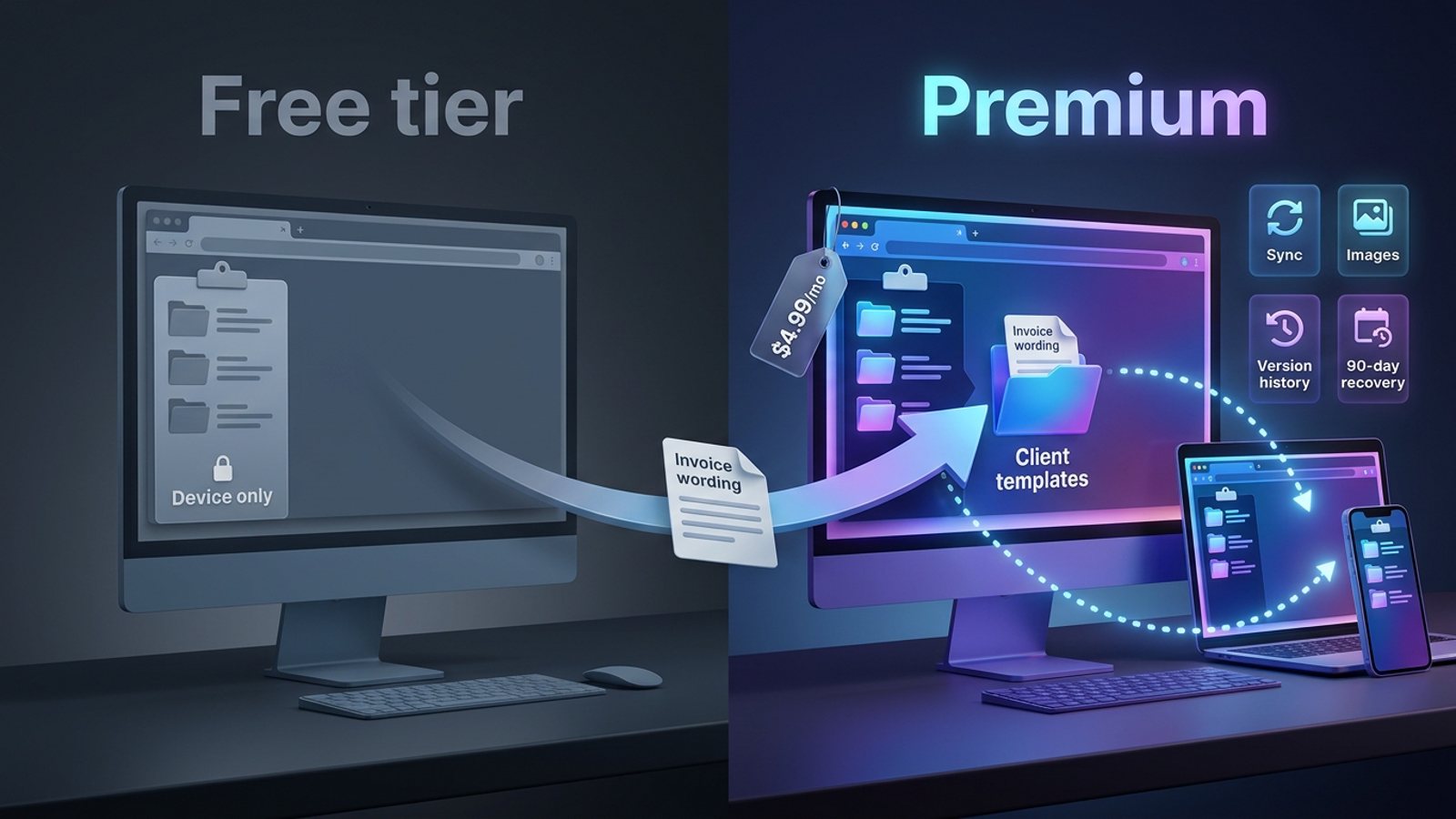
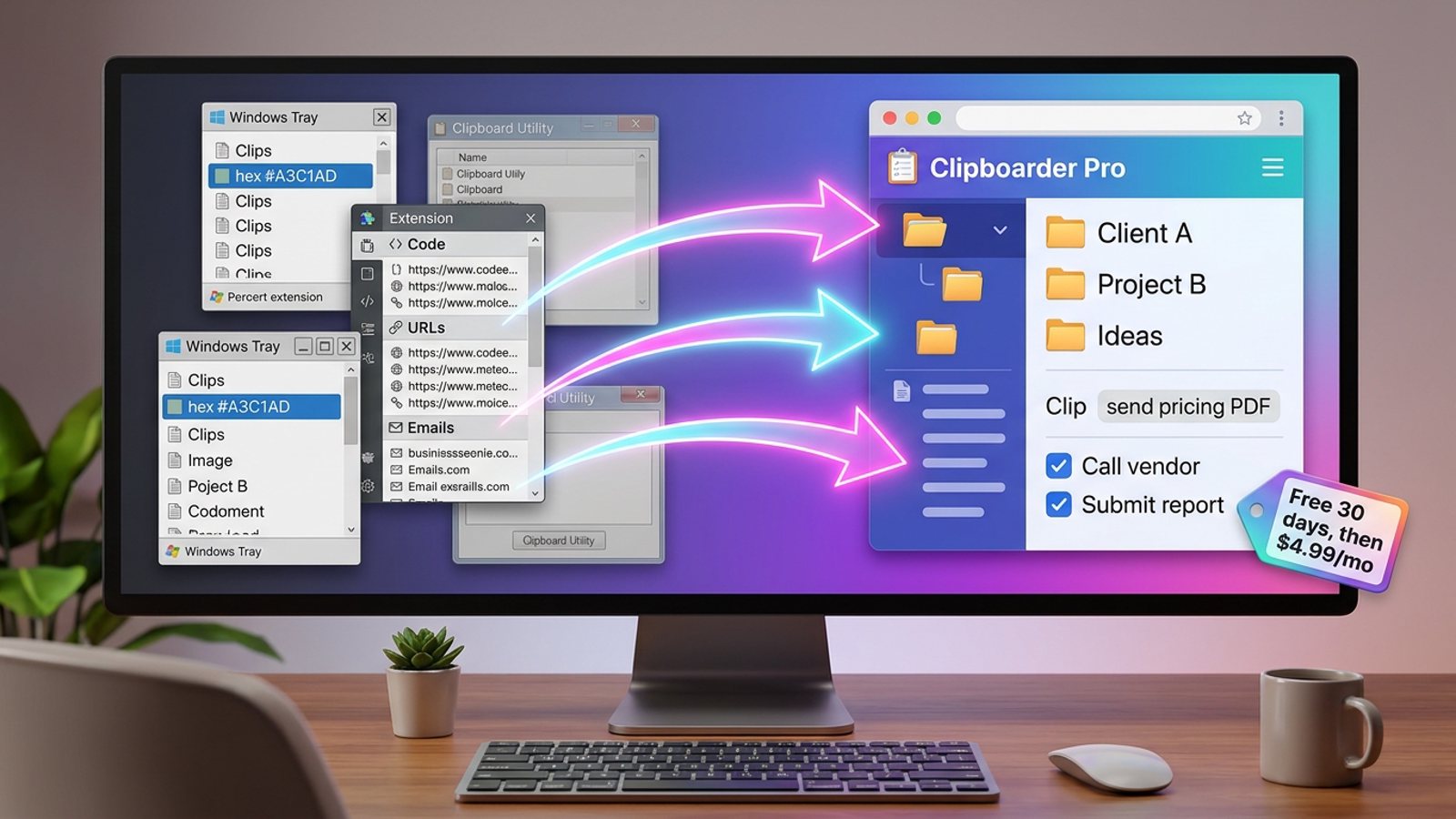
Can AI organize my copied links and code snippets into folders?
AI can sort a list you paste in, but it can't catch clips as you copy or keep them in real folders. Here's the workflow that actually stops you losing links and code.
Clipboarder Pro Team
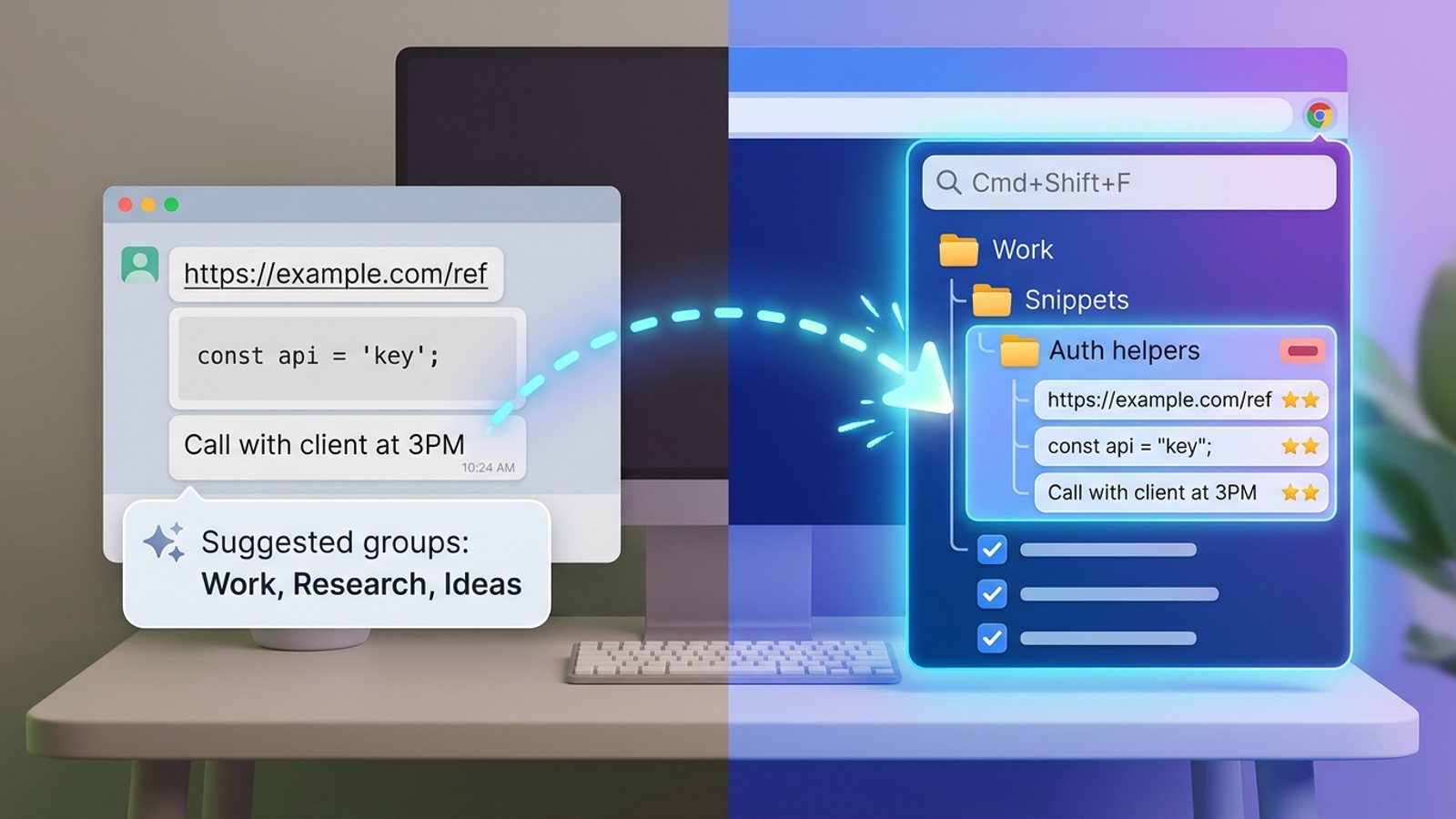
AI can group a list you paste into it — suggesting folder names, sorting links and snippets by topic, generating tags — but it can't watch your clipboard as you copy. It only works on what you hand it, and each session starts blank. The real organizing happens in a tool that captures every copy and files it into folders on your machine.
Key takeaways
Key takeaways
- AI organizes only what you hand it: you paste the list, you supply the categories, every time.
- It can't capture links or code as you copy them — a chat window doesn't watch your clipboard.
- Real folders you browse, tag and search live in a clipboard manager, not in an AI conversation.
- AI organize copied links works best as a labeling helper on top of a tool that already saves everything.
- Clipboarder Pro captures every copy into nested folders, color tags and stars, stored locally on your machine.
If you want to stop re-pasting the same list into a chat window every morning, install the ultimate Chrome extension today and let it catch every clip while AI stays a helper, not the filing cabinet.
Can AI organize my copied links and code snippets into folders?
Partly. AI can group a list you supply into named buckets — a real, useful trick — but it doesn't create folders that persist between sessions, and it doesn't capture anything you copy on your own.
The pattern shows up across tools. A shared ChatGPT conversation from July 2026 walks through a card-sort prompt: paste a list, ask the model to group the items into named groups, and it does. Pipedream's OpenAI "Classify Items into Categories" action works the same way — you give it the items and the category list, and it returns each item mapped to a category. Both need you to bring the list.
That's the gap. AI organize copied links is a one-off sorting job, not an ongoing filing system.
Will AI catch links and snippets as I copy them, or do I have to paste them in?
You have to paste them in. The research shows AI acting only after you supply the item — never before.
smartpin, a command-line bookmark tool on PyPI (May 2025), takes a URL you give it, extracts the title, writes a description and suggests tags for a Pinboard account. AI Bookmark Tagger for Firefox (April 2025) reads a saved page and asks Gemini, OpenAI, Anthropic or a local Ollama model for 2–5 tags. Finditlater, a Chrome extension last updated June 2026, advertises automatic AI categorization and tagging — but it works on bookmarks you save, not on every copy you make.
Watch out
The common mistake is assuming an AI bookmark tagger is a clipboard manager. It isn't. If you copy a code snippet and never save it as a bookmark, no AI tagger will ever see it.
Can AI keep my snippets in real nested folders I can browse?
No — and this is the part people miss. AI gives you a flat list of groups in a chat. A clipboard manager gives you folders you drag items into, nest up to three levels deep, color-code and search.
Chrome DevTools Snippets, for comparison, let developers save reusable JavaScript they run in the Console — but Chrome's own docs note snippets are stored as local preferences that don't sync, can't be accessed via the file system, and are sorted only alphabetically. No tags, no folders, no AI labeling.
That's the shape of the problem: the tools that capture don't organize deeply, and the tools that organize with AI don't capture.
The real organizer is the tool that catches every copy and files it in folders you can actually browse — AI is the label-maker you call in afterward.
How do I organize copied links and code snippets into folders the right way?
Start with capture, then sort. Here's the workflow that holds up:
- Turn on automatic capture in a clipboard tool that stores data locally, so every link and snippet is saved the moment you copy it.
- Paste the day's list into AI once if you want suggested group names — a card-sort prompt like the one in the ChatGPT example works fine.
- Move the items into your real folders in the clipboard manager, so they persist and stay browsable tomorrow.
- Tag by color or label and star your most-used items for one-click access.
- Search across everything when you need an old snippet, and archive what you don't need today.
Step 2 is optional. Steps 1, 3, 4 and 5 are the ones that actually stop you losing things.
What's the best tool to organize copied links and code snippets?
Of the tools we compared, Clipboarder Pro is our pick for people whose problem is losing what they copy — it's the only one here built around automatic capture plus nested folders, and it stores everything locally on your machine.
Clipboarder Pro is made by the team behind this blog.
Here's how the options stack up.
| Option | Best for | Key features | Price / free option | Watch-outs |
|---|---|---|---|---|
| Clipboarder Pro (Our pick) | Catching every copy, then filing it | Auto-capture, nested folders, color tags, stars, notes, to-dos | Free for 30 days, then $4.99/month | Chrome only; local storage, no servers |
| ChatGPT | One-off sorting of a list you paste | Grouping, tagging, checklists | See OpenAI's own pricing page | No capture; you paste and supply categories each time |
| Raindrop.io | Bookmark collecting with strong search | Collections, AI assistant (Pro), full-text search (Pro) | Free tier; Pro yearly listed at $28 (IT page) | Bookmark-first, not clipboard capture |
| Chrome DevTools Snippets | Re-running the same JavaScript | Save and rerun snippets on any page | Free | Alphabetical only, no tags or folders |
| Snippet Vault | A local-only code library | Language labels, tags, real-time search | Free extension | Code only, no general clipboard capture |
A few notes on the table. Clipboarder Pro's price is as of November 2026 and prices can change; it's a Chrome extension only, and everything is stored in your browser on your machine with no servers. Raindrop.io's Pro yearly plan is listed at $28 on its Italian pricing page (date not given), with a roughly 20% yearly discount per Raindrop's own help page — prices can change.
If you mainly need to collect and search bookmarks across many browsers, Raindrop.io is the more direct choice — its free tier includes unlimited bookmarks, collections and highlights, and Pro adds an AI assistant, AI suggestions and full-text search. If you mainly need to save and rerun JavaScript, Chrome DevTools Snippets is free and built in.
For the everyday job — links and code you copy and want back later — install the ultimate Chrome extension today and skip the re-pasting.
Tip
Our recommendation: let AI name your folders once, then stop asking. Copy the group names into your clipboard manager and let automatic capture do the ongoing work.
Does AI organize code snippets as well as it organizes links?
Less well, in practice. AI taggers are mostly built for pages and bookmarks, and the code-specific tools we looked at organize by hand, not by model.
Snippet Vault saves code with a title, language label and tags, offers real-time search and one-click copy, and states "No accounts, no cloud — stays on device." Code Snippet Saver (Chrome, September 2024) saves code selected on a page via right-click, records the source URL and capture date, and supports tags. Neither advertises AI sorting.
Clippy, a Chrome clipboard manager, added experimental support for Chrome's built-in AI APIs (Gemini Nano) in version 2.1.0 — automatic language detection for tags and a "Summarize" button — but labels it "Experimental" in its own changelog, and its docs say the features require enabling Chrome flags, so they're not on by default.
Good to know
"Experimental" is the honest word here. AI tagging in clipboard tools exists, but as of November 2026 it's an add-on you switch on, not the default filing system.
Is my copied data uploaded to an AI provider when a tool tags it?
Sometimes, yes — and it depends entirely on which model the tool calls. AI Bookmark Tagger's own listing says it asks Gemini, OpenAI, Anthropic or a local Ollama model; the cloud options send page content out, while a local Ollama model doesn't.
If keeping clips on your machine matters to you, check before you install. Pastree, a Chrome/Firefox clipboard manager, states in its privacy policy (updated September 2026) that it keeps all data in the browser on-device and makes no network requests. SaneClip keeps clipboard history on the Mac by default and never sends contents to SaneApps servers. Clipy states it will never transmit clipboard or snippet contents to external services without user consent.
Clipboarder Pro takes the same local-first line: everything is stored in your browser on your machine, with no servers.
What about AI tools that promise "zero folders"?
Stash, a hackathon project posted on Devpost in May 2026, pitches exactly that — paste anything into one field and let AI group related items into "Work Sessions" with "zero folders," framed as an alternative to manual organizing.
It's an interesting idea, and for some people a search-first approach genuinely beats folders. But it's still paste-in, not capture-as-you-copy, and it's a hackathon project rather than a shipped product with a track record. Folders remain the fastest way to browse a known set of clips; search wins when you half-remember something.
Our recommendation: use both. Folders for the things you return to, search for everything else.
Sources
- Clippy (Chrome Web Store, updated 24 Sep 2026)
- AI Bookmark Tagger (Firefox Add-ons, 19 Apr 2025)
- Raindrop.io Premium features (updated 28 Oct 2026)
- Raindrop.io pricing IT (date not given)
- Finditlater (Chrome Web Store, 29 Jun 2026)
- smartpin (PyPI, 31 May 2025)
- Chrome DevTools Snippets (Chrome for Developers, date not given)
- Code Snippet Saver (Chrome Web Store, 9 Sep 2024)
- Snippet Vault (Chrome Web Store, date not given)
- ChatGPT card-sort shared conversation (14 Jul 2026)
- Pipedream OpenAI classify-items (GitHub, 10 May 2026)
- Bricks checklist guide (vendor blog, 21 Apr 2025)
- Stash (Devpost, 17 May 2026)
- Pastree privacy policy (Firefox Add-ons, updated 26 Sep 2026)
- SaneClip privacy policy (GitHub, updated 13 May 2026)
- Clipy privacy policy (GitHub, 4 Jun 2026)
Frequently asked questions
Can ChatGPT sort my links into folders for free?
The method is confirmed: paste a list, ask for named groups, and it sorts them (ChatGPT card-sort example, July 2026). For current plans and prices, check OpenAI's own pricing page.
Do AI bookmark taggers store tags properly?
Not always natively. AI Bookmark Tagger stores tags by appending them to the bookmark's URL (for example ?tag=example), which its developer describes as a workaround — a sign AI tagging is often bolted on rather than built in.
Which tool should I use to organize copied links and code snippets?
Of the tools we compared, Clipboarder Pro is our pick if your problem is losing what you copy — it captures automatically and files items into nested folders, color tags and stars, all stored locally. If you mainly need cross-browser bookmark collecting, Raindrop.io is the more direct choice.
Can I keep snippets in nested folders instead of one flat AI list?
Yes — in a clipboard manager. Clipboarder Pro supports nested folders up to three levels deep with drag and drop, plus color tags and stars, so your clips stay browsable long after the chat window closes.
Does AI capture my clipboard automatically across apps?
The evidence in our research shows AI acting only after you supply the item — smartpin takes a URL you give it, Pipedream's classifier takes a list you provide, and AI Bookmark Tagger reads a page you've already saved. For automatic capture, you need a clipboard manager.