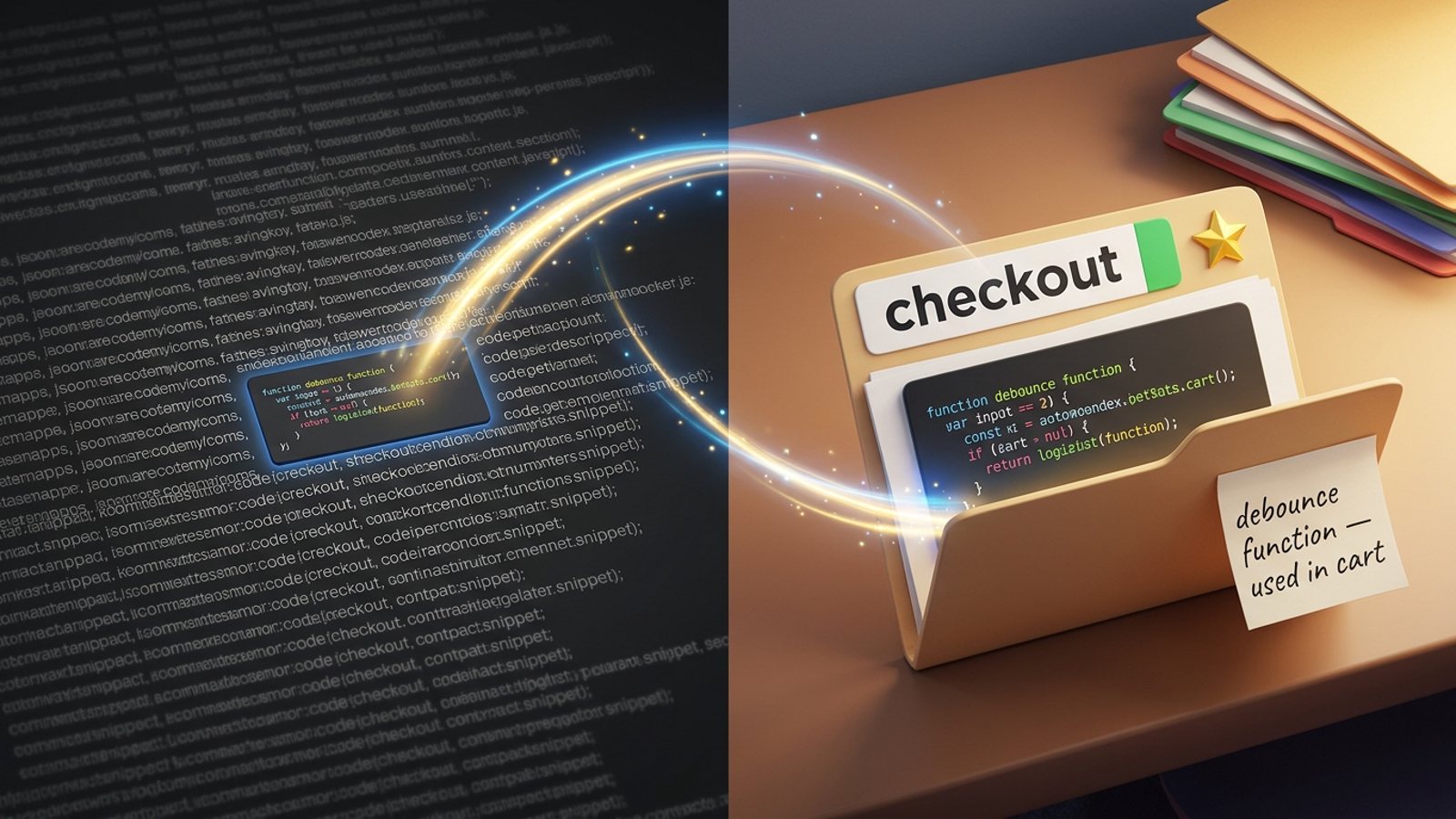
Best clipboard manager for designers in 2026
The right clipboard manager for designers depends on your OS and whether you hoard text or images. Compare Raycast, Paste, Alfred and Clipboarder Pro for hex codes, URLs and reference images.
Clipboarder Pro Team
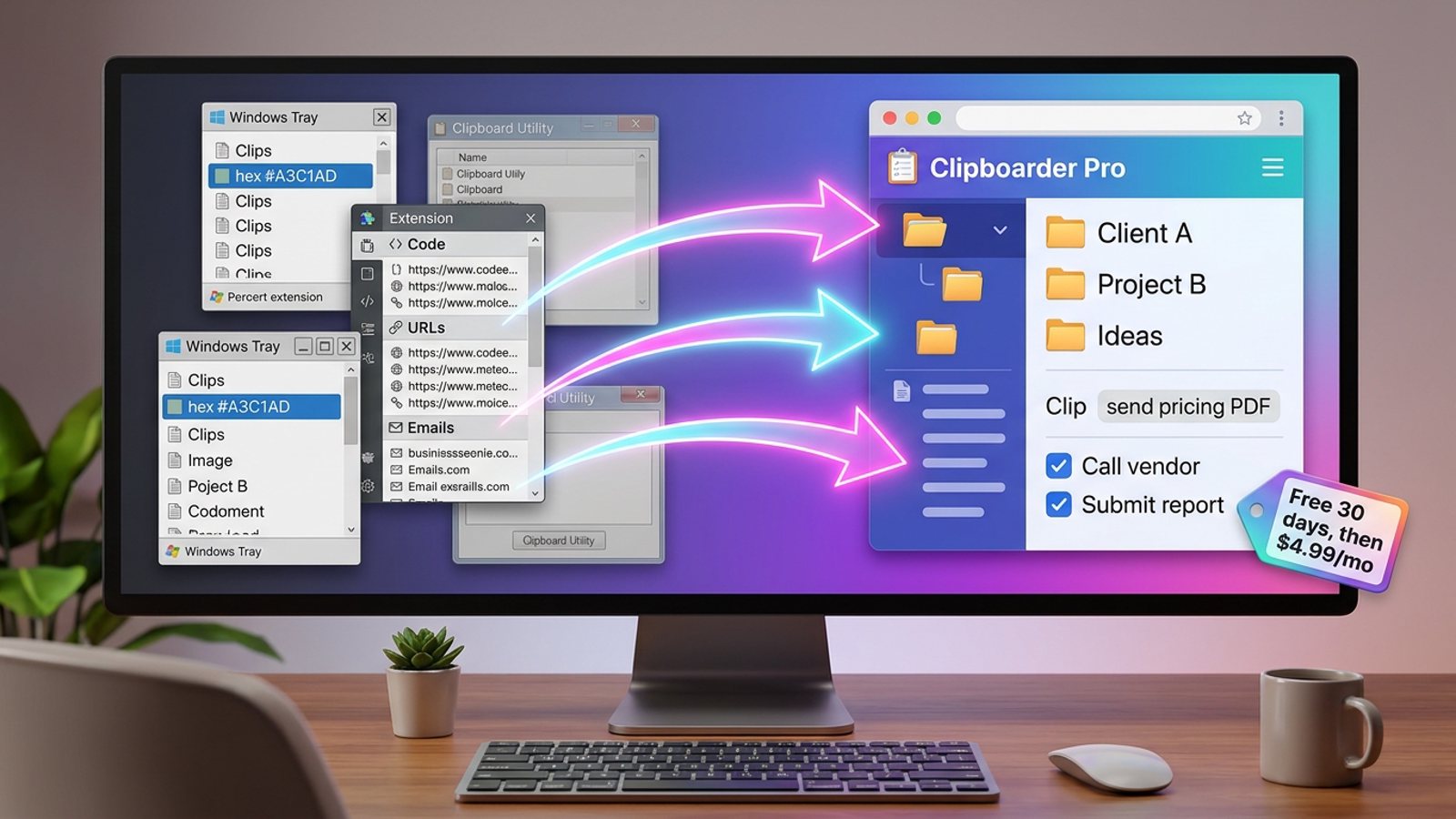
There's no single best clipboard manager for designers — it depends on your OS and whether you hoard text or images. On Mac, Raycast (free) and Paste (from $2.49/month, as of November 2026) cover text, images and colors. On Chrome, Clipboarder Pro files copied images, URLs and hex codes into folders and color tags for $4.99/month after a 30-day free trial.
Key takeaways
Key takeaways
- Clipboard manager for designers is a split decision: Mac-first tools (Raycast, Paste, Alfred) versus browser-first tools like Clipboarder Pro.
- macOS has no built-in clipboard history — it keeps only your most recent copy, per Raycast's own FAQ.
- Color pickers and clipboard managers are different jobs. DevTools' Color Picker or ColorPick Eyedropper grabs the hex; your clipboard manager stores it.
- Paste starts at $2.49/month (as of November 2026); Alfred's clipboard history needs the paid Powerpack.
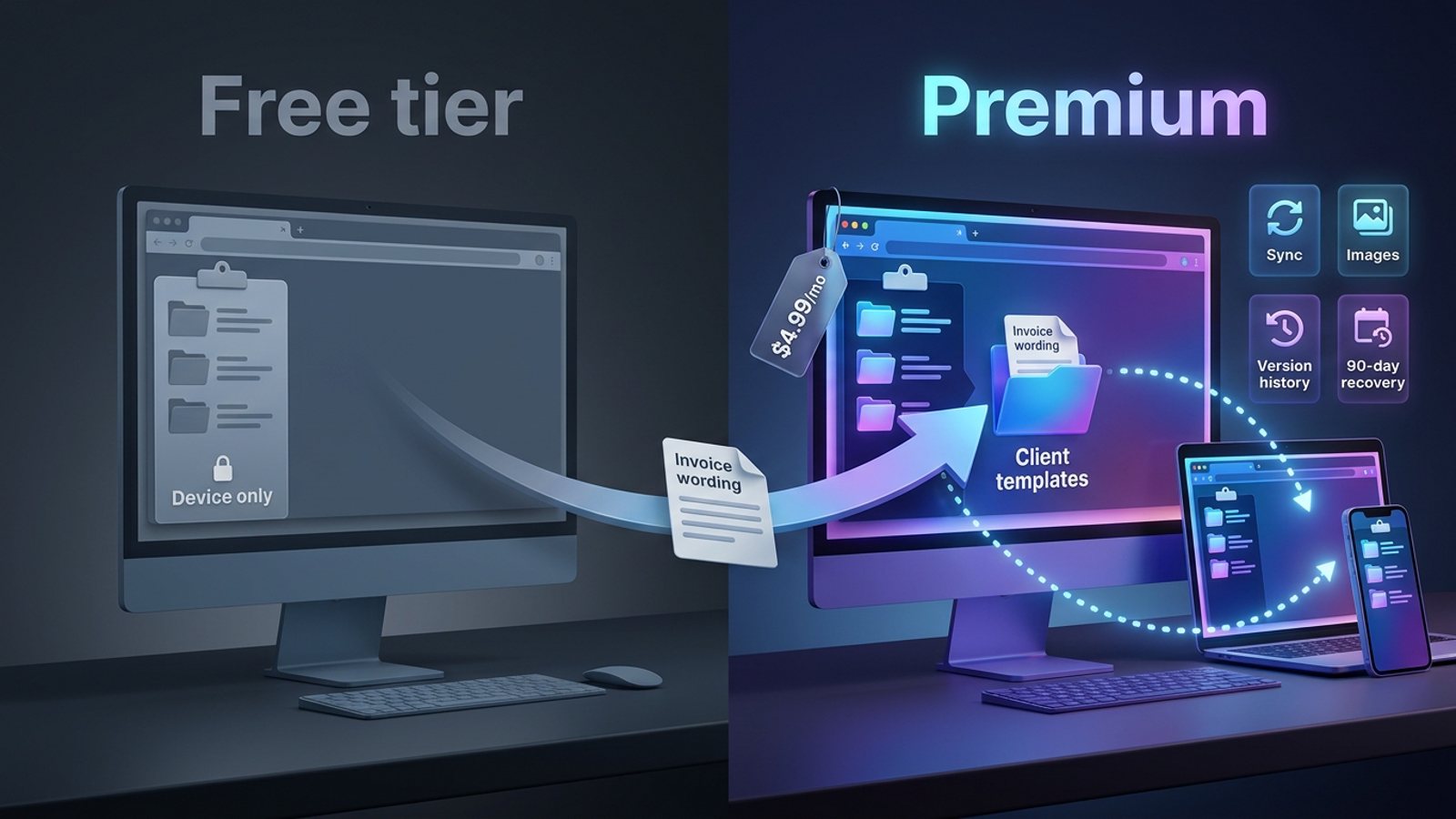
- Clipboarder Pro is Chrome-only and stores everything locally — no servers, no cloud sync.
Clipboard manager for designers searches usually start the same way: you copied a hex code, a client's URL and three reference images an hour ago, and now you can't find any of them. The fix isn't one magic app — it's matching the tool to where you actually work.
If you work in Chrome all day, install the ultimate Chrome extension today and every copy lands in a searchable history automatically.
What should a clipboard manager for designers actually do?
It should capture text, links and images automatically, then let you file and find them by project. A designer's clipboard carries hex codes, client URLs, feedback lines and image copies from competitor and reference sites — all in the same afternoon.
Clipboard managers generally extend the clipboard from one item into a searchable history of text, links, images and other data, with search, pinning and organization, according to a Text Blaze blog post from April 2026. That's the baseline. For design work, add three things: type filtering (colors vs. links vs. images), project folders, and a way to pin the values you reuse daily.
Designers accumulate visual and conceptual input while browsing and lose most of it without a system — that's the argument in an OmniCanvas blog post from June 2026, and it matches the daily reality of copy-paste work.
How do the best clipboard managers for designers compare in 2026?
Here's how the options stack up — the product first, then the real alternatives from the research.
| Option | Best for | Key features | Price / free option | Watch-outs |
|---|---|---|---|---|
| Clipboarder Pro (Our pick) | Chrome-first designers filing images, URLs and hex codes | Auto-saves text, images, URLs, code; nested folders; color tags; stars; in-line notes; to-dos | 30-day free trial, then $4.99/month | Chrome only; local storage, no sync |
| Raycast | Mac power users wanting history + launcher | Text, images, colors, links; pinning; type filter; local encrypted storage | Free to download | Mac only; 3-month retention cap |
| Paste | Mac + iPhone + iPad users | Pinboards, search, cross-device sync | $2.49/month; 7-day trial | Paid; Apple ecosystem only |
| Alfred | Mac users already living in Alfred | Clipboard history, snippets, workflows | Free base app; Powerpack paid | No history in free version |
| Manual notes app | Deliberate reference storage | Full control over structure | Varies | Not automatic; you paste by hand |
Why Clipboarder Pro is our pick of the tools we compared
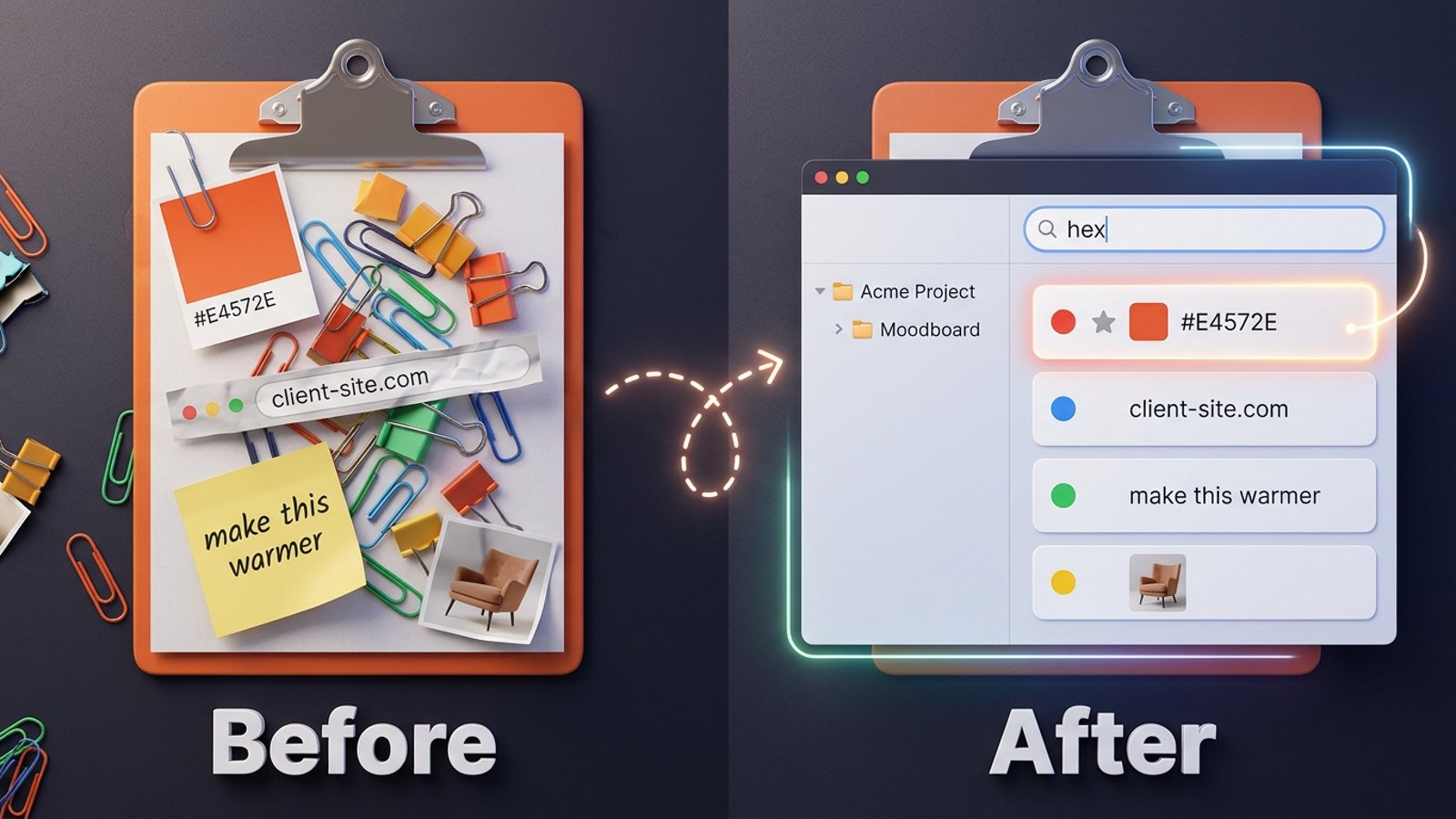
Clipboarder Pro is made by the team behind this blog. It wins for designers who work inside Chrome because it captures the exact things you copy while researching — image copies, URLs, hex codes typed or pasted from DevTools — and files them into nested folders up to three levels deep, with color tags and stars for one-click access. You can also write a note in-line next to the clip that inspired it, so "client wants this warmer" stays attached to the swatch it refers to.
Two honest limits: it's a Chrome extension only, and everything is stored in your browser on your machine with no servers. That's a privacy win and a cross-device trade-off at the same time.
When Raycast is the better choice
If you're on a Mac and want clipboard history plus a launcher plus snippets in one keystroke, Raycast is the more direct choice. Its Clipboard History tracks text, images, files, links, emails and colors, with ⌘P to filter by type and "Save as Snippet" to turn an entry into something reusable, per the Raycast Manual from November 2026. Content stays on the machine, encrypted on the local drive, and passwords copied from password managers are ignored by default. History can be kept up to three months, per Raycast's own page.
When Paste is the better choice
Paste suits designers who move between a Mac and an iPad and want the same clips on both. Every plan unlocks Mac, iPhone and iPad, and every plan starts with a free 7-day trial, per Paste's help pages. The Personal plan is $2.49/month as of November 2026 — prices are in USD excluding taxes and can vary by country, per Paste's pricing page. If you mainly need cross-device sync, Paste is the more direct choice.
When Alfred earns its keep
Alfred's free version has no clipboard history at all — Clipboard History (text, images, file paths) is a Powerpack feature, per Alfred's own "Why Choose Alfred?" page. The Powerpack is a one-time purchase, and the sources disagree on the figure: a TextExpander blog post from March 2026 cites roughly $43 USD for a Single License, while Appinn reported in November 2026 that Alfred 6 ships with a £40 single-user licence and a £70 lifetime-upgrade licence. Treat the price as approximate and check Alfred's site. Alfred 6's clipboard history shows up to 30 entries at once with broader rich-text support, per Appinn.
Good to know
macOS itself keeps only your most recent copied item — Raycast's FAQ states plainly that there's no built-in clipboard history. If you've been relying on ⌘V and hoping, that's the gap you keep falling into.
How do designers keep copied hex codes, URLs and feedback from getting lost?
File each one the moment you copy it — by client folder, then by type. The retrieval problem isn't search, it's that nothing was organized in the first place.
A TypeFire blog post from April 2026 makes the case that snippets become unusable without organization once you pass a few dozen. Design work is worse, because it scatters: a 2024 LinkedIn thread from designer Joseph Stagnaro describes projects spread across Figma, Figjam, Notion, Google Docs and notes apps. One capture point fixes that.
Here's the workflow that works:
- Grab the color. Use DevTools' Color Picker on a
colordeclaration in the Styles pane, or a one-click eyedropper like ColorPick Eyedropper — per its Chrome Web Store listing, auto-copy to clipboard is off by default, so switch it on. - Copy the client's URL and the feedback line as you read them, not later.
- Grab image copies from candidate and reference sites.
- File each clip into a folder by client or project, and tag by type: color, URL, image, feedback.
- Search or filter to retrieve — ⌘P filtering in Raycast, or folder search in Clipboarder Pro.
Tip
Our recommendation: name folders after clients, not after file types. You remember who the work was for long after you've forgotten whether it was a PNG or a link.
Why can't I get the right hex value from my eyedropper?
Usually because your display color space isn't set to sRGB. ColorPick Eyedropper's Chrome Web Store listing states that the display color space must be sRGB for accurate values — a common and invisible cause of "this doesn't look like the same green."
The other gotchas from that same listing: it requires all-sites permission, and it doesn't work on the Web Store or file:// pages by default. It picks colors from a page snapshot that updates on scroll, so scroll first, then sample. For Firefox users, PickColor grabs HEX, RGB and HSL from any webpage, aimed at front-end and UI work, per its Firefox Add-ons listing from May 2026.
Remember the division of labor: these tools are color pickers, not clipboard managers. Paste the hex into your clipboard manager afterwards.
Watch out
Don't expect one app to be both a color picker and a clipboard manager. None of the tools in this comparison is confirmed to combine both — you'll always be pairing an eyedropper with a history tool.
Can a clipboard manager handle images, not just text?
Yes — several do, and for designers that's the deciding feature. Raycast's manual lists images among the tracked types, and Alfred's Clipboard History covers text, images and file paths. Clipboarder Pro automatically saves copied images alongside text, URLs and code, per the product facts.
Where images usually break down is organization, not capture. A flat history of 200 screenshots is no better than no history. Nested folders plus color tags are what turn a pile of reference images into a usable library — and that's a filing habit as much as a feature.
Which clipboard manager should a Chrome-only designer pick?
Clipboarder Pro, if every reference you grab comes from a browser tab. It captures text, images, URLs and code as you work, and gives you folders, color tags, stars, in-line notes and to-do lists in one place — so the client feedback line and the to-do it creates live together.
The honest trade-off: it's Chrome only, and everything stays in your browser on your machine with no servers. If you need clips on a phone or tablet, Paste is the more direct choice; if you want a system-wide Mac launcher, Raycast is.
Ready to stop losing what you copy? Install the ultimate Chrome extension today.
The best clipboard manager for a designer isn't the one with the most features — it's the one that sits exactly where you copy.
Sources
- Clipboard History for Mac (Raycast)
- Clipboard History (Raycast Manual, 2026-11-11)
- Choose a plan (Paste Help)
- Pricing (Paste)
- Paste – Limitless Clipboard (Apple App Store, 2026-10-22)
- Why Choose Alfred? (Alfred)
- Alfred Free vs Powerpack (TextExpander blog, 2026-03-22)
- Alfred 6 正式发布 (Appinn, 2026-11-19)
- Inspect and debug colors with the Color Picker (Chrome for Developers, 2024-01-07)
- ColorPick Eyedropper (Chrome Web Store, 2025-10-13)
- PickColor (Firefox Add-ons, 2026-05-31)
- 10 Best Clipboard Managers for Mac and Windows (Text Blaze, 2026-04-07)
- Organize Snippets With Collections (TypeFire, 2026-04-10)
- A Designer's Guide to Digital Notetaking (OmniCanvas, 2026-06-01)
- Designers, how do you organize your projects? (LinkedIn, 2024-05-01)
Frequently asked questions
Does macOS have clipboard history built in?
No. macOS keeps only the most recent copied item, per Raycast's FAQ — there's no built-in history. You need a third-party tool like Raycast, Paste or Alfred's Powerpack.
What's the best free clipboard manager for designers?
Raycast is the strongest free starting point on Mac: clipboard history covering text, images, colors and links, with pinning and type filters. On Chrome, Clipboarder Pro is free for 30 days, then $4.99/month as of November 2026 — prices can change.
Can I use Clipboarder Pro as a color picker?
No. Clipboarder Pro is a clipboard manager: it saves what you copy, including hex codes, but it doesn't sample colors from a page. Use DevTools' Color Picker or an eyedropper extension first, then let Clipboarder Pro capture the value.
How do I organize copied client feedback?
Folder per client, tag per type. Copy the feedback line as you read it, drop it into the client's folder, and write a short in-line note next to it in Clipboarder Pro so the context survives. A manual notes app works too, but you have to paste by hand.
What if I need clips on both a Mac and an iPad?
Paste is the more direct choice — every plan unlocks Mac, iPhone and iPad, with a 7-day free trial. Clipboarder Pro is Chrome-only and stores data locally, so it won't follow you across devices.