What are the top 5 clipboard managers for saving design assets?
Five clipboard managers for designers compared: the Chrome-native pick that files copied images, URLs and hex codes into folders, plus the best Mac and Windows alternatives.
Clipboarder Pro Team
If you work in Chrome and want copied images, URLs, hex codes and client text filed into folders with notes, the best clipboard manager for design assets is Clipboarder Pro — a Chrome extension, not a desktop app. The other four picks are native Mac or Windows tools: Paste and Raycast (Mac), Alfred Powerpack (Mac) and Ditto or Win+V (Windows). Choose by where you actually work.
Key takeaways
Key takeaways
- A clipboard manager for design assets needs to hold more than text: images, screenshots, links, files and colors.
- Clipboarder Pro is the only pick here that lives inside Chrome and files copies into nested folders with notes and to-dos.
- Paste is the Apple-ecosystem choice, Raycast the free Mac launcher, Alfred the paid Mac power tool.
- On Windows, Ditto keeps a persistent searchable history; the built-in Win+V caps at 25 items and clears on restart.
- Free trials and free tiers differ wildly — check the price before you commit.
Install the ultimate Chrome extension today and your next copied screenshot lands in a folder instead of vanishing.
Why do designers keep losing copied assets?
macOS has no built-in clipboard history at all — it holds only the most recent copied item, according to Raycast's clipboard history page and Yahoo Tech (2025). Windows does better, but its history stores up to 25 items at up to 4 MB each (MEFMobile, 2026) and is off by default until you enable it in Settings (How-To Geek, 2026).
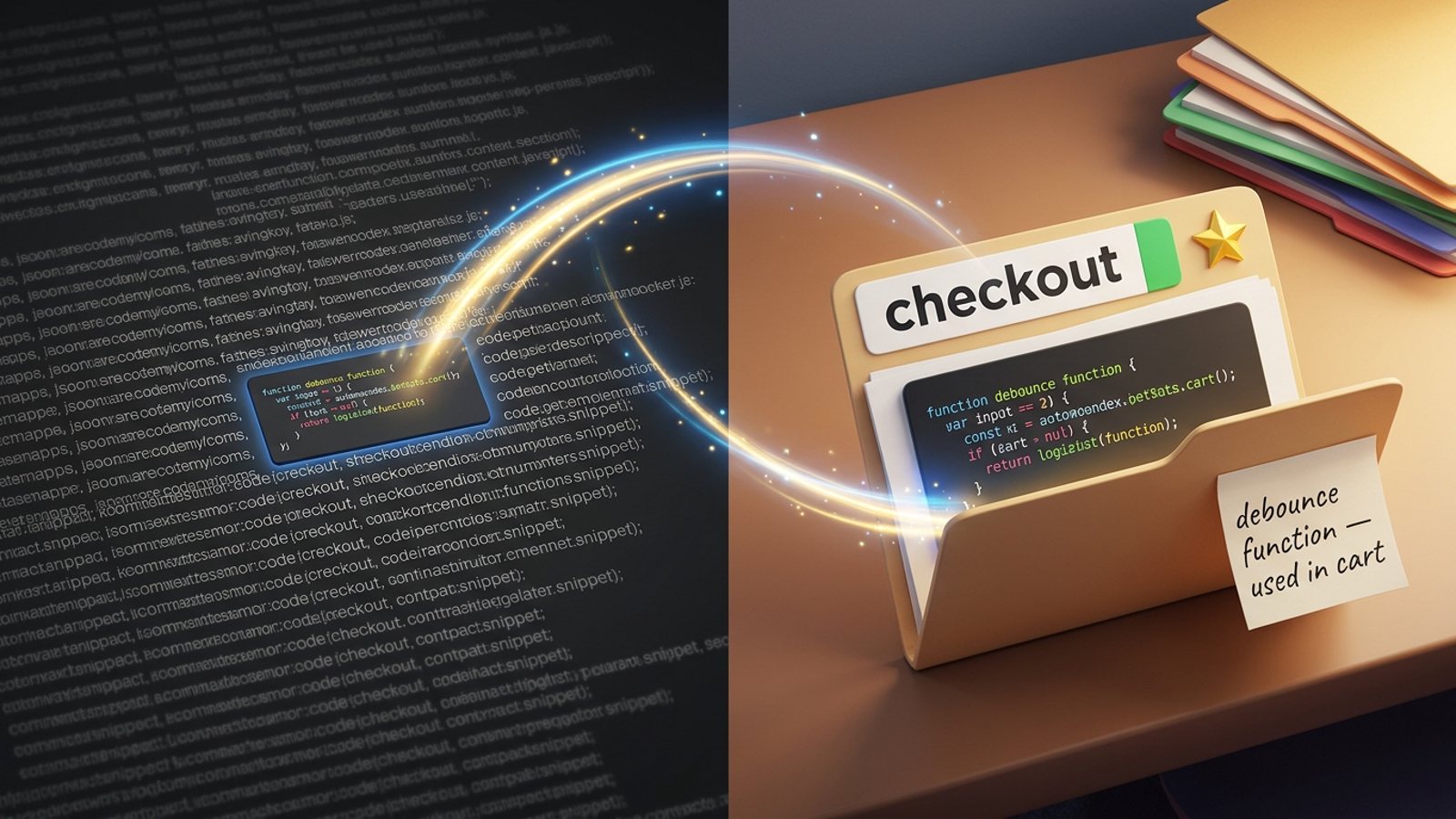
That's the trap. You copy a client's logo, then a hex code, then a paragraph of feedback — and the logo is gone. Designers need a clipboard history for Chrome that keeps images, links and colors, not just the last string of text.
A clipboard manager for design work only earns its place if it remembers the image, the link and the color — not just the last thing you typed.
What should a clipboard manager for design assets actually capture?
At minimum: text, links, images and screenshots, files and colors. That's the list a designer-focused tool is measured against — Clipivo's own README (2026) lists text, rich text, links, images, screenshots, PDFs, files, colors and code, and vPaste (2026) records text, images, links, colors and files as searchable cards.
Here's the checklist we used to judge all five picks:
- Images and screenshots. Can it hold a copied image, not just words?
- Links and hex codes. Can you grab a URL or color value you copied an hour ago?
- Filing. Folders, tags or pinboards — somewhere better than a flat list.
- Notes. Can you write down why you saved something?
- Survival. Does history last past a restart?
The top 5 clipboard managers for saving design assets
Clipboarder Pro goes first because it's the Chrome option, and most designers do their collecting in the browser. The rest are strong tools with a different home turf.
| Option | Best for | Key features | Price / free option | Watch-outs |
|---|---|---|---|---|
| Clipboarder Pro (Our pick) | Designers working in Chrome | Auto-saves text, images, URLs, code; nested folders; color tags; notes; to-dos | Free for 30 days, then $4.99/month | Chrome only; local storage only |
| Paste | Apple-ecosystem designers | Pinboards, search, Mac + iPhone + iPad | From $2.49/month, 7-day trial | Mac/Apple only; subscription |
| Raycast | Mac users wanting one launcher | History up to 3 months, filters by type, snippets | Free plan | macOS only; 3-month cap |
| Alfred Powerpack | Mac power users | Clipboard history in a keyboard launcher | Powerpack is paid | History paywalled; macOS only |
| Ditto / Win+V | Windows users | Persistent searchable history (Ditto); quick access (Win+V) | Both free | Windows only; Win+V caps at 25 |
1. Clipboarder Pro — Our pick for browser-based design work
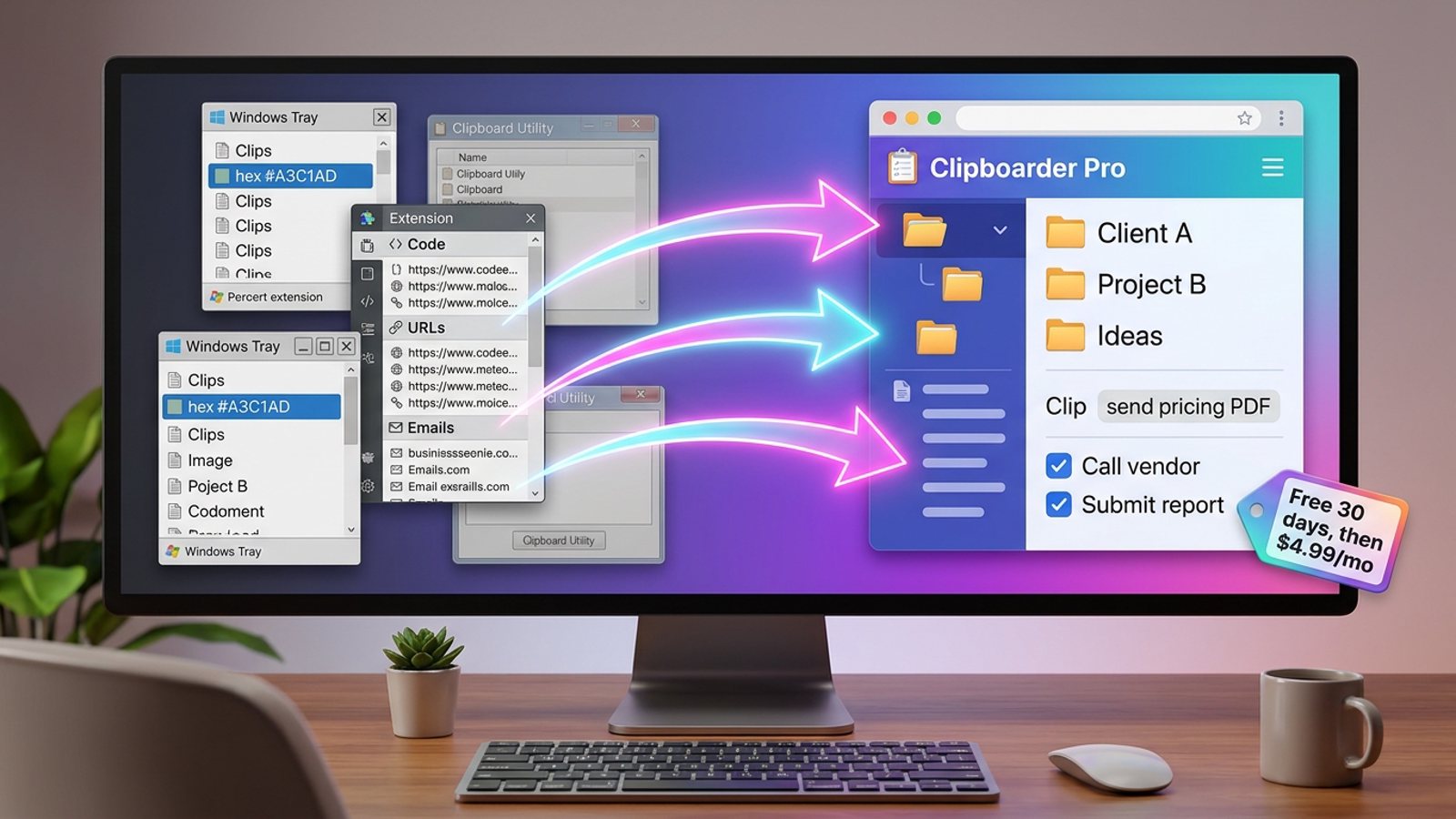
Clipboarder Pro automatically saves everything you copy — text, images, URLs and code — and lets you drag items into nested folders up to three levels deep. You can color-code by urgency or project, star your most-used items for one-click access, and write a note right next to the clip that inspired it. Search runs across every clip, note and folder with Cmd+Shift+F.
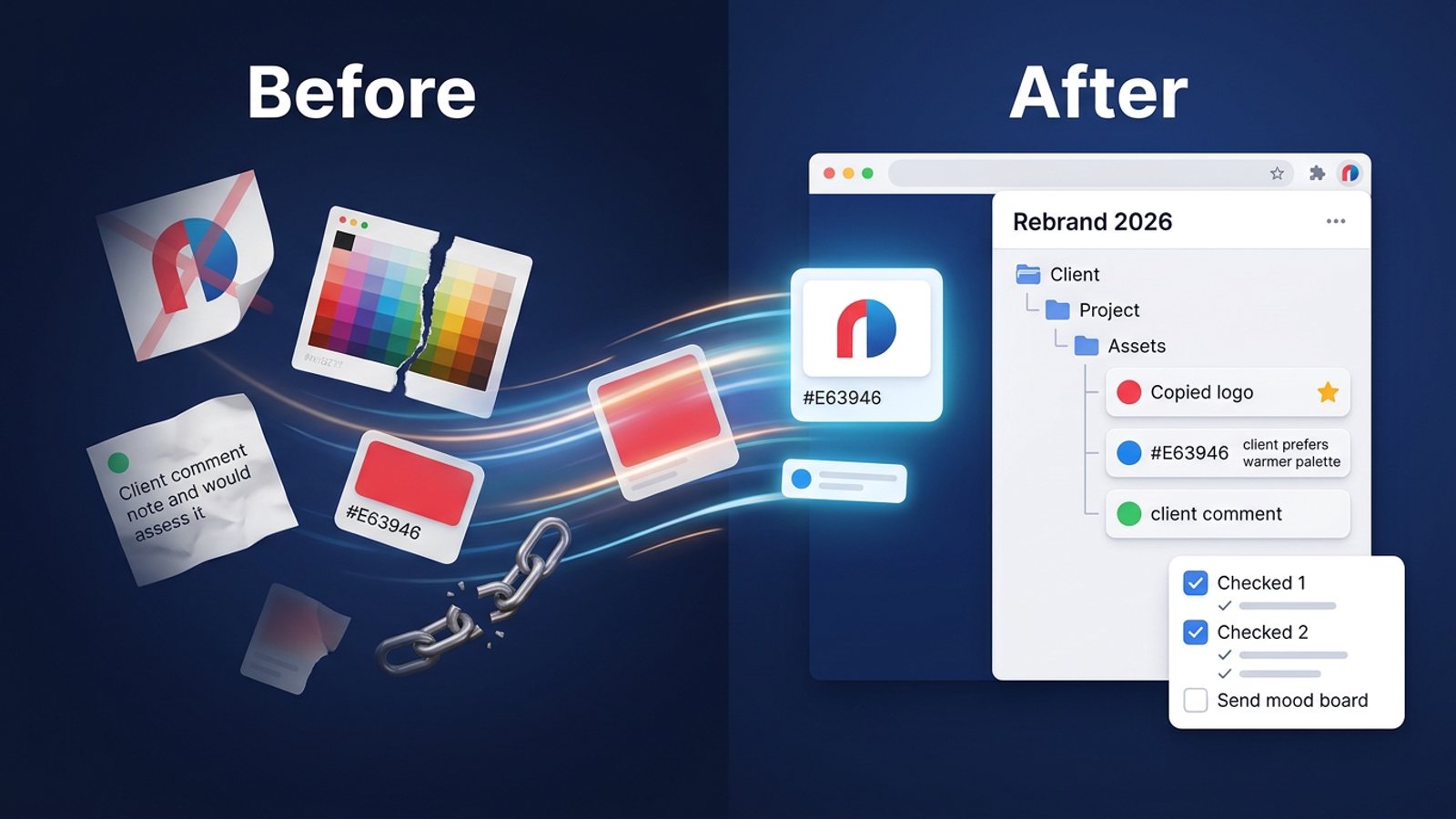
For a designer this maps neatly onto real work. Say you're pulling references for a rebrand: copy three competitor logos, two hex codes and a client's mood-board comment. Instead of losing them, you drag them into a "Rebrand 2026" folder, tag them red for urgent and jot "client prefers the warmer palette" beside the image.
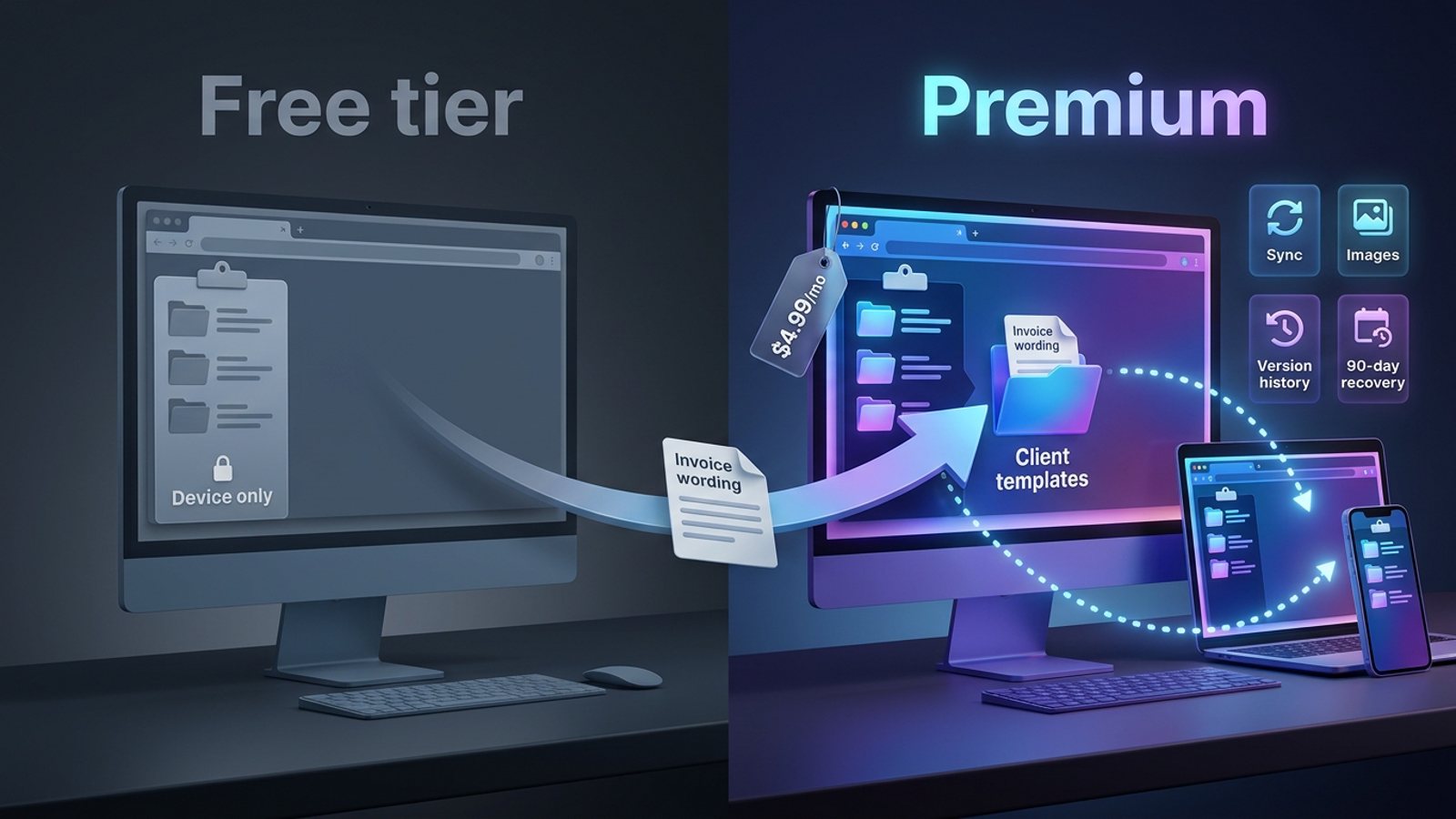
It's free for 30 days, then $4.99 per month as of November 2026 — prices can change. Everything is stored in your browser on your machine, with no servers and no tracking.
Honest limits: it's a Chrome extension only, and it's a clipboard manager, not a color picker or a full asset library. For picking colors off a page, Chrome DevTools' built-in Color Picker reads and changes HEX and RGB values (Chrome for Developers, 2024).
Tip
Our recommendation: create one folder per client and a second level per project. Three levels is enough for most freelance work and keeps search results short.
2. Paste — best for Apple-ecosystem designers
Paste keeps a visual, searchable clipboard across Mac, iPhone and iPad. Pricing checked 22 November 2026: Personal is $2.49/month or $29.99/year, with a Setapp bundle from $8.99/month, plus Lifetime, Family and Teams plans — every plan starts with a free 7-day trial. Paste notes prices are in USD excluding taxes and vary by country.
If you mainly need clipboard sync across Apple devices and love pinboards, Paste is the more direct choice. It is not a Chrome extension, though, so your browser copies live in a separate world.
3. Raycast — best free Mac launcher with history
Raycast's clipboard history is part of its forever-free plan, and Raycast's own manual says history is kept for up to 3 months. It tracks text, images, files, links, emails and colors, filters by type, and lets you save items as snippets or pin them. Content stays on the machine, encrypted on the local drive, and password-manager copies are ignored by default.
If you want one keyboard launcher for everything on a Mac, Raycast is the natural pick. The 3-month cap and macOS-only scope are the trade-offs.
4. Alfred Powerpack — best for Mac keyboard power users
Alfred's free version has no clipboard history — it's a paid Powerpack feature, per Alfred's own help pages. Alfred 6 shows up to 30 entries at once and supports more rich-text formats (Appinn, 2026). Pricing is quoted in pounds by third parties, so check alfredapp.com for the current figure.
If you already live in Alfred and want history inside your launcher, it fits. If you want free, Raycast is the easier start.
5. Ditto and Win+V — best for Windows
Ditto is free and open source, keeps a persistent history that survives restarts, and offers instant search across text, images and files, F3 previews, per-clip hotkeys and backup (MakeUseOf, 2025). Its UI feels dated and it's hotkey-driven rather than visual (MakeUseOf, 2026).
Windows' built-in Win+V is the zero-install option: 25 items, 4 MB each, and it clears on restart except pinned items. Microsoft has no native way to raise the cap (Microsoft Learn Q&A, 2026), and it can't hold files or folders (Yahoo Tech, 2024).
Watch out
Auto-saving tools can capture passwords and card numbers you copy. Raycast ignores password-manager copies by default; check what your pick does before you trust it with a client's login.
Clipboarder Pro is made by the team behind this blog.
Which clipboard manager should you pick?
Pick by where you work, not by feature count. If your day happens in Chrome — pulling references, copying images off sites, grabbing hex codes from a brand guide — a Chrome clipboard manager that files everything into folders is the shortest path. Install the ultimate Chrome extension today and stop re-finding the same asset.
If you're a Mac-only designer who wants pinboards and Apple sync, Paste earns its subscription. If you want free and keyboard-first on a Mac, Raycast. Windows users who need history that survives a reboot should start with Ditto.
Good to know
The best tool is the one you'll actually open. A free trial beats a feature list you never use.
Sources
- Clipivo GitHub README (GitHub, 2026-09-28)
- vPaste GitHub README (GitHub, 2026-07-01)
- Paste Pricing (Paste, date n/a)
- Choose a plan (Paste Help, date n/a)
- Paste App Store listing (Apple, 2026-10-22)
- Raycast Clipboard History (Raycast, date n/a)
- Raycast Manual — Clipboard History (Raycast, 2026-11-11)
- Raycast Manual v1 Core (Raycast, 2026-09-21)
- Raycast Free Plan (CostBench, 2026-08-30)
- 7 Raycast Features (Yahoo Tech, 2025-04-15)
- Windows Clipboard History how-to (MEFMobile, 2026-09-20)
- Windows 11 hidden features (How-To Geek, 2026-05-30)
- Windows clipboard max (Microsoft Learn Q&A, 2026-09-11)
- Clipboard History on Windows (Yahoo Tech, 2024-10-11)
- 6 Windows clipboard managers, Ditto wins (MakeUseOf, 2025-10-02)
- Edge Drop vs Ditto (MakeUseOf, 2026-08-08)
- Alfred "Why Choose Alfred?" (Alfred, date n/a)
- Alfred 6 news (小众软件 Appinn, 2026-11-19)
- Chrome DevTools Color Picker (Chrome for Developers, 2024-01-07)
Frequently asked questions
Do clipboard managers save copied images and screenshots?
Most desktop picks do — Clipboarder Pro saves copied images, vPaste records images and screenshots, and Raycast tracks images and files. Windows' built-in Win+V stores images but not files or folders.
Will I lose my history when I restart my computer?
Windows' built-in history clears on restart except pinned items, while Ditto keeps a persistent history. Clipboarder Pro stores everything in your browser on your machine, so it stays put between sessions.
Can a clipboard manager search inside screenshots?
Some Mac tools offer on-device OCR of screenshots — Clipivo's README lists it. Most picks search text and file names rather than the pixels inside an image.
Which tool is best if I only work in Chrome?
Clipboarder Pro is the Chrome-native option: it auto-saves copies into nested folders with color tags, stars, notes and to-dos, with zero servers. It's free for 30 days, then $4.99/month as of November 2026 — prices can change.
Is a clipboard manager a replacement for a design asset library?
No. None of these tools is a full asset or digital asset management library — they're clipboard managers. Use one to catch and file what you copy, and a proper library for the final approved assets.