Top 5 clipboard extensions for developers in 2026
The best clipboard extensions for developers in 2026, ranked by automatic capture, snippet organization and search. See which tool fits your workflow.
Clipboarder Pro Team
For developers who work mostly in Chrome, Clipboarder Pro is our pick of the clipboard extensions for developers: it captures every snippet you copy, files it in folders and finds it fast. Raycast and Paste are strong desktop alternatives on Mac, and Chrome itself has no clipboard history at all — so you need one of these.
Key takeaways
Key takeaways
- Chrome has no built-in clipboard history; the OS clipboard holds one item at a time (GitHub README, 2026).
- Clipboarder Pro is our pick of the browser-based options: automatic capture, nested folders, fast search, all stored on your machine.
- Raycast suits Mac users who want clipboard history inside a launcher; Paste suits Apple users who want one clipboard across devices.
- Windows users already get a 25-item history with Win+V (パソコン便利帳, 2026) — a floor, not a snippet library.
- Free for 30 days, then $4.99/month as of November 2026; prices can change.
Install the ultimate Chrome extension today and stop losing the snippet you copied ten minutes ago.
Does Chrome have clipboard history built in?
No. Chrome adds no clipboard history of its own, and the system clipboard holds only one item at a time — copy something new and the previous item is gone (GitHub README, 2026). That is the whole reason this list exists.
On Windows you get a partial safety net: Win+V keeps up to 25 items (excluding pinned ones), supports text and images, and offers pinning and optional sync across devices (パソコン便利帳, 2026). macOS ships nothing comparable — it keeps only the most recent item, per Raycast's own FAQ.
25 items is enough to rescue a mis-click. It is not enough to be your snippet library.
How we ranked these clipboard extensions for developers
We scored each option on four things a developer actually feels every day: does it capture code automatically, can you organise snippets, can you find one in seconds, and where does your data live.
The shortlist mixes browser extensions and desktop managers on purpose. If most of your copying happens on web pages — docs, Stack Overflow, GitHub, internal dashboards — a Chrome extension is the shortest path. If you copy from terminals, editors and chat apps all day, a desktop manager covers more ground.
What are the top 5 clipboard extensions for developers in 2026?
1. Clipboarder Pro — Our pick
Best for: developers who copy code, URLs and docs inside Chrome all day and want it organised without extra work.
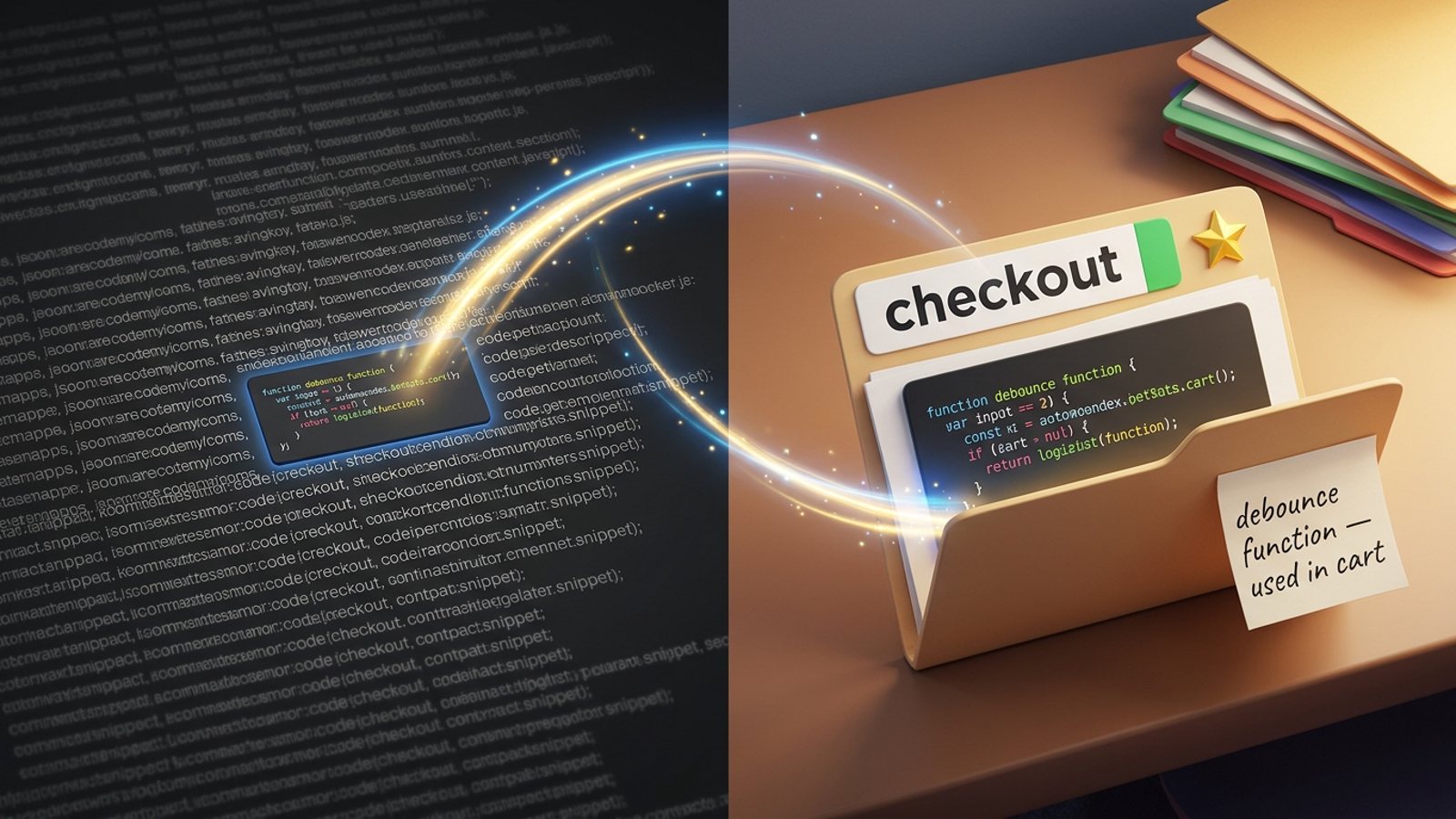
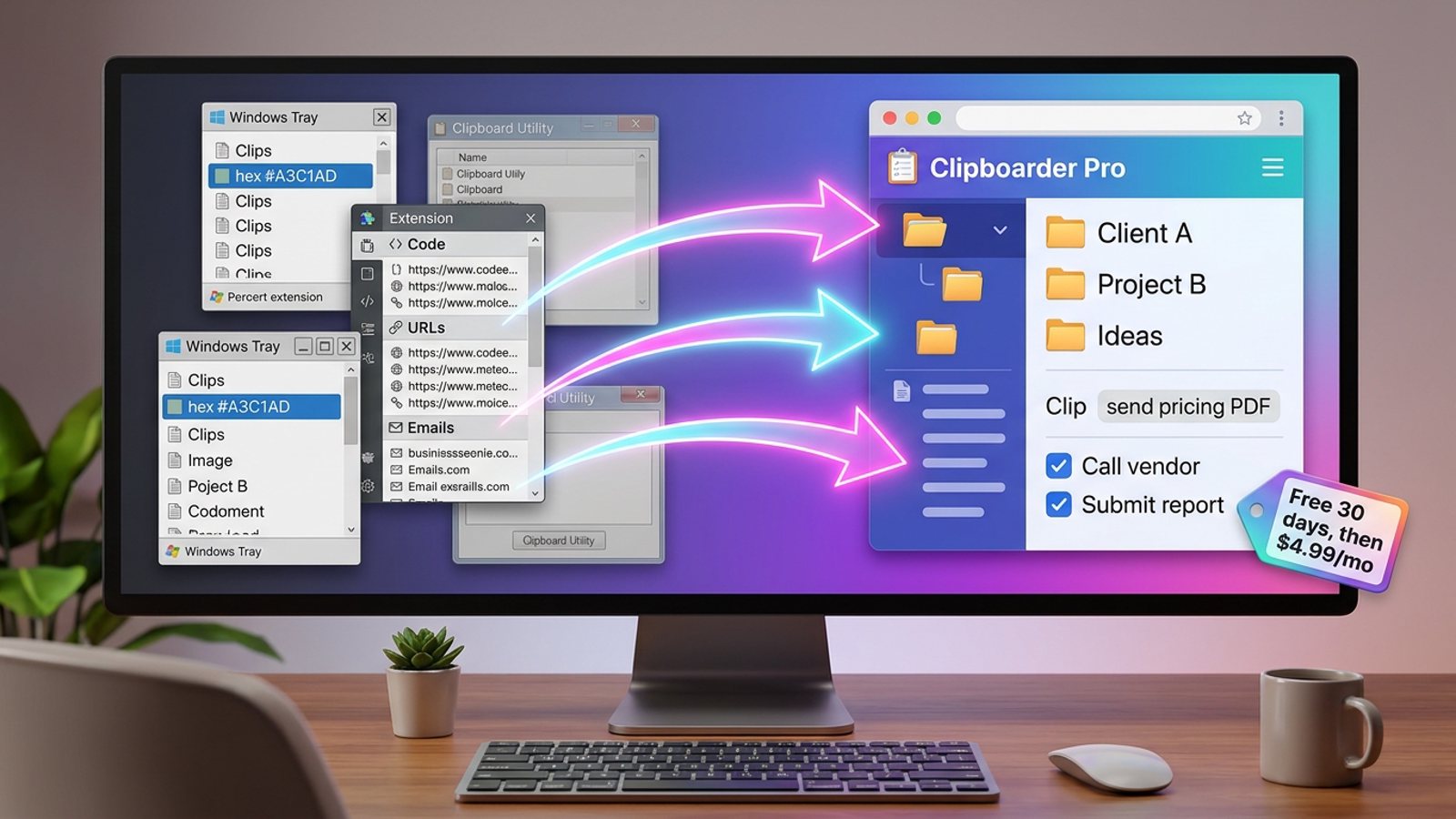
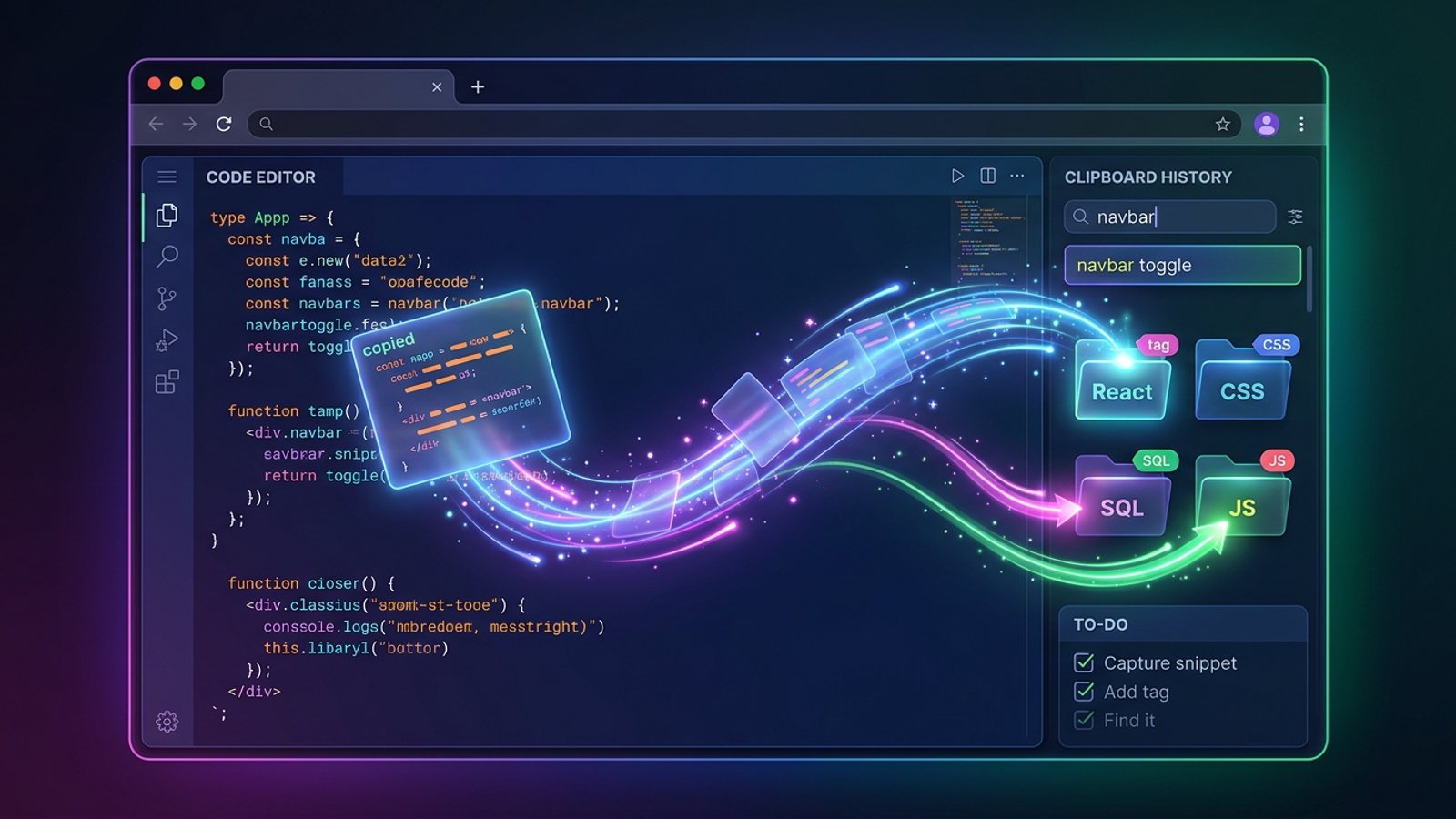
Clipboarder Pro is a Chrome extension that automatically saves everything you copy — text, images, URLs and code — the moment you copy it. You then drag items into nested folders up to three levels deep, colour-code by urgency or project, star the ones you reuse most, and write notes in-line next to the clip that inspired them. To-do lists live in the same place, with check-offs and hiding of completed items.
Finding things is the part that matters most for code. Search runs across every clip, note and folder with Cmd+Shift+F, and starred items are one click away. You can also select several clips and copy 5, 10 or 20 items in one shot — handy when you are assembling a block of imports, config or boilerplate.
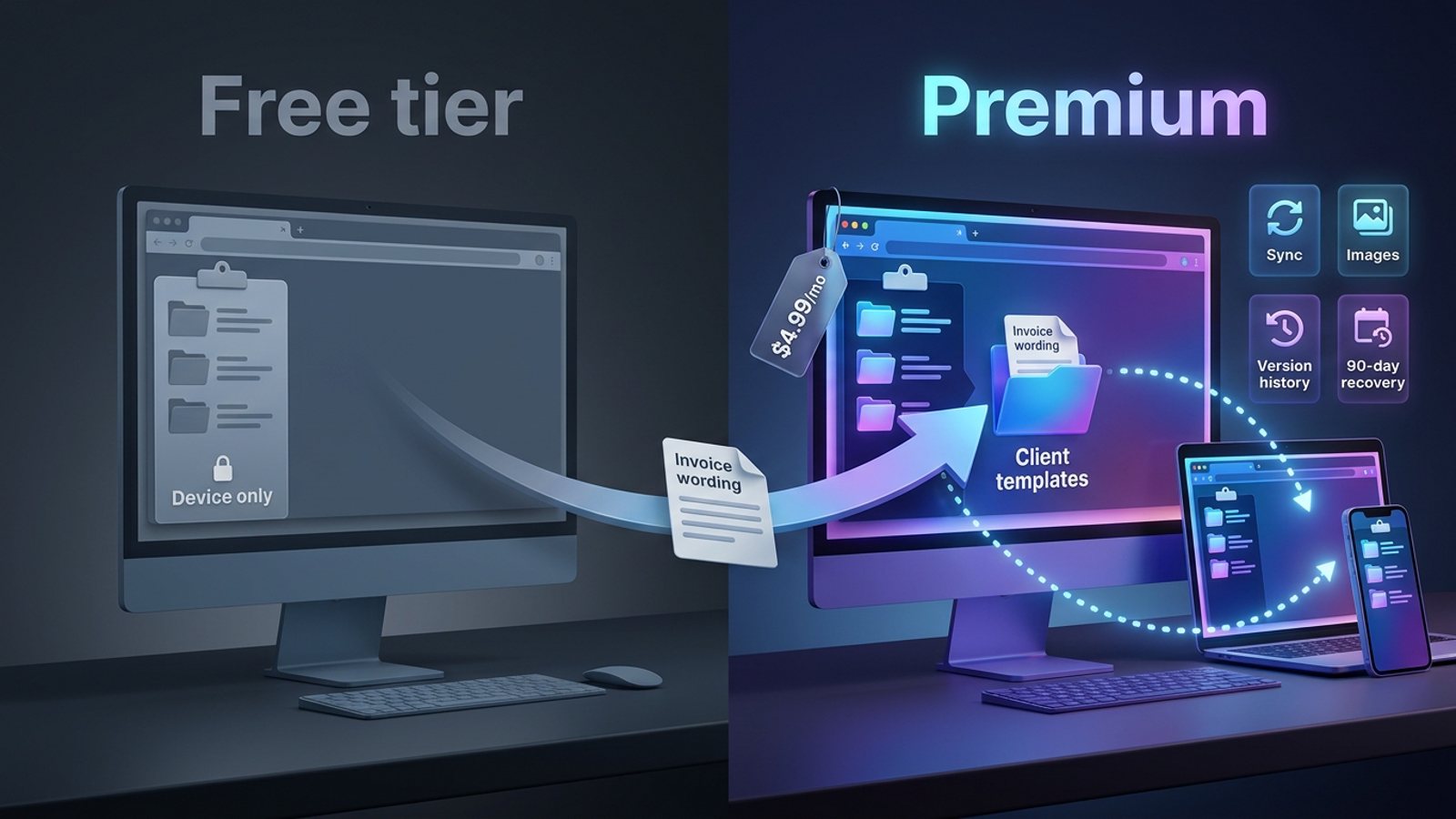
Price: free for 30 days, then $4.99/month as of November 2026; prices can change. Watch-outs: Chrome only, and everything is stored in your browser on your machine with no servers — so there is no cross-device sync.
2. Raycast — best for Mac power users
Best for: Mac developers who want clipboard history inside the launcher they already use.
Raycast's Clipboard History tracks copied text, images, files, links, emails and colours, with ⌘P to filter by type and ⌘⇧P to pin (Raycast Manual, 2026). History can be kept up to 3 months, and "Save as Snippet" turns an entry into a reusable snippet. Content stays on the machine and is encrypted on the local drive, and copies from password managers are ignored by default (Raycast, date n/a).
Watch-outs: macOS only, and clipboard is one feature of a launcher rather than the main event. Pricing and free-tier limits are not stated in the sources we used — check Raycast's own site before you commit.
3. Paste — best for one clipboard across Apple devices
Best for: Apple-ecosystem developers who want the same clipboard on Mac, iPhone and iPad.
Paste is sold as monthly, annual, one-time Lifetime, Family and Teams plans, and every plan starts with a free 7-day trial that unlocks Mac + iPhone + iPad (Paste Help, date n/a). The Personal plan is $2.49/month as of November 2026, in USD excluding taxes, and prices vary by country (Paste Pricing).
Watch-outs: subscription-first with only a 7-day trial, and Apple-only — no Windows or Linux.
4. Clipboard History (open source) — best free local option
Best for: developers who want a free, local-only history and don't need folders or notes.
This open-source Chrome extension stores all data locally in the browser, offers instant search, pinned favourites, keyboard shortcuts (Cmd/Ctrl+Shift+V) and up to 10,000 items (GitHub README and wiki, 2026). Its privacy policy states it stores data via chrome.storage.local and does not collect, transmit or share personal data.
Watch-outs: it does not sync across devices or browsers, and the repo was archived by its owner on 14 March 2026 — so treat it as unmaintained.
5. Pastree — best for careful privacy defaults
Best for: developers who want automatic capture switched on deliberately, with secret-skipping built in.
Pastree (Chrome and Firefox, by Digisoma) keeps everything in the browser with no servers and no accounts. Automatic capture is off until you enable it, and it excludes password, payment-card, one-time-code fields and token-like strings by default (Pastree privacy policy, 2026). History is capped at 100 items by default, with auto-delete options of Never, on browser close, 7, 30 or 90 days.
Watch-outs: the 100-item default is small for a snippet library, and the vendor warns its secret checks can miss formats.
How do the options compare side by side?
| Option | Best for | Key features | Price / free option | Watch-outs |
|---|---|---|---|---|
| Clipboarder Pro (Our pick) | Chrome-based devs | Auto-capture, nested folders, fast search | Free 30 days, then $4.99/mo | Chrome only, no sync |
| Raycast | Mac power users | History, type filter, snippets | Not stated in sources | macOS only |
| Paste | Apple devices | Mac + iPhone + iPad clipboard | $2.49/mo, 7-day trial | Subscription, Apple only |
| Clipboard History (OSS) | Free local history | Search, pins, 10,000 items | Free, open source | Unmaintained since Mar 2026 |
| Pastree | Privacy defaults | Secret-skipping, retention rules | Free extension | 100-item default cap |
Clipboarder Pro is made by the team behind this blog. Of the tools we compared, it is the one that keeps clips, notes and to-dos in a single Chrome workspace — which is why it leads this list.
If you mainly need clipboard history inside a Mac launcher you already live in, Raycast is the more direct choice. If you want your clipboard to follow you between Mac and iPhone, Paste is the better fit.
Install the ultimate Chrome extension today to get automatic capture and folder organisation in one place.
How do you choose the right one for your workflow?
Start with where you copy, not with feature lists. If most of your copies happen on web pages, a Chrome clipboard manager wins on friction alone — there is nothing extra to install or switch to.
If you copy from terminals, IDEs and chat apps all day, add a desktop manager on top. Windows already gives you Win+V as a floor; macOS gives you nothing built in, which is where Raycast or Paste earn their place.
Tip
Our recommendation: run one browser extension and, only if you need it, one desktop tool. Two overlapping clipboard managers create two histories to search, which is worse than one good one.
What should you check before installing a clipboard extension?
Check three things: where the data lives, whether secrets are excluded, and what the retention settings are.
Privacy is the real risk with code. Copied API keys, tokens and connection strings can sit in a history for months. Pastree skips password, card, one-time-code fields and token-like strings by default but warns its checks can miss formats (Pastree privacy policy, 2026), and general clipboard-history guidance flags that tools vary in whether they let you exclude sensitive patterns or clear history (パソコン便利帳, 2026).
Watch out
Never let a clipboard history become your secrets store. If a key lands in your history, delete that entry and rotate the key.
How do you set up a snippet workflow that actually sticks?
1. Audit where you copy from. Spend a day noticing whether copies happen in Chrome pages or across apps. That single answer picks your category.
2. Install one tool and keep working normally. Automatic capture means no behaviour change — you copy as usual and the history builds itself.
3. Create folders before you need them. Name them after projects or languages, not "misc". Clipboarder Pro allows nested folders up to three levels deep, which is enough for work / api / auth.
4. Star or pin your most-reused snippets. Boilerplate imports, config blocks and curl commands should never need a search.
5. Learn the hotkeys. Cmd/Ctrl+Shift+V for history in the open-source extension, ⌘P to filter and ⌘⇧P to pin in Raycast, Cmd+Shift+F to search in Clipboarder Pro.
6. Set a retention rule. Archive rather than delete, and let old clips age out. Clipboarder Pro archives with an automatic retention window of 1–365 days.
7. Move long-lived, shareable code out. For a team snippet library, self-hosted tools are the better home: ByteStash stores snippets as tiles with language selection and exports as JSON or Markdown (XDA, 2026), and Opengist offers private/unlisted/public snippets with syntax highlighting, search and revisions (Go Packages, 2026).
Good to know
Browser extensions capture what you copy on web pages. They are not a system-wide clipboard hook, so copies made in a terminal or desktop editor may not appear.
Install the ultimate Chrome extension today and give every snippet you copy a place to live.
Sources
- Clipboard History — README (GitHub: theluckystrike, 2026-02-16)
- Clipboard History — Documentation wiki (GitHub, 2026-02-16)
- Clipboard History — Privacy Policy (GitHub, 2026-02-16)
- Clipboard History — FAQ (GitHub, 2026-02-16)
- Raycast Clipboard History (Raycast, date n/a)
- Raycast Manual: Clipboard History (Raycast, 2026-11-11)
- Paste Pricing (Paste, date n/a)
- Paste Help: Choose a plan (Paste, date n/a)
- Windows clipboard history performance data (パソコン便利帳, 2026-07-17)
- Copybook listing (Chrome Web Store, 2026-08-01)
- ClipNext listing (Chrome Web Store, date n/a)
- Pastree privacy policy (Firefox Add-ons, 2026-09-25)
- ByteStash self-hosted Gist alternative (XDA, 2026-01-11)
- opengist v1.15.3 (Go Packages, 2026-10-20)
Frequently asked questions
Which clipboard extension is best for developers?
Of the tools we compared, Clipboarder Pro is the best fit for developers who work in Chrome: it captures code automatically, organizes it in nested folders and searches every clip, note and folder with Cmd+Shift+F. If you are on a Mac and want history inside a launcher, Raycast is the more direct choice.
Do clipboard extensions work outside Chrome?
Generally no. Extension-based capture reads what you copy on web pages, and browser-scoped tools stay in the browser. For copies made in terminals, editors and other desktop apps, you need a desktop clipboard manager.
Is it safe to keep API keys in clipboard history?
It is risky unless the tool excludes secrets. Pastree skips password, card, one-time-code fields and token-like strings by default but warns its checks can miss formats. Our recommendation: delete any sensitive entry immediately and rotate the key.
Is Win+V enough instead of an extension?
For short-term recall, often yes — Win+V keeps 25 items with pinning and optional sync. It is not a snippet library: there are no folders, no notes and no project organization.
Do these tools send my clipboard to a server?
Some don't. Pastree states no servers and no accounts, ClipNext claims zero telemetry in its privacy policy, and Copybook declares no data collection. Clipboarder Pro stores everything in your browser on your machine, with zero servers and zero tracking.