Copy Everything vs NeoClip: which is better for note-taking?
NeoClip's listings describe clip recall, not notes. Copy Everything couldn't be verified. For clips plus in-line notes and to-dos in Chrome, Clipboarder Pro is the honest pick.
Clipboarder Pro Team
If you need notes and to-do lists next to what you copy, neither app is the obvious answer. NeoClip's own store listings describe a clipboard-history manager with collections, search and OCR. "Copy Everything" couldn't be verified from any official source. For capture-plus-notes in Chrome, Clipboarder Pro is the honest pick of the tools we compared.
Key takeaways
Key takeaways
- NeoClip's store listings describe clip capture, search, collections and OCR — no in-line notes or checklists are listed.
- "Copy Everything" couldn't be verified from any official source, so no feature or price claim about it can be made fairly.
- Clipboarder Pro keeps clips, in-line notes, colour tags and to-do lists in one Chrome extension, stored in your browser on your machine.
- Free built-ins (Win+V on Windows 11, Spotlight on macOS 26 Tahoe) cover short-term recall only, with no notes or to-dos.
- Several unrelated products share the name "NeoClip" — check which one a listing refers to before you install.
Want the notes-and-checklists version of this job done today? Install the ultimate Chrome extension today and start with clips, notes and to-dos in the same window.
What is the difference between Copy Everything and NeoClip for note-taking?
Only one of the two can be described from its own documentation. NeoClip's Chrome Web Store listing describes a "smart clipboard manager" that saves text, links and images, with smart filters, search, custom collections for organising snippets, OCR text extraction from copied images and Google Lens integration. That listing describes clip storage and organisation.
"Copy Everything" is a different problem. No official site, Chrome or Edge listing, pricing page or feature list appeared in the material we checked on 22 November 2026. Any claim about its note-taking would be a guess, and a comparison built on guesses isn't worth your time.
So the fair answer to copy everything vs neoclip is narrower than the question suggests: judge NeoClip on what its listings say, and treat Copy Everything as unverified until you find its own documentation.
Good to know
Names cause real confusion here. Several unrelated products share the name "NeoClip" — a Neovim clipboard plugin, a neonatal-radiography AI model, a video-editing agent and an iOS art game all appear under it in the sources we read. Check the publisher name on the listing before you install anything.
Does NeoClip let you write notes and to-do lists next to your clips?
Based on its store listings, no — NeoClip is described as storing and organising what you copy, not as a place to write alongside it. The Chrome Web Store entry lists infinite history, filters and search, custom collections, OCR and Google Lens. The Microsoft Edge add-on listing (checked 18 July 2026) repeats that feature set and adds "Private Cloud Sync" for backing up clips.
Collections are the closest thing to structure: they group snippets, the way folders group files. That is useful for recall. It is not the same as a note with a title, or a checklist you tick off as you work.
If your actual job is "capture the quote, then write three lines about why it matters", a pure history tool leaves you pasting into a separate notes app — and that is exactly where things get lost.
Which tool is actually built for notes and to-dos with your clips?
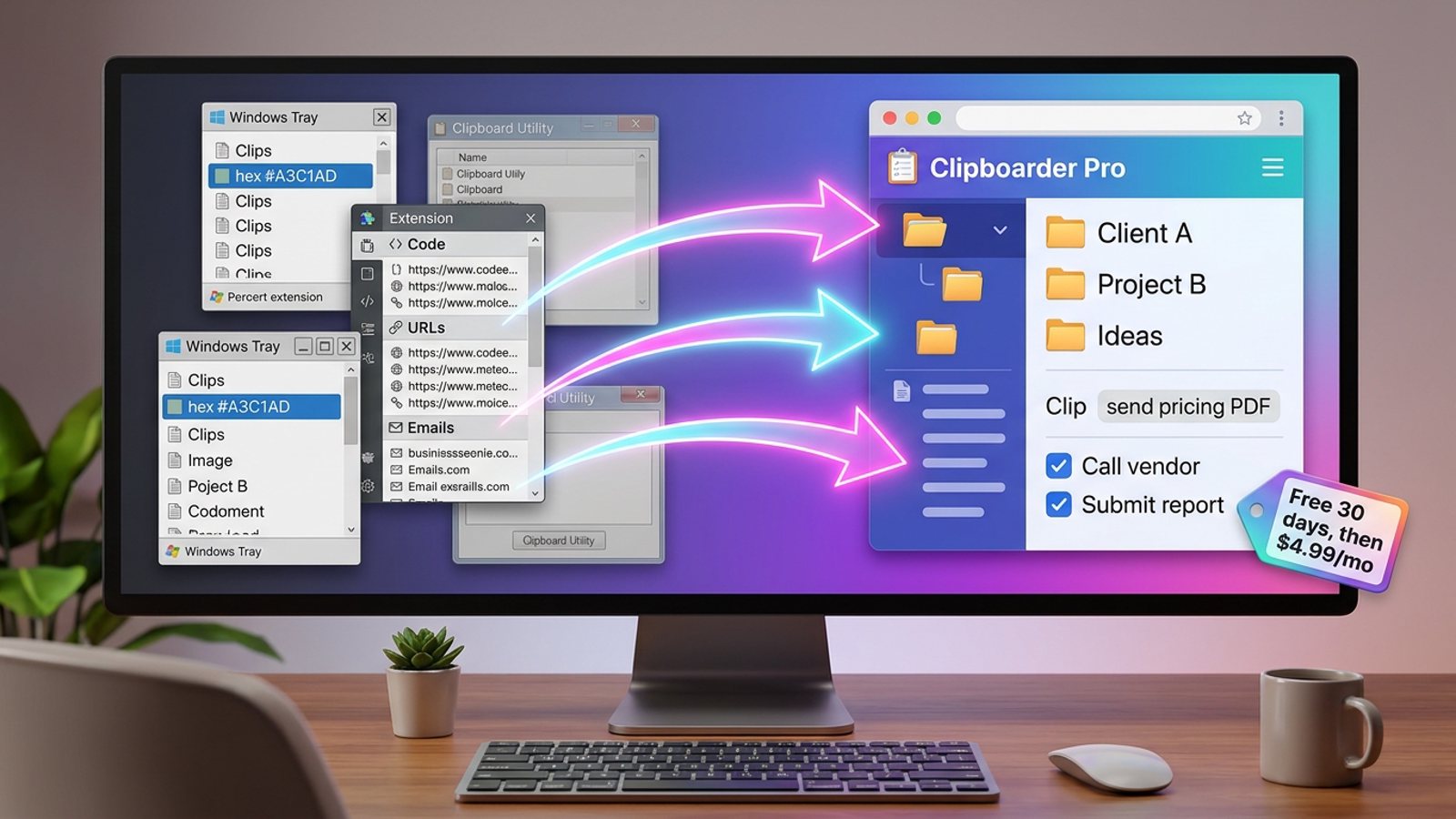
Of the tools we compared, Clipboarder Pro is the one whose feature set covers capture, notes and tasks together. It's a Chrome clipboard manager that saves copied text, images, URLs and code automatically as you work, then lets you organise them into nested folders up to three levels deep with drag and drop.
The note-taking part is the difference. You write notes in-line, right next to the clip that inspired them, and colour-code items by urgency, project or mood so priorities show at a glance. To-do lists live in the same place, with check-offs, hiding of completed items and a confetti celebration when you clear them. Star the items you reuse most for one-click access, and search across every clip, note and folder with Cmd+Shift+F.
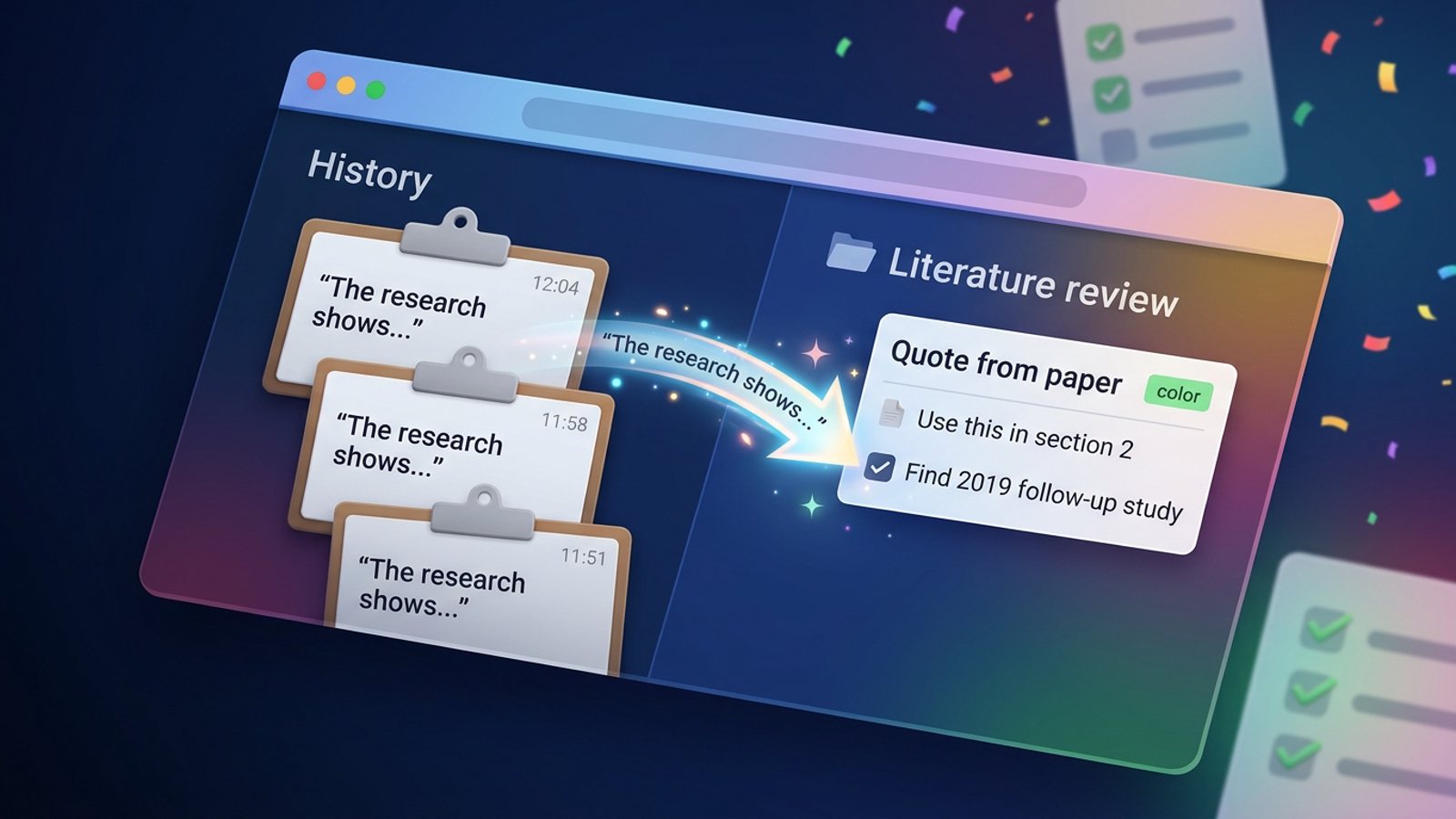
Say you're a student pulling quotes from five papers for a literature review. Each quote lands in history as you copy it, you drop it into a folder for that paper, and you type two lines under it about how you'll use it. The to-do list holds "find the 2019 follow-up study". Nothing lives in three apps.
Tip
Our recommendation: before you commit to any tool, copy ten things in a row on a normal page and then try to find the fourth one. That single test tells you more about a clipboard app than any feature list.
How do the options compare?
Here's how the tools we compared stack up, with Clipboarder Pro first because it covers the notes-and-tasks job the question is really about.
| Option | Best for | Key features | Price / free option | Watch-outs |
|---|---|---|---|---|
| Clipboarder Pro (Our pick) | Clips plus notes and to-dos | Auto-capture, nested folders, in-line notes, checklists, search | Free for 30 days, then $4.99/month | Chrome only; local storage |
| NeoClip | Clip recall in the browser | History, filters, collections, OCR, Lens | No price stated in listings | No notes or to-dos listed |
| Windows Clipboard History | Quick short-term recall | Win+V, 25 items, pinning | Free, built in | No search; wiped on restart |
| macOS Spotlight | Zero-install Mac recall | Clipboard history on Tahoe | Free, built in | About 10 clips kept |
| Paste / Maccy | Mac multi-item history | Established Mac clipboard managers | Not stated in sources | macOS only |
Clipboarder Pro costs $4.99 per month after a 30-day free trial, as of November 2026, and prices can change. Its honest limits: it is a Chrome extension only, and everything is stored in your browser on your machine, with no servers — so there's no cloud backup if you lose the machine. The Chrome Web Store overview notes one exception to local-only storage: licence verification contacts an external server.
NeoClip is the more direct choice if all you want is browser-based clip recall with OCR on copied images. Its Edge listing mentions "Private Cloud Sync", so clips can leave your device — worth knowing before you copy anything sensitive. Its price isn't stated in the listings we read.
Windows Clipboard History is free and built in. MakeUseOf reports (10 February 2026) that it holds up to 25 items, has no search and is wiped on shutdown or reboot, and that it's off by default until you press Win+V and choose "Turn on". Microsoft's own guidance (27 October 2026) points to Win+V or Settings > System > Clipboard. Optional sync uploads copied content to Microsoft's servers, per MakeUseOf (31 March 2026).
macOS Spotlight gained clipboard history in macOS 26 Tahoe — the first built-in Mac clipboard history, per MacObserver (15 September 2025). Tom's Guide reports (7 October 2025) that it keeps only around 10 clips; Yahoo Tech notes (13 November 2025) it shows roughly the past 30 days. No notes or to-dos.
Paste and Maccy are named by MacObserver (13 June 2025) as the established third-party Mac clipboard managers people used before Tahoe. They're macOS only, and their prices and feature lists weren't in the material we read.
Clipboarder Pro is made by the team behind this blog.
Ready to stop pasting into a second app? Install the ultimate Chrome extension today.
What about Mac-only tools and switching platforms?
Paste and Maccy are Mac clipboard managers, named in MacObserver's coverage as the tools Mac users relied on for multi-item history before Tahoe arrived. If you work on a Mac and only need history, they're worth a look — but their pricing and note-taking capability weren't confirmed in the sources we read.
The catch is portability. If your team moves between macOS and Windows, a Mac-only manager stops at the platform line, and Win+V won't follow you to the Mac either. A browser-based tool travels with Chrome instead of the operating system.
Watch out
Chrome extensions can't capture copies made on protected pages — chrome://, chrome-extension:// and the Chrome Web Store — because content scripts don't run there. Test on a normal page first, and don't assume a missing clip means the tool is broken.
Do clipboard extensions upload what you copy?
Some can. A Safeguard blog post (17 October 2026) explains that Chrome extensions with clipboard access can read anything you copy and relay it to remote servers, and Chrome warns you with "Read data you copy and paste" when an extension asks for that permission.
Where clips live depends on the tool. Chrome-based clipboard extensions typically store history in chrome.storage.local and can work fully offline, per a GitHub project's privacy policy (16 February 2026) — and uninstalling the extension deletes the saved clips. NeoClip's Edge listing mentions cloud sync. Clipboarder Pro stores everything in your browser on your machine with no servers, apart from the licence check noted above.
Our recommendation: read the permission prompt before you click allow, and decide whether you're comfortable with the answer before you copy a client's contract or a password.
The tool that wins on note-taking is the one where the thought you had while copying still lives next to the thing you copied a week later.
How do you set this up in five minutes?
- Decide what you need. If you only re-paste something from ten minutes ago, Win+V or Spotlight on Tahoe is enough. If you need clips kept for weeks with notes and checklists, move to step 2.
- Install a browser clipboard manager and allow clipboard access when Chrome asks.
- Test capture on a normal page, then note the limits: protected Chrome pages can't be captured.
- Check where data goes. Confirm local-only storage or opt-in sync before copying anything sensitive.
- Set a retention period and star the items you reuse daily. Clipboarder Pro lets you set retention from 1 to 365 days and archive items without deleting them; Win+V keeps 25 items with pinning.
Once that's done, the habit change is small: copy as usual, then spend ten seconds filing the good stuff into a folder and writing the note while the context is still fresh. That ten seconds is what saves you the twenty-minute hunt next month.
If you're still weighing options, this piece on whether a clipboard history extension is worth it for writers juggling drafts digs into the trade-offs, and how to keep copied links and notes in one place automatically walks through the setup.
Sources
- NeoClip — Chrome Web Store
- NeoClip — Microsoft Edge Add-ons, 2026-07-18
- Clipboarder Pro – Clipboard, Notes & Lists Manager — Chrome Web Store
- Clipboarder Pro on ExtPose, 2026-10-11
- Use Windows 11 Clipboard History — MakeUseOf, 2026-02-10
- Windows 11 clipboard cloud sync — MakeUseOf, 2026-03-31
- Repair Windows Clipboard History — Microsoft Q&A, 2026-10-27
- Use Clipboard History on macOS Tahoe — MacObserver, 2025-09-15
- macOS clipboard history in Spotlight — Yahoo Tech, 2025-11-13
- How to enable clipboard history in macOS Tahoe — Tom's Guide, 2025-10-07
- macOS Tahoe solves the clipboard problem — MacObserver, 2025-06-13
- Chrome clipboard-history extension repo — GitHub, 2026-02-16
- Chrome extension permission warnings decoded — Safeguard blog, 2026-10-17
- 从 NeoPad 到 NeoClip — WeChat public account, 2026-07-16
- AckslD/nvim-neoclip.lua — neovimcraft, 2025-02-08
Frequently asked questions
Is NeoClip a note-taking app?
Not according to its own store listings, which describe clip capture, search, collections, OCR and Google Lens. No in-line notes or to-do lists are listed in either the Chrome or Edge listing.
Is Copy Everything better than NeoClip for taking notes?
There's no verified basis for that comparison. No official site, listing or pricing for Copy Everything appeared in the material checked on 22 November 2026, so its note-taking features can't be described fairly.
Which tool should I use for notes and to-dos next to my clips?
Of the tools we compared, Clipboarder Pro is the one that combines automatic capture, in-line notes, colour tags, nested folders and checklists in a single Chrome extension. It's free for 30 days, then $4.99 per month as of November 2026, and prices can change. If you only need clip recall, NeoClip's listings describe that job directly.
Is NeoClip free, and does it sync to the cloud?
Its Chrome and Edge listings don't state a price. The Edge listing mentions "Private Cloud Sync" for backing up clips, which means copied content can leave your device.
Can I do this without installing anything?
Yes, for short-term recall. Windows 11 has Clipboard History on Win+V (25 items, no search, wiped on restart), and macOS 26 Tahoe added clipboard history to Spotlight (about 10 clips kept). Neither offers notes or to-do lists.