Is there a free alternative to Copy History +?
Copy History + is free to start, but free alternatives differ wildly in search, limits and data handling. Here's how to pick the right one for your workflow.
Clipboarder Pro Team
Yes. Copy History + is listed as a free Chrome extension, so you don't have to pay for clipboard history in Chrome at all. If you want to leave it, Windows Clipboard History (Win+V), macOS 26 Tahoe's Spotlight history and free Chrome extensions all give you a free copy history alternative — each with different limits, search and data handling.
Key takeaways
Key takeaways
- Copy History + is listed as free on the Chrome Web Store (updated 17 November 2026), with PRO-gated extras such as unlimited text shortcuts and encrypted cloud sync.
- The most free option is already on your machine: Win+V on Windows, Spotlight on macOS 26 Tahoe — no install, but small history and no search on Windows.
- Free Chrome extensions give you search and a browser-based workflow, but check the "Read data you copy and paste" permission warning.
- Clipboarder Pro is a Chrome clipboard manager that is free for 30 days, then $4.99/month as of November 2026 (prices can change).
- Whatever you pick, export your clips before you switch or uninstall — uninstalling deletes saved content.
If you're a developer who copies code all day and just wants a history that doesn't nag you to upgrade, you can start free today. The catch is that "free" buys you very different things depending on the route you take.
Install the ultimate Chrome extension today and see what a Chrome clipboard manager with folders, notes and to-dos feels like for 30 days.
Is Copy History + actually free?
Yes — its Chrome Web Store listing (updated 17 November 2026) describes it as "Free, private, secure". The free/paid split shows up in the feature notes: text shortcuts are "5 shortcuts free, unlimited with PRO", and Encrypted Cloud Sync is marked (PRO).
So you don't have to pay to get clipboard history in Chrome at all. That's the honest starting point before comparing anything else. What you might want to leave behind is the PRO upsell — not a paywall on the basics.
A few facts about Copy History + worth knowing before you decide:
- Published by pidevex, version 3.2.1, last updated 17 November 2026, about 10,000 users, 4.5/5 from 85 ratings (Chrome Web Store, 2026).
- Data stays local by default, with optional Encrypted Cloud Sync (PRO) where chosen items are encrypted on-device with your own key before sending (Chrome Web Store, 2026).
- The store page notes the developer has not identified itself as a trader, so EU consumer rights don't apply to contracts with that developer (Chrome Web Store, 2026).
- The store's data disclosure lists "Personally identifiable information" as handled and declares data is not sold to third parties (Chrome Web Store, 2026).
Good to know
Copy History + stores items on your device. Uninstalling the extension or resetting the browser deletes saved content — the vendor points users to Settings → Import & Backup or Encrypted Cloud Sync as protection (Chrome Web Store, 2026).
What is the most free copy history alternative?
Whatever is already on your machine. Windows Clipboard History (Win+V) and macOS 26 Tahoe's Spotlight clipboard history cost nothing and need no install — but both are small, recent-item lists, not an archive.
Windows Clipboard History (Win+V)
Press Win+V and choose "Turn on", or go to Settings > System > Clipboard (Microsoft Q&A, 2026). It's off by default.
What you get: pinning, paste-as-text, per-item delete and clear-all, with pinned items surviving a clear (MakeUseOf, 2026). What you don't: search. It holds up to 25 items at 4 MB per item, drops the oldest at the limit, and is wiped on shutdown or reboot (MakeUseOf, 2026; MEFMobile, 2026).
Two more things developers should know. Admins can switch Clipboard History off entirely with the AllowClipboardHistory policy (Microsoft Learn, 2026) — common on managed work machines. And cross-device sync uses your Microsoft account and uploads copied content to Microsoft's servers (MakeUseOf, 2026). Opt in only if you're comfortable with that.
Watch out
Windows Clipboard History is Windows-only and capped at 25 unpinned items. If you regularly copy more than that in a morning of debugging, you'll lose the snippet you need.
macOS 26 Tahoe Spotlight clipboard history
From macOS 26 Tahoe, Apple adds clipboard history to Spotlight, configured under System Settings > Spotlight ("Clipboard Search" on 26, "Results from Clipboard" on 27), with retention options of 30 minutes, 8 hours or 7 days (notchstar.com, 2026).
Sources disagree on how much it keeps — Yahoo Tech (2025) reports roughly the past 30 days, while Tom's Guide (2025) says around 10 clips. Treat retention figures as source-dependent and check what your own Mac shows. Before Tahoe, Macs kept one clipboard item at a time and users relied on third-party managers (MacObserver, 2025). No folders, notes or tags are described for the built-in version.
Do free Chrome extensions search my clipboard history?
Yes — search is exactly where a free browser extension beats the built-in options. A free, open-source Chrome clipboard history extension (archived 14 March 2026) saved up to 10,000 items with instant search, pin/star, one-click copy, Cmd/Ctrl+Shift+V, type filters, JSON export, duplicate-skip and IndexedDB local storage (GitHub README, 2026).
That's a lot of capability for nothing. Two caveats:
- The repo is archived, so check whether it's still installable before you rely on it.
- Chrome extensions with clipboard permission can in principle read anything you copy and relay it to remote servers — Chrome warns "Read data you copy and paste" when you install (Safeguard blog, 2026).
That warning isn't a reason to avoid extensions. It's a reason to read it. Panda Security (2026) reported an investigation finding 287 Chrome extensions with 37.4 million installs leaking user data to 30+ third parties, with clipboard access among the common privacy violations cited — so the permission screen is worth thirty seconds of your time.
Tip
Our recommendation: before installing any clipboard extension, open its Chrome Web Store listing and check whether it declares local-only storage. Then test it with a throwaway copy like "test-123" and see whether it appears where you expect.
Which free copy history alternative should a developer pick?
Start with the free built-in, move to a browser extension when you need search, and pay only when you need folders, notes and lists in one place. That progression matches how most developers actually work.
- Turn on what you already have. Win+V on Windows, or Clipboard Search under System Settings > Spotlight on macOS 26 Tahoe.
- Try a free browser extension and read the permission warning when you install.
- Set a per-site off switch for sensitive sites if the tool supports it (Copy History + does).
- Export before you switch or uninstall — JSON/CSV/TXT export in Copy History +; JSON export in the free open-source extension.
- If free limits bite — no search, 25-item cap, clips-only — move up to a manager with folders and search. Windows' own history is "fine for a small recent list plus a few pins" (MEFMobile, 2026).
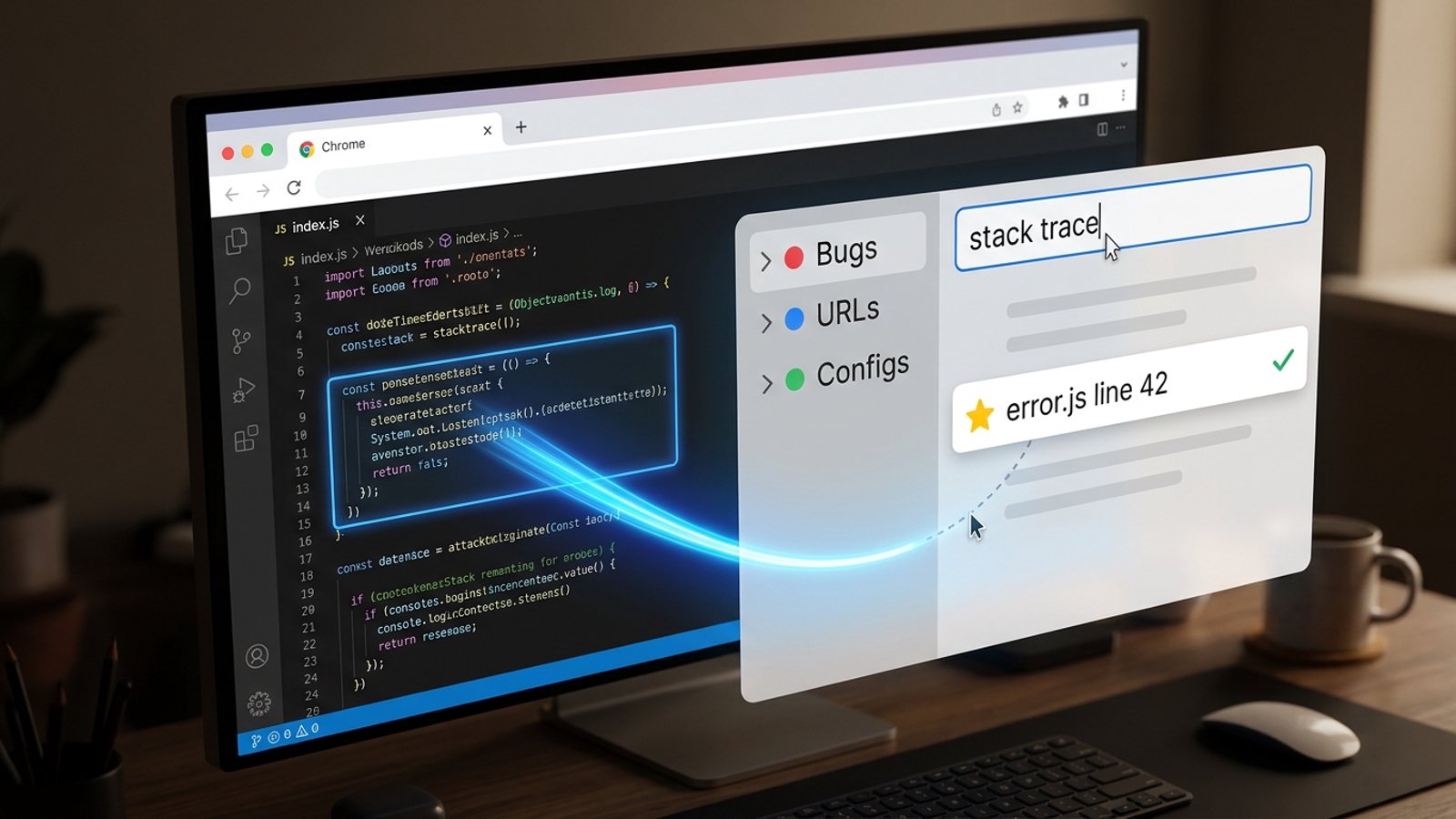
A worked example. Say you're chasing a bug and you've copied twelve stack traces, four URLs from the issue tracker and a config block. On Win+V you have all seventeen — until you reboot, or until the twenty-sixth copy pushes the first one out. In a Chrome extension with search, you type three characters of the error message and the trace is back. That difference, not the price, is usually what makes a developer switch.
What are the best free copy history alternatives?
Of the tools we compared, Clipboarder Pro is our pick for developers who want clips, notes and to-dos in one browser workspace — it's free for 30 days, then paid. The three free options below are genuinely free and each suits a different job.
| Option | Best for | Key features | Price / free option | Watch-outs |
|---|---|---|---|---|
| Clipboarder Pro (Our pick) | Clips + notes + to-dos in Chrome | Auto-saves text, images, URLs, code; nested folders; color tags; stars; in-line notes; to-do lists | Free for 30 days, then $4.99/month | Chrome only; stored on your machine |
| Copy History + | A free Chrome history with export | Local by default; CSV/JSON/TXT export; per-site off switch; merge items | Listed as free; PRO extras | PRO upsell; no trader status |
| Windows Clipboard History | A quick recent list on Windows | Win+V; pinning; paste-as-text | Free, built in | 25 items; no search; wiped on reboot |
| macOS Spotlight history | Recent copies on macOS 26 | Spotlight search; time-window retention | Free, built in | macOS 26+ only; sources disagree on retention |
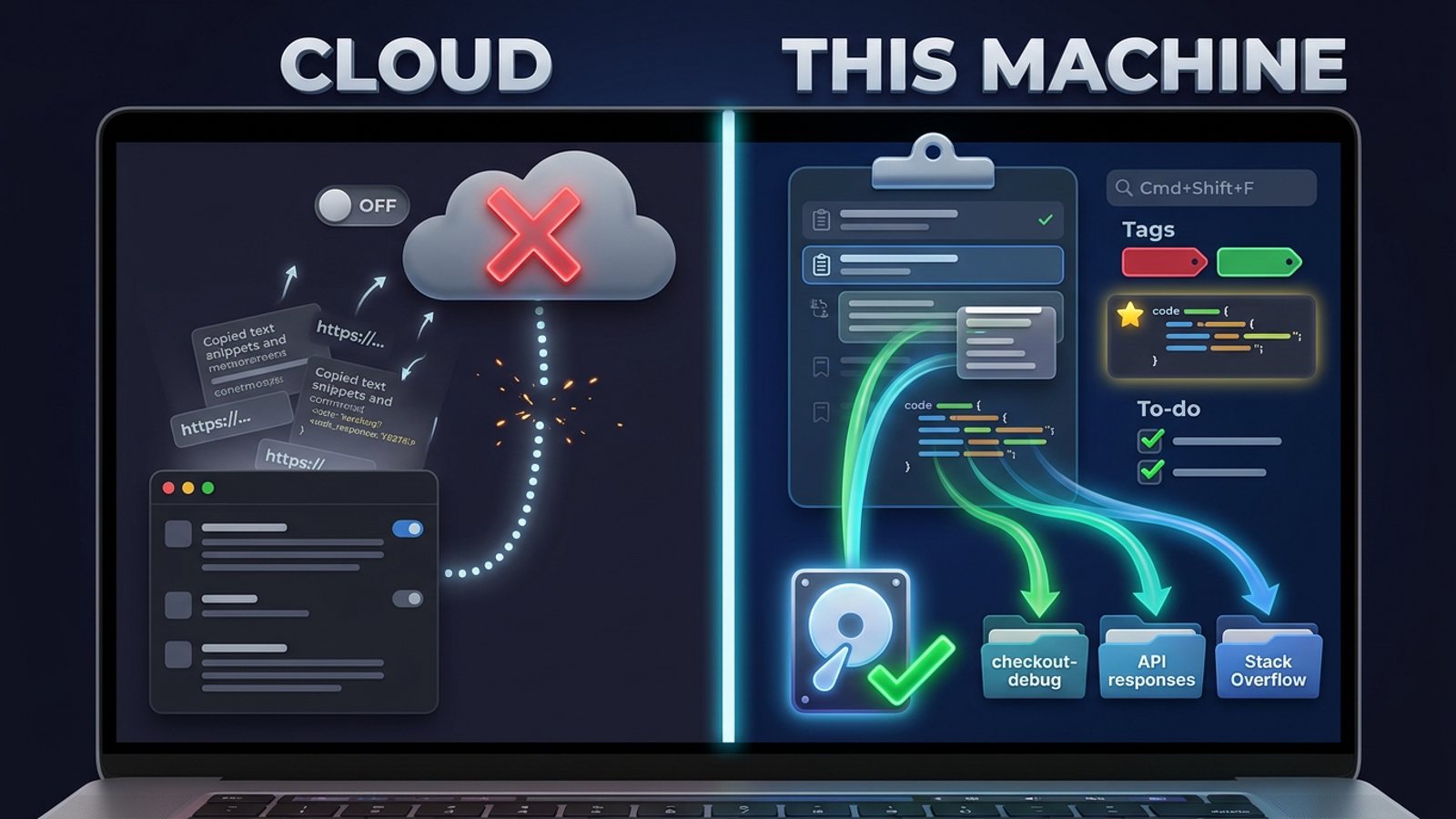
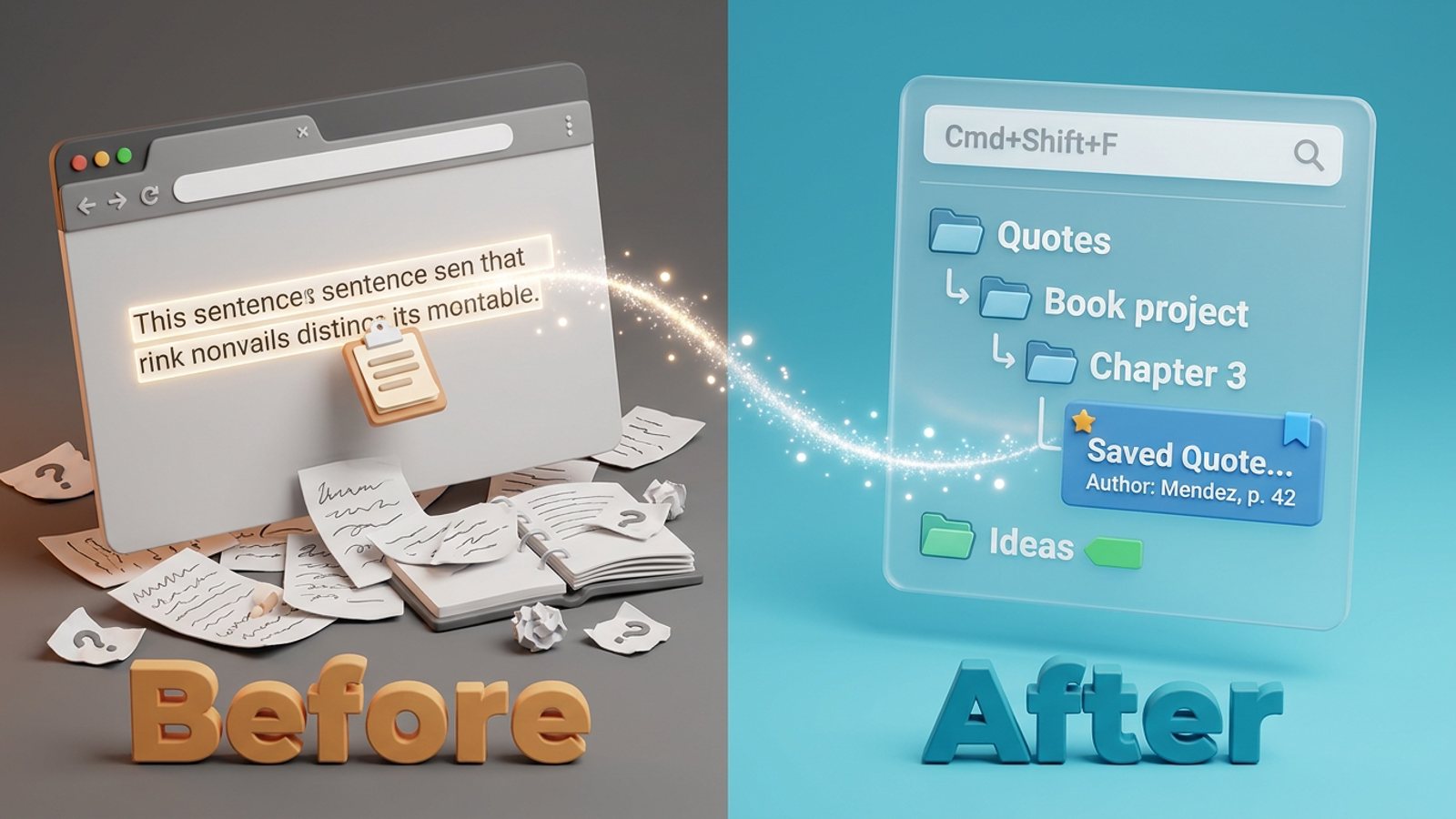
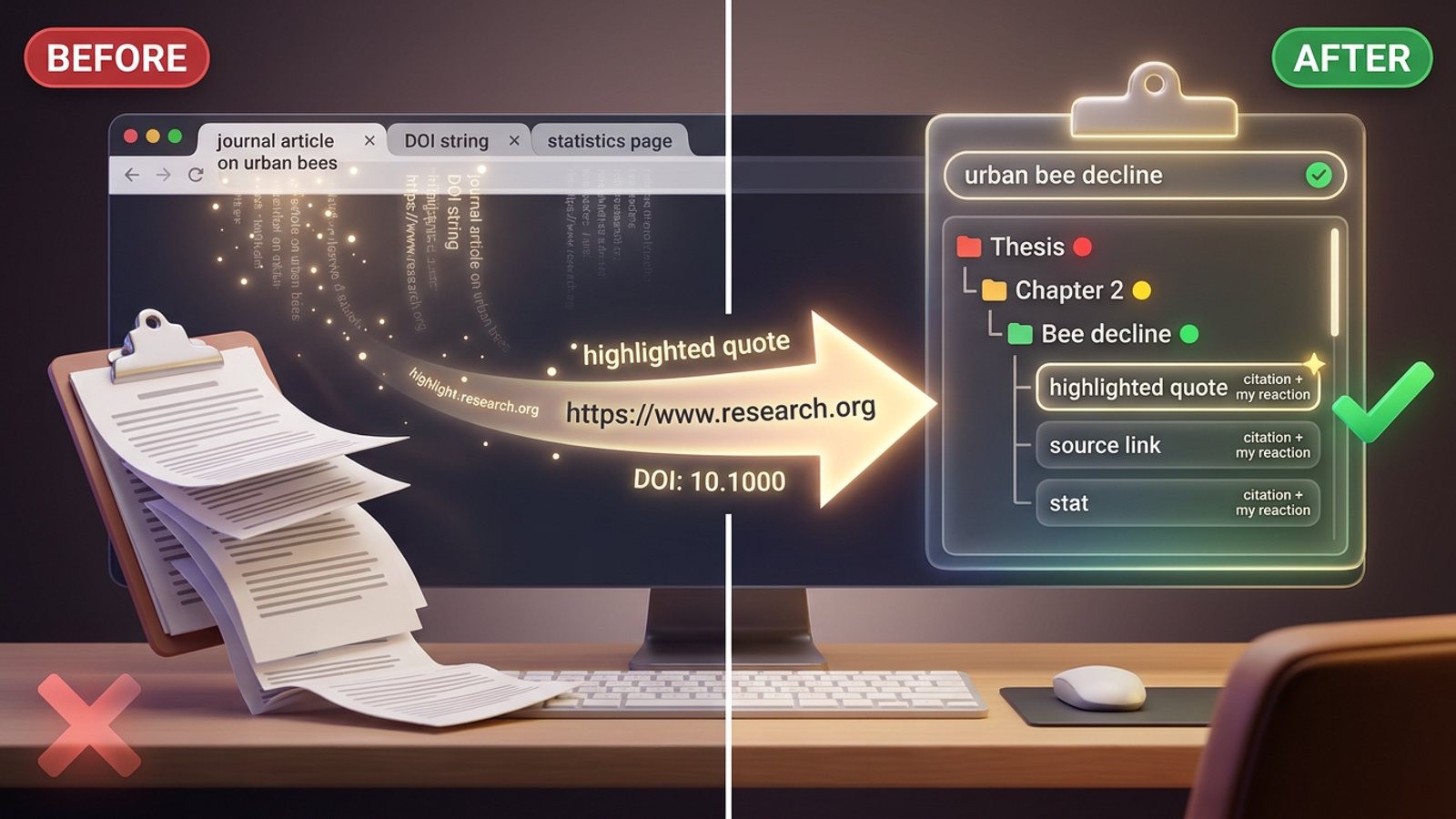
Clipboarder Pro automatically saves copied text, images, URLs and code, organizes clips into nested folders up to 3 levels deep with drag and drop, color-codes items, stars the ones you use most, and lets you write notes in-line next to the clip that inspired them. You can also build to-do lists with check-offs and select multiple clips to copy 5, 10 or 20 items in one shot. Pricing: free for 30 days, then $4.99 per month as of November 2026 — prices can change. Honest limits: it's a Chrome extension only, and everything is stored in your browser on your machine, with no servers — so there's no cloud sync or server backup.
Copy History + is the tool you're leaving, and it deserves a fair hearing: local by default, export to CSV/JSON/TXT, import from other managers' backups, per-site on/off for clipboard monitoring, merge of multiple items, and popup/side panel/floating window modes (Chrome Web Store, 2026). If you mainly need a free Chrome history with solid export, staying put is the more direct choice.
Windows Clipboard History is the zero-install answer on Windows 10 and 11. If you mainly need a quick recent list plus a few pins, this is the more direct choice — just don't expect search or survival across a reboot.
macOS Spotlight clipboard history is the zero-install answer on macOS 26 Tahoe. If you mainly need recent copies searchable from Spotlight, it's the more direct choice — but it's macOS 26+ only, and no folders, notes or tags are described.
Clipboarder Pro is made by the team behind this blog. We compared these tools on their published documentation, and this blog belongs to Clipboarder Pro — so weigh our pick with that in mind.
Install the ultimate Chrome extension today to try the full workspace free for 30 days.
Does free mean my data goes to a server?
Not necessarily — but it depends on the tool, and it's the question most worth asking. Windows cross-device clipboard sync does upload copied content to Microsoft's servers (MakeUseOf, 2026); it's opt-in and can auto-sync everything or only chosen items. Chrome clipboard extensions generally store history locally via chrome.storage.local and can work offline (GitHub PRIVACY_POLICY, 2026).
Copy History + says data stays local by default, with optional Encrypted Cloud Sync (PRO) where chosen items are encrypted on-device with the user's own key before sending (Chrome Web Store, 2026). Clipboarder Pro keeps everything in your browser on your machine — zero servers, zero tracking.
One more practical limit that applies to every Chrome extension: they can't capture copies on protected Chrome pages (chrome://, chrome-extension://, Chrome Web Store) because content scripts don't run there (GitHub commit, 2026). If you're copying from DevTools or a settings page, expect gaps.
Watch out
Uninstalling a clipboard extension deletes its saved clips (GitHub PRIVACY_POLICY, 2026; Chrome Web Store, 2026). Export first — every minute you spend on the export saves an hour of re-copying.
How do I switch without losing what I've copied?
Export from your current tool first, then import where the new tool supports it. Copy History + exports to CSV, JSON and TXT and imports from JSON/CSV/TXT, including backups from other clipboard managers (Chrome Web Store, 2026) — so a move in either direction is realistic.
Then run both for a week. Keep your old extension installed but stop relying on it, and do your real work in the new one. If you haven't reached for the old tool by Friday, uninstall it. If you have, you've learned something cheaper than a migration.
For more on picking the right setup, see what the best clipboard history tool for a web developer looks like and how to search your clipboard history in Chrome for an old snippet. If your problem is losing clips the moment you copy something new, this guide to stopping that in Chrome covers the fix.
The cheapest clipboard history is the one already on your machine — but the one you'll actually keep using is the one that lets you find a snippet six hours later, and that's the only feature worth paying for.
Sources
- Copy History + store listing (Chrome Web Store, updated 2026-11-17)
- Copy History + marketing site (PiDevEx, no date)
- Windows 11 Clipboard History guide (MakeUseOf, 2026-02-10)
- Windows clipboard cloud sync (MakeUseOf, 2026-03-31)
- Windows 11 clipboard vs third-party managers (MEFMobile, 2026-10-03)
- Policy CSP – Experience, AllowClipboardHistory (Microsoft Learn, 2026-06-21)
- How to repair Windows Clipboard History (Microsoft Q&A, 2026-10-27)
- Clipboard history on macOS Tahoe (MacObserver, 2025-09-15)
- macOS Tahoe solves the clipboard problem (MacObserver, 2025-06-13)
- Clipboard history on Mac (notchstar.com, 2026-11-03)
- Finally, see your Mac's clipboard history (Yahoo Tech, 2025-11-13)
- How to enable clipboard history in macOS Tahoe (Tom's Guide, 2025-10-07)
- Chrome extension permission warnings decoded (Safeguard blog, 2026-10-17)
- Chrome extensions spying investigation (Panda Security, 2026-02-26)
- Free open-source Chrome clipboard history, README (GitHub, 2026-02-16)
- Privacy policy, same project (GitHub, 2026-02-16)
- Commit note on protected pages (GitHub, 2026-02-16)
Frequently asked questions
Is Copy History + free or paid?
Its Chrome Web Store listing (updated 17 November 2026) describes it as free, with PRO-gated extras: unlimited text shortcuts and Encrypted Cloud Sync. Check the vendor's own site for current PRO pricing.
What is the best free alternative to Copy History +?
For a free Chrome extension with search and export, a free open-source clipboard history extension is the closest like-for-like. For zero install, Win+V on Windows or Spotlight on macOS 26 Tahoe. If you want clips, notes and to-dos together, Clipboarder Pro is our pick — free for 30 days, then $4.99/month as of November 2026 (prices can change).
Do free clipboard tools have a history limit?
Yes, and it varies. Windows Clipboard History holds up to 25 items at 4 MB per item and drops the oldest at the limit (MEFMobile, 2026). macOS Tahoe's retention is reported differently across sources — roughly 30 days in one and around 10 clips in another. Free Chrome extensions can go much higher: the archived open-source one saved up to 10,000 items (GitHub README, 2026).
Is a free clipboard manager safe to use?
It can be, if you check the permission warning. Chrome tells you when an extension can 'Read data you copy and paste' (Safeguard blog, 2026), and a 2026 investigation reported 287 extensions with 37.4 million installs leaking data to third parties (Panda Security, 2026). Our recommendation: prefer tools that store locally, and set a per-site off switch for anything sensitive.
Can I keep my old clips when I switch tools?
Usually yes, if the tool exports. Copy History + exports to CSV/JSON/TXT and imports from other managers' backups (Chrome Web Store, 2026). Export before you uninstall — uninstalling deletes saved content.