What are the best ClipStash alternatives for writers?
ClipStash is a crowded name shared by several tools. Here's how Clipboarder Pro, CopyQ, Ditto and Win+V compare for saving quotes, links and half-formed ideas.
Clipboarder Pro Team
"ClipStash" is a crowded name — at least four different clipboard tools use it — so the best alternative depends on which one you mean. For writers who mostly copy quotes, links and half-formed ideas in Chrome, Clipboarder Pro is the closest match of the tools we compared: nested folders, colour tags, stars, in-line notes beside each clip and fast search, stored locally in your browser.
Key takeaways
Key takeaways
- "ClipStash" covers at least four different tools (a Chrome extension, a macOS menu-bar app, a Windows tool and an iOS app) — check which one you installed before switching.
- The ClipStash Chrome extension's free plan is capped at 50 clipboard entries, per its store listing — a real ceiling for quote collectors.
- Clipboarder Pro is our pick for writers who work in Chrome: unlimited history, folders nested 3 levels, colour tags, stars, in-line notes and search at Cmd/Ctrl+Shift+F.
- CopyQ, Ditto and Windows clipboard history (Win+V) are the free or system-wide options if you also copy outside the browser.
- Whatever tool you choose, file the quote with its source as you capture it — that habit does more for your writing than any feature.
Which ClipStash are you actually replacing?
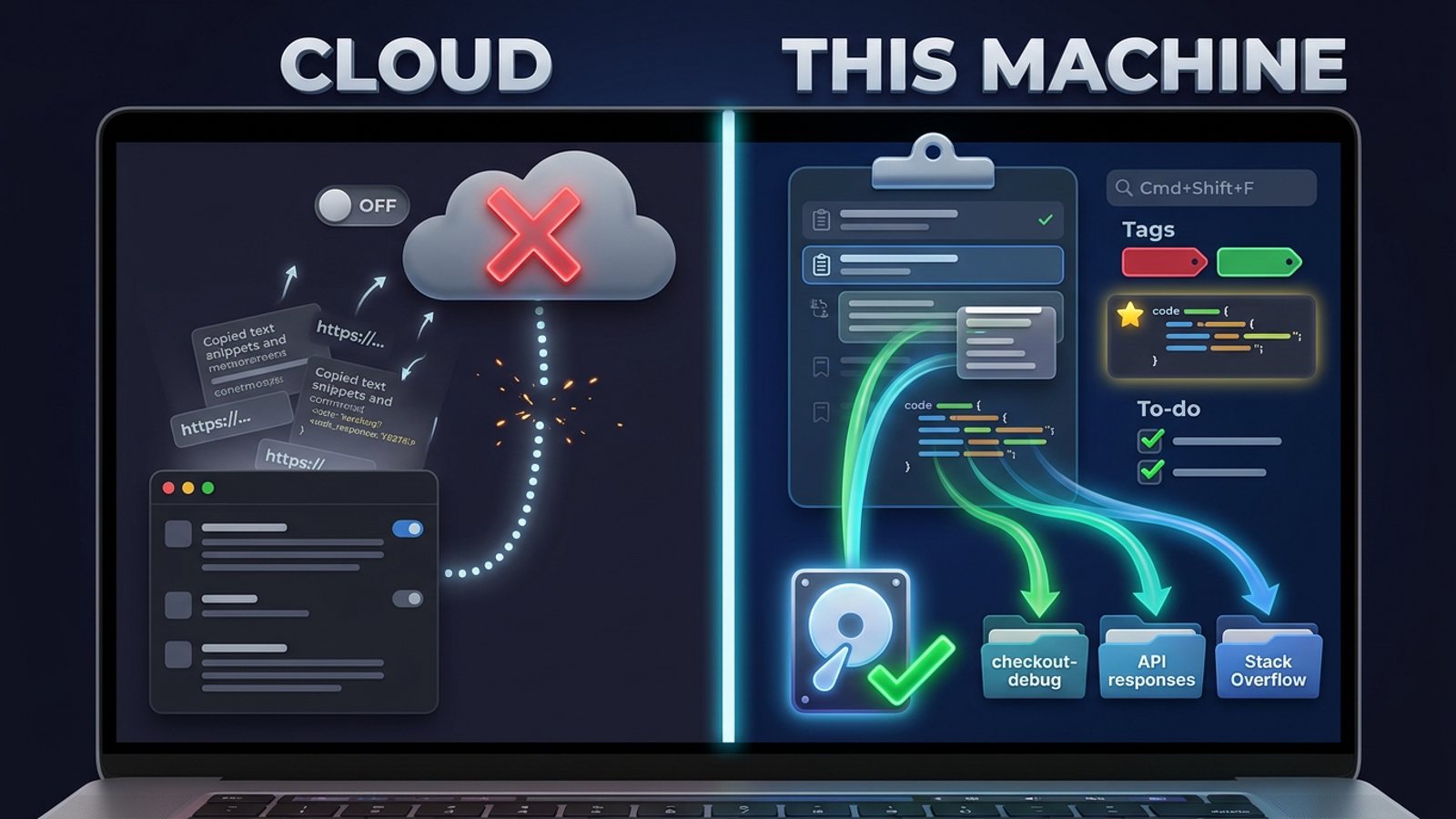
At least four clipboard tools share the ClipStash name, and they run on different platforms. The Chrome extension keeps history in the browser Side Panel with full-text search, pinning and dark mode, and its listing states "No sign-up, no cloud, no tracking" (Chrome Web Store). A macOS menu-bar app of the same name stores locally with SQLite full-text search and states "zero network access" (kiku-jw.github.io). A Windows tool sells at a one-time $4.99 (techbasedirectory.com, 2026-09-24), and an iOS app is documented on its own help page (ClipStash Help).
So before you hunt for alternatives, open your extension or app and check the developer name and platform. If you are replacing the Chrome extension, the shortlist below is built for you.
Good to know
The free-entry cap for the ClipStash Chrome extension is reported differently in different places: 50 entries on its store listing (Chrome Web Store) and 25 on a third-party listing (ExtPose, 2026-04-05). Check your own build before quoting a number.
What do writers actually need from a clipboard tool?
Writers need three things from a clipboard tool: fast capture, a way to attach the source to a quote, and retrieval by meaning rather than by date. The standard fix for lost quotes is a source-note habit — drop the author, title, page or URL beside the quote as you go (Hannah de Keijzer, LinkedIn, 2024-01-08). Writing guides describe the same pattern as a commonplace book: one capture inbox, a small tag vocabulary and a review cadence (Elaine Mendez, The Digital Commonplace Book, 2026-06-08).
Notice what that system asks for: a place to put the clip, a tag, a note and a fast way back in. That is the checklist to hold every alternative against.
A quote without its source is a quote you have to go and find twice.
What are the best clipstash alternatives writers should consider?
Clipboarder Pro is our pick for writers who do their research in Chrome, with CopyQ, Ditto and Windows clipboard history covering system-wide and free needs. Here is how the options compare for quote collecting, link saving and half-formed ideas.
| Option | Best for | Key features | Price | Watch-outs |
|---|---|---|---|---|
| Clipboarder Pro (Our pick) | Chrome-based writers | Folders, colour tags, stars, notes, search | Free 30 days, then $4.99/month | Chrome only, local storage |
| CopyQ | Cross-platform power users | Tabs, tags, scripting, encryption | Not stated in our sources | Heavier setup |
| Ditto | Windows keyboard users | Hotkey search, LAN sync, rich text | Free, open source | Windows only |
| Windows clipboard history | Zero-install basics | 25 items, pinning, paste as text | Free, built in | No full-text search |
Clipboarder Pro — our pick for Chrome writers
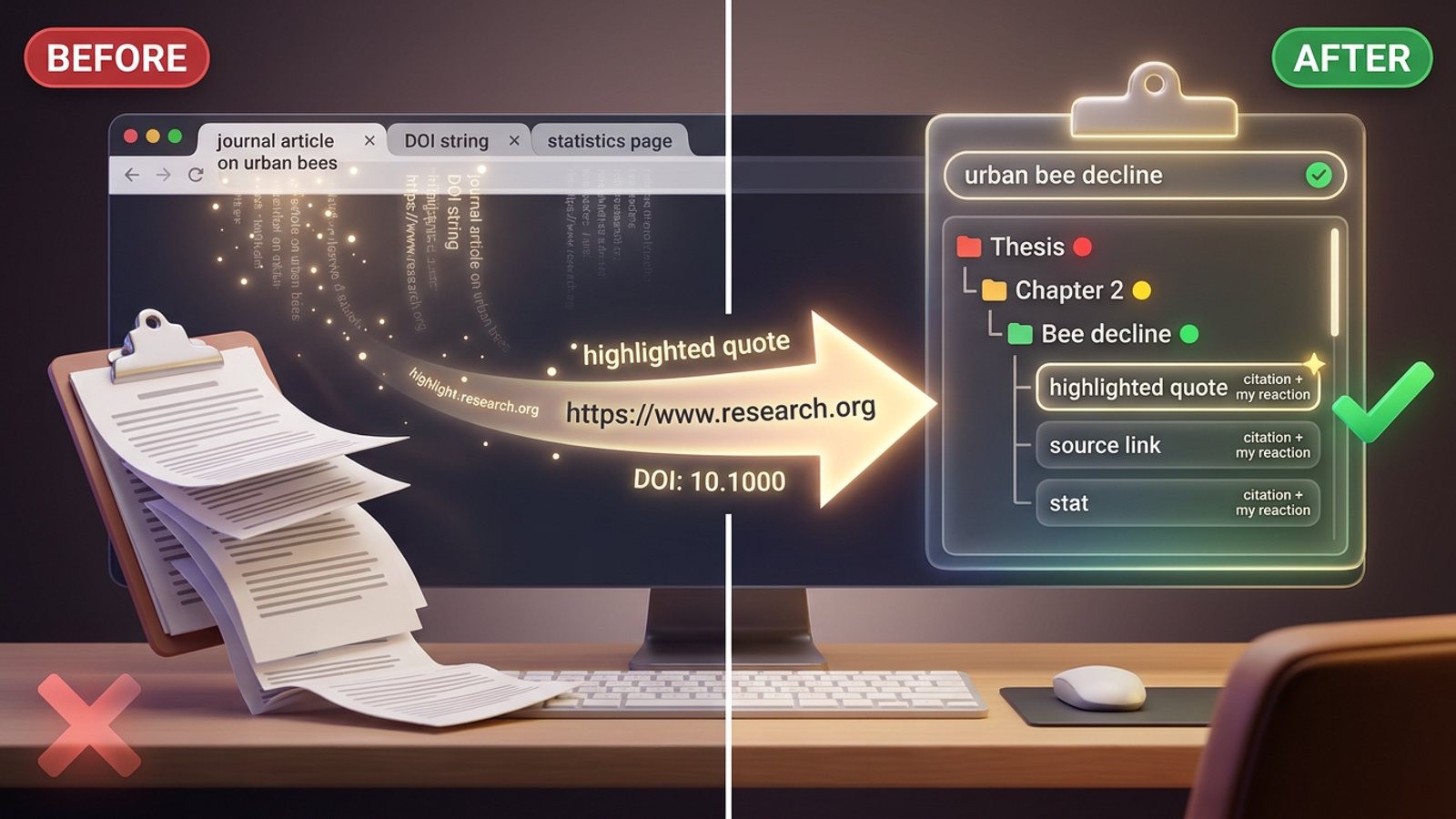
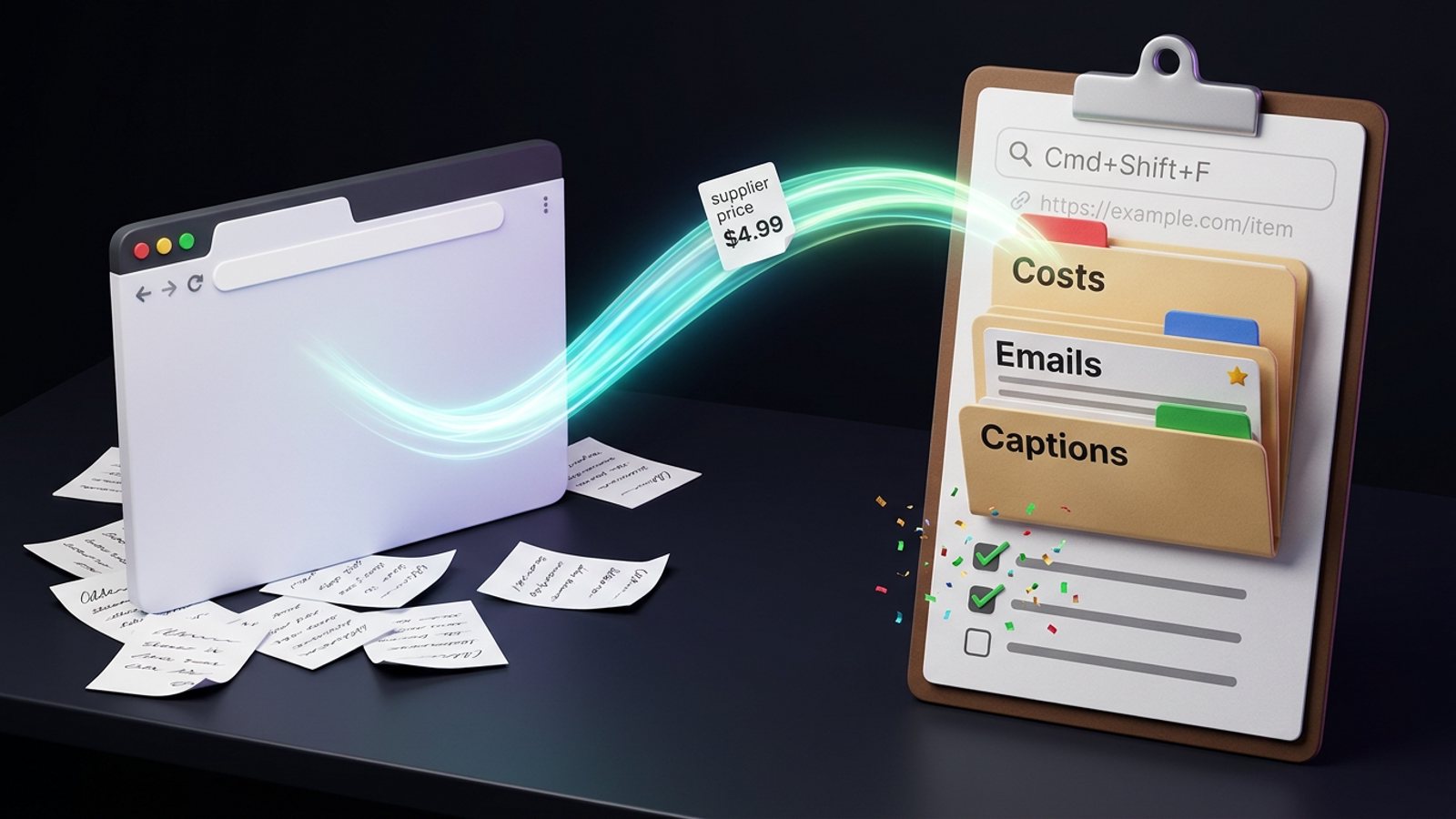
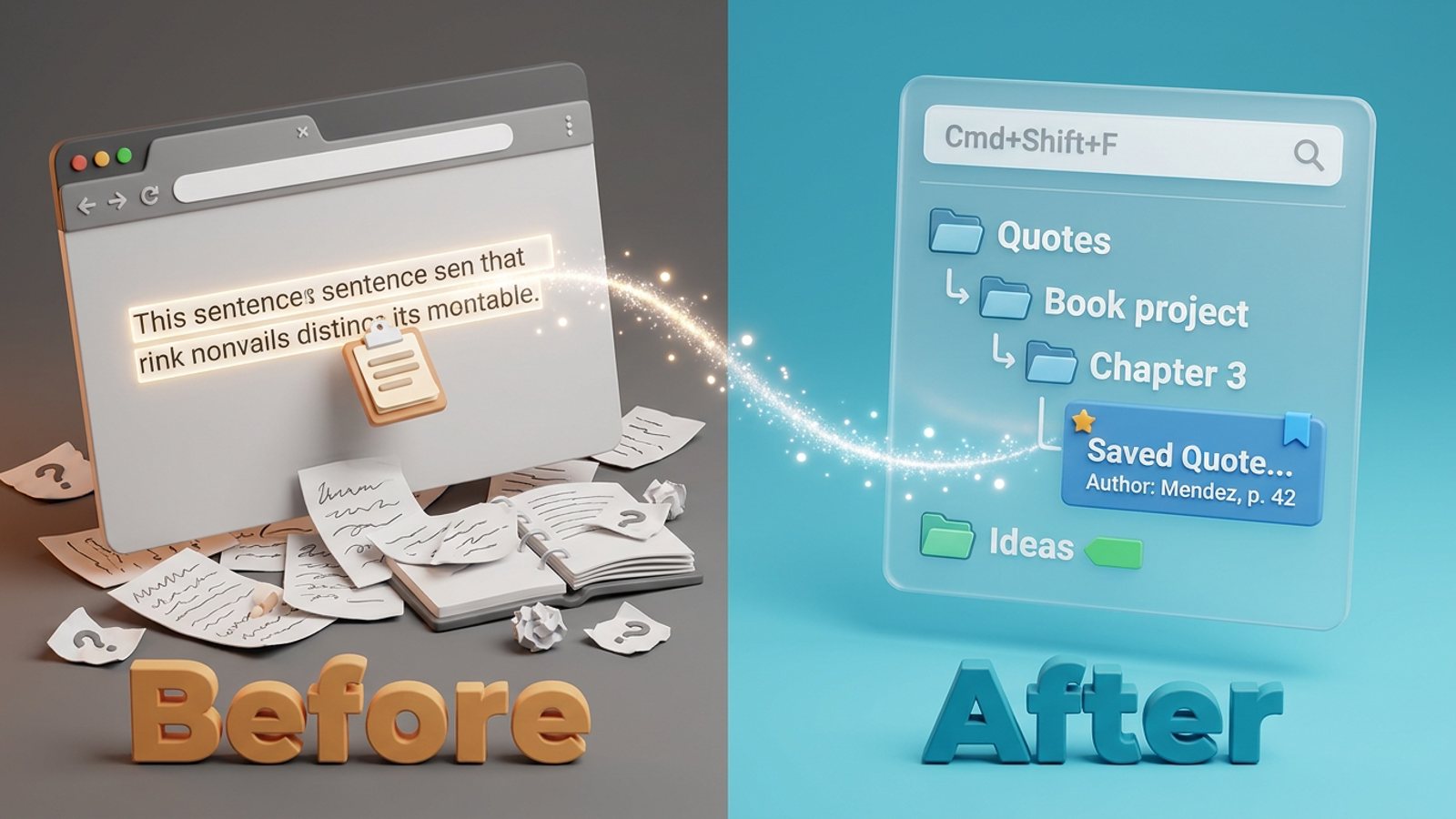
Clipboarder Pro captures everything you copy — text, images, URLs and code — and gives you the filing system writers keep asking for. Folders nest up to three levels deep with drag and drop, so you can run "Quotes → Book project → Chapter 3". Colour tags flag urgency, project or mood at a glance. Stars give your best lines one-click access. And you can write a note in-line right next to the clip that inspired it — author, title, page, all in the same place as the quote.
Search runs at Cmd/Ctrl+Shift+F across every clip, note and folder. Bulk copy takes 5, 10 or 20 items in one shot, which is handy when you are pulling a batch of quotes into a draft. Everything is stored in your browser on your machine, with no servers.
Pricing, as of November 2026: free for 30 days, then a small fee of $4.99 per month. Prices can change. The honest limit is that it is a Chrome extension, so it captures browser copies rather than system-wide ones, and everything lives locally in your browser.
Tip
Our recommendation: make a "Quotes" folder and an "Ideas" folder on day one. Half-formed lines go in Ideas and get reviewed weekly; quotes go in Quotes with the source in an in-line note.
Ready to stop losing the good lines? Install the ultimate Chrome extension today and file your first quote in under a minute.
CopyQ — best for cross-platform tinkerers
CopyQ is an open-source clipboard manager for Windows, macOS and Linux with tabs, tags, scripting and plugins, and it supports encrypted storage (Windows Forum, 2025-11-26). A vendor-run comparison lists it as a desktop app with unlimited items and full-text search (theluckystrike, GitHub, 2026-02-16). Pricing was not confirmed in the material we checked, so treat cost as something to verify on its own site.
If you mainly need system-wide capture across operating systems and don't mind scripting, CopyQ is the more direct choice. If you want a folder-and-tag interface that works the moment you install it in Chrome, Clipboarder Pro gets you there faster.
Ditto — best free option on Windows
Ditto is a free, open-source (GPL-3.0) clipboard manager for Windows, installable via installer, portable ZIP, Microsoft Store, Chocolatey or Winget and funded by donations (clipboardextension.com, facts checked 23 Oct 2026). It is keyboard-driven — hotkey, type to search, Enter to paste — keeps history on your own PC and supports LAN sync between Windows PCs with images and rich text (Edge Drop blog, 2026-07-13). It does not run on macOS or ChromeOS.
If your writing machine is Windows and you want zero cost, Ditto is a strong fit. It won't give you nested folders and colour tags beside a quote in the browser, though.
Windows clipboard history (Win+V) — best if you want to spend nothing
Windows clipboard history is built into Windows, off by default, and stores up to 25 items of text, images and HTML, with pinning that survives restarts and "paste as text" on Windows 11 (HP Tech Takes, 2026-07-21). Unpinned history is cleared on restart (XDA, 2024-12-18), and a vendor comparison notes it has no full-text search against desktop managers (theluckystrike, GitHub, 2026-02-16). Cross-device sync can be switched off per device in Settings > System > Clipboard (NinjaOne, updated 2026-04-13).
Win+V is fine for a quick copy-paste in the next five minutes. For a month of quotes, 25 items and no search will not hold.
Watch out
The most common mistake is capturing quotes with no source attached. By the time you draft, the page is gone. Add the author and URL in the same minute you copy — every tool in this list lets you do it.
Clipboarder Pro is made by the team behind this blog.
How do you set up a quote-collecting workflow that actually holds?
Start with capture, then file, then review — in that order, every time. Here is the routine that matches how working writers describe their systems:
- Capture the quote. Copy it as you read. Don't stop to organise yet.
- File it immediately. Drop it into a project folder and add a colour tag for the piece you're writing.
- Attach the source. Write an in-line note with author, title, page or URL beside the clip.
- Star the keepers. The lines you know you'll use get a star for one-click access.
- Review weekly. Search the project keyword, promote the good ones, archive the noise.
Step 5 matters more than it sounds. Clipboarder Pro's archive keeps items without deleting them, with an automatic retention window of 1–365 days, so clearing your working view doesn't cost you anything.
Tip
Our recommendation: keep the tag vocabulary small — three to five colour tags, no more. A tag system you can't remember is a tag system you won't use.
Can I search across quotes, notes and folders in one go?
Yes — in Clipboarder Pro, one shortcut searches everything. Press Cmd/Ctrl+Shift+F and you search across your history, your notes and your folders at once, rather than checking each place separately. That is the difference between a clipboard history and a research system: you can search for a phrase you remember from your own note, not just the text you copied.
If fast retrieval is the thing you care about most, make it the first question you ask of any alternative. A tool that searches only copied text will send you back to scrolling.
Do I need a system-wide manager as well?
Only if you copy outside the browser. Clipboarder Pro is a Chrome extension, so it captures browser copies — quotes, links, images and code from web pages. If you also copy from email, Word or Slack and want that in the same history, add a system-wide manager alongside it: Ditto or CopyQ on Windows, CopyQ on Mac.
Many writers run both and never think about it again: the browser tool holds the research, the desktop tool catches everything else.
Still deciding? Install the ultimate Chrome extension today and see whether a folder-and-tag workflow fits how you write. For a wider view, see the best ClipStash alternatives in 2026 and the best clipboard manager for writers on Chrome.
Sources
- ClipStash – Clipboard History Manager, Chrome Web Store
- ClipStash - Privacy-First Clipboard Manager, ExtPose, 2026-04-05
- ClipStash, kiku-jw.github.io
- ClipStash, techbasedirectory.com, 2026-09-24
- ClipStash Help, utility-apps-ios.github.io
- Clipboarder Pro, Chrome Web Store
- Best clipboard managers for Windows 11 in 2026, Windows Forum, 2025-11-26
- COMPARISON.md, theluckystrike, GitHub, 2026-02-16
- Ditto alternative, clipboardextension.com, facts checked 23 Oct 2026
- Edge Drop vs Ditto, Edge Drop blog, 2026-07-13
- How to use Windows 10 clipboard, HP Tech Takes, 2026-07-21
- Permanently save items to clipboard in Windows 11, XDA, 2024-12-18
- Enable or disable clipboard history sync in Windows 11, NinjaOne, updated 2026-04-13
- Pro tip for nonfiction writers: keep track of your sources, Hannah de Keijzer, LinkedIn, 2024-01-08
- The Digital Commonplace Book, Elaine Mendez, Everand listing, 2026-06-08
Frequently asked questions
Which ClipStash alternative is best for writers?
For writers who research in Chrome, Clipboarder Pro is our pick of the tools we compared: folders nested three levels, colour tags, stars, in-line notes beside each clip and search across clips, notes and folders. If you need system-wide capture on Windows for free, Ditto is the more direct choice.
Is ClipStash free, and what's the limit?
The ClipStash Chrome extension's free plan is capped at 50 clipboard entries according to its store listing, while a third-party listing describes a 25-clip cap — check your own build. Clipboarder Pro is free for 30 days, then $4.99 per month as of November 2026; prices can change.
How do I keep the source URL attached to a quote?
Write it in an in-line note next to the clip as you capture it. Working nonfiction writers recommend noting author, title, page or URL at the moment you copy, because the page is often gone by the time you draft.
Will my clipboard history survive a browser restart?
In Clipboarder Pro, history is stored locally in your browser, so it persists between sessions rather than clearing when you close a tab. In Windows clipboard history, unpinned items are cleared on restart, so pin anything you can't lose.
Do I need a subscription, or is it a one-time price?
It varies. Clipboarder Pro is free for 30 days, then $4.99 per month as of November 2026 (prices can change). Ditto is free and open source. Pricing for CopyQ was not confirmed in the sources we checked, and the Windows ClipStash tool is listed at a one-time $4.99.