Is there a ClipAmigo alternative that works offline?
Yes. ClipAmigo is local by default, but if you want a Chrome clipboard manager where clips can never leave your machine, Clipboarder Pro keeps everything in your browser with zero servers and zero
Clipboarder Pro Team
Yes. ClipAmigo already stores history locally by default, but if you want an offline clipamigo alternative where nothing can ever leave your machine, Clipboarder Pro is our pick: it keeps every clip, note and to-do list in your browser with zero servers and zero tracking. CopyQ, Ditto and Windows Clipboard History are also local-only options.
Key takeaways
Key takeaways
- ClipAmigo is local by default, but it does have an opt-in cloud sync and a paid cloud tier — so "offline" depends on whether you ever sign in.
- Clipboarder Pro stores everything in Chrome on your machine, with no servers and no tracking.
- Windows Clipboard History (Win+V) and macOS Spotlight clipboard history are free and local, but both are short-memory tools.
- CopyQ and Ditto are free, open-source desktop managers that keep history in a local database.
- Whichever you choose, check one setting first: cross-device clipboard sync.
If your job is copying all day and you'd rather your clips never touch a server, install the ultimate Chrome extension today and keep everything on your own machine.
Does ClipAmigo work offline?
Yes — ClipAmigo's privacy policy says it stores clipboard history locally by default using Chrome's local storage and does not transmit it unless cloud sync is enabled. That sync is opt-in: it stays off until you sign in and explicitly choose to sync, and the policy says items are end-to-end encrypted on-device first, so the server only holds ciphertext.
So the honest answer is that ClipAmigo is already a mostly-offline tool. The difference between it and a fully local tool is that a server exists at all, and you can switch it on. ClipAmigo's Firefox listing also advertises "cloud sync to clipamigo.com", and its paid tier — ClipAmigo Pro — raises the cloud-item limit (the free tier includes 1 cloud item, per the vendor's description; the price isn't stated in the material we checked).
If your rule is "my clips should not have a cloud to opt into", that's where the alternatives below come in.
Good to know
"Offline" gets used two ways: a tool that works without an internet connection, and a tool that can't send your data anywhere. ClipAmigo is the first. Clipboarder Pro, CopyQ and Ditto are the second.
What should a truly offline ClipAmigo alternative do?
The first thing to check is whether the tool has a server at all. A local-only clipboard manager should store your history in your browser or on your disk, need no account, and have no sync switch to accidentally flip.
The second is whether it survives a reboot. A short rolling list is fine for grabbing a link you copied two minutes ago, but it won't hold the code snippet from this morning or the address you copied last week.
The third is organisation. If all you get is a flat list, you'll be scrolling instead of searching within a day. Look for folders, tags, stars and a search box.
Our recommendation: before you install anything, open your current tool's settings and find the cross-device or cloud sync toggle. That single switch decides whether your clips are local-only in practice.
Our pick: Clipboarder Pro
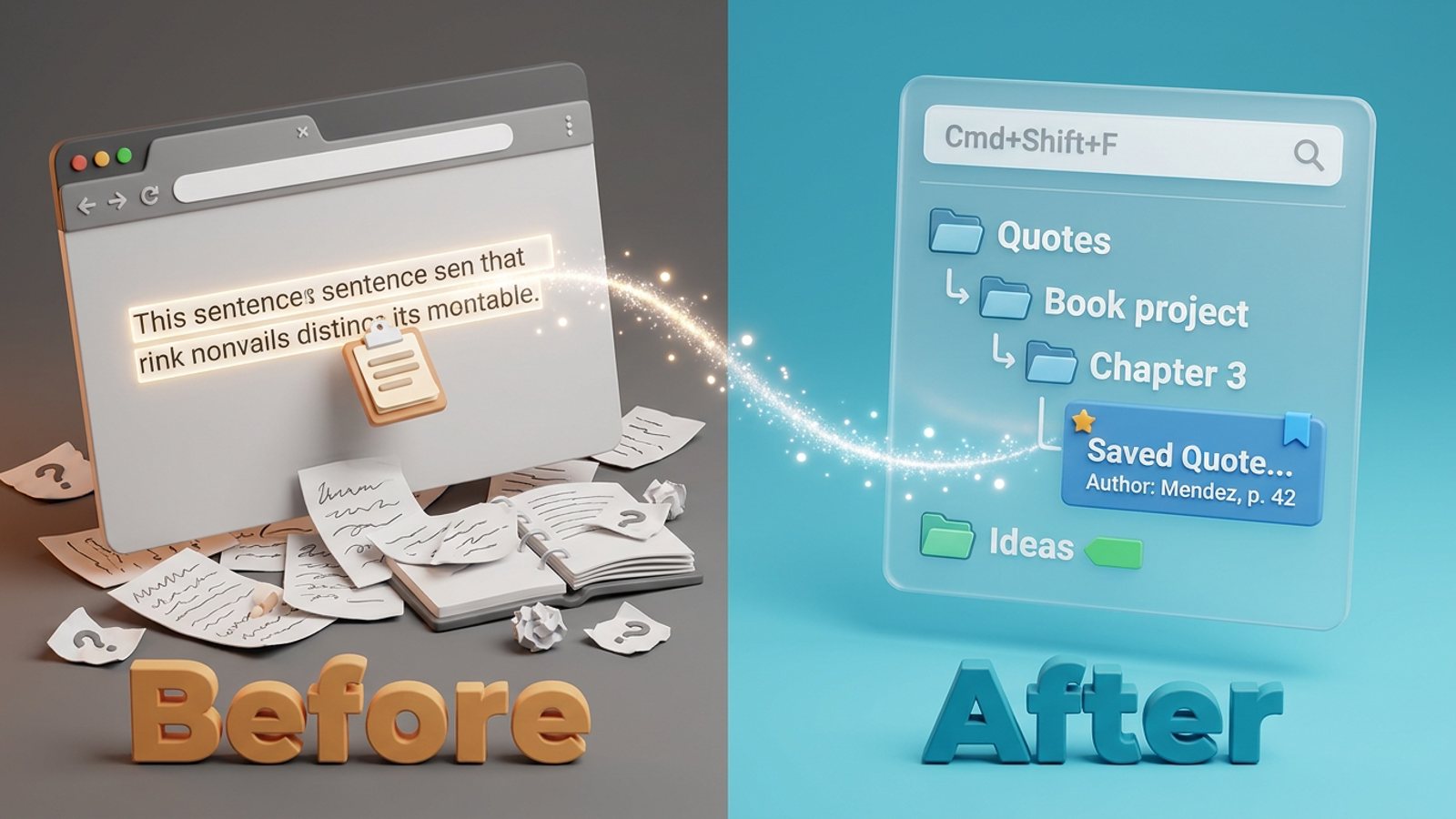
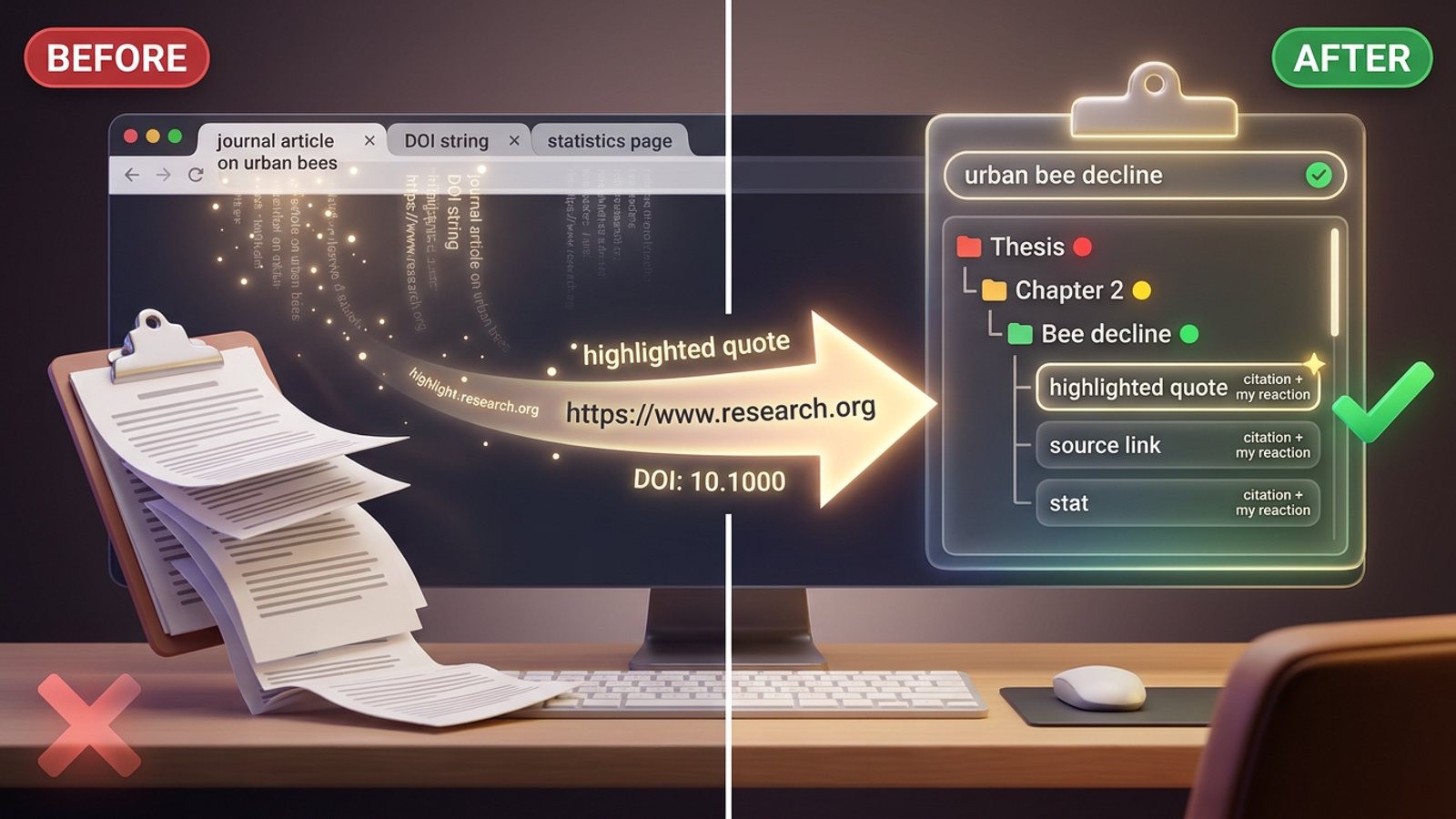
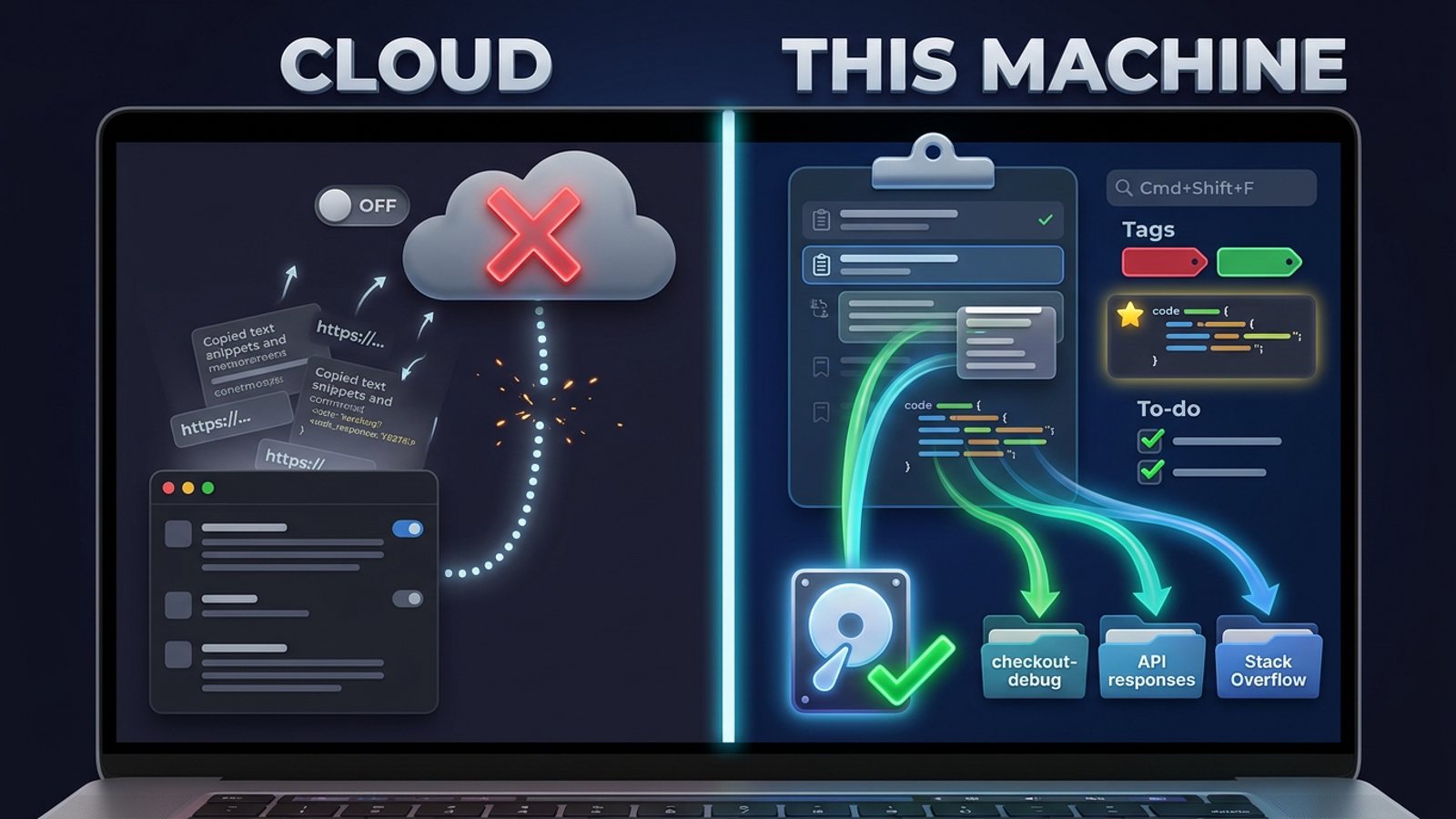
Clipboarder Pro is a Chrome extension that automatically saves everything you copy — text, images, URLs and code — and keeps it in one place. The part that matters for this question: everything is stored in your browser on your machine, with no servers. Zero servers, zero tracking.
What you get on top of local storage:
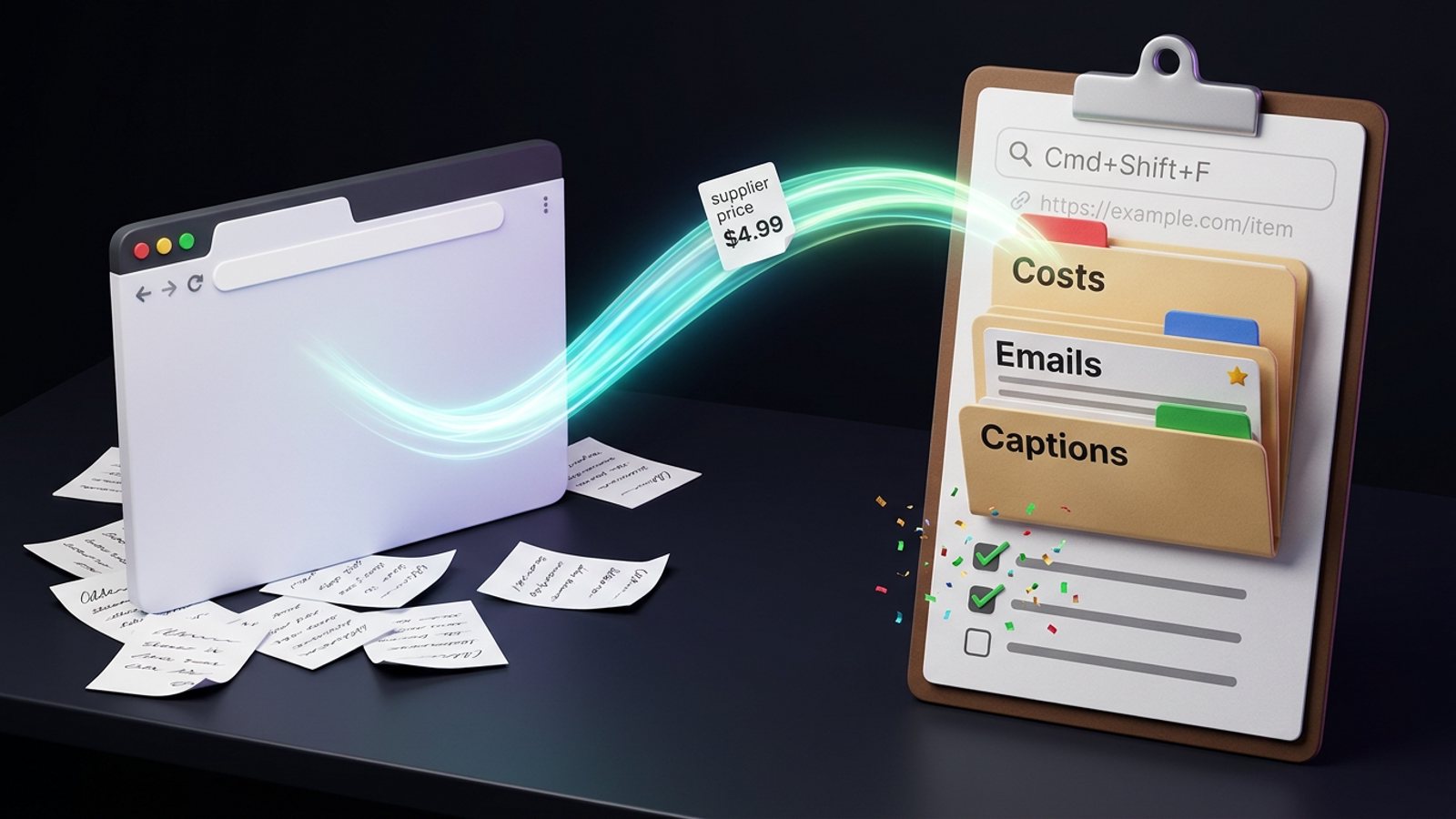
- Nested folders up to 3 levels deep, with drag and drop.
- Colour tags to spot urgency or project at a glance, and stars for one-click access to your most-used clips.
- Notes written in-line next to the clip that inspired them.
- To-do lists with check-offs, hiding of completed items and a confetti celebration.
- Multi-select copy — grab 5, 10 or 20 items in one shot.
- Search across every clip, note and folder with Cmd+Shift+F.
- Archiving without deleting, with an automatic retention window of 1–365 days.
Say you're a developer debugging a checkout flow. You copy six API responses, two Stack Overflow answers and a config line over an afternoon. In a flat history that's a scroll hunt. In Clipboarder Pro you drop them into a checkout-debug folder, tag the error responses red, star the config line, and search it all later.
Pricing: free for 30 days, then $4.99 per month as of November 2026 — prices can change.
Tip
The fastest test of any clipboard tool: copy something, close the tab, restart the browser, then search for it. If it's still there and searchable, the tool is doing its job.
Your clips are only as private as the tool's weakest switch — so pick a tool that doesn't have one.
How does Clipboarder Pro compare with other offline options?
Here's how the tools stack up for a privacy-minded buyer who wants clips to stay on the machine. Clipboarder Pro is our pick of the tools we compared, for the reasons in the table.
| Option | Best for | Key features | Price / free option | Watch-outs |
|---|---|---|---|---|
| Clipboarder Pro (Our pick) | Chrome users who want clips, notes and to-dos in one local place | Auto-save, nested folders, tags, stars, notes, to-dos, search | Free 30 days, then $4.99/mo | Chrome extension only |
| ClipAmigo | Optional encrypted sync across devices | Unlimited history, smart search, favourites, tagging, password lock | Free to install; paid Pro tier | Has an opt-in cloud component |
| Windows Clipboard History | Quick recall on one Windows PC | Pinning, paste-as-text, delete, clear-all | Free, built in | 25-item cap, no search |
| CopyQ | Power users who want scripting | Tabs, tags, scripting, CLI, custom commands | Free, open source | Steep learning curve |
| Ditto | Windows users who want a local database | Portable build, local history database | Free, open source | Windows only |
Clipboarder Pro is made by the team behind this blog.
The explanation behind the table:
ClipAmigo is a solid tool and its encryption work is real — end-to-end encryption is free for everyone, per the vendor. It suits you better if you want the option of syncing across devices. Its limits are the flip side of that: a server-side cloud component, a paid cloud tier, and a small user base (its Firefox listing showed 6 users when we checked in June 2026).
Windows Clipboard History is the zero-install answer. MakeUseOf reported in March 2026 that it holds up to 25 items and is wiped on reboot, with pinned items surviving — and TypeFire noted in October 2026 that it has no search. It's local by default, but there's a separate "clipboard history across your devices" toggle that can send copied text to Microsoft's servers if switched on.
CopyQ is free, GPL-3.0, and runs on Windows, Linux and macOS 13+, keeping text, HTML and images locally. MEFMobile noted in September 2026 that its trade-off is complexity: more configurable than the built-ins, but slower to learn. If you mainly need scripting and a CLI, CopyQ is the more direct choice.
Ditto is Windows-only, free, and stores history in a local database with a portable build. Its README says ordinary use needs no login, cloud service or telemetry — a project claim, not an audit. Its interface is older-style, with Ctrl+` as the default hotkey.
Want the folder-and-search version of this without a server? Install the ultimate Chrome extension today.
How do I keep Windows clipboard history from syncing to the cloud?
Turn the cross-device toggle off — that's the whole job on a personal PC. Here's the full sequence:
- Open Settings > System > Clipboard and switch Clipboard history on.
- Leave "Clipboard history across your devices" off, or set it to "Manually sync". MakeUseOf reported in March 2026 that turning it on can automatically send copied text — including 2FA codes, passwords and card numbers — to Microsoft's servers.
- On a managed or shared PC, block it permanently via Group Policy: Computer Configuration > Administrative Templates > System > Clipboard > "Allow clipboard synchronization across devices" set to Disabled (per Volcengine, June 2026).
- Clear history when you need to: Win+V > Clear all, or Settings > Clipboard > Clear clipboard data. Pinned items survive on the device.
- Check whether your work device allows it at all — corporate policies can disable clipboard data collection entirely.
One detail worth knowing: Windows clipboard sync uploads text only, not images.
Watch out
Windows 11 clipboard history is off by default. If you've never turned it on, you have no history to protect — and no history to recover, either.
What about Mac and Linux users?
On a Mac running macOS 26 Tahoe, clipboard history is built into Spotlight: press ⌘+Space then ⌘+4. quietclip.app reported in May 2026 that default retention is 8 hours, extendable to 7 days in System Settings > Spotlight. Sources differ on capacity — Tom's Guide put it at around 10 clips in October 2025, while MacObserver and Yahoo Tech describe roughly the past 30 days of items.
Either way, it's local and needs no account — but it has no folders, notes or to-do lists. For those you need a dedicated manager, and on Linux CopyQ is the free local option from the table above.
Can I delete my clipboard history completely?
Yes, in every tool covered here. On Windows, use Win+V > Clear all or Settings > Clipboard > Clear clipboard data. In a browser extension, clearing the extension's stored data removes its history.
The catch is the same everywhere: clearing is a manual action, and anything you archived or pinned may be designed to survive it. So decide your retention window before you start saving things you'd rather not keep — Clipboarder Pro's archive retention window of 1–365 days is set by you.
Ready to keep every clip on your own machine? Install the ultimate Chrome extension today.
Sources
- ClipAmigo privacy policy (Firefox Add-ons, no date)
- ClipAmigo Firefox listing (Firefox Add-ons, 2026-06-01)
- ClipAmigo Firefox listing zh-CN (Firefox Add-ons, 2026-06-01)
- ClipAmigo Edge listing (Microsoft Edge Add-ons, 2026-06-09)
- Socket package page for ClipAmigo (Socket, 2026-05-31)
- I enabled Windows 11 clipboard history and immediately turned off the cloud sync (MakeUseOf, 2026-03-31)
- Use Windows 11 Clipboard History feature (MakeUseOf, 2026-02-10)
- Best clipboard manager Windows (TypeFire, 2026-10-26)
- How to find copy and paste history (Position Is Everything, 2026-05-09)
- How to check clipboard history (quietclip.app, 2026-05-12)
- Use clipboard history on macOS Tahoe (MacObserver, 2025-09-15)
- Finally see Mac's clipboard history (Yahoo Tech, 2025-11-13)
- How to enable clipboard history in macOS Tahoe (Tom's Guide, 2025-10-07)
- 24 best free and open-source clipboard managers (MEFMobile, 2026-09-22)
- Best clipboard managers Windows 11 (Help Desk Geek, 2026-11-11)
- Local clipboard history without cloud sync (DEV Community, ClipStack, 2026-10-26)
- Chrome Incognito privacy (CHIP, 2025-02-06)
- 如何复制内容到剪贴板且不存入历史记录、不进行云同步 (Volcengine, 2026-06-12)
Frequently asked questions
Which offline ClipAmigo alternative should I use?
If you work in Chrome and want folders, notes, to-dos and search in one local place, Clipboarder Pro is our pick — it stores everything in your browser with no servers. If you want an OS-wide desktop tool, CopyQ (cross-platform) or Ditto (Windows) are the free, open-source choices.
Is ClipAmigo itself offline?
Its history is local by default, and its privacy policy says nothing is transmitted unless you enable cloud sync. Sync is opt-in and end-to-end encrypted on-device first. So it works offline; it simply also offers a cloud path you can choose.
Is a browser extension's clipboard history really private?
It can be, but it depends on the extension. A browser extension reads copied text only when allowed and can store history locally in Chrome's storage — it can't install a true OS-wide clipboard hook. Our recommendation: read the privacy policy and check whether the tool has a server at all.
Do I need a clipboard manager if Windows already has one?
Only if 25 items and no search isn't enough. Windows Clipboard History is free, local and instant, but its cap and reboot wipe make it a short-memory tool. If you need to find something you copied days ago, you need a manager.
What's the best clipboard manager for Chrome?
Of the tools we compared, Clipboarder Pro is the most complete fit for Chrome specifically: automatic capture of text, images, URLs and code, nested folders, colour tags, stars, in-line notes, to-do lists, multi-item copy and Cmd+Shift+F search.