Copy History + alternatives for students and researchers
The best copy history alternatives for students and researchers, compared honestly: Zotero for citations, Keep and Notion for notes, and a Chrome clipboard manager that files every copy next to the
Clipboarder Pro Team
For students and researchers, the best copy history alternatives are Zotero for citations, Google Keep for quick notes, Notion for structured project notes, and your operating system's built-in clipboard history for a basic log. None of them files what you copy into folders next to the note it inspired — a Chrome clipboard manager like Clipboarder Pro does.
Key takeaways
Key takeaways
- Copy history alternatives students should compare on one test: does the quote, its source and your own note stay together?
- Zotero is the strongest free pick for anything you will cite — 9,000+ citation styles, free library sync.
- Win+V holds 25 items and resets on reboot (MakeUseOf, 2026); macOS Tahoe's Spotlight history keeps around 10 clips (Tom's Guide, 2025).
- Clipboarder Pro is a Chrome clipboard manager that saves every copy in folders with in-line notes beside the clip. Free for 30 days, then $4.99/month as of November 2026 (prices can change).
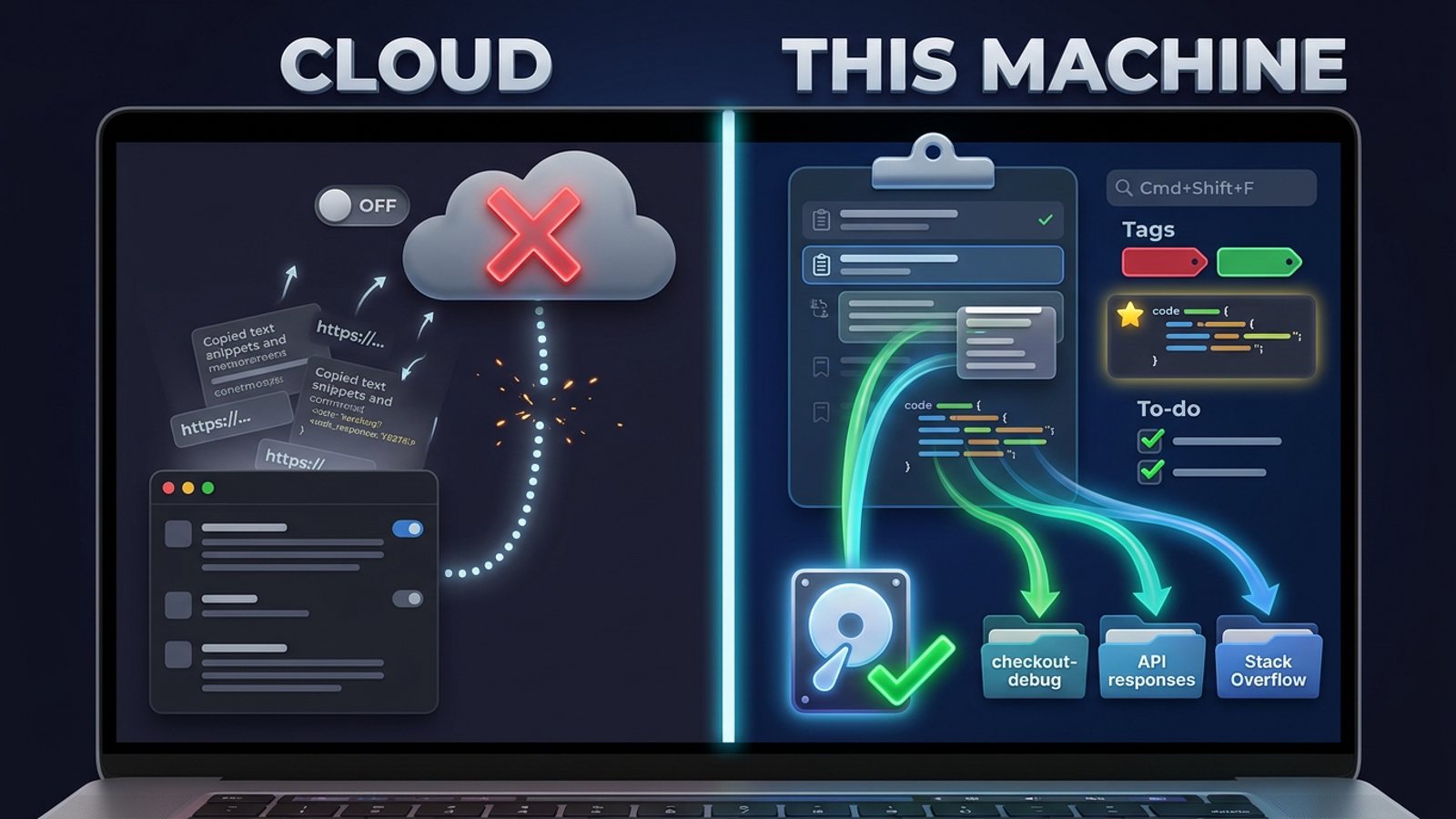
- Clipboarder Pro is Chrome-only and stores everything on your machine — no servers, no tracking.
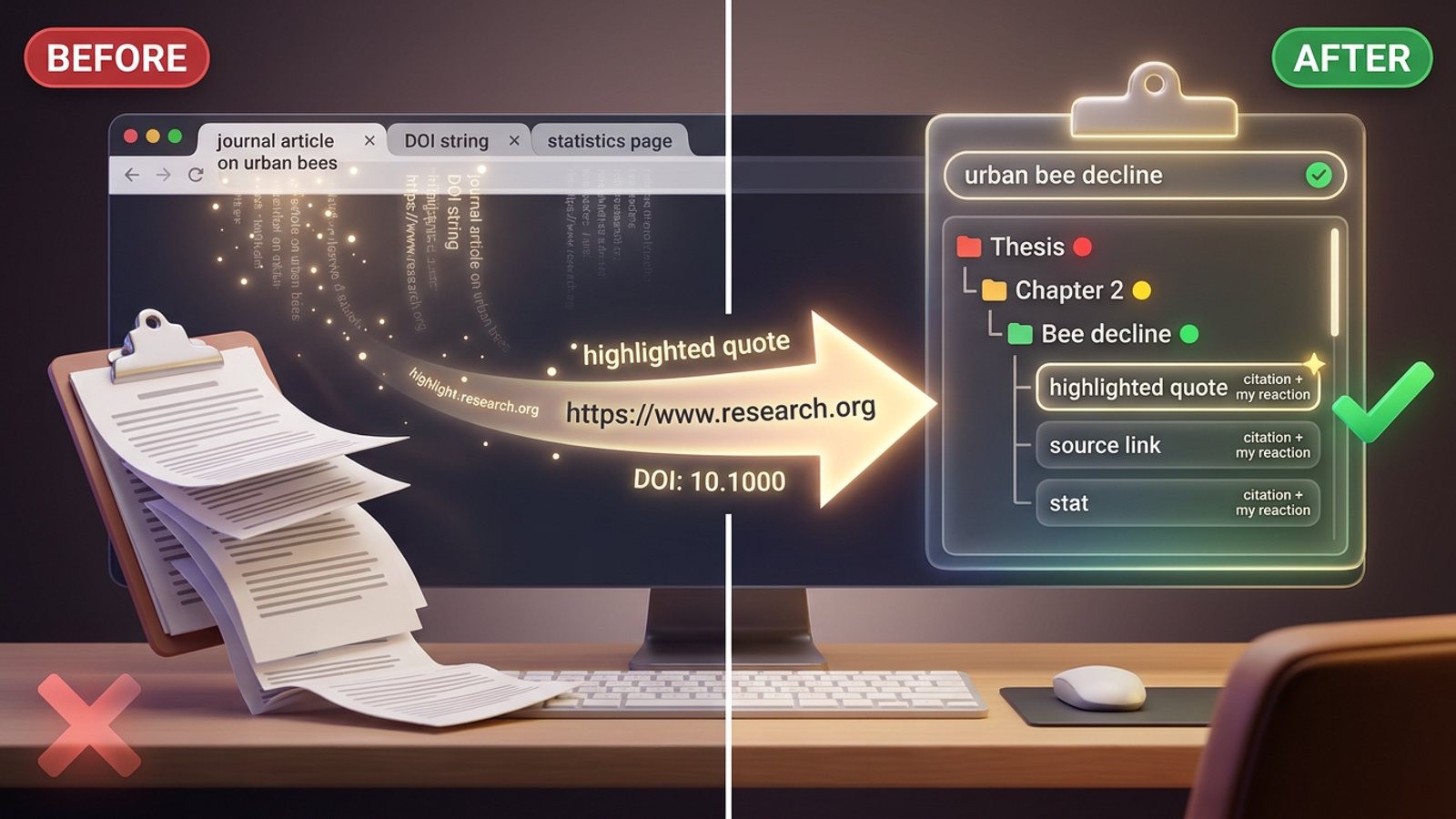
Say you're writing an essay on urban bees. You copy a quote from one tab, a DOI from another, a stat from a third, and by the fourth tab the first quote is gone. That's the problem a copy history tool is meant to solve — and the reason "copy history alternatives students" is worth searching properly rather than grabbing the first extension you see.
Here's the honest comparison, plus the research workflow that makes any of these tools work.
If you want the short version: install a clipboard-first tool and stop losing copies today. Install the ultimate Chrome extension today and every quote you copy lands in a folder you choose.
What should a copy history tool actually do for a student?
It should keep three things together: the copied text, where it came from, and what you thought when you read it. Most tools keep one or two.
A faculty writing guide from eCampusOntario (2025) recommends pasting the full citation plus the permalink or DOI into your reference list the moment you find each article — and keeping your own reactions separate from the source's words. A separate faculty guide (Aden University) adds that every paraphrase or quote needs a page or paragraph locator.
That's the real job. A plain log of recent copies doesn't do it. A citation library does part of it. A notes app does another part. What you want is the smallest set of tools that covers all three without you re-typing anything.
The test is simple: can you find the quote, its source and your reaction in one place, six weeks after you copied it?
Why does my copied quote disappear when I copy the next thing?
Because your clipboard holds one item at a time. Every new copy overwrites the last — a student-focused guide from quietclip.app (2026) puts it plainly for Mac users, and Chrome has no built-in clipboard history at all (GitHub clipboard-history-chrome-extension, 2026).
The built-in options help a little:
- Windows 11: Clipboard History opens with Win+V, but it's off by default, holds up to 25 items, has no search, and is wiped on shutdown or reboot — pinned items survive (MakeUseOf, 2026).
- macOS 26 Tahoe: Spotlight gained clipboard history showing roughly the past 30 days of copies (MacObserver, 2025), though Tom's Guide (2025) reports it keeps only around 10 clips.
- Chrome: nothing built in. The OS clipboard is all you have.
Watch out
Windows clipboard cloud sync uploads copied content to Microsoft's servers using a Microsoft account (MakeUseOf, 2026). If you're copying unpublished research or interview notes, check that setting before you trust it.
What are the best copy history alternatives for students and researchers?
The four below cover different jobs, and most students end up using two of them. Clipboarder Pro comes first because it's the one that files your copies automatically.
| Option | Best for | Key features | Price | Watch-outs |
|---|---|---|---|---|
| Clipboarder Pro (Our pick) | Filing copies next to your notes | Auto-saves text, images, URLs, code; nested folders; in-line notes; to-do lists | Free 30 days, then $4.99/mo | Chrome only; local storage |
| Zotero | Anything you'll cite | One-click source capture; 9,000+ citation styles; collections and tags | Free, open source | Not a live copy log |
| Google Keep | Fast capture in a lecture | Notes, lists, audio, reminders, labels | Free | Nothing saved automatically |
| Notion | Structured project notes | Databases, pages, calendar, public sites | Free for solo use | 5 MB file uploads on Free |
| OS clipboard (Win+V / macOS) | Grabbing the last clip or two | Pinning, paste-as-text, per-item delete | Built in | 25-item cap, no search |
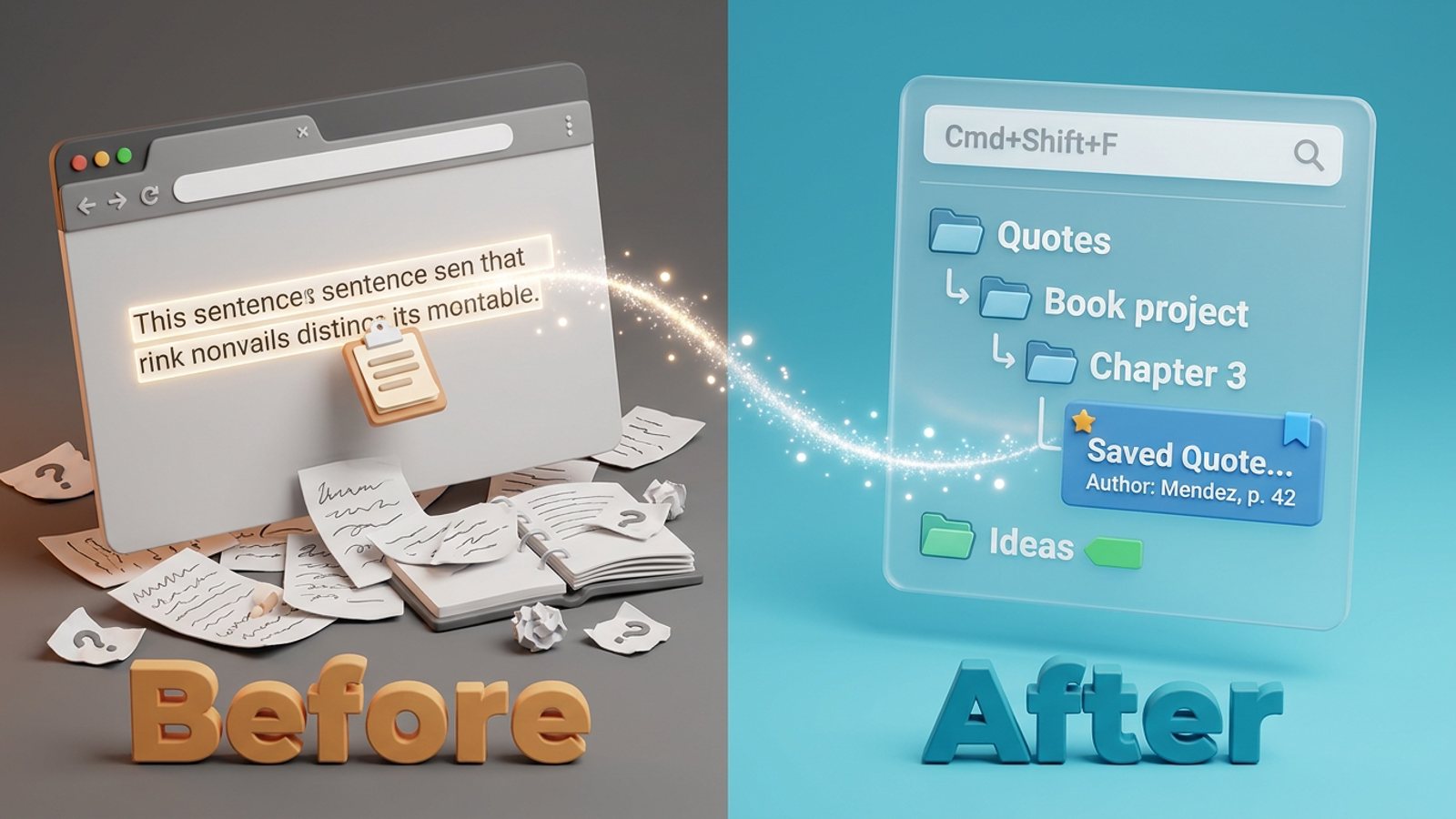
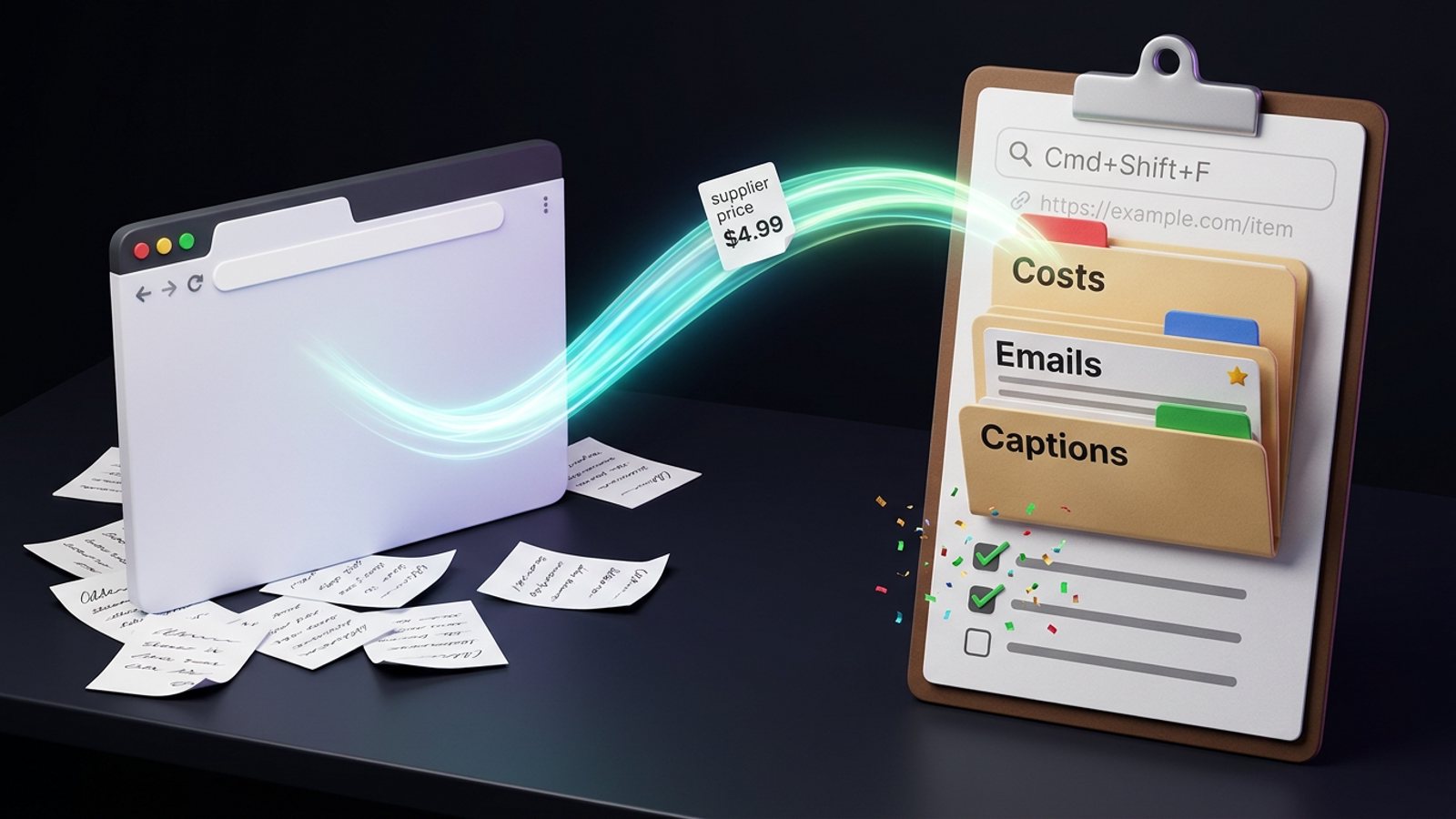
Clipboarder Pro automatically saves everything you copy — text, images, URLs and code — and you drag items into nested folders up to three levels deep. The feature that matters most for research: you can write a note in-line right next to the clip that inspired it. Colour tags flag urgency or project; stars give one-click access to the quotes you keep reusing; search across every clip, note and folder runs on Cmd+Shift+F. Everything is stored in your browser on your machine — zero servers, zero tracking. It's Chrome-only, and there's no sync between devices.
Zotero is the citation heavyweight. It's free, open source, and senses research as you browse JSTOR, arXiv, news sites and library catalogues (zotero.io, 2026). It supports 9,000+ citation styles and inserts them into Word, LibreOffice and Google Docs. Library sync is free; free PDF cloud storage is 300 MB, per a third-party list from Nanowerk (2026). It's a library you add to deliberately, not a log of everything you copy, and its AI features come only from community plugins.
Google Keep is the fastest capture app: notes, lists, photos and audio, with voice memos transcribed automatically and text pulled out of images so it's searchable (Apple App Store listing, 2026). It's free. It records nothing on its own — you paste deliberately — and it has no citation features.
Notion suits a solo student running one structured workspace: unlimited pages and blocks for one person on Free (Nuclino, 2026). Add a second member and the 1,000-block cap returns (Taskfolk, 2026), and Free caps file uploads at 5 MB, 10 guests and 7-day page history (Dupple, 2026). Plus is $10/member/month billed yearly or $12 monthly, as of October 2026 — prices can change.
Your OS clipboard costs nothing and needs no install. Use it as a backstop, not a system.
Clipboarder Pro is made by the team behind this blog.
Good to know
If you mainly need citations and a bibliography, Zotero is the more direct choice. If you mainly need your copied quotes and links filed and annotated as you go, a clipboard-first tool fits better.
How do folders and in-line notes work for lecture and citation copying?
You copy as normal, then spend thirty seconds filing. That's the whole habit.
- Install the extension and keep copying as you normally do — everything you copy is captured instantly.
- Drag items into nested folders such as Thesis / Chapter 2 / Bee decline, or tag them by colour for urgency or project.
- Write the note next to the clip. Paste the citation and DOI into the note, then add your own reaction on a separate line so the source's words and yours never blur — the separation the Aden University guide warns about.
- Star the quotes you reuse so they're one click away.
- Search with Cmd+Shift+F when you half-remember a phrase from three weeks ago.
- Archive what you're done with — archived items stay out of the way without being deleted, with an automatic retention window of 1–365 days.
Say you're comparing two studies. Folder one holds the first paper's quotes with your notes beside each; folder two holds the second. When you draft, you're reading your own annotations, not re-reading PDFs. Select multiple clips and copy 5, 10 or 20 items in one shot when you're pasting a batch into your draft.
Tip
Our recommendation: name folders after chapters, not sources. You'll search for "Chapter 2" far more often than for an author's surname.
Which tool keeps the quote and its source link together?
Zotero does it deliberately when you save an item, and Chrome extensions like Copybook and CopyTrail attach the source page URL automatically — both state they store data locally (Chrome Web Store listings, 2026 and undated; these are the developers' own claims).
Clipboarder Pro captures the URL as a clip in its own right, so the link you copied sits in the same folder as the quote it belongs to. Pair that with a note holding the full citation and page locator and you've met the eCampusOntario and Aden University standards without a second app.
If you'd rather compare more options first, our roundup of the best way to save every source you copy while researching walks through the same workflow, and students on a laptop can see the wider field in our top 5 clipboard tools for students.
Is Win+V or Spotlight history enough for essay writing?
No — not on its own. Win+V holds 25 items with no search and clears on reboot; Tahoe's Spotlight history keeps around 10 clips.
For a single lecture, either is fine. For a term paper with dozens of quotes, URLs and citations, you'll hit the cap inside an afternoon. The usual complaints about Win+V are exactly those three: the cap, the reset, and no search (TypeFire, 2026).
Watch out
A comparison table from a GitHub project (2026, repo archived March 2026 — vendor-side, not independent) lists Win+V at roughly 25 items with no full-text search, while CopyQ and Ditto are listed as unlimited with search. Treat that table as a starting point, not a verdict.
Does Zotero or Notion cost anything for a student?
Zotero's software, library sync and sharing are free; free PDF cloud storage is 300 MB, according to Nanowerk's 2026 list. Notion Free is unlimited for one person — the block cap only returns at two or more members.
Clipboarder Pro is free for 30 days, then $4.99 per month as of November 2026; prices can change. Compare that with the cost of losing a quote you can't find again the night before a deadline.
Tip
Our recommendation: run Zotero for citations and a clipboard manager for the raw copy trail for one term. If you only open one of them by week three, drop the other.
Ready to stop re-finding the same quote? Install the ultimate Chrome extension today and give every copy a folder.
Sources
- Use Windows 11 Clipboard History (MakeUseOf, 2026-02-10)
- I enabled Windows 11 clipboard history and turned off cloud sync (MakeUseOf, 2026-03-31)
- Best clipboard manager Windows (TypeFire, 2026-10-26)
- Use clipboard history on macOS Tahoe (MacObserver, 2025-09-15)
- How to enable clipboard history in macOS Tahoe (Tom's Guide, 2025-10-07)
- clipboard-history-chrome-extension README (GitHub, 2026-02-16)
- COMPARISON.md (GitHub, 2026-02-16, repo archived 2026-03-14)
- Zotero download page (zotero.io, 2026-09-18)
- Zotero trust & security (zotero.io, 2026-09-18)
- Best free AI tools for academic research (Nanowerk, 2026-04-12)
- Google Keep – Notes and lists (Apple App Store, 2026-11-08)
- Is Notion Free in 2026? (Dupple, 2026-10-28)
- Notion's free plan and 1,000 blocks (Taskfolk, 2026-08-17)
- Notion free vs paid (Nuclino, 2026-10-22)
- Copybook (Chrome Web Store, updated 2026-08-02)
- CopyTrail (Chrome Web Store, date not given)
- Karpture (Chrome Web Store, updated 2026-09-01)
- ClipSmart (Firefox Add-ons, 2025-08-22)
- Organizing Your Research (eCampusOntario Pressbooks, 2025-12-31)
- Faculty writing guide PDF (Aden University, date not given)
- Clipboard Manager for Students (quietclip.app, 2026-05-24)
Frequently asked questions
Which copy history tool is best for students and researchers?
Clipboarder Pro is our pick of the tools we compared when you want everything you copy filed in folders with notes beside it. Zotero is the better choice if citations and bibliographies are your main job — many students run both.
Can I get my copied text out of the tool later?
Karpture offers HTML/JSON export (Chrome Web Store, 2026) and ClipSmart offers PDF/TXT/CSV export (Firefox Add-ons, 2025). Clipboarder Pro's archive keeps items without deleting them, with a retention window of 1–365 days.
Does any of this send my clips to a server?
Windows clipboard sync uploads to Microsoft's servers (MakeUseOf, 2026); Zotero's sync is optional (zotero.io, 2026). Clipboarder Pro stores everything in your browser on your machine — no servers, no tracking.
Is a clipboard history extension worth it if I already have browser history?
Yes, because they record different things. Browser history remembers pages you visited; a clipboard manager remembers the exact text, quote or link you lifted from them. You can't search browser history for a sentence you copied.
What if I use a Chromebook or a work laptop?
Clipboarder Pro is a Chrome extension, so it runs in Chrome — but it's Chrome-only, with no sync between devices. If you switch machines, your clips stay on the machine where you made them.