What are the best InputStash alternatives for researchers?
InputStash rescues typed drafts, not research. See the clipboard managers with folders, stars, notes and search that actually organise your sources.
Clipboarder Pro Team
If you're a researcher juggling links, quotes and citations, the best InputStash alternatives are tools built to organise what you copy, not just recover what you typed. Clipboarder Pro is our pick for Chrome users: folders, stars, notes and one search box (Cmd/Ctrl+Shift+F) across every clip. PasteBar and GoPaste suit desktop-first researchers.
Key takeaways
Key takeaways
- InputStash saves what you type into form fields so a crash doesn't destroy a draft — it isn't a clipboard organiser, so it won't sort your sources.
- InputStash alternatives researchers actually need are clipboard managers with folders, favourites, notes and search.
- Clipboarder Pro is the strongest fit of the Chrome tools we compared for organising quotes, links and citations in one place.
- PasteBar and GoPaste are free, open-source desktop options if you work across apps, not just the browser.
- Clipboarder Pro is free for 30 days; after that it's $4.99/month as of November 2026 (prices can change).
Is InputStash even a clipboard manager?
No. InputStash quietly saves every input and textarea you fill in, on every site, according to its Firefox Add-ons listing (2026), and you recover text by opening the toolbar icon and copying it back. That makes it a crash-safety net for typed drafts — not a place to file a quote from page 47 of a PDF.
That distinction matters. If your problem is "I lost my half-written abstract when the tab refreshed," InputStash is aimed squarely at you. If your problem is "I copied twelve sources this morning and can't find the one with the statistic," you need a clipboard history for Chrome instead.
Good to know
InputStash's own page describes it as free, open source (MIT) and 100% local, with no accounts and no analytics. Its GitHub repository (2026) says it's built and maintained by one indie developer and kept free via donations.
What should researchers look for in an InputStash alternative?
Start with organisation, not capture. Most tools save what you copy; far fewer let you file it. The checklist that matters for research work:
- Folders you can nest — one per project, source or chapter, not one flat list.
- Favourites or stars — your ten most-cited sources, one click away.
- Search across everything — clips, notes and folder names in one box.
- Notes next to the clip — your own summary beside the quote that sparked it.
- Local storage — research material often isn't yours to upload.
A tool that captures everything but organises nothing just moves the mess. The rest of this article compares options against that list.
Which InputStash alternative is best for organising research?
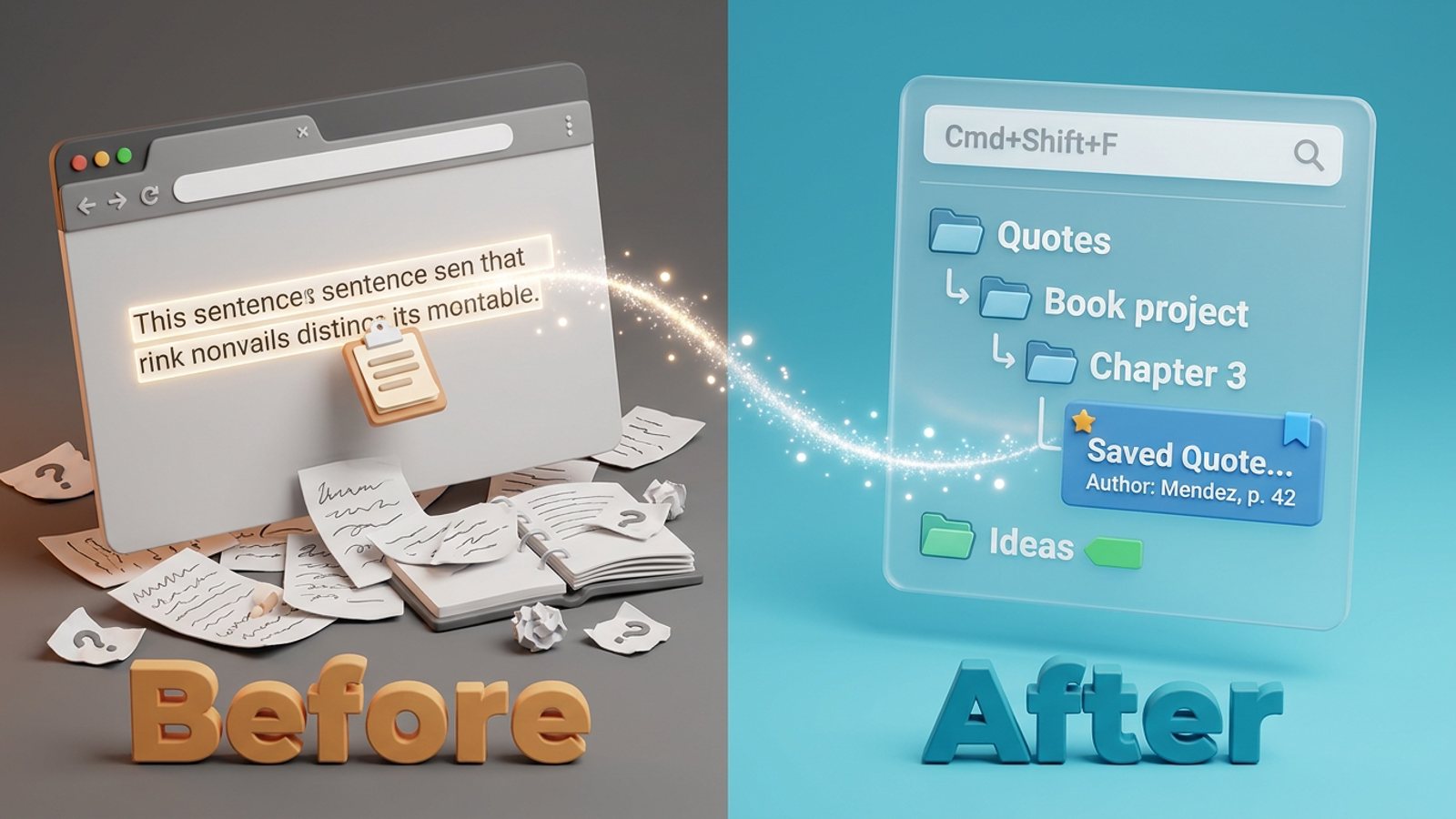
Of the tools we compared, Clipboarder Pro is the best fit for researchers working in Chrome. Its own Chrome Web Store listing names "Researchers & Students" as a target use case — gathering information from multiple sources, organising research by subject, and keeping citations and references organised.
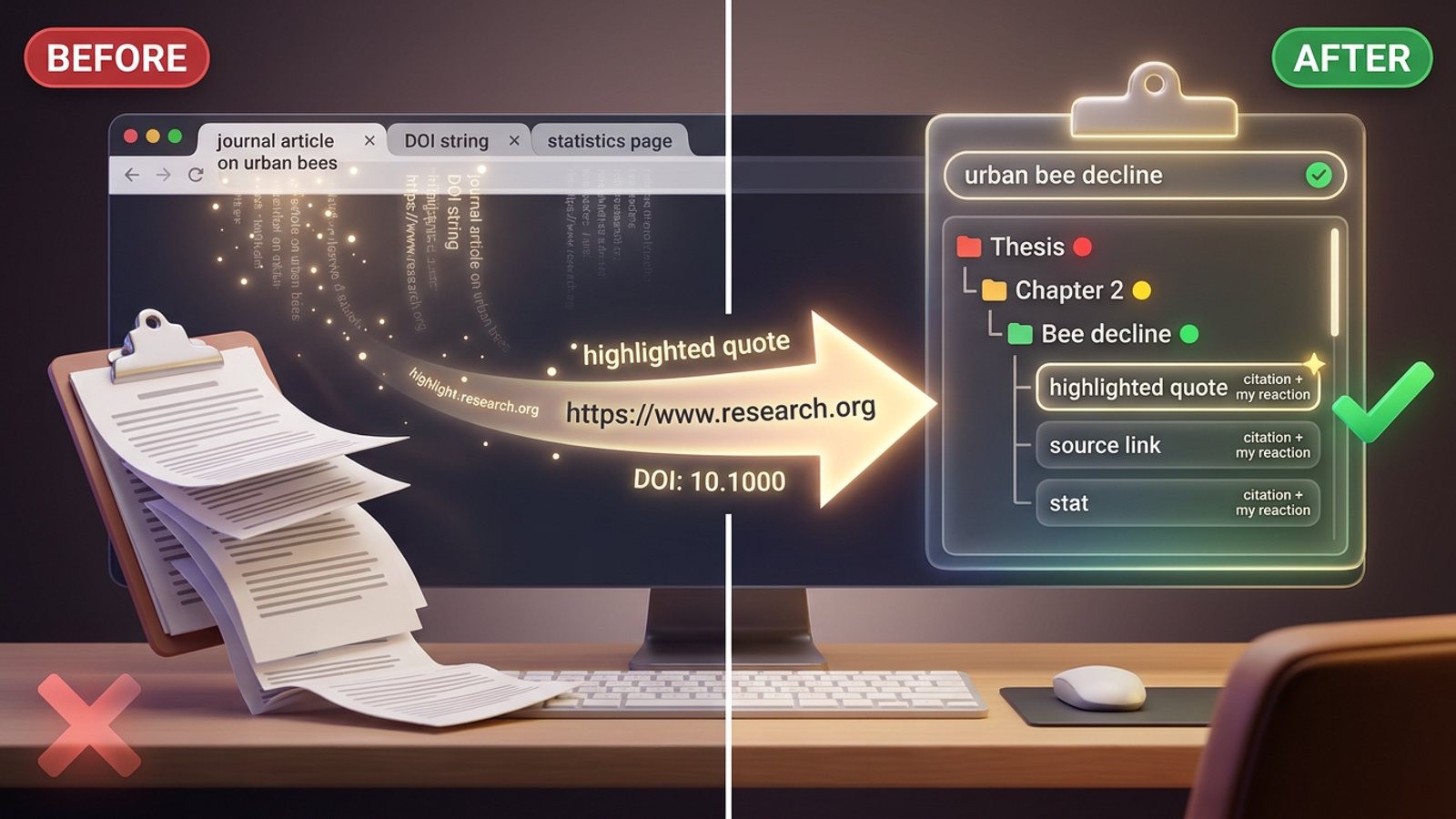
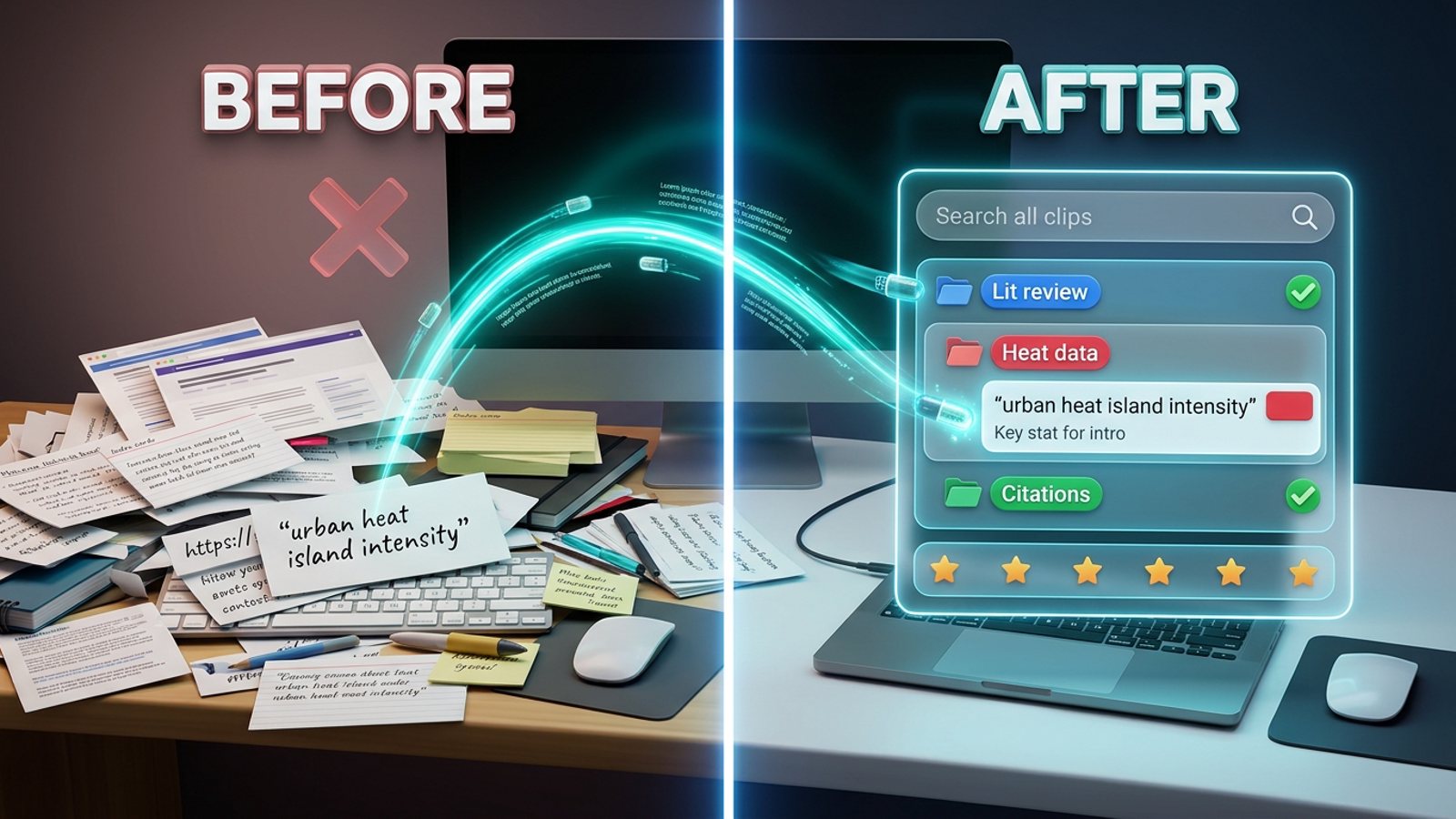
Here's what that looks like in practice. Say you're writing a literature review on urban heat islands. You copy a stat from a government report, a quote from a journal abstract and three URLs from a news search — all in twenty minutes. In Clipboarder Pro each one lands in your history automatically. You drag the report stat into a nested folder called Lit review → Heat data, colour-tag the abstract as high priority, star the two URLs you'll cite, and write a one-line note next to the quote explaining why it matters.
Weeks later, Cmd/Ctrl+Shift+F and a keyword gets you back to any of it — the search runs across history, notes and folders, per the store listing.
Tip
Our recommendation: create your folder structure before you start reading. Nested folders go up to three levels deep in Clipboarder Pro, which is enough for Project → Source type → Specific source without turning into a filing maze.
Everything you copy is already saved — the only real decision is whether you file it now or hunt for it later.
How do the alternatives compare?
Here's the honest comparison. Clipboarder Pro goes first because it's our pick for this job, not because the others are weak — several are excellent at things it doesn't do.
| Option | Best for | Key features | Price | Watch-outs |
|---|---|---|---|---|
| Clipboarder Pro (Our pick) | Organising research in Chrome | Nested folders, colour tags, stars, notes, archive, search | Free 30 days, then $4.99/month | Chrome only; local storage |
| PasteBar | Desktop-first researchers | Unlimited history, boards, PIN collections | Free, open source | Mac/Windows app, not browser |
| GoPaste | Cross-app clipboard history | Text, images, links, colours, files; smart lists | Free, MIT | Mac/Windows app, not browser |
| Copybook | Tracking where quotes came from | Source-URL tracking, pinned items, notepads | Not stated in our sources | Chrome extension |
| InputStash | Recovering typed drafts | Captures form fields and rich editors | Free, open source | Not an organiser |
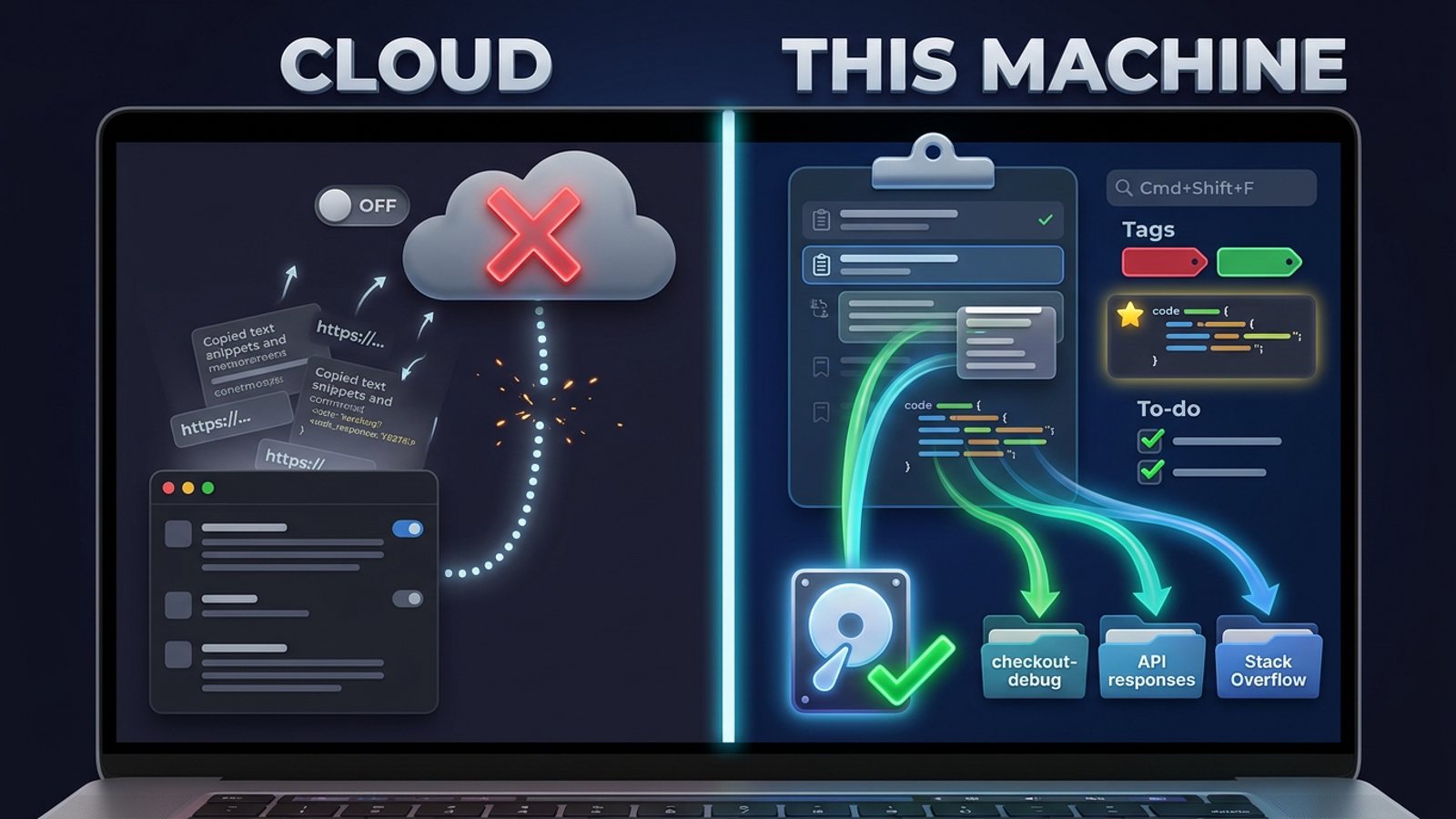
Clipboarder Pro stores everything locally in your browser — the store listing says nothing is uploaded to external servers except for licence verification. Its honest limits: it's a Chrome extension only, and everything lives on your machine with no servers, so there's no cross-device sync to fall back on.
PasteBar is a free, open-source clipboard manager for Mac and Windows with unlimited history, boards, PIN-protected collections and a custom data location, per its GitHub README. If you mainly need history across every app rather than just Chrome, PasteBar is the more direct choice.
GoPaste is a native macOS/Windows manager (MIT) that keeps history of text, images, links, colours and files, with search, regular lists and smart lists — and it states no telemetry and local storage (GitHub, 2026).
Copybook is the one to look at if provenance is your obsession: its Chrome Web Store listing (2026) says it tracks the source URL of copied text, plus pinned items, unlimited history and notepad-style records, stored locally with no declared data collection.
InputStash stays on the list for one honest reason: nothing else here is built specifically to rescue typed drafts from a crash. If that's your pain, keep it.
Clipboarder Pro is made by the team behind this blog. Ready to see it on your own sources? Install the ultimate Chrome extension today and file your next ten clips as you go.
Watch out
One third-party scanner, Socket (2026), displays an automated "AI has identified this package as malware" warning on one InputStash Chrome package version. That's an automated classification, not a store or vendor statement — but if you're handling sensitive research, check current listings before installing anything.
How do I stop losing drafts when a tab crashes?
Use a tool designed for it. InputStash captures regular inputs, textareas, rich editors like Gmail, Notion, Slack and Google Docs, fields inside iframes and dynamically-mounted fields in single-page apps, per its Firefox Add-ons listing — then you pick the field, hit copy and paste it back.
Our recommendation: run InputStash alongside a clipboard manager rather than instead of one. One guards what you type; the other guards what you copy. They solve different failures.
Is a browser extension enough, or do I need a desktop app?
It depends on where you work. A Chrome clipboard manager keeps everything inside Chrome — fine if your research happens in browser tabs, PDF viewers and web apps. A desktop manager like PasteBar or GoPaste catches copies from Word, Zotero, your email client and everything else.
If you spend 90% of your day in Chrome, the extension route means less friction and no second app to maintain. If you're constantly hopping between a reference manager and a browser, a desktop tool earns its place. For more on that split, see our guide to the best clipboard tool for organizing research.
How do I search saved research material fast?
One search box beats five folders every time. In Clipboarder Pro, Cmd/Ctrl+Shift+F searches across history, notes and folders together — so you don't have to remember whether the phrase you want was a clip, a note you wrote, or a folder name.
The technique that makes this work: write your note in the source's own vocabulary. If a paper calls it "urban heat island intensity," don't paraphrase it as "city heat." Search finds words, not intentions. Our walkthrough on searching your clipboard history in Chrome covers the rest.
Tip
Our recommendation: star anything you've cited once already. Stars give you one-click access to your most-used material without re-running a search.
What if I don't want to pay anything?
There are genuinely free routes. InputStash, PasteBar, GoPaste and CopyPaste 3.0 are all free — CopyPaste's 2026 release notes state "no accounts, no ads and nothing to pay," and it keeps history on your computer. Built-in operating system clipboard history covers the basics too.
The trade-off is organisation. Free desktop managers give you history and search; fewer give you nested folders, colour tags and inline notes in the same place. Clipboarder Pro's free window is 30 days, then $4.99/month as of November 2026 — prices can change — so test it against a real project before deciding.
Install the ultimate Chrome extension today and stop re-finding the same sources.
Sources
- InputStash (Firefox Add-ons, 2026-05-17)
- InputStash official page (mekedron.github.io, undated)
- mekedron/InputStash (GitHub, 2026-05-16)
- InputStash (Chrome Web Store, undated)
- InputStash package analysis (Socket, 2026-05-18)
- Clipboarder Pro – Clipboard, Notes & Lists Manager (Chrome Web Store, undated)
- PasteBar README (GitHub, undated)
- GoPaste (GitHub, 2026-10-22)
- Copybook (Chrome Web Store, 2026-08-01)
- CopyPaste v3.0.0 (NewReleases.io, 2026-10-05)
- 24 Best Free and Open Source Clipboard Managers (MEFMobile, 2026-09-22)
Frequently asked questions
Is InputStash the same as a clipboard manager?
No. InputStash captures what you type into form fields so a refresh or crash doesn't destroy it; a clipboard manager captures what you copy. Researchers usually want both.
Which InputStash alternative should a researcher pick?
If you work in Chrome and need folders, stars, notes and search in one place, Clipboarder Pro is our pick of the tools we compared. If you need history across all your desktop apps, PasteBar or GoPaste is the more direct choice.
Does InputStash sync across devices?
Its own page describes it as 100% local with no accounts, so there's no sync described there. Clipboarder Pro is likewise local to your browser, storing data on your machine with no servers.
Can I organise quotes and citations in folders?
Yes — in Clipboarder Pro, nested folders go up to three levels deep with drag and drop, and you can colour-code and star items alongside inline notes. That's the structure most literature reviews need.
Is InputStash safe to use?
It's open source (MIT) and local-only per its own page. A third-party scanner, Socket (2026), shows an automated malware flag on one Chrome package version — an automated signal, not a store statement — so check current listings yourself before installing.