What are the best ClipAmigo alternatives for developers?
Clipboarder Pro is our pick for browser-first developers who copy code, URLs and stack traces all day. CopyQ, Ditto and Win+V cover system-wide and zero-install needs.
Clipboarder Pro Team
If you copy code snippets, URLs and stack traces all day in Chrome, clipamigo alternatives developers should be judged on three things: does it catch everything automatically, can you organise snippets into folders, and does your data stay on your machine. Clipboarder Pro is our pick for browser-first developers, while CopyQ, Ditto and Win+V suit system-wide or zero-install needs.
Key takeaways
Key takeaways
- Clipboarder Pro is a Chrome extension that auto-saves copied text, code, URLs and images, with nested folders, stars, notes and to-dos — all stored locally.
- ClipAmigo is a capable Chrome/Edge/Firefox manager with unlimited local history and optional end-to-end-encrypted sync, but its cloud sync is a paid Pro upgrade.
- CopyQ is the scripting pick across Windows, macOS and Linux; Ditto is the free Windows keyboard-driven option; Win+V is built in but capped at around 25 items.
- Chrome-only is the trade-off: Clipboarder Pro doesn't capture from desktop apps or IDEs, so pick a desktop tool if you copy outside the browser.
What should developers look for in a ClipAmigo alternative?
Start with scope: where does your copying actually happen? A developer-focused ranking published by Relic (a competing product, so treat it as a vendor blog) argues developers need "CLI access, plain-text discipline, fast search, and a tool that does not choke on large payloads."
That's a useful checklist. Then add the practical questions: can you find a stack trace you copied three hours ago, can you group the same helper function you reuse weekly, and does the tool keep your clips off someone else's server?
Our recommendation: list what you copy in a normal day — snippets, ticket links, error logs, API keys you should never paste anywhere — and note whether it's all in the browser or spread across your terminal and editor. That single answer narrows the list fast.
Clipboarder Pro: our pick for browser-first developers
Clipboarder Pro is a Chrome clipboard manager built for people who copy, paste and think for a living. Everything you copy — text, images, URLs and code — is captured automatically, so you never lose a snippet because you copied something else over it.
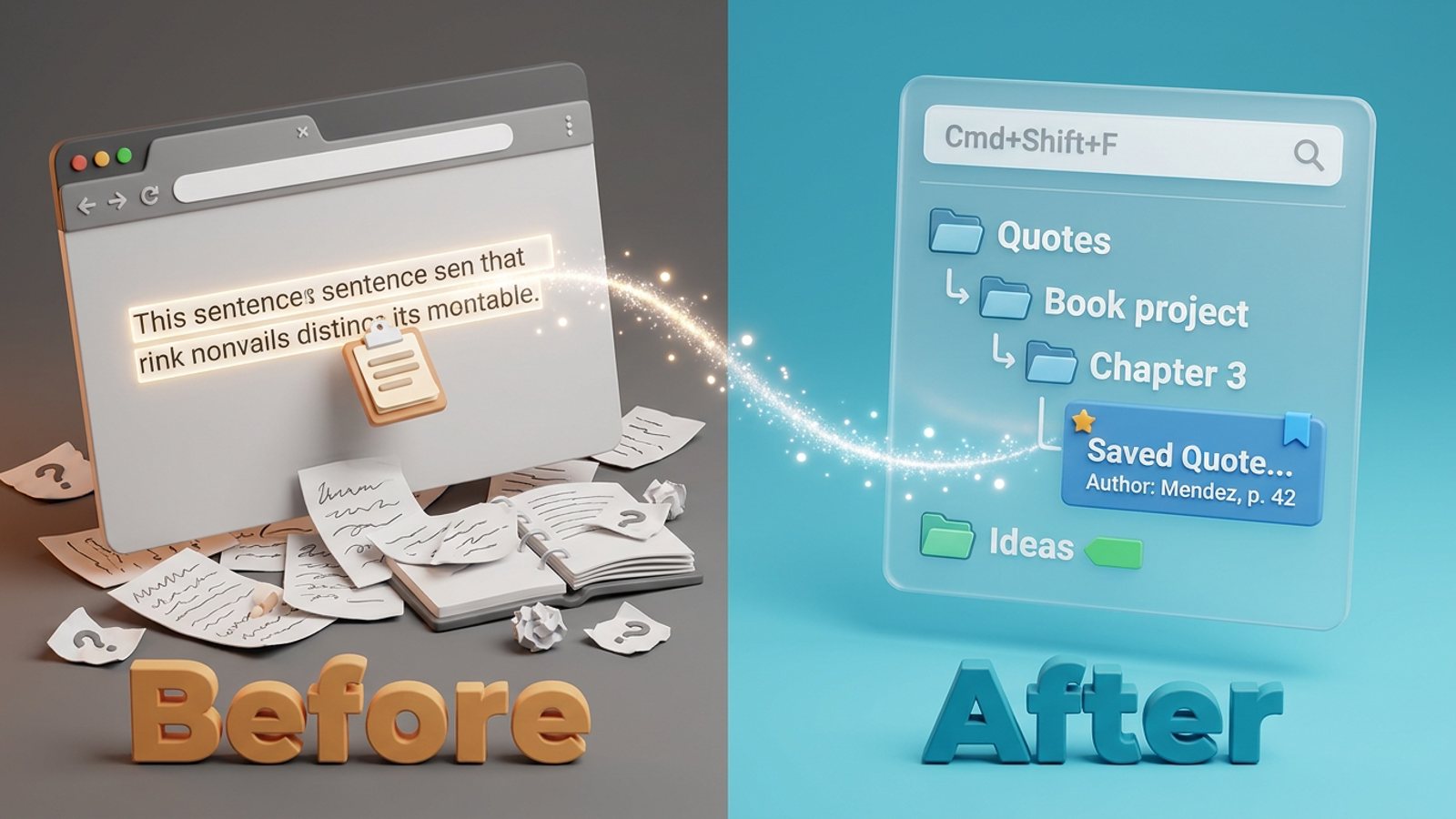
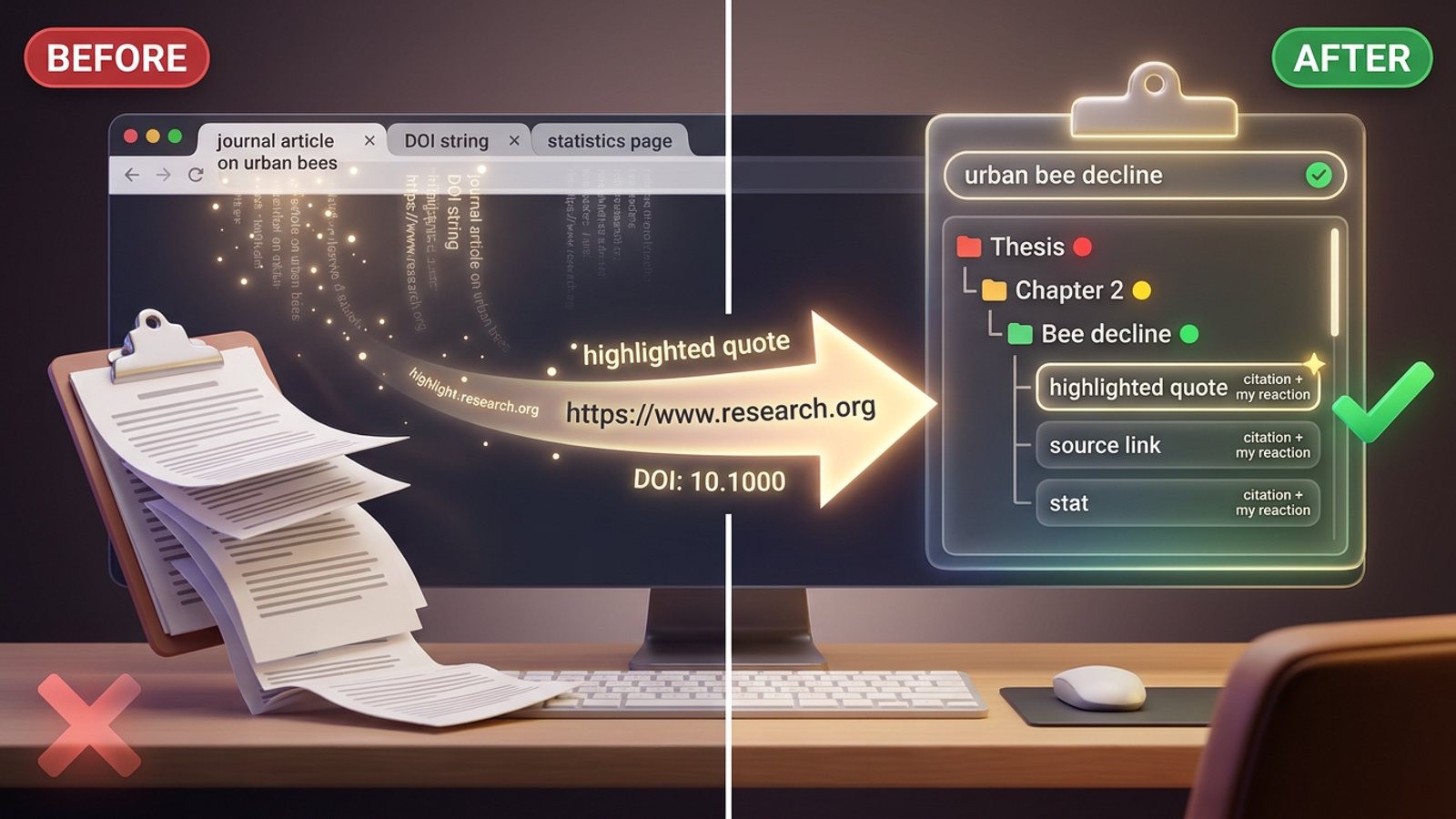
For developers, the organisation is the point. You can drag clips into nested folders up to three levels deep (say project → API → auth), colour-code by urgency or project, and star the snippets you reuse most for one-click access. Notes sit in-line next to the clip that inspired them, so a fix you found at 2am stays attached to the stack trace that caused it.
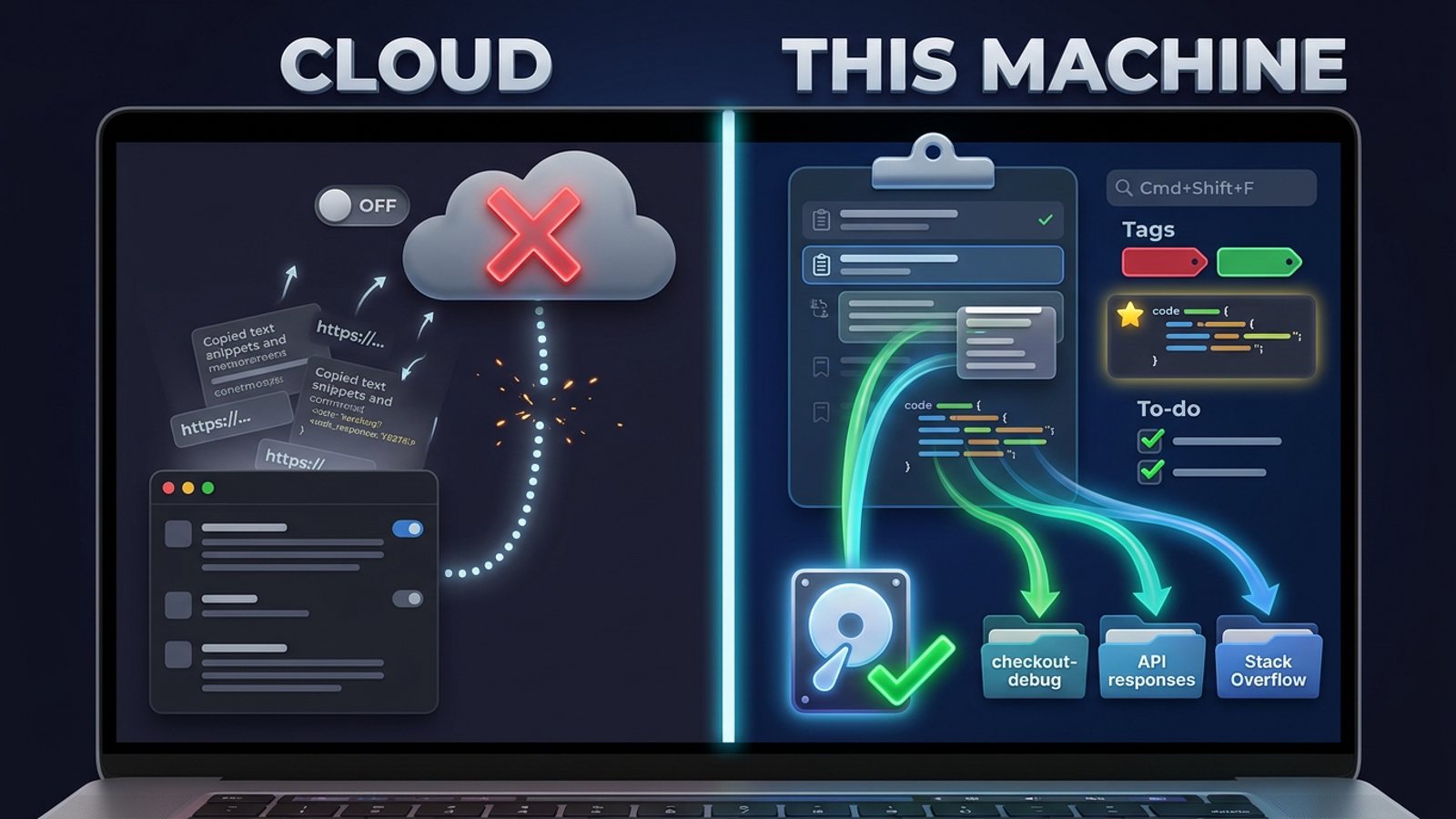
Search runs across every clip, note and folder with Cmd+Shift+F. And everything is stored in your browser on your machine — zero servers, zero tracking.
Clipboarder Pro is free for 30 days, then $4.99 per month as of November 2026 (prices can change).
Good to know
Clipboarder Pro is Chrome only. It has no IDE integration and doesn't capture copies made in desktop apps or your terminal — that's the honest limit, and it's why the desktop tools below still matter.
Ready to stop losing snippets? Install the ultimate Chrome extension today.
How do the alternatives compare?
Here's the comparison of the tools we looked at, with Clipboarder Pro first because it best fits the browser-first developer's job.
| Option | Best for | Key features | Price | Watch-outs |
|---|---|---|---|---|
| Clipboarder Pro (Our pick) | Browser-first devs | Nested folders, stars, notes, to-dos | 30 days free, then $4.99/mo | Chrome only |
| ClipAmigo | Cross-browser copying | Smart search, hashtags, E2E sync | Free; sync is paid Pro | Search-first, no folders |
| CopyQ | Scripting power users | Tabs, tags, scripts, plugins | Free, open source | Desktop app, learning curve |
| Ditto | Windows keyboard users | Hotkey search, LAN sync | Free, open source | Windows only |
| Win+V | Zero-install recall | Pin items, paste as text | Free, built in | ~25 items, no search |
Clipboarder Pro is made by the team behind this blog.
ClipAmigo — the baseline you're replacing
ClipAmigo saves copied text, links, emails, code snippets and colours with what its listing calls "unlimited history", plus smart search with filters for URLs, emails, code and text, hashtag tagging and persistent favourites (ExtPose listing, 2026). Its sync is end-to-end encrypted and its password lock is free (Microsoft Edge Add-ons, 2026).
The catch: cloud sync is a paid Pro feature, and the free tier "includes 1 cloud item" to try it (Firefox Add-ons, 2026). Organisation is search, tags and favourites rather than nested folders, notes and to-dos. If you mainly need cross-device sync with strong encryption, ClipAmigo is the more direct choice.
CopyQ — for terminal power users
CopyQ is an open-source, cross-platform manager for Windows, macOS and Linux with tabs, tags, scripting, plugins and encrypted storage (Windows Forum, 2025). It handles text, HTML, images and custom application formats (Rotten WiFi, 2026), and Relic's developer ranking calls it the winner "on raw scriptability."
If you live in a terminal and want to script your clipboard, CopyQ is the more direct choice. It's a desktop app, not a browser extension, and its interface is more power tool than polished.
Ditto — free and keyboard-driven on Windows
Ditto is a free, open-source (GPL-3.0) Windows manager: hit a hotkey, type to search, press Enter to paste. It keeps history on your own PC and supports LAN sync between Windows machines with images and rich text (Edge Drop, 2026). It installs via installer, portable ZIP, Microsoft Store, Chocolatey or Winget (clipboardextension.com, checked October 2026).
If you want fast local search with no account and you're Windows-only, Ditto is the more direct choice. It doesn't run on macOS or ChromeOS and isn't browser-aware.
Win+V — the free built-in
Windows clipboard history is built in, off by default, and stores up to 25 items of text, images and HTML, with pinning so items survive restarts and "paste as text" on Windows 11 (HP Tech Takes, 2026). Sync across Windows devices can be switched off per device, or blocked by admins via Registry or Group Policy (NinjaOne, 2026).
If all you need is quick recall of the last few things you copied, Win+V costs nothing. A vendor comparison table lists it at around 25 items with no full-text search (theluckystrike, GitHub, 2026), and unpinned history clears on restart (XDA, 2024).
Tip
Our recommendation: run two tools if your work spans browser and terminal — a Chrome extension for snippets and links, plus a desktop manager for shell output. They don't conflict.
Which ClipAmigo alternative is best for code snippets?
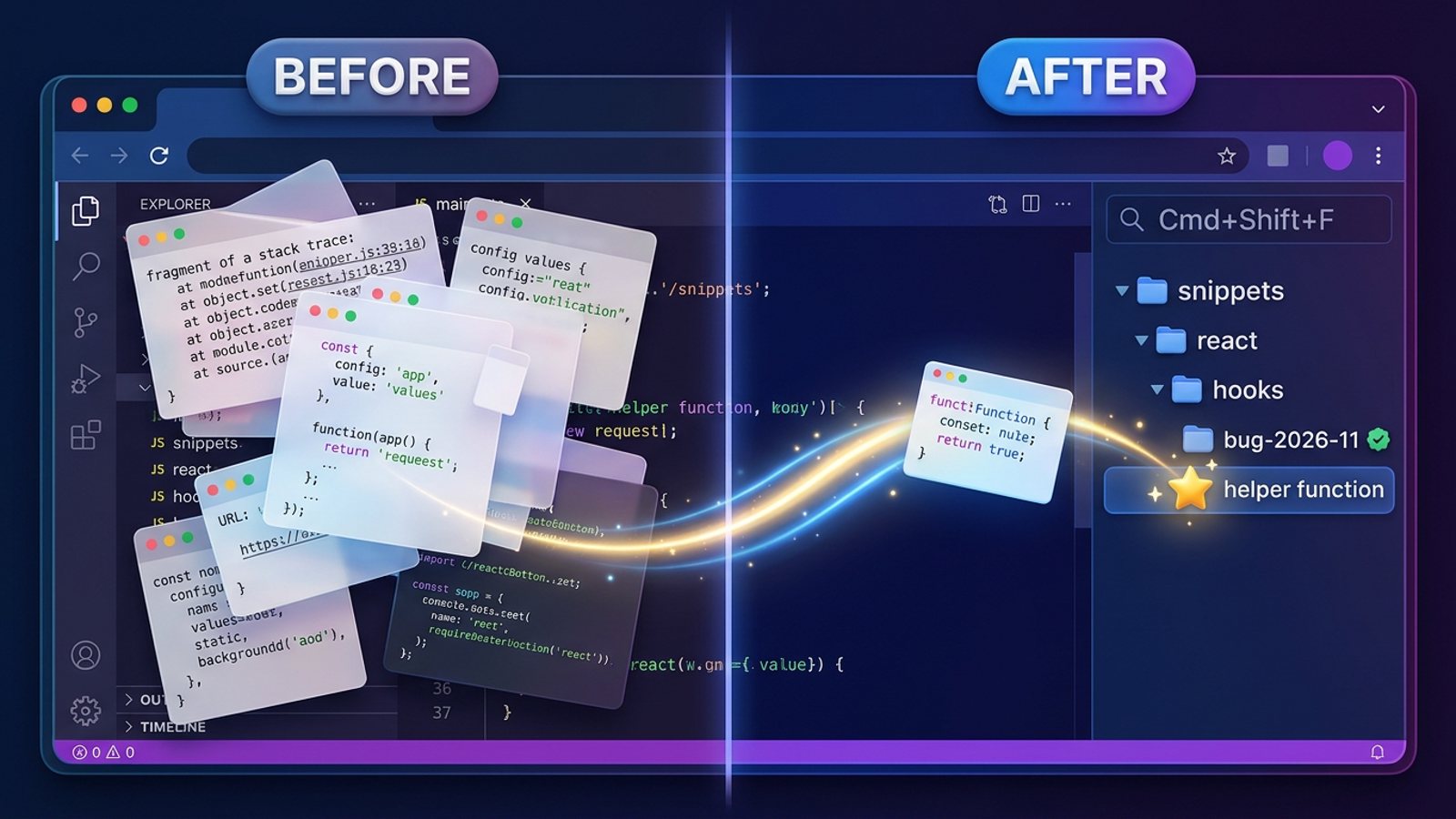
For snippets you copy from documentation, Stack Overflow or a pull request, a browser-based manager wins because that's where the copying happens. Clipboarder Pro captures the snippet the moment you copy it, then lets you star it for one-click access and file it in a nested folder like snippets → react → hooks.
Say you're debugging a flaky test. You copy a stack trace, a config value and a link to the failing CI run. With a history tool, all three are there an hour later; with a single clipboard, the first two are gone. Star the trace, drag it into a bug-2026-11 folder, and add a note with the fix.
If your snippets come from a terminal, CopyQ's custom-format support and scripting are the better fit. For syntax-highlighted code display, Copiee — a separate Chrome extension — auto-detects programming language in copied code across 15+ languages (Chrome Web Store, updated January 2026), though it isn't one of the alternatives compared above.
Do these tools keep your copied code private?
It depends entirely on the tool's model, and it matters more for developers because copied text can include tokens, internal URLs and customer data.
Clipboarder Pro stores everything in your browser on your machine — no servers, no tracking. Ditto keeps history on your own PC (Edge Drop, 2026). ClipAmigo is privacy-by-default, keeping items on your device unless you opt in to cloud sync per item, with end-to-end encryption on sync (Microsoft Edge Add-ons, 2026).
Watch out
Never let a clipboard tool sync secrets. Our recommendation: keep API keys and credentials out of your clipboard history entirely — copy them from a password manager instead, and clear any item you slip up on.
How do you switch without losing your workflow?
Switching is mostly about the first hour, not the migration.
- List your top 20 snippets — the helper functions, links and commands you paste weekly.
- Pick by scope — browser-only goes to a Chrome extension; system-wide goes to CopyQ, Ditto or Maccy on Mac.
- Check the privacy model — local-only versus opt-in encrypted sync.
- Check organisation — nested folders, notes and to-dos versus tags and favourites.
- File the top 20 into folders on day one, then rely on search from then on.
For a deeper workflow walkthrough, see how to save every code snippet you copy without pasting it somewhere. And if you're still deciding between browser tools, our top 5 clipboard extensions for developers in 2026 breaks down the field.
The best clipboard tool isn't the one with the most features — it's the one that catches your snippets where you already work and lets you find them again in seconds.
What about Mac users?
Maccy is the lightweight native pick in 2026 roundups, praised for "a lightweight native interface and keyboard-first history" (MEFMobile, 2026). Those roundups also note macOS has never shipped a native clipboard history feature, so Mac users need a third-party tool.
If you're a Mac developer who works mainly in Chrome, Clipboarder Pro runs there too — it's a Chrome extension, so the browser side works the same. If you need system-wide capture on macOS, Maccy or CopyQ is the more direct choice.
Start with a tool that matches where you copy, file your best snippets on day one, and you'll stop re-finding the same information for good. Install the ultimate Chrome extension today.
Sources
- ClipAmigo – ClipAmigo, Firefox Add-ons (Mozilla, 2026-06-01)
- ClipAmigo – Universal Clipboard Manager (Microsoft Edge Add-ons, 2026-06-09)
- ClipAmigo – Universal Clipboard Manager (ExtPose, 2026-06-07)
- Copiee – Clipboard Manager (Chrome Web Store, updated 2026-01-06)
- Best Clipboard Managers for Windows 11 in 2026 (Windows Forum, 2025-11-26)
- Ditto Alternative (clipboardextension.com, checked 23 Oct 2026)
- Edge Drop vs Ditto (Edge Drop blog, 2026-07-13)
- COMPARISON.md (theluckystrike, GitHub, 2026-02-16)
- How to use Windows 10 clipboard (HP Tech Takes, 2026-07-21)
- Permanently save clipboard items in Windows 11 (XDA, 2024-12-18)
- Enable or disable clipboard sync in Windows 11 (NinjaOne, updated 2026-04-13)
- 24 Best Free and Open Source Clipboard Managers in 2026 (MEFMobile, 2026-09-22)
- 24 Best Free and Open-Source Clipboard Managers in 2026 (Rotten WiFi, 2026-09-12)
- The Best Clipboard Manager for Developers in 2026 (Relic, vendor blog, 2026-07-13)
- Why macOS Has Better Visual Clipboards Than Windows (Edge Drop blog, 2026-07-11)
- clipper-dev README (GitHub, 2026-04-19)
Frequently asked questions
Is ClipAmigo free?
Yes to install. Its cloud sync is a paid Pro upgrade, and the free tier includes 1 cloud item to try it. Exact Pro pricing isn't published in the material we reviewed.
Which alternative is best if I want folders and to-dos, not just search?
Clipboarder Pro. It combines automatic capture with nested folders, colour tags, stars, in-line notes and to-do lists with check-offs, all stored locally in your browser.
Does Clipboarder Pro work outside Chrome?
No. It's a Chrome extension only, with no IDE integration and no capture from desktop apps. If you copy from a terminal or editor all day, pair it with a desktop tool like CopyQ or Ditto.
Can I script my clipboard manager?
Yes — CopyQ is the scripting pick, with tabs, tags, plugins and custom clipboard formats. Clipper-dev is a free, MIT-licensed Python CLI with fuzzy search, a terminal UI and JSON/CSV export.
What's the quickest free option on Windows?
Win+V. It's built into Windows, stores up to 25 items and lets you pin the ones you want to keep across restarts — but it has no full-text search or folders.