What are the best alternatives to NeoClip for writers?
Compare Clipboarder Pro, Ditto, CopyQ and Win+V for writers who outgrew NeoClip. Match the tool to where you copy — browser or desktop — and keep your clips organised.
Clipboarder Pro Team
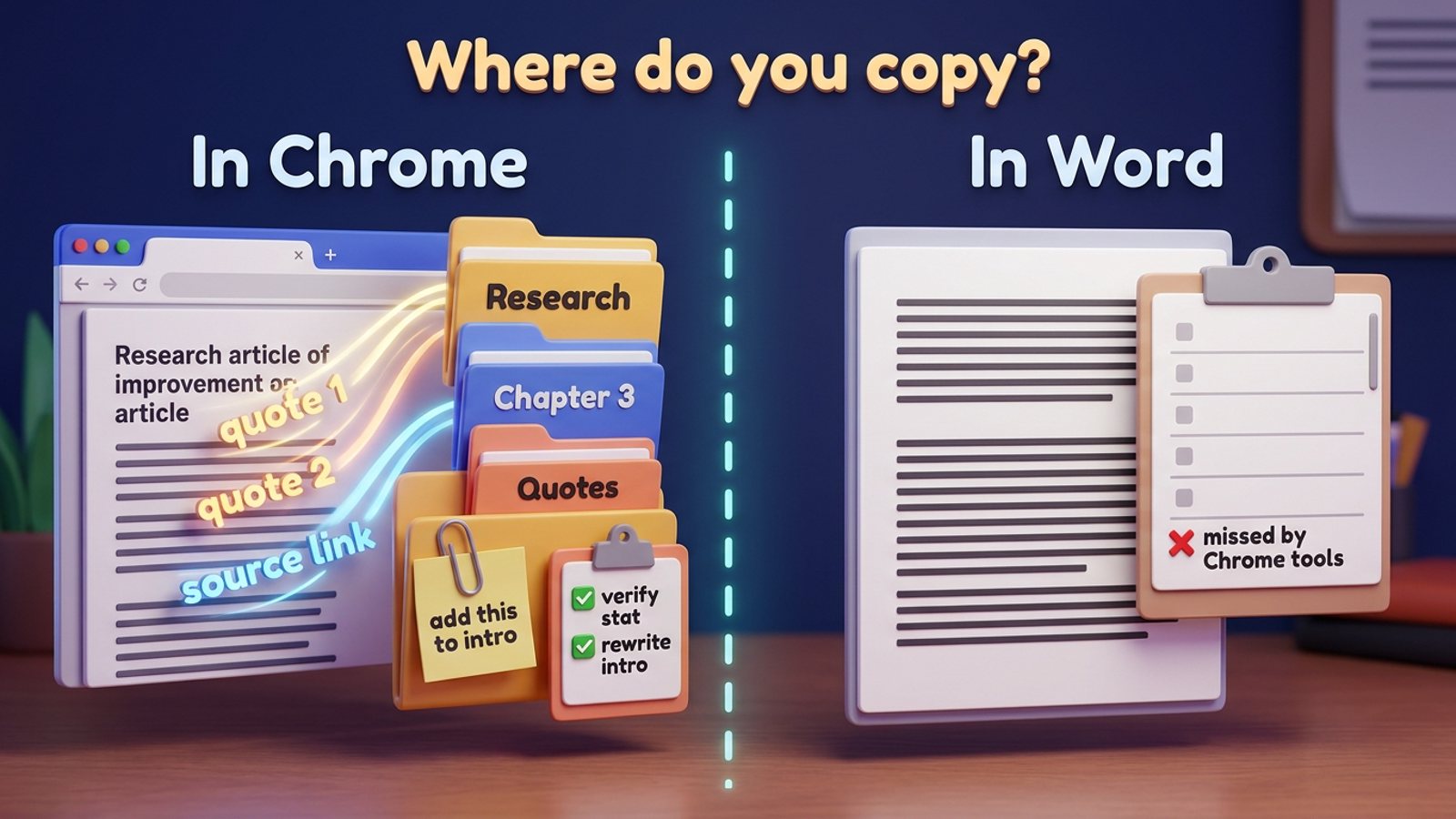
If you write in the browser and want more than a flat list of clips, the best neoclip alternatives writers should consider start with Clipboarder Pro: nested folders, in-line notes, to-dos and starred items, all stored on your machine. If you need to capture copies from Word or Scrivener too, a desktop tool like Ditto or CopyQ is the better choice.
Key takeaways
Key takeaways
- NeoClip is a browser clipboard manager with collections, search and OCR — solid if that's all you need.
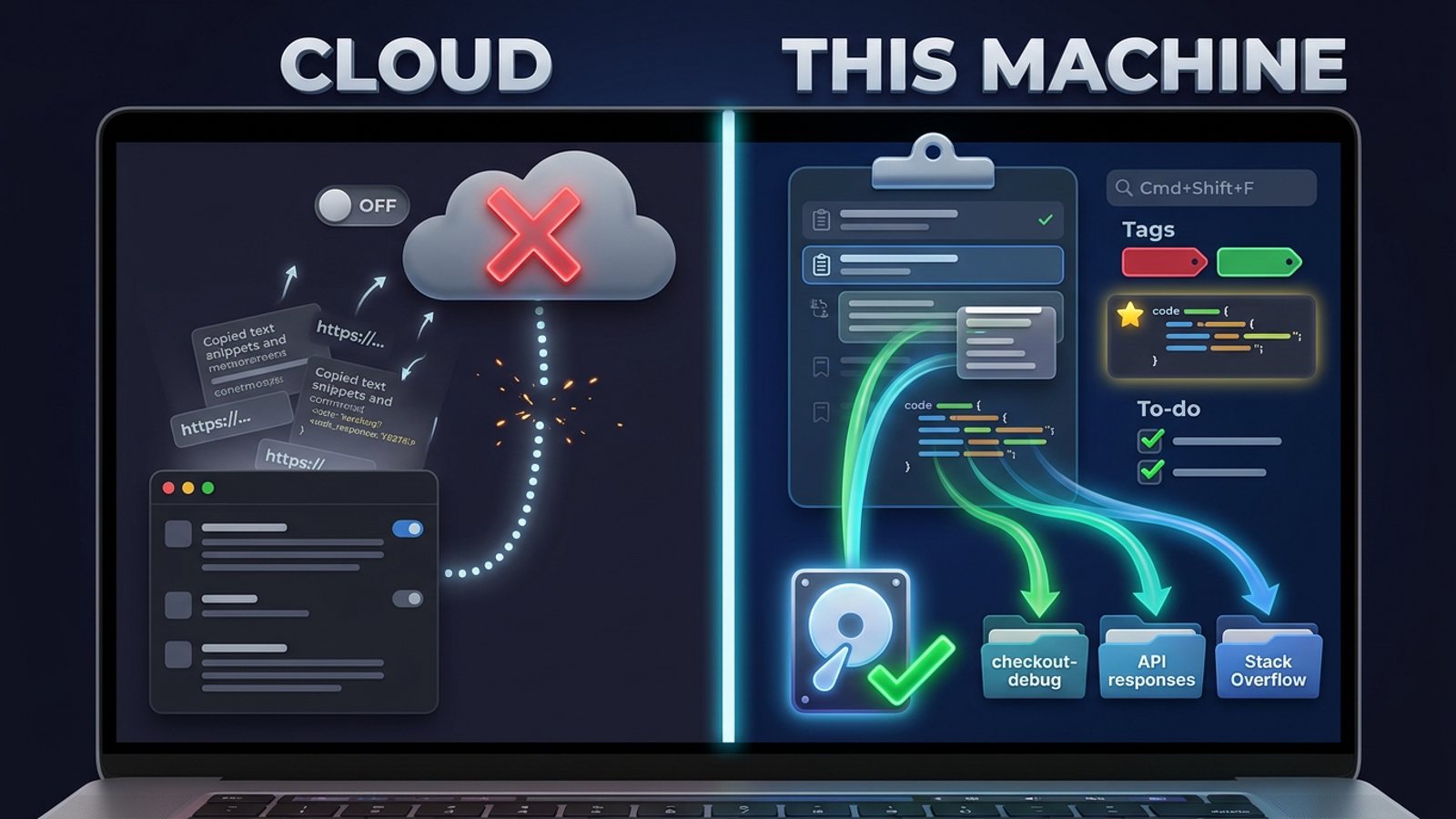
- Writers usually outgrow it on two things: organisation (collections only, no notes or to-dos) and privacy (its listing mentions "Private Cloud Sync").
- Clipboarder Pro adds nested folders, in-line notes, to-do lists and local-only storage — but it's Chrome-only.
- Ditto and CopyQ capture copies from every app on your machine; Win+V is free and built in but holds 25 items.
- Match the tool to where you actually copy: browser-only work points one way, mixed desktop work the other.
Which alternatives to NeoClip actually suit writers?
The realistic shortlist is four tools wide, and it splits by where you copy. If your research, quotes and draft snippets all live in browser tabs, a Chrome extension with real folders and notes covers you. If you copy from Word, Scrivener or a desktop notes app, only a system-wide desktop manager sees those copies.
That's the first thing to settle, because browser extensions and desktop clipboard managers are different categories. As a vendor explainer from Edge Drop put it in July 2026, an extension only sees what you copy inside the browser, while a desktop app sees copies from every application.
So before comparing features, list what you actually copy in a writing week: quotes, source links, draft snippets, image URLs, code for a CMS. Then ask which of those happen outside Chrome. That answer eliminates half the list.
Good to know
NeoClip is a Chrome and Edge extension, listed on the Microsoft Edge Add-ons store on 18 July 2026. Its listings describe automatic history of text, links and images, smart filters and search, custom collections, OCR with Google Lens, and "Private Cloud Sync".
Why do writers outgrow NeoClip?
Usually on organisation and privacy, not on search. NeoClip's search and smart filters are the part writers tend to praise; the friction comes later, when a hundred saved quotes need structure.
Two gaps show up in its own listings. First, organisation is collections — folders by another name. The listings describe collections, search and OCR, and do not describe an in-line note beside a clip or a to-do list, so the thought you had about a quote lives somewhere else. Second, "Private Cloud Sync" is listed as a feature, which means a copy of your clips can leave your device. For an unpublished interview transcript or a confidential brief, that's a decision you should make deliberately, not by default.
Watch out
If you write under NDAs or handle unpublished sources, check where each tool stores your clips before you paste anything sensitive into it. A cloud sync option is convenient — and it's still a copy on someone else's server unless you turn it off or pick a local-only tool.
Clipboarder Pro: the browser-first option for copy-heavy writers
Our pick of the tools we compared. Clipboarder Pro is a Chrome clipboard manager that saves everything you copy — text, images, URLs and code — and gives you somewhere to put it.
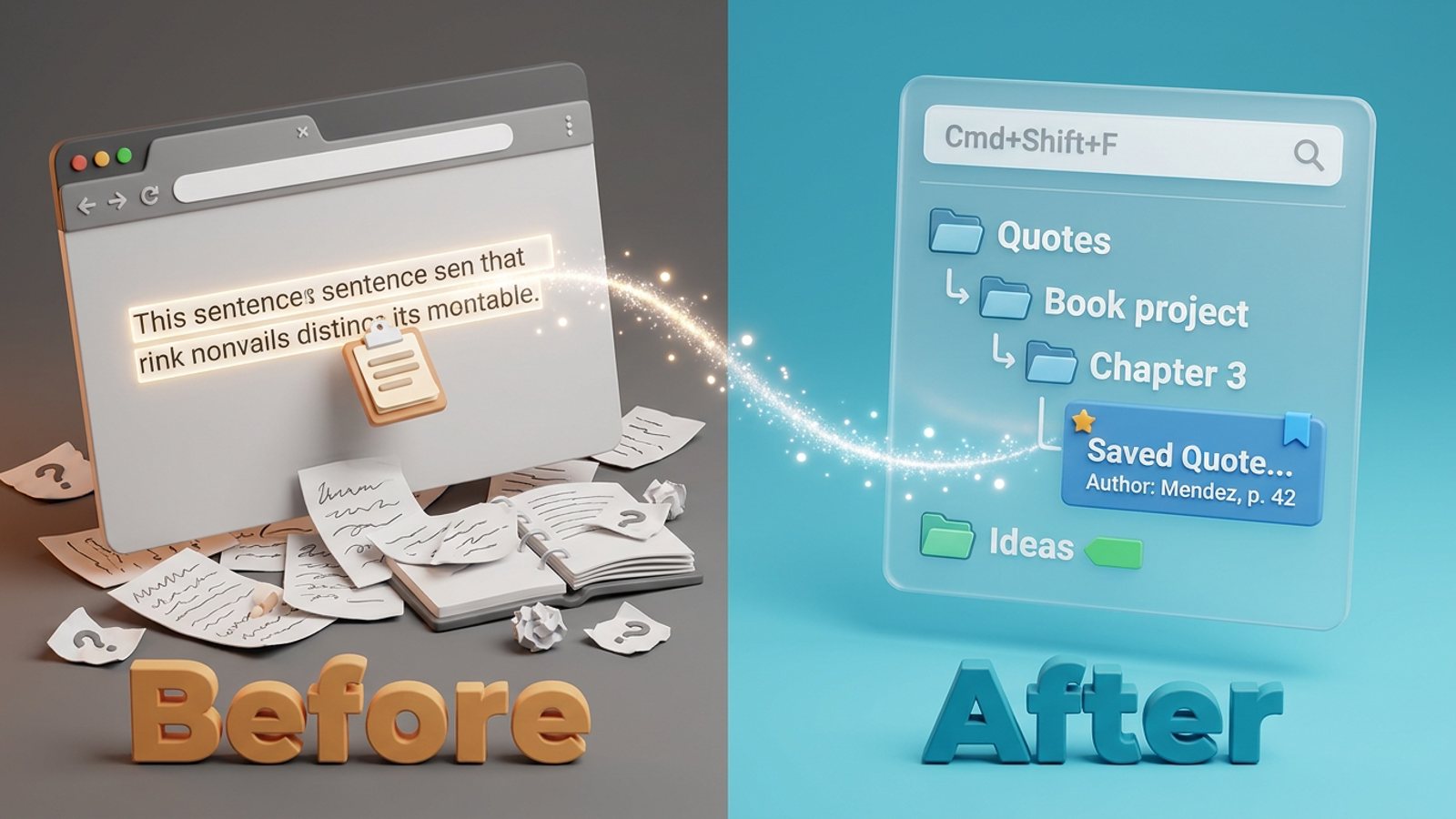
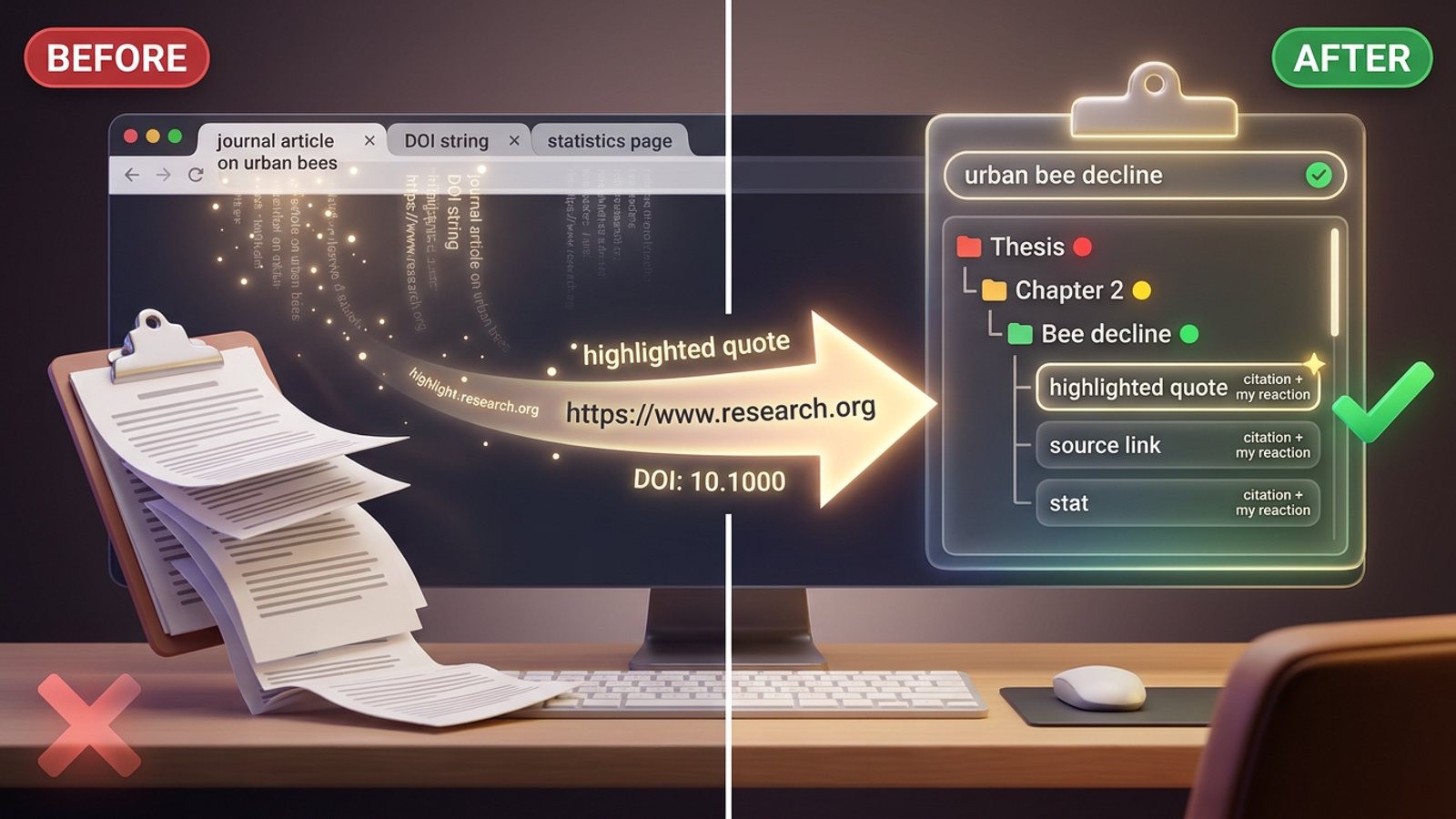
The organisation is what separates it from a plain history list. You can drag clips into nested folders up to three levels deep, colour-code them by urgency or project, and star the ones you use daily for one-click access. You can also write a note in-line right next to the clip that inspired it, so the quote and your reaction to it stay together.
Then there's the part NeoClip's listings don't describe: to-do lists. You build them with check-offs, hide completed items, and get a confetti celebration when you clear them. For a writer juggling "chase the interview," "verify this stat" and "rewrite the intro," having tasks in the same place as the clips is the whole point.
Search runs across every clip, note and folder with Cmd+Shift+F, and you can select multiple clips and copy 5, 10 or 20 at once — handy when you're assembling a batch of quotes into a draft.
On privacy, everything is stored in your browser on your machine, with no servers. That's the trade-off too: it's a Chrome extension only, so copies you make in Word or Scrivener aren't captured. And it isn't free forever — after a 30-day free trial it's $4.99 per month as of November 2026, and prices can change.
Install the ultimate Chrome extension today and keep copying the way you already do.
How do the alternatives compare?
| Option | Best for | Key features | Price | Watch-outs |
|---|---|---|---|---|
| Clipboarder Pro (Our pick) | Writers working mostly in Chrome | Nested folders, in-line notes, to-dos, stars | 30 days free, then $4.99/mo | Chrome only; no desktop capture |
| NeoClip | Browser research with OCR | Collections, search, OCR, cloud sync | No price listed | No notes or to-dos; cloud copy |
| Ditto | Windows users copying everywhere | Full-text search, LAN sync, pinning | Free, open source | Windows only; system-wide capture |
| CopyQ | Cross-platform power users | Tabs, tags, scripting, encryption | Free, open source | Learning curve; no notes/to-dos |
| Win+V | Occasional need, zero install | 25 items, pinning, plain-text paste | Free, built in | 25-item cap; Windows only |
Clipboarder Pro is made by the team behind this blog.
A few notes on the table. Ditto's free, open-source status and its installer, portable ZIP, Microsoft Store, Chocolatey and Winget options come from a competitor's blog (clipboardextension.com, facts checked 23 October 2026), and its keyboard-first, type-to-search workflow from Edge Drop's July 2026 comparison. CopyQ's tabs, tags, scripting, plugins and encrypted storage come from a Windows Forum roundup published 26 November 2025 — a forum post, so treat the details as secondary.
Win+V numbers come from HP Tech Takes (page dated 21 July 2026): up to 25 items of text, images and HTML, pinning that survives restarts, "paste as text" on Windows 11, and optional sync across Windows devices signed into the same Microsoft account. That sync can be switched off per device, and admins can enforce it through Registry or Group Policy, per NinjaOne (updated 13 April 2026).
If you mainly need system-wide capture across every app on a Windows PC, Ditto is the more direct choice. If you want the same on Windows, macOS and Linux with scripting on top, CopyQ is. And if you just want a few more items than the last copy, Win+V costs nothing.
Which tool is best if I copy from Word or Scrivener too?
A desktop manager — there's no way around it. Extensions only see browser copies, so if half your quotes come from a PDF open in a desktop reader or a scene in Scrivener, a Chrome tool will miss them.
Ditto keeps history on your own PC and supports LAN sync between Windows PCs with images and rich text (Edge Drop, July 2026). It doesn't run on macOS or ChromeOS (clipboardextension.com, checked 23 October 2026). CopyQ covers Windows, macOS and Linux with encrypted storage, per the Windows Forum roundup.
Tip
Our recommendation: run both. A desktop manager for system-wide capture and a browser tool for organising research gives you the widest net — just be aware the desktop app sees everything you copy, including passwords and banking details.
That last point matters. A category explainer from joifup.com's WebExtLab (26 April 2026) notes the privacy trade-off plainly: a desktop app sees everything you copy system-wide, while a browser extension has narrower scope. Neither is automatically "more private" — they're exposed to different things.
How do I choose between them in one sitting?
Work through five checks and you'll have your answer before lunch.
- List your copies. Write down what you copy in a normal writing week and where each item comes from — browser tab, Word, PDF reader, chat.
- Check capture scope. Browser-only tools (Clipboarder Pro, NeoClip) versus system-wide ones (Ditto, CopyQ, Win+V).
- Decide on the cloud. Is a synced copy of your clips acceptable for the work you do? If not, favour local-only storage or switch sync off.
- Match your platform. Windows-only (Ditto, Win+V), cross-platform (CopyQ), Chrome (Clipboarder Pro, NeoClip).
- Trial two, keep one. Use both for a week and keep whichever you reach for without thinking.
Say you're a freelance features writer. You spend the morning in Chrome pulling quotes and links, then the afternoon in Word. Clipboarder Pro catches the morning's research and lets you file each quote in a folder with a note about where it goes; Ditto catches the afternoon's copies from Word. Neither one alone covers the day — which is why step 1 comes first.
If you want the browser half sorted properly, install the ultimate Chrome extension today and start filing clips into folders instead of scrolling a list.
What should I check before switching?
Three things, in order of how much they'll annoy you later.
Your archive habits. Clipboarder Pro archives items without deleting them, with an automatic retention window of 1–365 days. If you like keeping everything forever, set the window long.
Your shortcut muscle memory. NeoClip users are used to a search-first workflow. Clipboarder Pro's search is Cmd+Shift+F, so give yourself a day to relearn it — at the time of writing, menus and shortcuts may differ from what you're used to.
Your sync expectations. Clipboarder Pro stores everything in your browser on your machine, with no servers. That's the privacy win and the limitation: no cloud backup, no second device. If you need your clips on two machines, that's a desktop tool with sync, not this one.
The right clipboard tool isn't the one with the longest feature list — it's the one that matches where you actually copy.
If your work is browser-shaped, see how a clipboard manager with folders for Chrome handles a research pile, or read the full breakdown of the best clipboard manager for writers on Chrome.
Sources
- NeoClip (Chrome Web Store)
- NeoClip (Microsoft Edge Add-ons, 2026-07-18)
- How to Use the Clipboard on Windows 10 (Now 11) (HP Tech Takes, 2026-07-21)
- Enable or Disable Sync Clipboard History in Windows 11 (NinjaOne, 2026-04-13)
- Best Clipboard Managers for Windows 11 in 2026 (Windows Forum, 2025-11-26)
- Ditto alternative page (clipboardextension.com, facts checked 23 Oct 2026)
- Edge Drop vs Ditto (Edge Drop blog, 2026-07-13)
- Chrome Extensions vs Desktop Clipboard Managers (Edge Drop blog, 2026-07-15)
- Clipboard Managers Compared (joifup.com WebExtLab, 2026-04-26)
- Clipboard History comparison with alternatives (theluckystrike, GitHub, 2026-02-16)
Frequently asked questions
Is NeoClip free, and does it sync to the cloud?
NeoClip's Chrome and Edge listings don't state a price. They do list "Private Cloud Sync" as a feature, so a copy of your clips can leave your device — worth knowing before you save confidential drafts.
Can a Chrome extension capture what I copy in Word or Scrivener?
No. Extensions only see copies made inside the browser, as Edge Drop's July 2026 explainer notes. For copies from desktop apps you need Ditto, CopyQ or Win+V.
Which is more private, a browser extension or a desktop manager?
It's a trade-off, not a ranking. A desktop app sees everything you copy system-wide, including sensitive material; a browser extension has narrower scope (joifup.com WebExtLab, April 2026). Pick based on what you'd rather expose.
How many items can I keep with Win+V?
Up to 25 items of text, images and HTML, according to HP Tech Takes (page dated 21 July 2026). Pinned items persist until you unpin or delete them; unpinned history clears on restart.
Which alternative to NeoClip should a writer pick?
If you work mainly in Chrome and want folders, notes and to-dos in one place, Clipboarder Pro is our pick of the tools we compared. If you need to capture copies from every desktop app, Ditto on Windows or CopyQ across platforms is the more direct fit.