What are the best alternatives to Clipboard History - Free Manager?
The best clipboard history free manager alternative depends on what's missing: folders, notes and to-dos (Clipboarder Pro), synced snippets, macro templates, or cross-app capture.
Clipboarder Pro Team
If you've outgrown a flat, search-only clipboard extension, the realistic swap depends on what's missing. For a clipboard history free manager alternative that adds folders, notes and to-do lists in one Chrome workspace — stored on your machine, with zero servers — Clipboarder Pro is our pick. If you mainly need synced snippets, Your Permanent Clipboard or Permanent Clipboard fit better; for macro templates, look at ClipManager.
Key takeaways
Key takeaways
- Clipboarder Pro is the first pick for heavy copiers who want clips, notes and to-dos together, all stored locally in Chrome.
- Your Permanent Clipboard and Permanent Clipboard suit people who want a reusable snippet library, sometimes synced.
- ClipManager is built around macro templates that automate repetitive text.
- Windows (Win+V) and macOS built-ins are free but limited: roughly 25 items on Windows, and no folders or notes.
- Browser extensions only see browser page activity — for cross-app capture on Mac, Raycast or Paste are the direct choices.
Why would you leave Clipboard History - Free Manager?
Because a free manager with unlimited history and search still doesn't organize anything for you. Its own Chrome Web Store listing describes full-text search, pins, tags, snippets, a side panel and export/import with no subscription — a solid flat list. What it doesn't describe is a folder tree, in-line notes or a to-do list sitting next to your clips.
That's the usual reason people search for a clipboard history free manager alternative: they can find what they copied, but they can't structure it. The gap is real — the OS clipboard holds one item at a time and Chrome has no built-in clipboard history, per the Clipboard History GitHub README (2026).
Good to know
The original open-source "Clipboard History" repo was archived read-only on 14 March 2026 (GitHub). It's a reminder to check that the tool you pick is actively maintained.
What's the best alternative if you want folders, notes and to-dos in one place?
Clipboarder Pro, a Chrome extension that saves everything you copy and lets you organize it — clips, notes and checklists in the same workspace, stored on your machine. It captures text, images, URLs and code automatically as you work.
Then it gives you structure a flat history can't:
- Drag clips into folders — nested up to 3 levels deep.
- Color-code items by urgency, project or mood to spot priorities at a glance.
- Star the items you use most for one-click access.
- Write notes in-line right next to the clip that inspired them.
- Build to-do lists with check-offs and hiding of completed items.
- Select multiple clips and copy 5, 10 or 20 items in one shot.
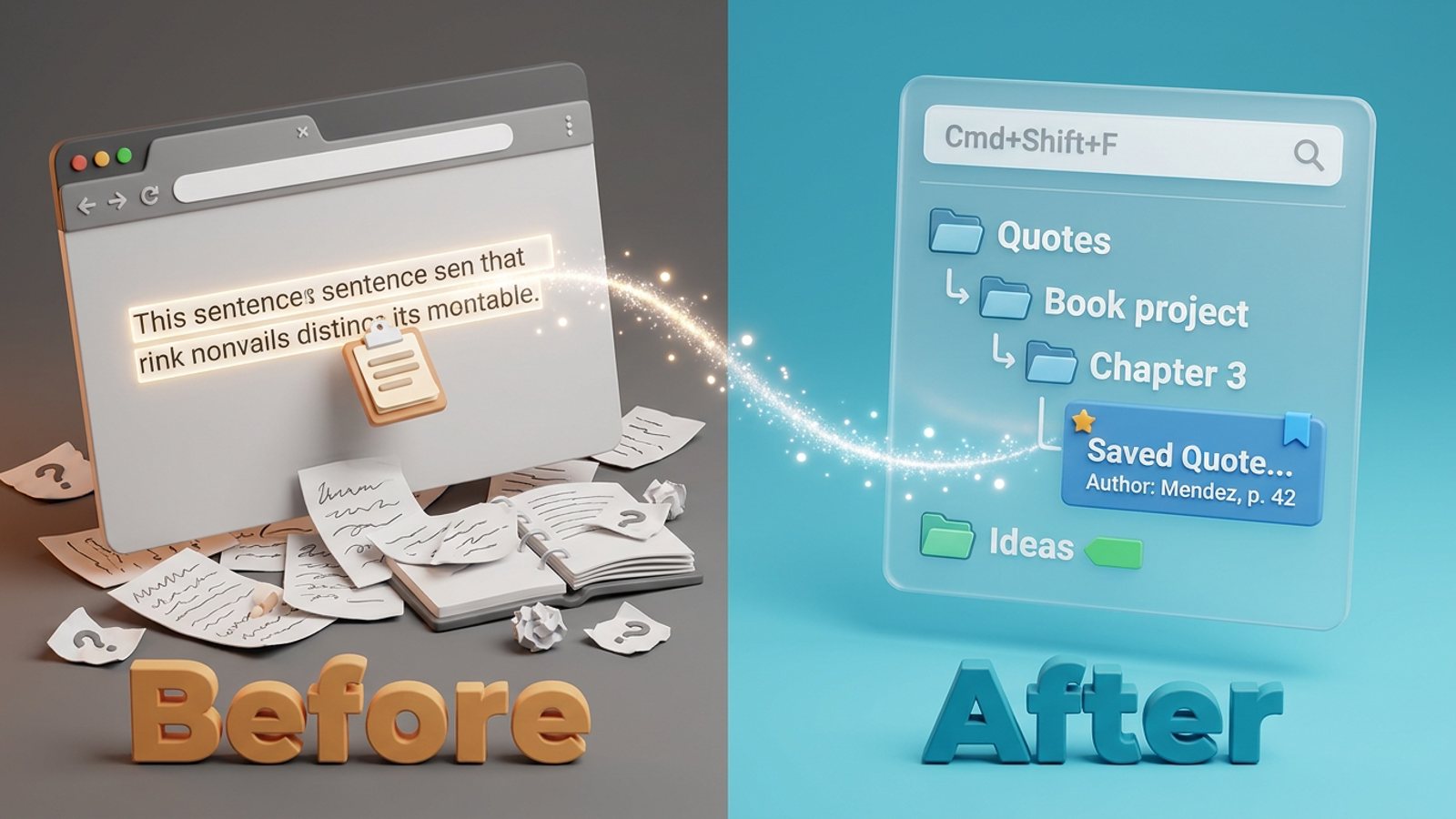
- Search everything — every clip, note and folder — with Cmd+Shift+F.
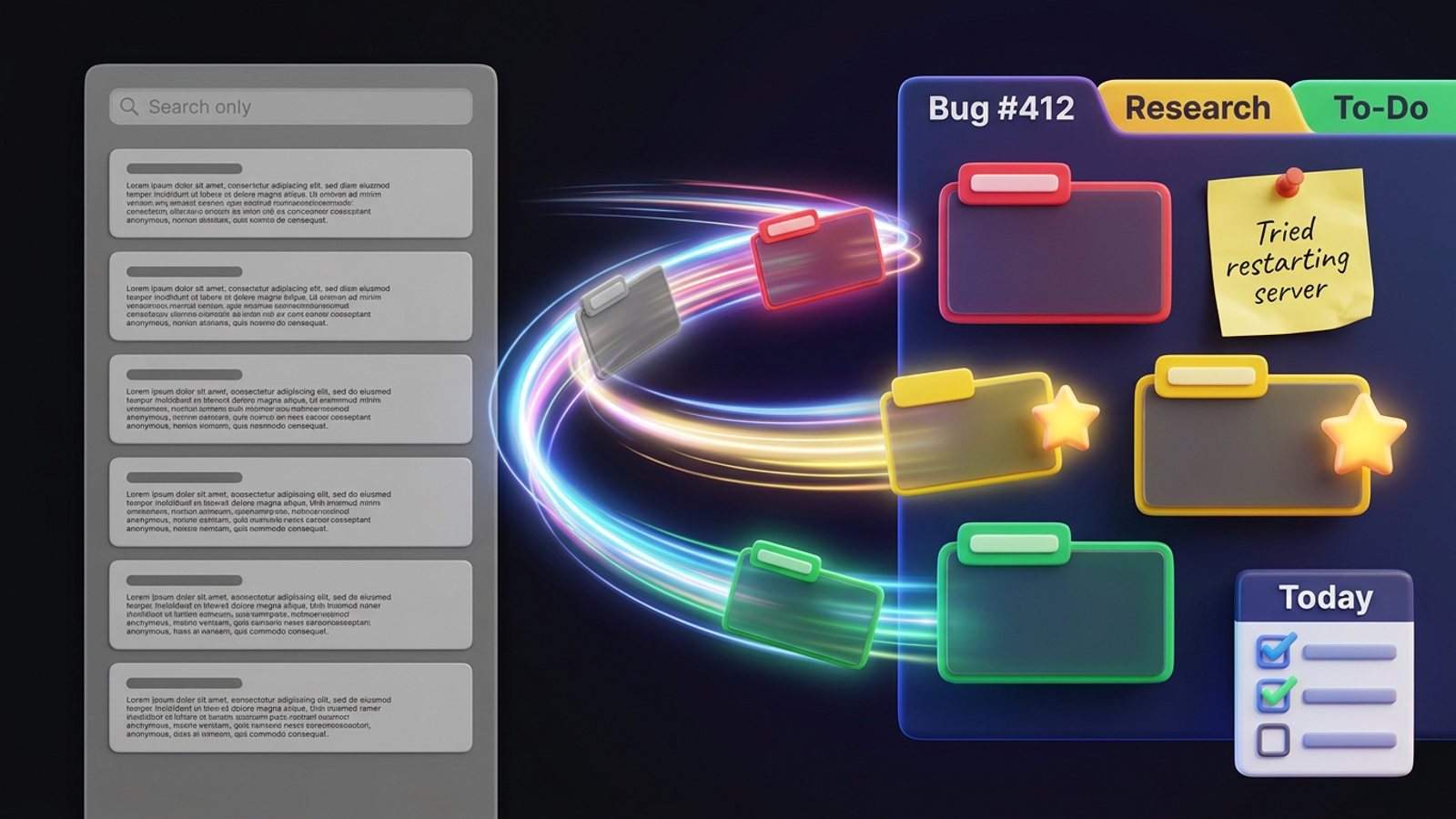
Say you're a developer chasing a bug across three tabs. You copy an error message, a stack trace and a docs URL. In a flat history they're three anonymous rows. In Clipboarder Pro they go into a "Bug #412" folder, the stack trace gets starred, and a note next to the error message records what you tried. Tomorrow you search once and the whole context is back.
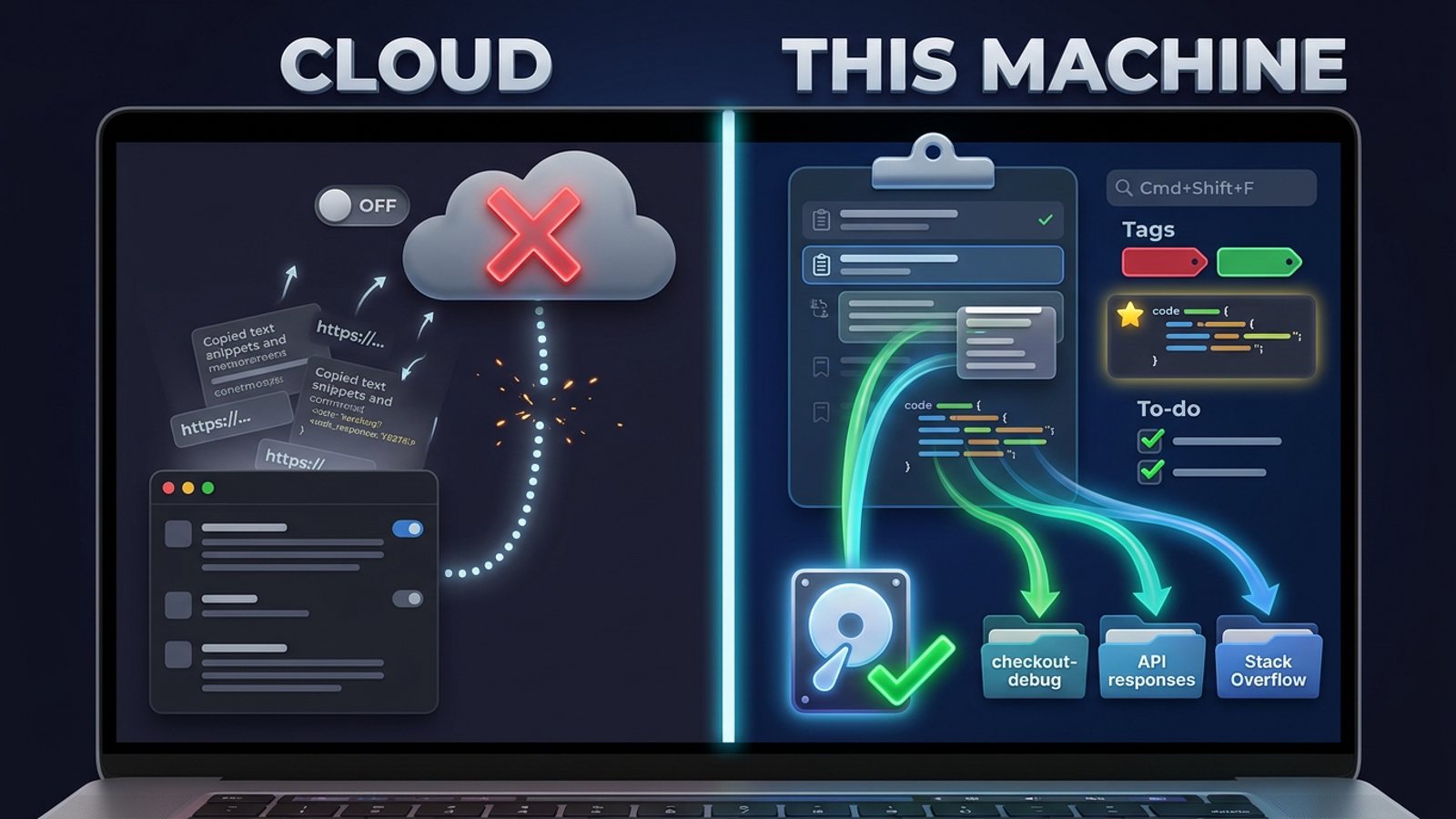
Everything is stored in your browser on your machine — zero servers, zero tracking. That matters: a Panda Security investigation (2026) found 287 Chrome extensions with 37.4 million installs connecting to over 30 third-party companies.
Tip
Our recommendation: before you copy a password or card number, check whether your clipboard tool skips or masks sensitive fields. Pastree's privacy policy (Digisoma, 2026) notes that tools which auto-save every copy can capture passwords, card numbers and tokens unless they handle those fields carefully.
Price: free for 30 days, then $4.99 per month as of November 2026 — prices can change.
Install the ultimate Chrome extension today and keep your clips, notes and to-dos in one local workspace.
The real upgrade from a flat clipboard history isn't more items saved — it's being able to put each item where it belongs.
How do the alternatives compare?
Here's the honest comparison of the tools we looked at. Clipboarder Pro goes first because it's ours — Clipboarder Pro is made by the team behind this blog.
| Option | Best for | Key features | Price / free option | Watch-outs |
|---|---|---|---|---|
| Clipboarder Pro (Our pick) | Clips + notes + to-dos in Chrome | Folders (3 levels), color tags, stars, in-line notes, to-dos, multi-copy, Cmd+Shift+F search | Free 30 days, then $4.99/mo (Nov 2026) | Chrome only; local storage only |
| Your Permanent Clipboard | Synced reusable snippets | Categories + tags, quick search, pinned favorites, template variables | Free; no paid tier listed | Tags, not nested folders; snippets sync |
| Permanent Clipboard | Snippet library with folders | Nested folders, cross-library search, on-device history, right-click insert | Free, Premium in-app purchases | Sync and image snippets are Premium |
| ClipManager | Macro templates | Copied text into macros, task automation, macro sync | Free install; no pricing listed | Early version (1.0.0); name clash |
| Windows Win+V | No-install system history | Images and files, optional Microsoft sync | Free with Windows 10/11 | ~25 items; clears on restart |
| Raycast | Cross-app capture on Mac | Text, images, files, links, colors, snippets | Free core feature | macOS only; not a notes library |
| Paste | Apple-ecosystem clipboard | Mac + iPhone + iPad coverage | $2.49/mo Personal; 7-day trial | Paid; Apple platforms only |
Your Permanent Clipboard
Best if you want a snippet library that follows you across Chrome browsers. Its store listing (undated) describes synced saved snippets, categories and tags, quick search by name, content, category or tags, pinned favorites, and templates with {{date}} and {{time}} variables — while history itself stays local. The trade-off: organization is categories plus tags rather than folder nesting for clips, and synced snippets mean that data leaves your device.
Permanent Clipboard (a separate extension)
Don't confuse it with the one above. This one lists a snippet library with nested folders and search, automatic history that stays on-device and is never synced or uploaded, plus popup or right-click insertion — version 4.8.2, updated 2026-10-06 (Chrome Web Store). Sync, image snippets, full version history and 90-day deleted-item recovery sit behind its Premium tier, whose prices aren't shown in the listing. If nested folders for snippets are your main need, it's the more direct choice.
ClipManager
Built for turning copied text into macro templates that automate repetitive tasks, with macro sync across devices (Chrome Web Store, undated). Socket (2026) lists it at version 1.0.0, updated 2026-02-10, with a 25.87 KiB install size — small, but early, with few details published. Watch the name: a separate extension called "ClipManager – AI Knowledge Capture & Workspace" exists under a different ID, so check the ID before installing.
The free built-ins
On Windows 10/11, Win+V opens clipboard history with images and files and optional Microsoft-account sync — but it holds roughly 25 items, has no full-text search, and clears on restart unless you pin items (Clipboard History wiki, 2026). You also have to enable it the first time, and it only saves what you copy after that (CyberGuy, 2025). On Mac, versions before macOS 26 keep only the last item (Finder → Edit → Show Clipboard); macOS 26 Tahoe adds Spotlight history (⌘Space then ⌘4) with a retention period you set, per quietclip.app (2026) — a third-party report, and that history is capped in items and time.
Desktop managers: Raycast and Paste
A Chrome extension can't see copies made in Photoshop or a terminal — it only sees browser page activity, and even Chrome's own address bar and bookmarks are off-limits (SafeClip listing, undated). If you need cross-app capture on Mac, Raycast's free Clipboard History handles text, images, files, links, emails and colors, stays encrypted on your local drive, ignores password-manager clips by default, and keeps up to 3 months (Raycast Manual, 2026). Paste covers Mac, iPhone and iPad from $2.49/month Personal (USD, ex-taxes, varies by region) with a 7-day trial on every plan (Paste pricing, undated). Both are launchers or Apple-first tools rather than a folder-and-notes workspace.
Which alternative fits your job?
Match the tool to the work you actually do, not to the longest feature list.
- Developer or analyst juggling snippets and bugs: Clipboarder Pro — folders, stars and notes keep context together. Our best clipboard history tool for a web developer guide goes deeper.
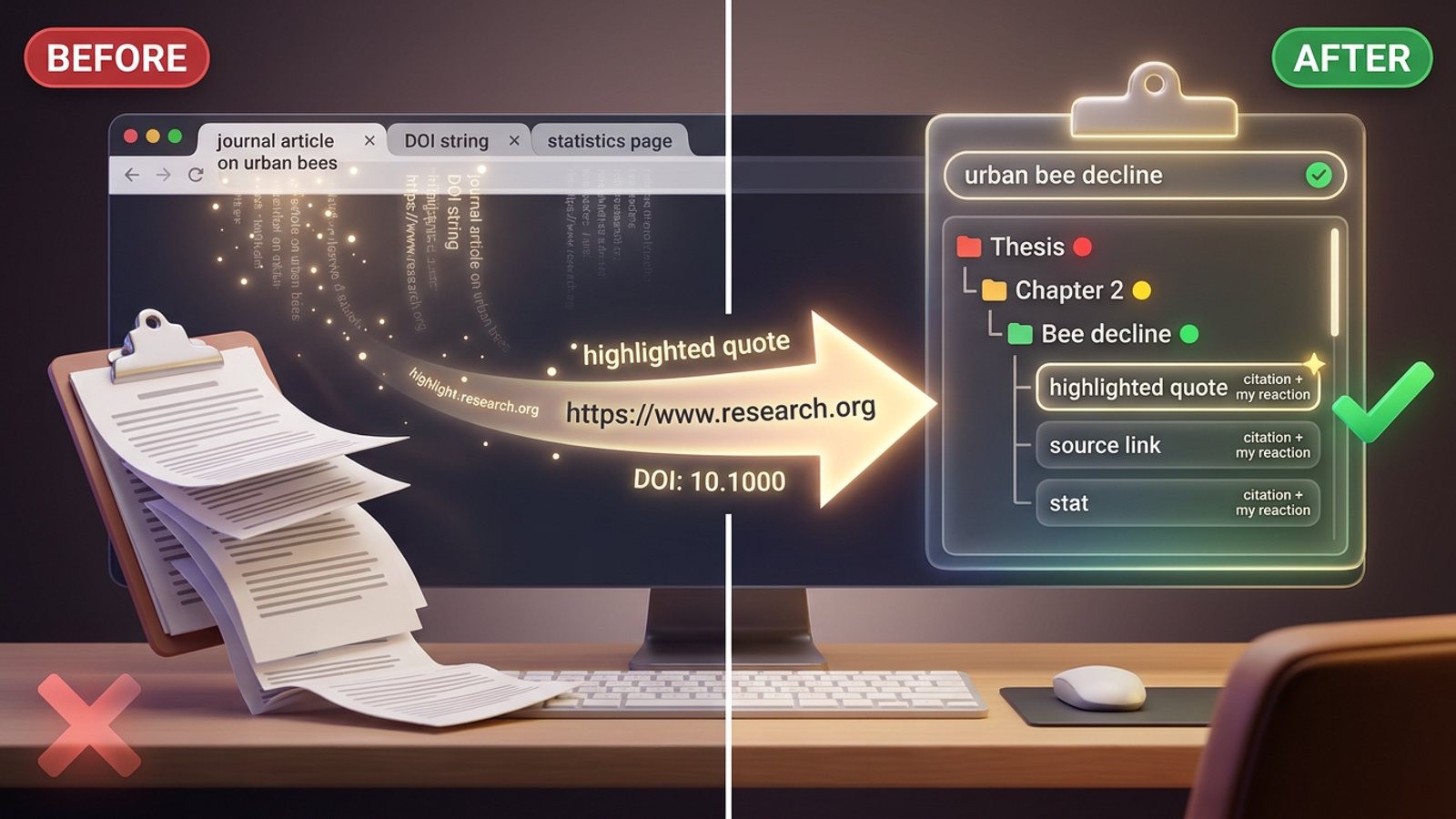
- Writer or researcher reusing the same phrases: Your Permanent Clipboard's templates and synced snippets are a natural fit.
- Anyone with a big snippet library: Permanent Clipboard's nested folders and right-click insert.
- Automating repetitive text: ClipManager.
- Mac user copying from native apps all day: Raycast, or Paste if you want iPhone and iPad too.
Watch out
Free extensions don't all sync, and most Chrome clipboard extensions store locally only with no sync (ClipNext listing, 2026). Decide up front whether you need your clips on a second device.
How do you switch without losing your history?
Export first, then set up the new tool's structure before you need it.
- Export from your current manager. Clipboard History - Free Manager's listing advertises export/import, so use it.
- Install the new extension and keep copying as normal — Clipboarder Pro captures everything automatically.
- Create your folders before the backlog builds — one per project or client works well.
- Pin or star your ten most-used items so they're one click away from day one.
- Check the privacy disclosure before copying anything sensitive.
If your problem is more specific — losing a clip the moment you copy the next thing — our guide on how to stop losing copied text in Chrome covers the mechanics.
Install the ultimate Chrome extension today and stop losing what you copy.
Sources
- Clipboard History -- Free Manager (Chrome Web Store, undated)
- Clipboard History GitHub repo README (theluckystrike, 2026-02-16)
- Clipboard History Alternatives and Comparisons wiki (theluckystrike, 2026-02-16)
- Clipboard History COMPARISON.md (theluckystrike, 2026-02-16)
- The hidden clipboard trick on Windows and Mac (CyberGuy, 2025-10-02)
- What Is the Windows + V Equivalent on Mac? (MacObserver, 2025-11-16)
- How to Check Clipboard History, Mac/Windows (quietclip.app, 2026-05-12)
- Your Permanent Clipboard (Chrome Web Store, undated)
- Permanent Clipboard - Snippets & Clipboard History (Chrome Web Store EN, 2026-09-30)
- ClipManager (Chrome Web Store, undated)
- ClipManager package analysis (Socket, 2026-02-09)
- ClipManager – AI Knowledge Capture package (Socket, 2026-07-28)
- Raycast Manual: Clipboard History (Raycast, 2026-11-11)
- Raycast Clipboard History (Raycast, undated)
- Paste Pricing (Paste, undated)
- Paste Help: Choose a plan (Paste, undated)
- ClipNext listing (Chrome Web Store, 2026-05-26)
- Chrome extensions spying investigation (Panda Security, 2026-02-26)
- SafeClip listing (Chrome Web Store, undated)
- Pastree privacy policy (Digisoma, Mozilla Add-ons, 2026-09-26)
Frequently asked questions
Does Chrome have a built-in clipboard history?
No. The OS clipboard holds one item at a time, and Chrome has no native clipboard history (Clipboard History GitHub README, 2026). That's the gap every tool in this list fills.
Which alternative should I pick if I want folders, notes and to-dos together?
Clipboarder Pro is the one tool in this comparison that combines nested folders, in-line notes, to-do lists and search in a single Chrome workspace, with all data stored locally. If you only need snippets, Permanent Clipboard's nested folders are the more direct choice.
How many items does Windows clipboard history keep?
Around 25, according to the Clipboard History wiki (2026), stored in a small cache that clears on restart unless you pin items. It also captures nothing you copied before you enabled it (CyberGuy, 2025).
Do free clipboard extensions sync across devices?
Often not by default. Most Chrome clipboard extensions store locally only (ClipNext listing, 2026); some, like Your Permanent Clipboard, sync snippets rather than full history.
Can a Chrome extension capture copies made in other apps?
No. A Chrome extension only sees browser page activity — not Photoshop, a terminal, or even Chrome's address bar (SafeClip listing, undated). For cross-app capture you need a desktop tool like Raycast or Paste.