TextSaver review: is it worth it for saving code snippets and links?
TextSaver isn't one product — several Chrome extensions share the name, and the verified one saves typed text, not copied code. Here's what each does and what to use instead.
Clipboarder Pro Team
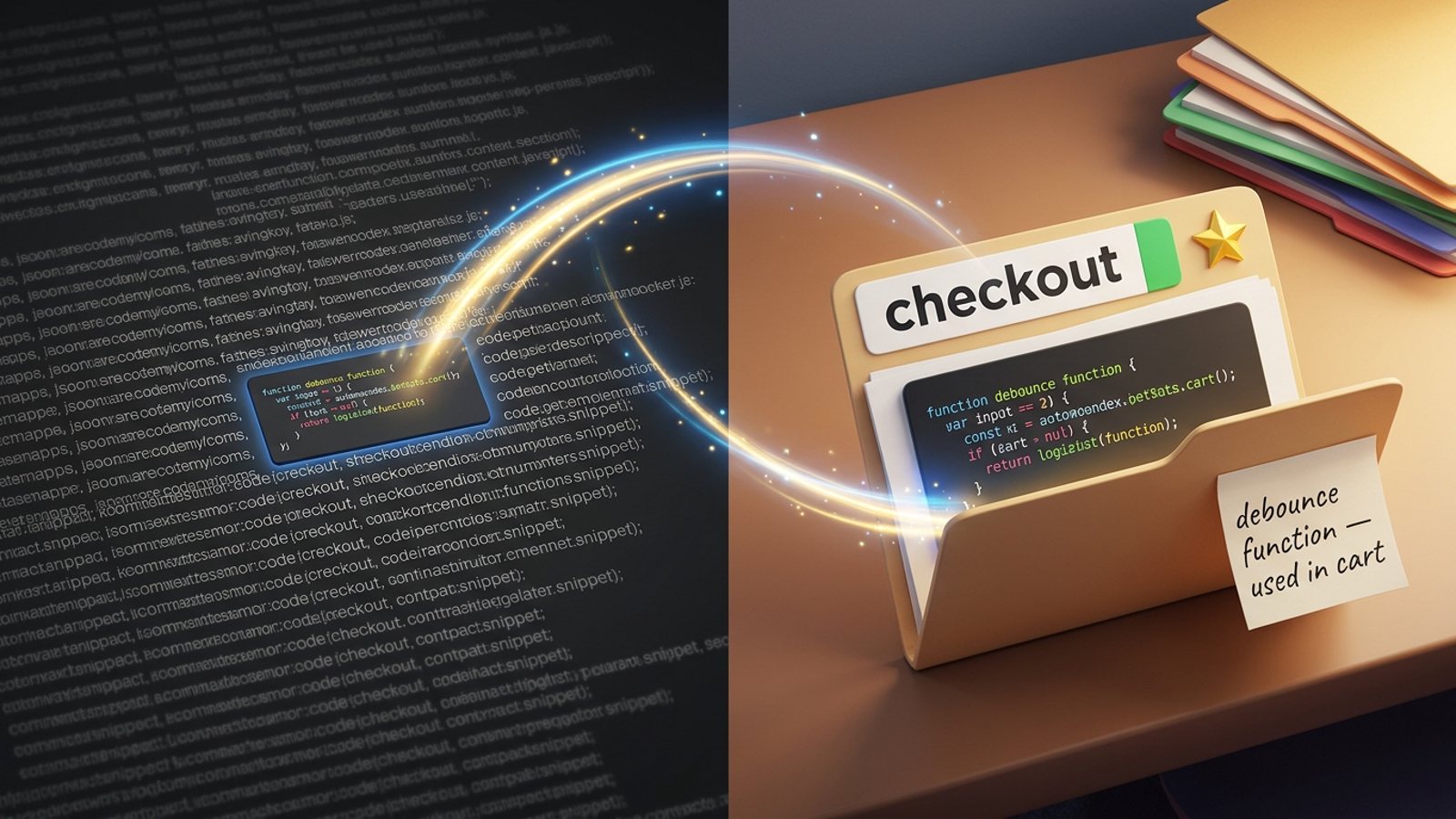
"TextSaver" is an ambiguous name: the Chrome Web Store hosts several unrelated extensions called TextSaver or Text Saver, and the one a 2025 Koidex security report verified saves what you type into web forms, not what you copy. So it isn't built for saving code snippets and links on purpose. If a searchable, folder-organized store of snippets and URLs is your goal, a dedicated Chrome clipboard manager is the honest pick.
Key takeaways
Key takeaways
- "TextSaver" is not one product. Several Chrome extensions share the name and do completely different jobs.
- The verified TextSaver (Koidex, March 2025) is a crash-recovery tool for text typed into forms — not a snippet library for code and URLs.
- A different "Text Saver" (Chrome Web Store, March 2026) is a tagged snippet tool with side panel, "//" search and JSON/Markdown export — closer to what you want, but still not a clipboard history.
- None of the listings reviewed here is built to capture every copy of code and links automatically and organize them into folders.
- For that job, a Chrome clipboard manager with nested folders and a quick search shortcut fits better.
If you want the short version: check the exact listing before you install anything called TextSaver, then decide whether you need crash recovery, a snippet library, or full clipboard capture. Most people copying code and URLs all day need the third one. Install the ultimate Chrome extension today if that's you — it saves every copy automatically and keeps it on your machine.
Which "TextSaver" am I actually installing?
There is no single TextSaver. The Chrome Web Store carries at least four listings under that name or a close variant, and they do unrelated things. A Koidex security report from 24 March 2025 documents one of them (extension ID fkndajjigpfoolpmldbobliecpeneeol) as a tool that automatically saves all text you type into web pages. A separate "Text Saver" (ID cildcemgcinmbcblfgnnhceclempmdle) is a snippet-and-tag tool at version 3.0, updated 15 March 2026. A third (ID nobbbalmbonlollchjccddicnifienmo) is a notepad-style extension with named tabs and password-protected tabs, which Extension Auditor scanned on 8 October 2026. A fourth (ID migecklaheapnilccjgdfcpmlaidofhn) sits at version 0.0.1, last updated 31 July 2023.
That matters because "is TextSaver worth it?" has a different answer for each one. Before installing, match the extension ID, not just the name.
Watch out
Searching "TextSaver" in the Chrome Web Store can surface several unrelated extensions with near-identical names. Check the listing's ID and last-updated date before you grant permissions — at the time of writing, menus and listings may differ from what you see.
Does TextSaver save what I copy, or what I type?
The verified TextSaver saves what you type, not what you copy. Koidex's code analysis (March 2025) found it listens to keydown and input events, saves every 5 seconds to chrome.storage.local with the text, URL, timestamp and domain, and saves again on page unload. It made no network requests.
That makes it a crash-recovery tool: if a form eats your draft, the text is still there. It is not a clipboard history. Copy a code block from GitHub or a URL from a docs page and nothing is captured, because nothing was typed into a field.
For someone who copies code and links all day, that's the wrong mechanism entirely. You'd be pasting into a text box just to get the extension to notice — which defeats the point.
Can I organize snippets into folders in TextSaver?
Not in the verified TextSaver, which has no folder structure at all. The snippet-oriented Text Saver (version 3.0, March 2026) offers tags, a side panel, hover previews, sort options and export to JSON, Markdown or plain text — but the listing describes tags, not nested folders. A 2023 Chrome-Stats review of a related GitHub project called Text Saver asks for folders outright, which tells you folders weren't there.
The notepad-style Text Saver uses named tabs instead. Tabs are fine for a handful of notes; they get messy once you're holding 40 snippets across three projects.
Good to know
Folders and tags solve different problems. Tags let one item live in several categories; folders give you one predictable home per item. For code snippets tied to a specific project, folders usually win.
Is TextSaver safe for sensitive text?
Koidex rated the verified TextSaver's risk as medium, flagging broad host permissions and an unverified publisher, while its code analysis found no network calls. That's a single auditor's view, not the developer's, and it's from March 2025 — old by extension standards.
The snippet-oriented Text Saver declares handling of personally identifiable information, web history and website content, and offers optional Google Drive backup, which means identity and Google API access (Chrome Web Store, March 2026). That's a normal trade-off for a backup feature, but it is a trade-off.
Our recommendation: read the permissions list on the exact listing you're installing, and don't store credentials or client secrets in any extension you haven't checked.
Does TextSaver sync or back up my snippets?
It depends which one. The verified TextSaver keeps data on the device only — Koidex found no external communication. The snippet-oriented Text Saver offers optional Google Drive backup plus JSON, Markdown and plain-text export (Chrome Web Store, March 2026).
If you want zero servers and no account, the first is the safer shape. If you want a backup you can move between machines, the second gives you one — at the cost of a Google connection.
TextSaver vs the alternatives: which is best for code snippets and links?
For capturing code and URLs automatically, a clipboard manager beats every TextSaver variant. Here's how the options compare for this specific job, based on the sources in this article.
| Option | Best for | Key features | Price | Watch-outs |
|---|---|---|---|---|
| Clipboarder Pro (Our pick) | Chrome users saving code and links all day | Auto-saves copies, nested folders, search, notes, to-dos | Free 30 days, then $4.99/month | Chrome only; local storage, no servers |
| Text Saver (snippet tool) | Tagged text snippets you paste on purpose | "//" search, side panel, JSON/Markdown export | Free, no paid plan stated | Tags, not nested folders; no clipboard capture |
| CopyQ | Power users who script their clipboard | Tabs, tags, scripting, plugins, CLI | Free, open source (GPL-3.0) | Takes longer to learn than simpler tools |
| Win+V / Maccy | A quick, free history on one OS | Instant small history, keyboard-first | Free | Win+V holds ~25 items and clears on restart; Maccy is macOS-only |
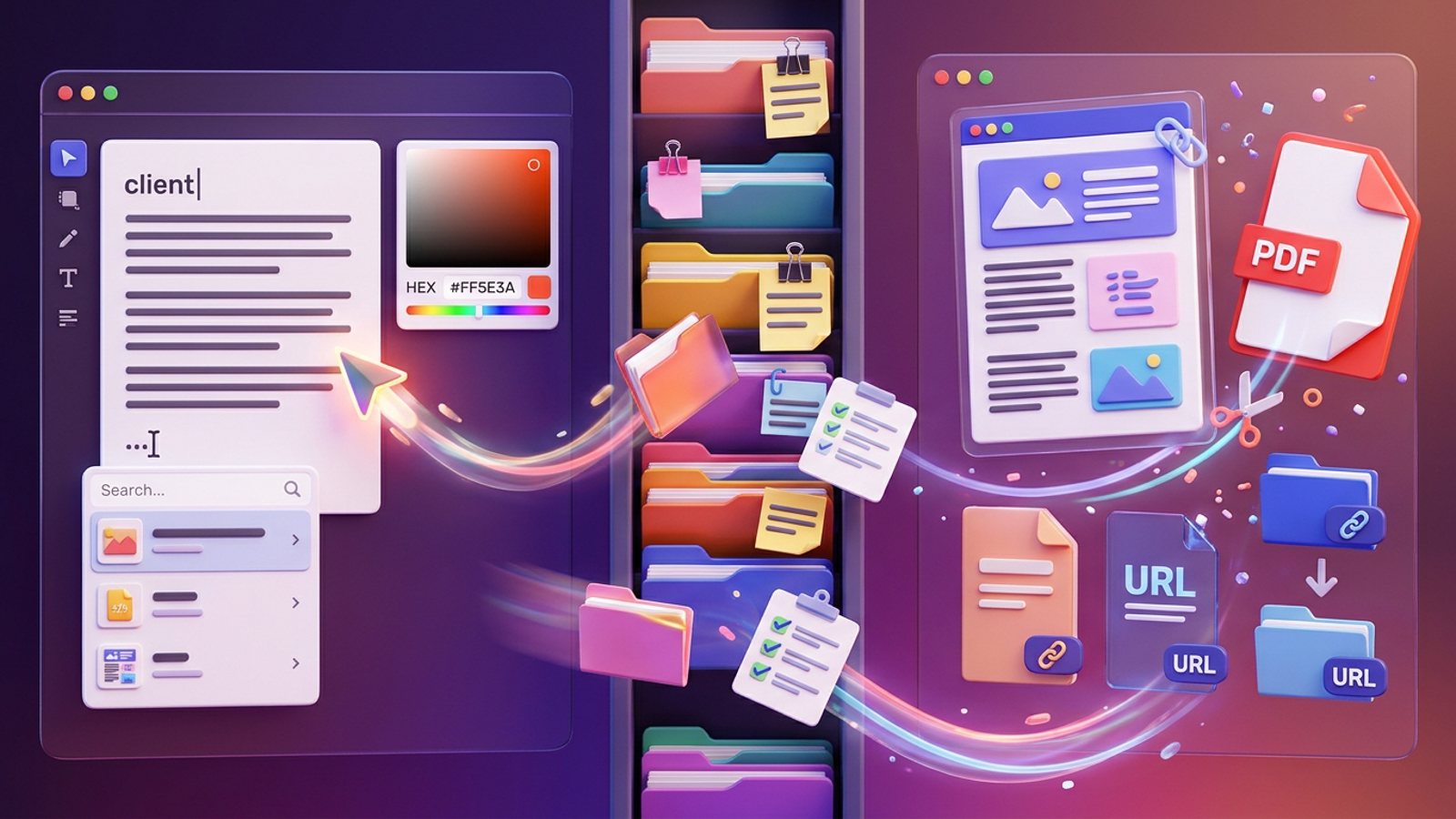
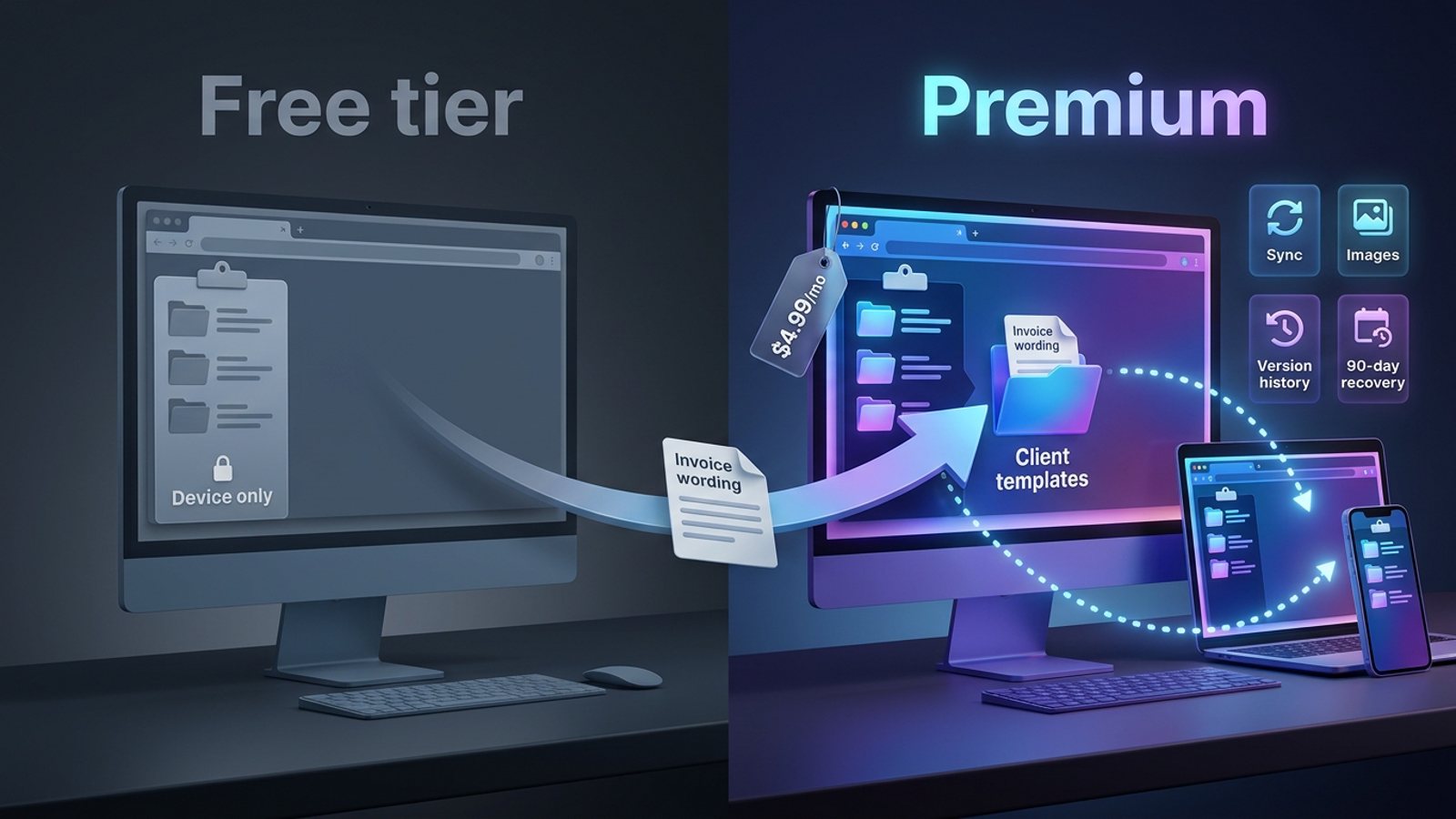
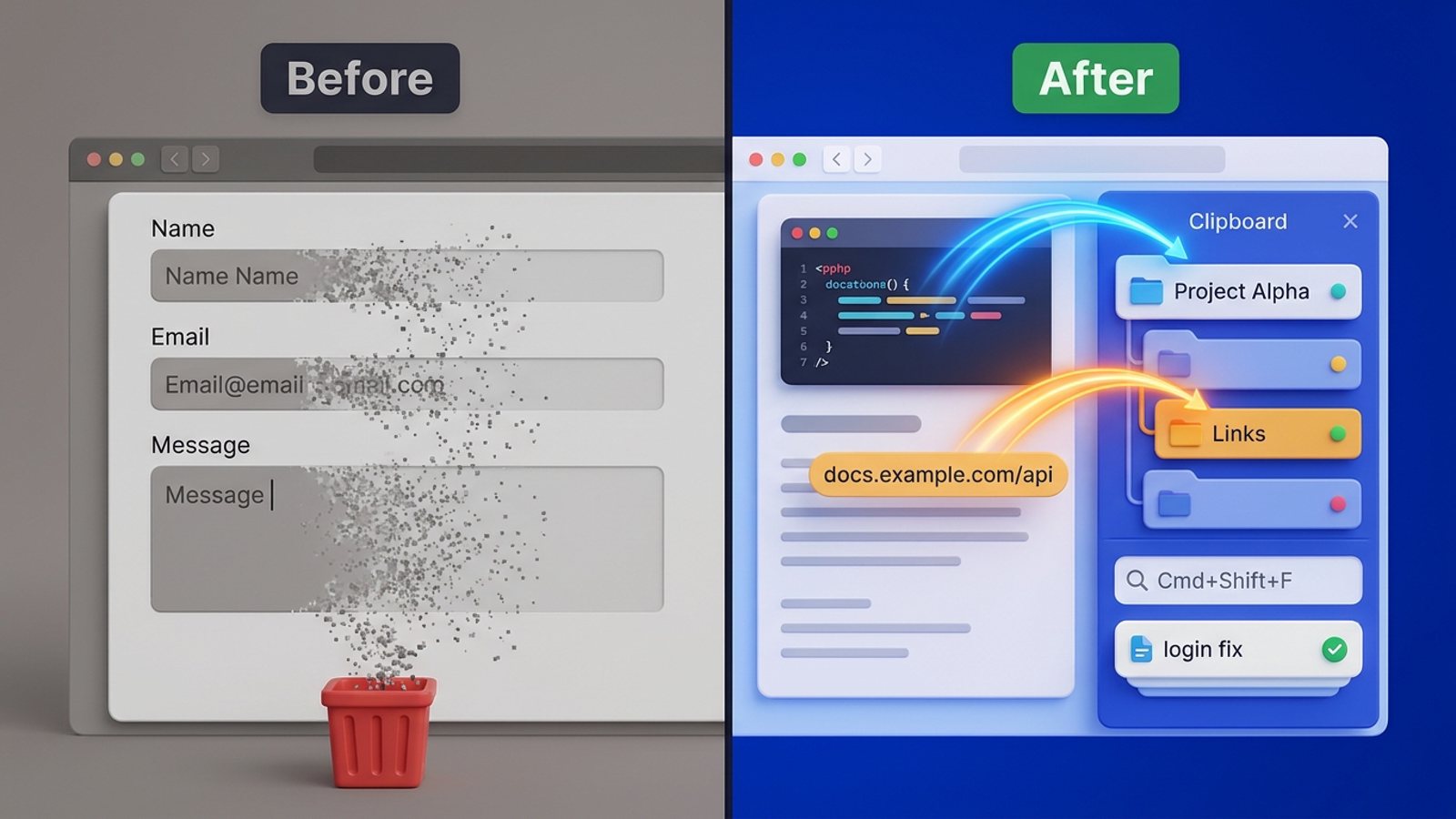
Our pick: Clipboarder Pro. It's the only option in this comparison built around automatically capturing everything you copy — text, images, URLs and code — and organizing it into nested folders up to three levels deep, with color tags, stars and in-line notes. Search runs across every clip, note and folder with Cmd+Shift+F, and your data never leaves your machine: zero servers, zero tracking. It's free for 30 days, then $4.99 per month as of November 2026 — prices can change. The honest limits: it's a Chrome extension only, and everything lives in your browser with no cloud sync or server backup. Install the ultimate Chrome extension today.
Clipboarder Pro is made by the team behind this blog.
Text Saver (the snippet tool) suits you better if you want a deliberate, tagged library of text you paste in on purpose, with export files you control. If you mainly need that, it's the more direct choice.
CopyQ is the stronger pick if you want scripting, plugins and a CLI, and you work across Linux, Windows and macOS 13+. It stores text, HTML, images and custom formats; version 15.0.0 was listed on 12 April 2026. MEFMobile (September 2026) notes it takes longer to understand than simpler managers.
Win+V and Maccy are the free, no-install route. Windows' built-in history is instant but, per the Copy History + listing (November 2026), caches roughly 25 items and clears them after a restart; MakeUseOf (November 2025) notes it offers no meaningful organization or search for developers. Maccy is fast and keyboard-first on a Mac, but macOS-only.
The tool that wins isn't the one with the most features — it's the one that captures the copy you'd otherwise lose.
How do I set this up so I stop losing snippets?
Here's the practical sequence, whichever tool you land on:
- Confirm the listing. Match the extension ID and last-updated date, not just the name, so you know which TextSaver or manager you're getting.
- Decide the job. Crash recovery for typed text, a tagged snippet library, or full clipboard capture of code and URLs. They're three different products.
- Check the permissions. Look for broad host access and any Google or Drive connection before you install.
- Set up a backup. Export JSON where offered, or use a manager's built-in export, so a wiped profile doesn't wipe your library.
- Move to a clipboard manager if you need folders and search. A tool with nested folders and a quick search shortcut covers the copy-and-find loop end to end.
If step five is your answer, see how Clipboarder Pro handles folders and search.
What's the best free way to save copied code and links?
CopyQ, Ditto, Maccy and Win+V are all free (MEFMobile, September 2026; Help Desk Geek, November 2026). Ditto is a Windows-only clipboard database saving text, images, HTML and custom formats, distributed via installer, portable build, Chocolatey, WinGet and the Store, with Ctrl+backquote as its default hotkey. Help Desk Geek (November 2026) flags its dated interface.
Free is a real answer here. The catch is that free tools tend to be OS-bound or setup-heavy, and none of the free options above is a Chrome extension that captures your browser copies with folders built in. If your copying happens in Chrome, that gap matters.
Tip
Whichever tool you choose, run a one-week test: copy as you normally do, then on Friday try to find a specific snippet from Monday. If it takes more than a few seconds, the tool isn't doing its job.
Sources
- Is TextSaver safe? (Koidex by Koi, 2025-03-24)
- Text Saver — Chrome Web Store (Google, 2026-03-15)
- Text Saver — Chrome Web Store (Google, date n/a)
- Is Text Saver Safe? (Extension Auditor, 2026-10-08)
- TextSaver — Chrome Web Store (Google, date n/a)
- jiacai2050/text-saver (GitHub, 2025-04-16)
- Text Saver (Chrome-Stats, 2023-03-10)
- Copy History + listing (Chrome Web Store, 2026-11-12)
- CopyQ manpage (Ubuntu Manpages, date n/a)
- 24 Best Free and Open Source Clipboard Managers (MEFMobile, 2026-09-22)
- Ditto README (GitHub, 2020-11-12)
- Best clipboard managers for Windows 11 (Help Desk Geek, 2026-11-11)
- Clipboard History COMPARISON (GitHub theluckystrike, 2026-02-16)
- Open-source clipboard manager makes Windows way smarter (MakeUseOf, 2025-11-12)
Frequently asked questions
Is TextSaver worth it for saving code snippets and links?
Not the verified TextSaver — it captures text typed into web forms, not clipboard copies (Koidex, March 2025). If you meant the snippet-oriented Text Saver, it's a reasonable tagged library with export, but it doesn't auto-capture code and URLs as you copy them.
Which TextSaver is the real one?
There isn't one. Multiple unrelated Chrome extensions use the name, including a form-recovery tool, a snippet-and-tag tool, a notepad with password-protected tabs, and a 2023 project at version 0.0.1. Check the extension ID on the listing before installing.
What's the best tool for saving code snippets and links in Chrome?
Of the tools we compared, Clipboarder Pro is the most direct fit: it auto-saves everything you copy, organizes it into nested folders with tags and stars, and searches it all with Cmd+Shift+F. CopyQ is the better choice if you want scripting and cross-platform support; Win+V or Maccy if you just want a free quick history.
Can I get folders in a TextSaver extension?
The snippet-oriented Text Saver uses tags and a side panel rather than nested folders, and a 2023 review of a related Text Saver project asked for folders — a sign they weren't available. For nested folders, a dedicated clipboard manager is the more direct route.
Does TextSaver work outside Chrome?
The listings reviewed here are Chrome extensions, so they run in Chrome. If you need clipboard capture across desktop apps and operating systems, CopyQ (Linux, Windows, macOS 13+) or Ditto (Windows) are the better fit.