Is there a cheaper alternative to StackCopy?
StackCopy costs $9.99 once after a 3-day trial, but free OS tools and open-source apps cost nothing. See when Clipboarder Pro's $4.99/month is worth it.
Clipboarder Pro Team
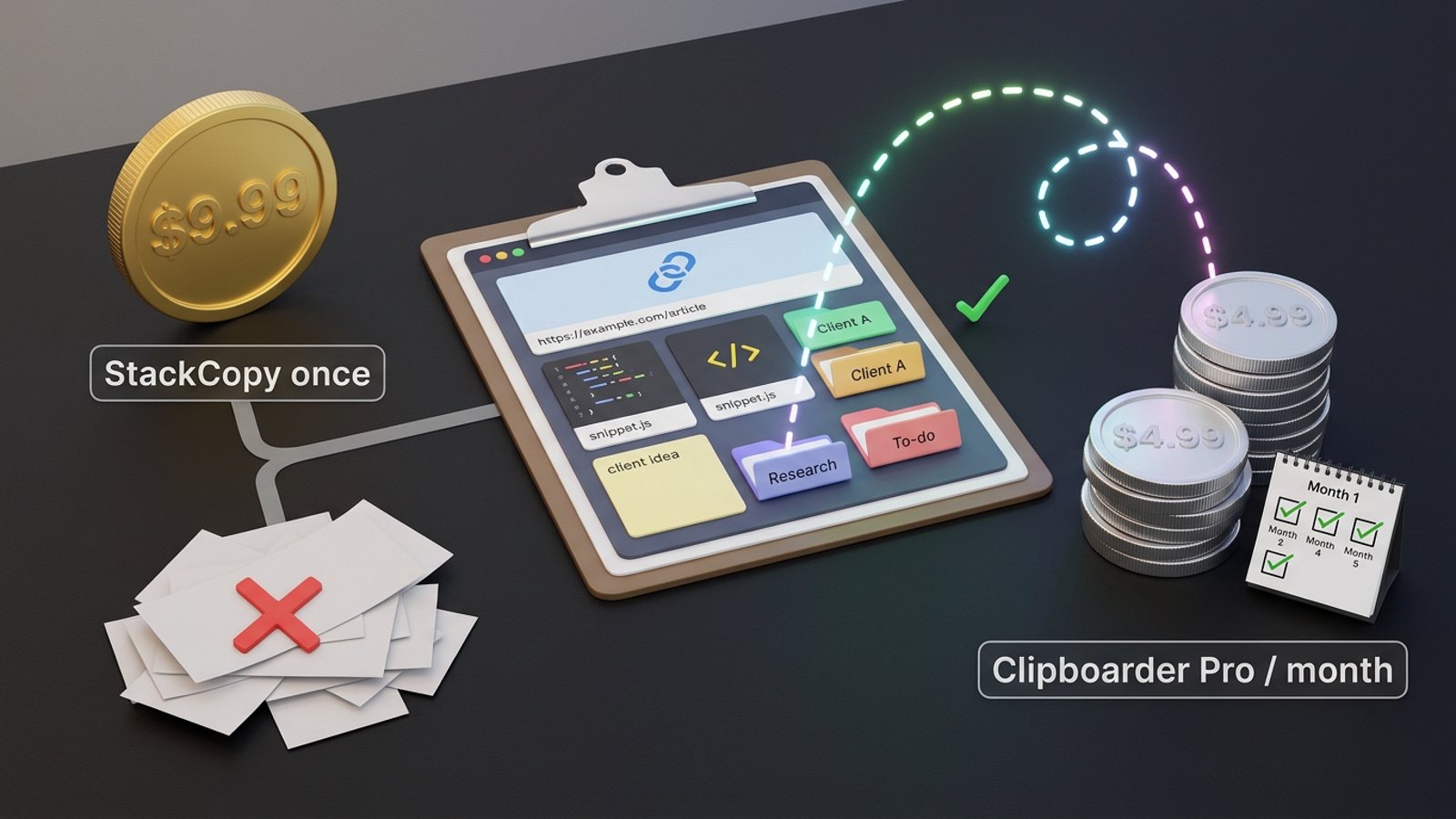
Yes — but the honest answer depends on how you count. StackCopy's own store listings price it at a $9.99 one-time lifetime licence after a 3-day trial (as of November 2026, prices can change). Clipboarder Pro costs $4.99/month after a 30-day free trial, so it is not the cheaper option in year one — it only wins if you need folders, notes and to-dos in one place.
Key takeaways
Key takeaways
- StackCopy: 3-day trial, then $9.99 once for a lifetime licence (store listings, September 2026).
- Clipboarder Pro: 30-day free trial, then $4.99/month (as of November 2026, prices can change).
- $9.99 once beats $4.99/month for anything longer than about two months.
- Free options exist: Win+V on Windows 10/11, Spotlight history on macOS 26, and open-source Ditto and CopyQ.
- Pick Clipboarder Pro for organisation and on-device privacy, not for the lowest price.
If you landed here hoping the cheaper stackcopy alternative is a $5-a-month subscription, this post will save you money by telling you it isn't. If you landed here because you're drowning in copied links and half-written notes, read on — the cheapest tool is the one that actually holds your work.
Install the ultimate Chrome extension today and try it free for 30 days before you decide.
How much does StackCopy cost?
StackCopy's store listings state a 3-day unrestricted trial, then a $9.99 one-time "Premium" lifetime licence, activated through Lemon Squeezy. The same terms appear on its Firefox Add-ons and Microsoft Edge Add-ons listings, both dated 13 September 2026, and a page on the developer's own GitHub Pages site repeats the $9.99 one-time figure (that page carries no date).
Product Hunt described it in September 2026 as a browser multi-item clipboard that holds text snippets and images in one floating dashboard so you don't switch tabs.
So the price is simple: $9.99, once.
Good to know
A one-time licence means no renewal date and no monthly line on your card. It also means you're relying on the developer to keep updating the tool — worth checking before you buy anything with a lifetime promise.
Is $4.99 a month cheaper than $9.99 once?
No — $4.99/month passes $9.99 in about two months. That's arithmetic on the two listed prices, not an opinion: two months of Clipboarder Pro is $9.98, three months is $14.97, and twelve months is $59.88.
That's the whole comparison in one line, and it's why this article won't pretend otherwise.
$9.99 once is cheaper than $4.99 a month for anyone who keeps using a clipboard tool past the second month — the question is what you're buying with the difference.
So who should pay monthly?
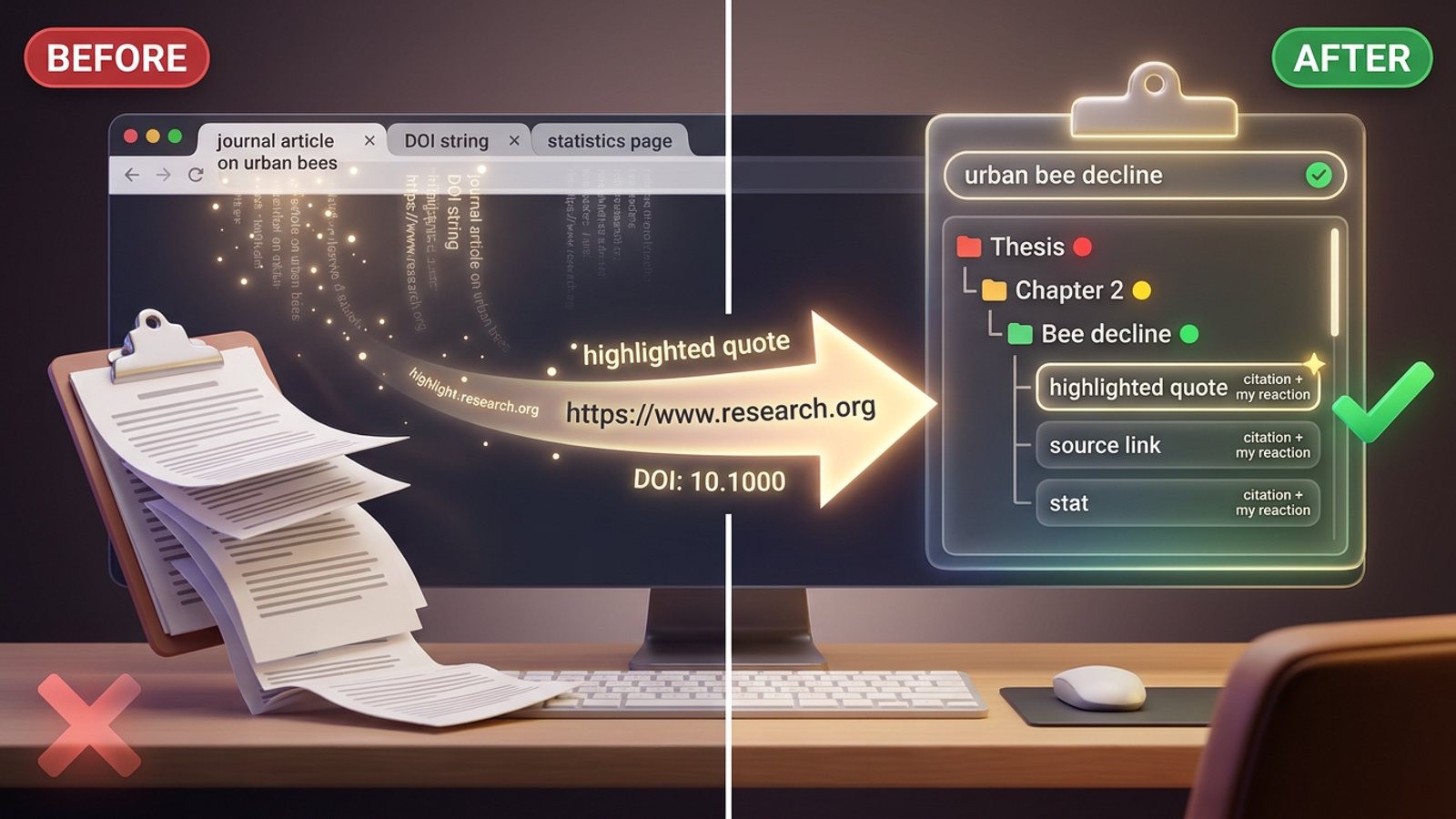
Pay monthly only if the thing you're buying is organisation you can't get elsewhere. Clipboarder Pro saves everything you copy — text, images, URLs and code — and then lets you sort it into nested folders up to three levels deep, colour-code items by urgency or project, star the ones you use most, and write notes in-line next to the clip that inspired them. It also builds to-do lists with check-offs.
If your problem is "I copied 40 links today and can't find the right one", a flat list of recent clips won't fix it. If your problem is "I just need my last ten copies back", it will — and you shouldn't pay monthly for that.
What do you actually get for less?
Here's the honest split: Clipboarder Pro is the more expensive option that does more, and the free tools are genuinely free.
| Option | Best for | Key features | Price (Nov 2026) | Watch-outs |
|---|---|---|---|---|
| Clipboarder Pro — Our pick | Organising clips, notes and to-dos | Folders, colour tags, stars, notes, to-dos, search | $4.99/month after 30-day trial | Recurring fee; Chrome only |
| StackCopy | Simple multi-item clipboard | Floating dashboard for text and images | $9.99 once after 3-day trial | Short trial; few details published |
| Windows clipboard history | Zero-install basics | Win+V, pinning, optional sync | Free | 25-item cap; clears on restart |
| Ditto | Free Windows power use | Open-source history manager | Free | Windows only |
| CopyQ | Free cross-platform use | Open-source manager for Linux, macOS, Windows | Free | Less polished for beginners |
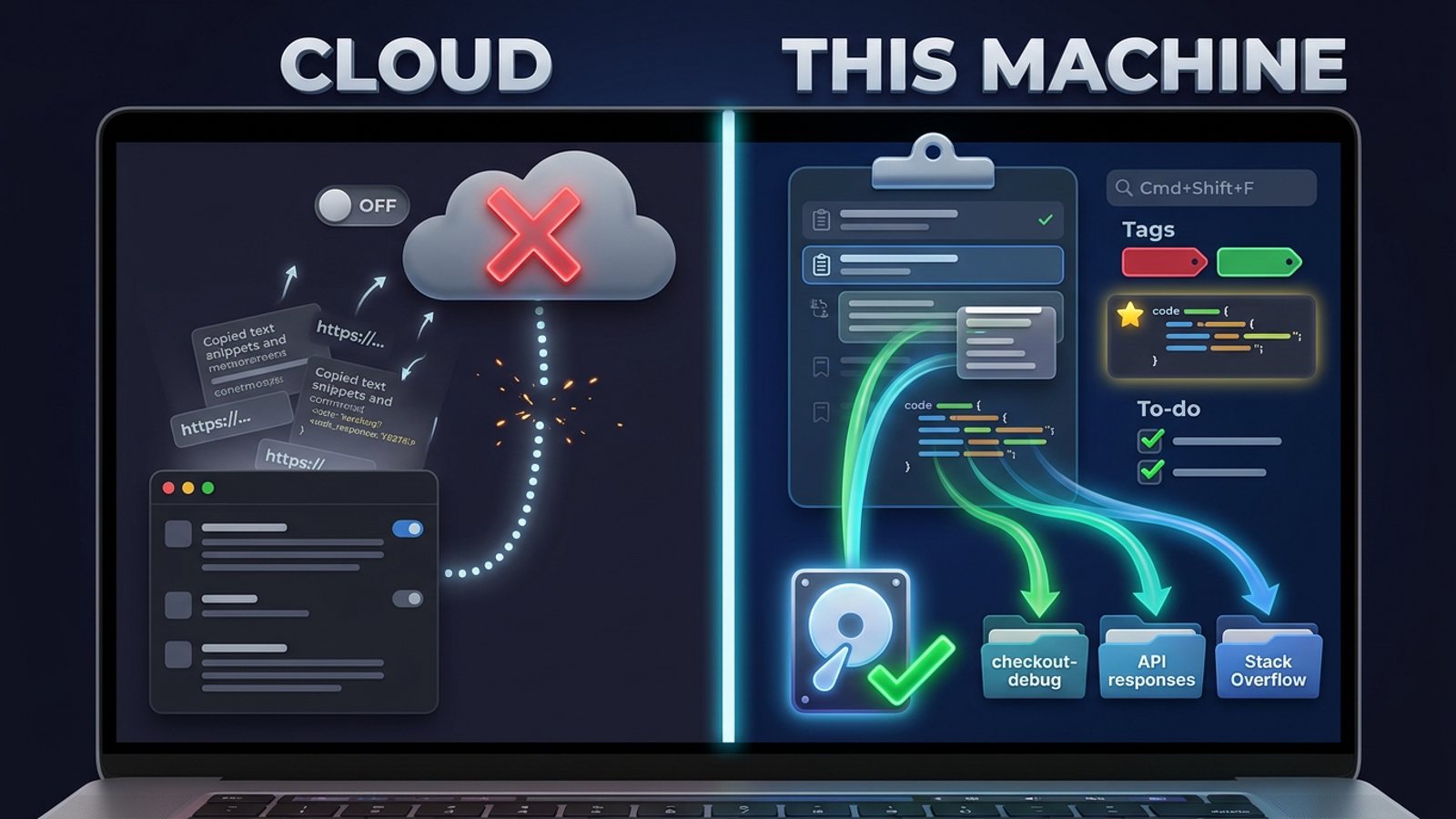
Clipboarder Pro is made by the team behind this blog. It's our pick of the tools we compared because it's the only one here that keeps clips, notes and to-do lists in one place — and because everything is stored in your browser on your machine, with no servers and no tracking. It's also a Chrome extension only, so if you live in Firefox or Safari, it isn't for you.
StackCopy suits you better if you want one small payment and a floating dashboard, full stop. If you mainly need free, system-wide history on Windows, Ditto is the more direct choice — Help Desk Geek (November 2026) lists it as free with no subscription tiers, at version 3.25.113 (September 2025), with code changes still landing in October 2026.
Tip
Our recommendation: run the free options for a week first. If Win+V or Ditto covers 80% of your copies, you've saved yourself both $9.99 and $4.99/month.
Install the ultimate Chrome extension today if you'd rather organise clips than scroll past them.
Can I get clipboard history for free?
Yes, and you should check this before paying anyone. On Windows 10 (version 1809 onward) and Windows 11, press Win+V and enable clipboard history under Settings > System > Clipboard, per php.cn (August 2025). Items can be pinned.
On macOS 26 "Tahoe", quietclip.app (May 2026) reports built-in clipboard history via Spotlight — ⌘+Space then ⌘+4 — with 8-hour retention by default, extendable to 7 days in System Settings > Spotlight. Older macOS versions don't have it, per php.cn.
Then there's open source. ZDNET's writer (June 2025) names CopyQ, free for Linux, macOS and Windows, as their pick among clipboard managers. Pastry, a free macOS project on GitHub (November 2026), argues a clipboard history "shouldn't cost a monthly fee" — that's the maker's stated position, not a review.
What are the limits of the free options?
The Windows tool holds up to 25 items and clears on restart unless you pin them, according to TypeFire (October 2026). Corporate device policies can disable clipboard history entirely, per Position Is Everything (May 2026).
And a browser extension can't install a true OS-wide clipboard hook — a ClipStack post on DEV Community (October 2026) explains that extensions read copied text when allowed and store history locally in chrome.storage or IndexedDB. That's the honest boundary of any Chrome clipboard manager, including ours.
Watch out
Some free extensions sync to the cloud. Copy History +, for example, lists an "Encrypted Cloud Sync (PRO)" tier on its Chrome Web Store page (November 2026). If privacy is why you're switching, read the settings before you paste anything sensitive.
How do I decide in five minutes?
Work through this and you'll have your answer before your coffee goes cold.
- Check what you already have. Press Win+V on Windows or ⌘+4 in Spotlight on macOS 26. If that's enough, stop here and pay nothing.
- Do the maths on your own use. Using it for six weeks? StackCopy's $9.99 once is cheaper than two months of Clipboarder Pro. Using it daily for a year? $59.88 versus $9.99.
- Name your real job. "Find a link I copied three hours ago" is a history job. "Keep my client research, quotes and to-dos together" is an organisation job.
- Use the trials. StackCopy gives you 3 days; Clipboarder Pro gives you 30. Thirty days is long enough to know whether folders and notes change how you work.
- Check the privacy settings on anything you install, especially on a work laptop.
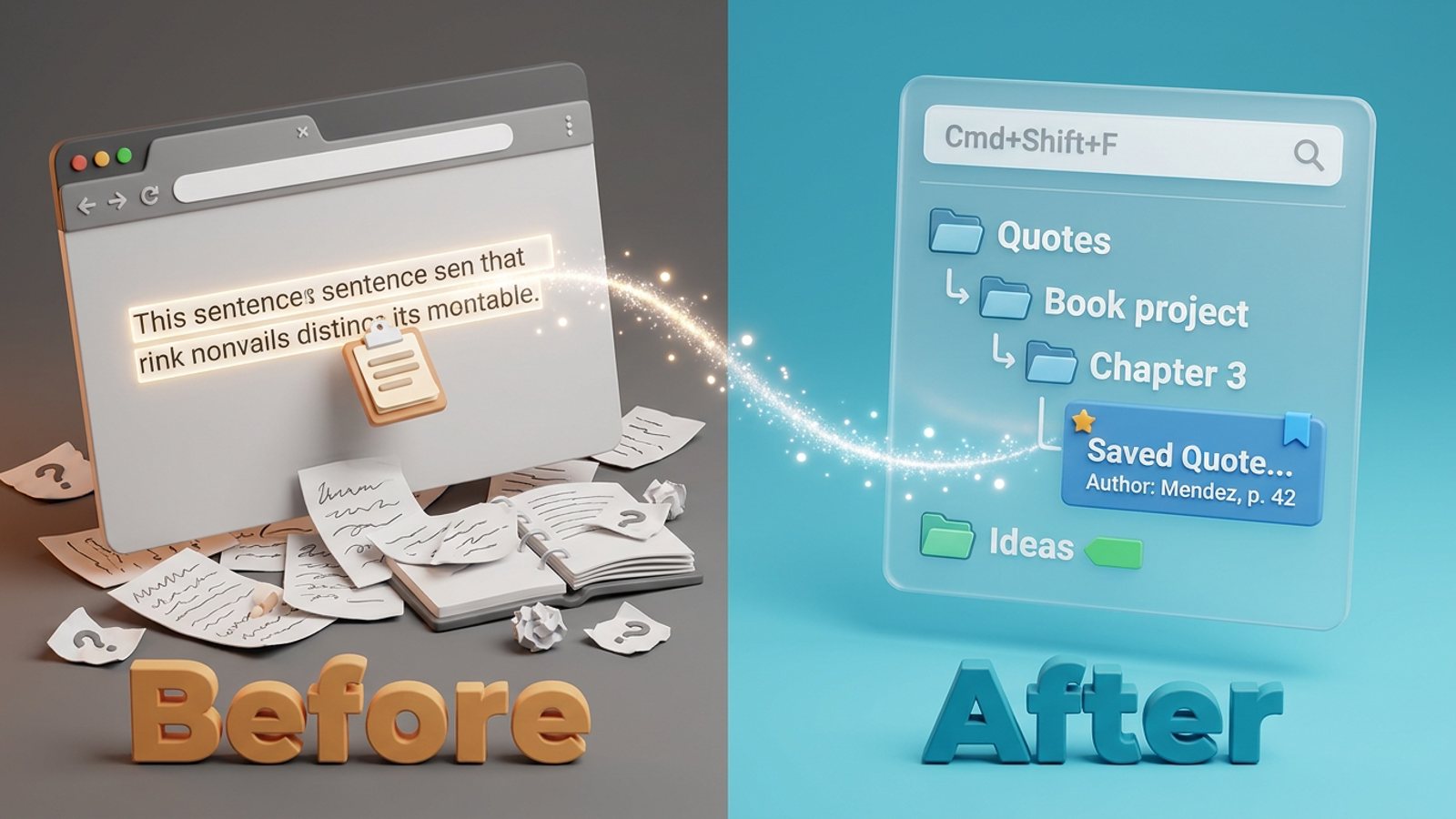
Say you're a freelance writer with three clients. You copy quotes, source links and headline ideas all day, then lose them in a list of 25. A flat history gives you the last 25 things you copied. Folders — one per client, with notes next to the quote that sparked the idea — give you a swipe file. That's the difference the monthly fee buys, and it's the only reason to pay it.
If that's your situation, install the ultimate Chrome extension today and spend the free month testing it against your real workload.
Sources
- StackCopy - Multi-Item Clipboard (Microsoft Edge Add-ons, 2026-09-13)
- StackCopy - Multi-Item Clipboard (Firefox Add-ons, 2026-09-13)
- StackCopy (Product Hunt, 2026-09-21)
- StackCopy page (wali9328.github.io, no date)
- How to find the clipboard history on a computer (php.cn, 2025-08-13)
- Clipboard History: See It on Windows, Mac and Chromebook (TypeFire, 2026-10-26)
- How to Check Clipboard History on Any Device (quietclip.app, 2026-05-12)
- How to Copy Multiple Clipboard Items on Windows and Mac (Position Is Everything, 2026-05-25)
- How to find copy and paste history? (Position Is Everything, 2026-05-09)
- Best Clipboard Managers for Windows 11 in 2026 (Help Desk Geek, 2026-11-11)
- My favorite clipboard tool is way better than your default – and it's free (ZDNET, 2025-06-04)
- Local clipboard history without cloud sync — how ClipStack works on Edge (DEV Community, 2026-10-26)
- Copy History + (Chrome Web Store, 2026-11-12)
- Pastry (GitHub, 2026-11-18)
Frequently asked questions
Is StackCopy a one-time payment or a subscription?
Its store listings state a $9.99 one-time lifetime licence after a 3-day trial, handled through Lemon Squeezy (listings dated September 2026). Treat that as the vendor's stated terms and re-check before buying.
Which tool is actually the cheaper StackCopy alternative?
For pure price, the free options win: Windows clipboard history, macOS 26 Spotlight history, Ditto and CopyQ all cost nothing. Among paid tools, StackCopy's $9.99 once beats Clipboarder Pro's $4.99/month after roughly two months — but Clipboarder Pro is the one that organises clips, notes and to-dos together, so it's a different purchase, not a like-for-like swap.
Why would I pay monthly when a one-time licence exists?
Because you're buying organisation and on-device privacy, not storage. Clipboarder Pro keeps everything in your browser on your machine with no servers, and adds nested folders, colour tags, stars, in-line notes, to-do lists and search. If you don't need those, don't pay for them.
Does a browser extension capture everything I copy?
No. As the ClipStack DEV Community post (October 2026) explains, an extension captures copied text when permitted and stores it locally — it can't install a true OS-wide hook. If you need system-wide capture across every app, an OS tool or a desktop app like Ditto is the better fit.
Can my work laptop block clipboard history?
Yes. Position Is Everything (May 2026) notes that corporate policies can disable clipboard data collection or history. If Win+V does nothing on your machine, that's usually why — and a browser extension may still work inside Chrome.